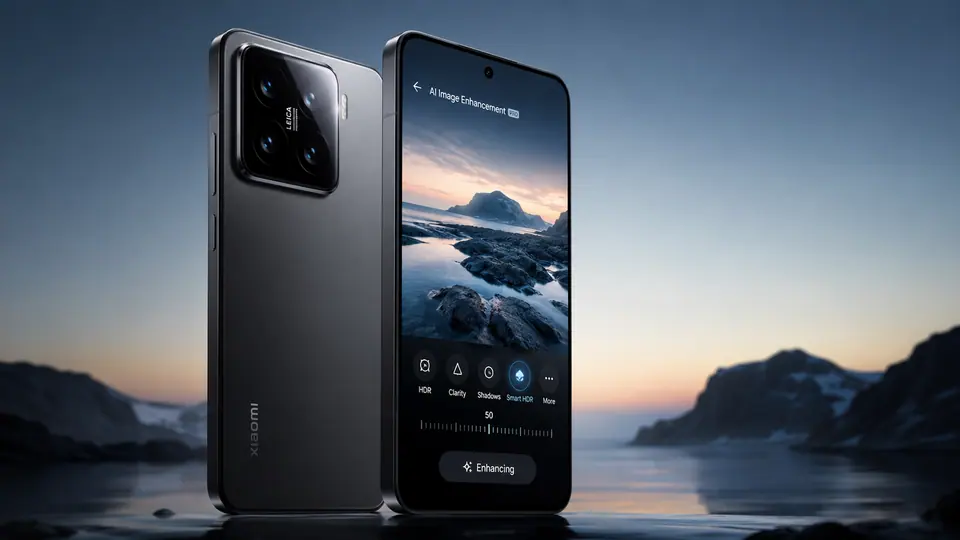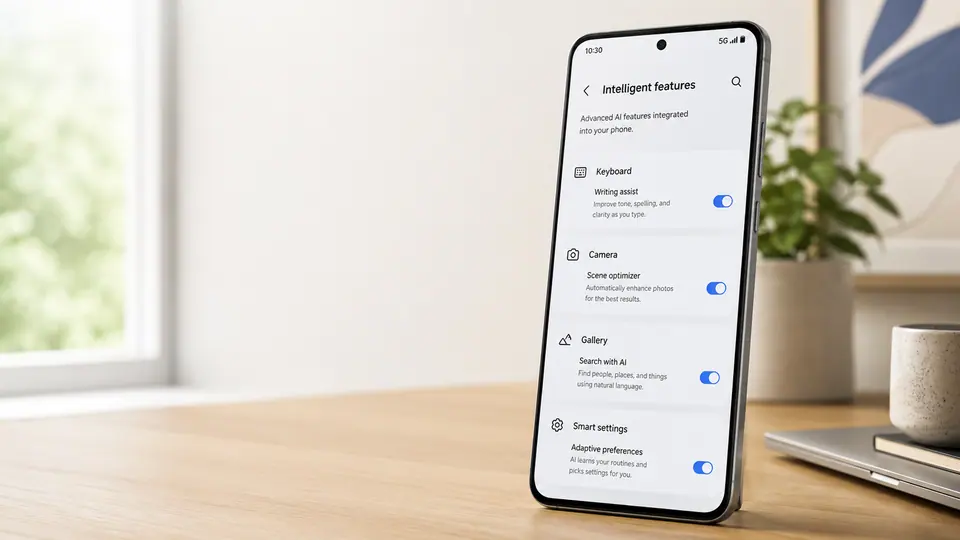
The most interesting phone AI shift is not another assistant icon on the home screen. It is the way AI is quietly sliding into places people already use: the keyboard, the camera, the photo gallery, the call screen, the notification shade, and the settings menu. That may sound less exciting than a new app launch, but it is probably closer to how useful phone AI will actually feel. Most people do not wake up wanting to open an AI product. They want to fix a blurry photo, rewrite a message, find an old screenshot, summarize a call, remove background noise, or change a setting without digging through menus.
The app is becoming the wrong container
Standalone assistant apps still have a role, especially when someone wants a broad conversation or a blank text box for a complicated request. But phones are not blank canvases. They are context machines. They know which photo is on screen, which language is being typed, which app is sending a notification, which camera mode is active, and which setting the user is trying to adjust. AI becomes more practical when it can work inside that context instead of asking the user to copy, paste, upload, describe, and repeat.
That is why the keyboard is a natural home for writing help. The user is already composing. A smarter camera can suggest framing, clean up noise, or help with edits after the shot. A gallery can search for objects or moments in plain language. A settings page can offer help that understands the device rather than answering like a general web chatbot. These are not necessarily glamorous features, but they match the way phones are used in quick bursts throughout the day.
Default AI needs clearer boundaries
The tradeoff is that system-level AI can become almost invisible. When a feature is presented as a setting, users may not notice that AI is involved at all. That is convenient when the result is good, but it also raises fair privacy questions. A person might feel differently about asking an assistant to analyze a photo than about a gallery app doing it automatically. They may want to know whether processing happens on the device, whether anything is sent elsewhere, whether the result is stored, and whether the feature can be turned off.
Phone makers have to be careful with language here. A toggle called smart suggestions is not enough if the feature touches messages, photos, calls, or personal habits. The better version of phone AI gives plain explanations at the moment of use: what it sees, what it sends, what it saves, and how to undo it. Privacy controls also need to be reachable from the feature itself, not buried several pages deep in settings. If AI is becoming part of the operating system, the controls should feel just as native as Wi-Fi or location permissions.
Useful beats impressive
This change may also alter how phone upgrades are sold. A demo of a chatbot can look impressive on stage, but the daily value of AI will come from smaller moments. Did the phone help write a better reply without changing the user's voice? Did it find the receipt screenshot faster? Did it improve a low-light photo without making it look fake? Did it reduce friction rather than add another place to manage?
The risk is feature clutter. If every app, menu, and toolbar gains an AI button, the phone may feel more complicated, not less. The best integrations will probably be the ones that appear only when relevant and stay out of the way otherwise. AI on phones should feel less like a new destination and more like a smarter layer inside familiar actions.
That is a quieter vision than the assistant-first future many companies once promoted. It is also more believable. Phones are personal, repetitive, and full of tiny tasks. The winning AI features may not be the ones users can name. They may be the ones that become normal enough to feel like settings.