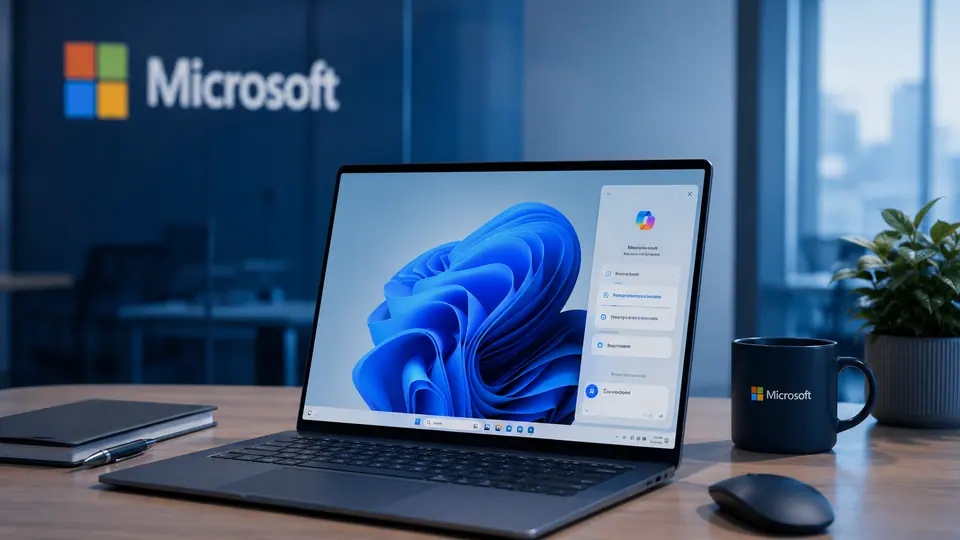
Microsoft's AI Strategy Is A Defaults Strategy
Microsoft's AI surface is less about one app than about where the company can place assistance by default. The strategic asset is not only a chatbot or a productivity feature. It is the operating system, the browser, the office suite, the enterprise admin layer, and the daily workflow habits that already exist around them.
Defaults decide what users try first. A separate AI app has to earn a visit. A bundled AI feature can appear inside a document, a browser sidebar, a search box, a meeting workflow, or a system prompt. That placement changes adoption. Users may not think of themselves as choosing an AI product. They may simply use the option that is already near the task.
Bundling Beats App Switching
The advantage of bundled AI is reduced friction. If someone is writing, summarizing, searching, presenting, or managing email, assistance inside that surface can feel natural. The user does not need to copy text into another tool or decide which model to use. The feature becomes part of the workflow.
This is especially powerful in enterprise environments, where habits and procurement paths matter. Companies already manage Microsoft accounts, devices, documents, calendars, and security policies. If AI is integrated into those systems, it can spread through existing channels. That does not guarantee satisfaction, but it gives Microsoft a distribution advantage that standalone tools must work harder to match.
System integration also changes the meaning of competition. A rival assistant may be better at certain tasks, but if Microsoft's version is available in the default browser or productivity suite, it gets the first chance to solve everyday problems. Many users choose convenience when performance is sufficient.
The Browser And System Layer Matter
Browser placement is particularly valuable because it sits between users and the web. AI near search, tabs, forms, and pages can help summarize information, draft text, compare options, or explain content. The operating system layer can go even wider by connecting assistance to files, settings, notifications, and device context.
That breadth is the opportunity and the risk. A helpful default can save time. An aggressive default can feel intrusive. Users may welcome assistance when they ask for it but resist prompts that appear too often or seem difficult to remove. The line between integrated and imposed is thin.
Microsoft's product challenge is to make AI feel available without making it feel unavoidable. Placement should communicate usefulness, not inevitability. If users believe the company is using defaults to force adoption rather than improve workflows, trust can erode.
Enterprises Will Ask For Control
Enterprises will focus on admin control. They will ask which AI features are enabled, what data is accessible, how prompts and outputs are handled, which users get which tools, and how compliance requirements are met. In business settings, the default is not only a user experience decision. It is a governance decision.
Good admin controls can turn bundled AI into a strength. Companies can pilot features, manage access, and align usage with policy. Weak controls can slow adoption because IT and legal teams may see the surface area as too broad. The more places AI appears, the more important centralized management becomes.
There is also a training challenge. If AI is available across many surfaces, employees need to understand where it is appropriate and where it is not. A feature inside a familiar app may feel safe by association, but organizations still need rules for sensitive data, review, and accountability.
A Platform Play, Not A Single Product
The most important thing to understand is that Microsoft's AI strategy is cumulative. Each placement may look incremental: a sidebar, a button, a summary option, a system integration, a meeting feature. Together, they create a broad assistant layer across work and browsing.
This is classic platform behavior. The company can use defaults, identity, file systems, enterprise contracts, and browser distribution to make its AI surface hard to ignore. That does not mean every feature will be loved or even used. But it means Microsoft can keep presenting AI at moments when users might need help.
The risk is clutter and fatigue. If AI appears everywhere without clear purpose, users may tune it out. If it solves specific tasks cleanly, it can become part of the default workflow. The difference will depend on restraint, control, and the quality of the use cases chosen.
Microsoft's advantage is not only technical. It is positional. The company owns many of the surfaces where knowledge work already happens. In the next phase of AI competition, that placement may matter as much as model capability. The assistant that wins may not be the one users seek out. It may be the one already waiting in the software they open first.