


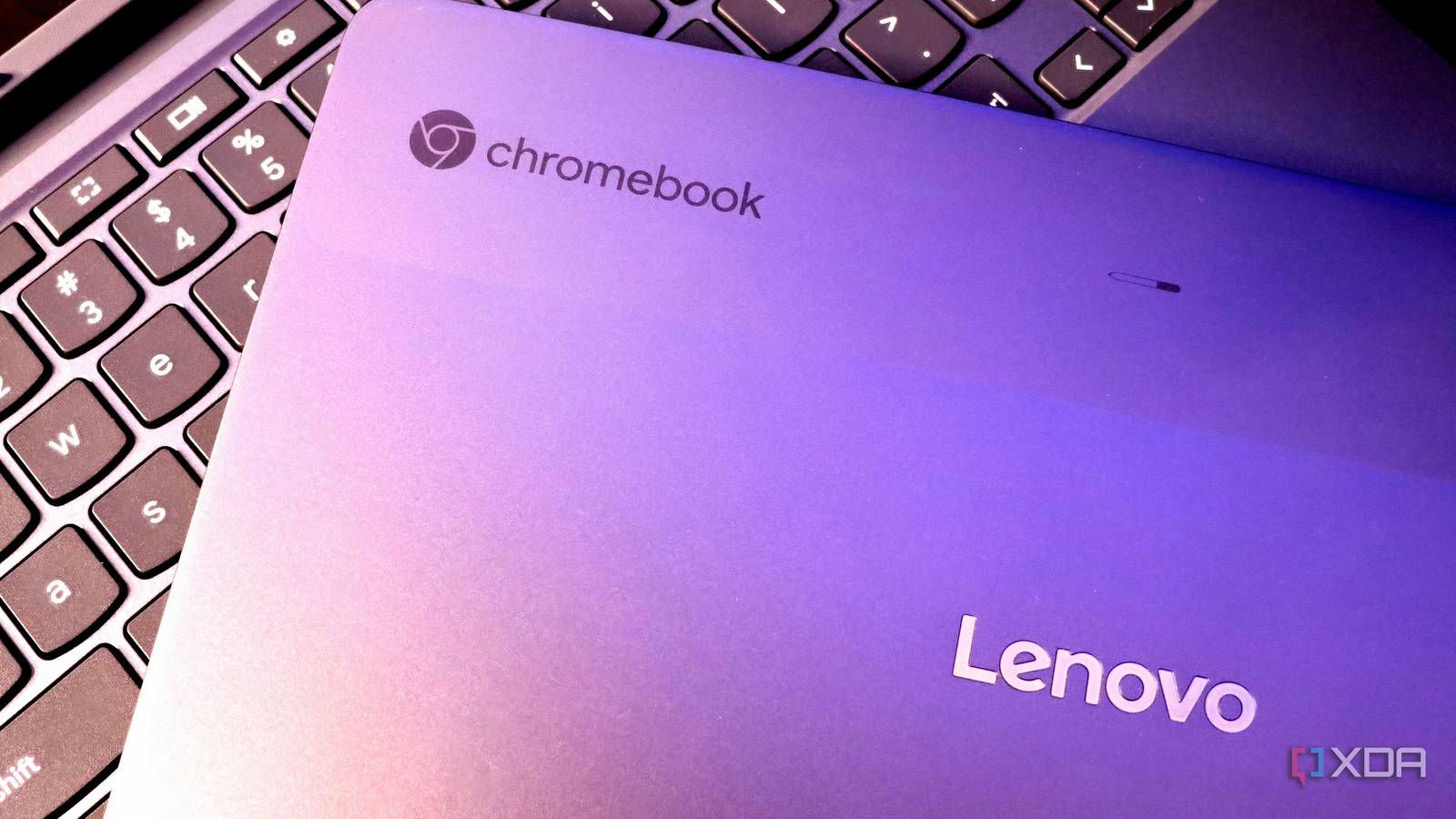
Chromebooks typically have a limited lifespan in terms of official software updates from Google. Once they reach the end of their update cycle, many are relegated to a dusty drawer or an e-waste bin. This outcome is often unnecessary, as these devices still possess significant potential.
Beneath the ChromeOS surface, many older Chromebooks remain perfectly capable, low-power computers. They feature respectable CPUs, integrated batteries, adequate storage, and all the necessary peripherals to get started. With some effort, these devices can be repurposed into something far more valuable than a mere backup laptop: a silent, energy-efficient home server, effectively costing nothing to acquire.

Why a Chromebook Can Be a Decent Starter Home Server
Uber-efficient Computers with Decent Performance
A key advantage of Chromebooks is their exceptional power efficiency. Whether equipped with low-power x86 or ARM processors, these systems are engineered for minimal idle power consumption. They were designed to conserve energy, providing extended battery life. When used as a server, plugged in continuously, a Chromebook will not consume as much power as a typical desktop PC. Another benefit of their efficiency is that many Chromebooks are fanless, and those with fans rarely operate at high RPMs. For environments where acoustics and thermal management are crucial, a Chromebook offers an excellent out-of-the-box solution.
Furthermore, Chromebooks include features often absent in single-board computers. They come with a built-in screen, keyboard, and trackpad, eliminating the need to manage external displays or serial cables. Integrated Wi-Fi, Bluetooth, and frequently webcams and speakers are also present, which can prove surprisingly useful for monitoring or local troubleshooting tasks.
The Linux “Unlock” That Makes This Possible
Linux Is Always the Answer
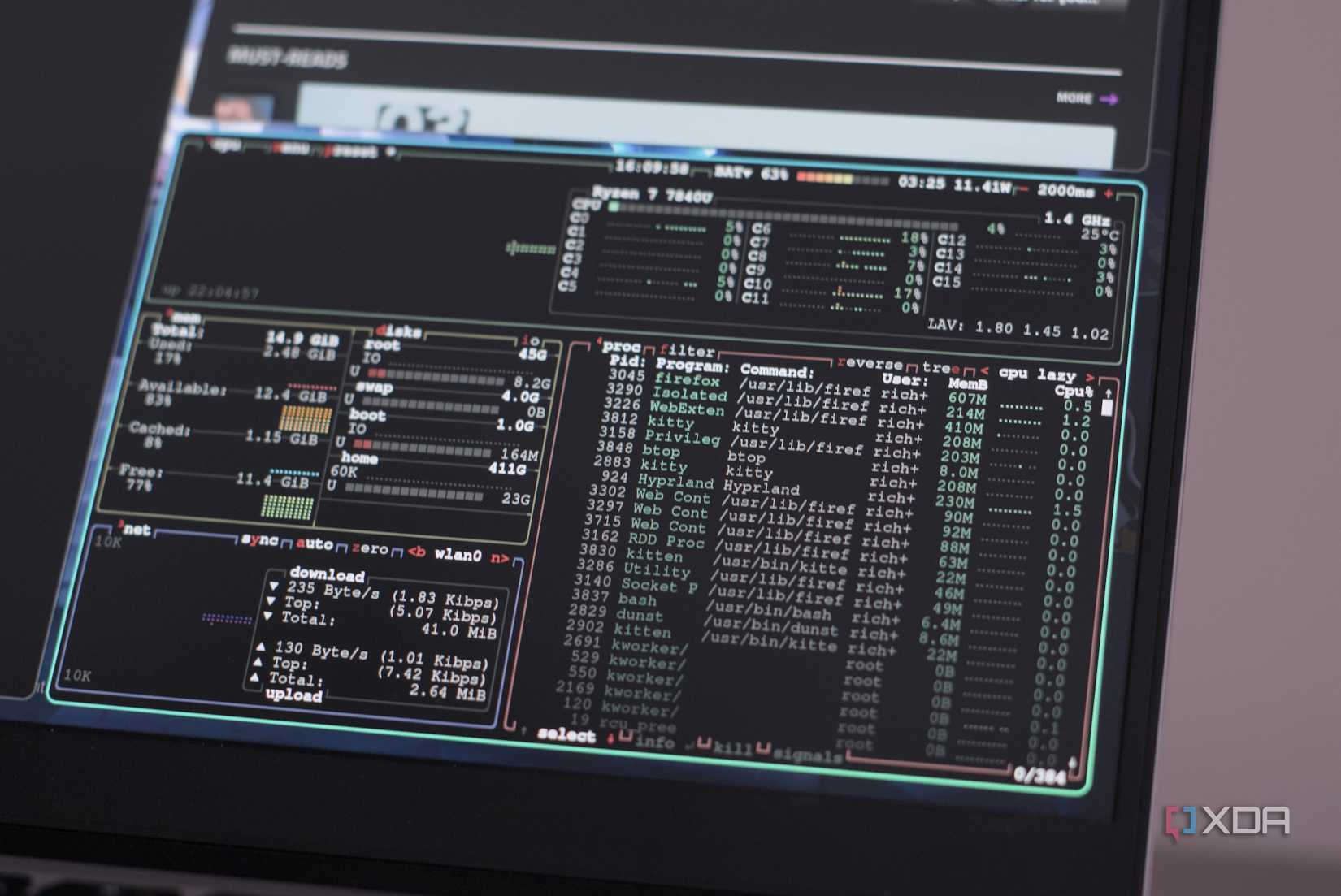
ChromeOS, in its default state, is not ideal as a server operating system. Even ChromeOS Flex does not address this limitation, as it remains a restricted platform not designed for persistent services. The true transformation occurs when ChromeOS is completely replaced with Linux.
For supported x86 Chromebooks, community initiatives like MrChromebox’s firmware enable flashing full UEFI firmware. Once this is done, the Chromebook functions like a standard laptop. From this point, any conventional Linux distribution can be installed, such as Ubuntu Server, Debian, or Fedora. Not all Chromebooks offer the same level of support, and ARM models have more limitations. However, a significant number of Intel-based Chromebooks from the past decade perform remarkably well once unlocked.
Which Workloads Make Sense?
Light Home Services
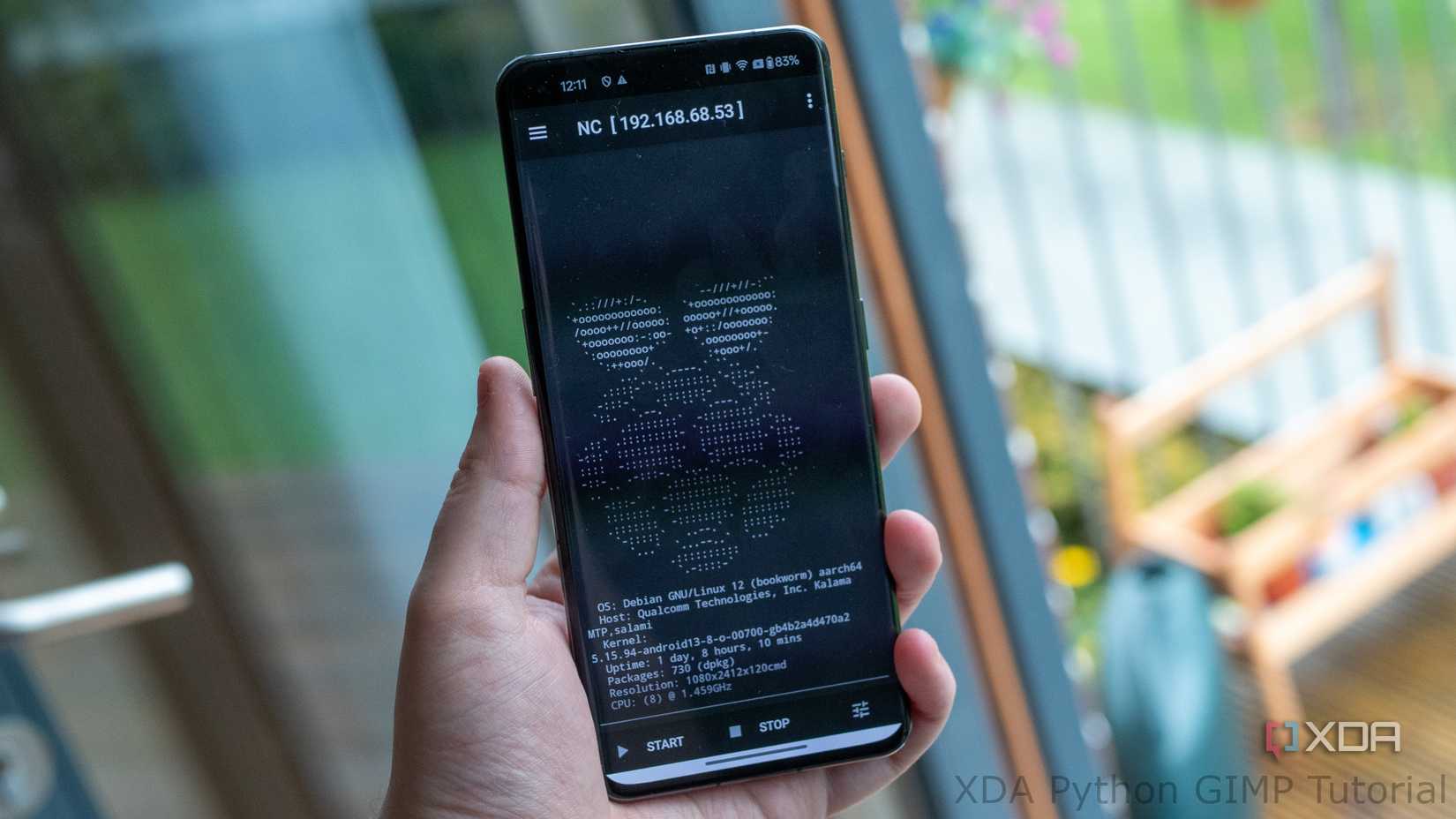
It is important to manage expectations; these devices are still Chromebooks and have inherent power limitations. However, when treated similarly to a single-board computer, they are surprisingly well-suited for continuous, light services.
They are an excellent choice for home services such as Pi-hole or AdGuard, local DNS resolvers, dashboards, and monitoring tools. Containerized workloads also perform effectively, particularly small Docker stacks for applications like reverse proxies, personal websites, or internal utilities. VPN endpoints, including WireGuard or Tailscale, are also a good fit due to their low power consumption and consistent uptime requirements.
Conversely, Chromebooks are not suitable for demanding virtualization or storage-intensive roles. Running a Proxmox cluster on one of these devices would not yield a positive experience. High-write databases, extensive media libraries, or ZFS-based storage servers are better handled by more robust hardware.
Storage and Networking Are Extremely Limited
And That’s Okay
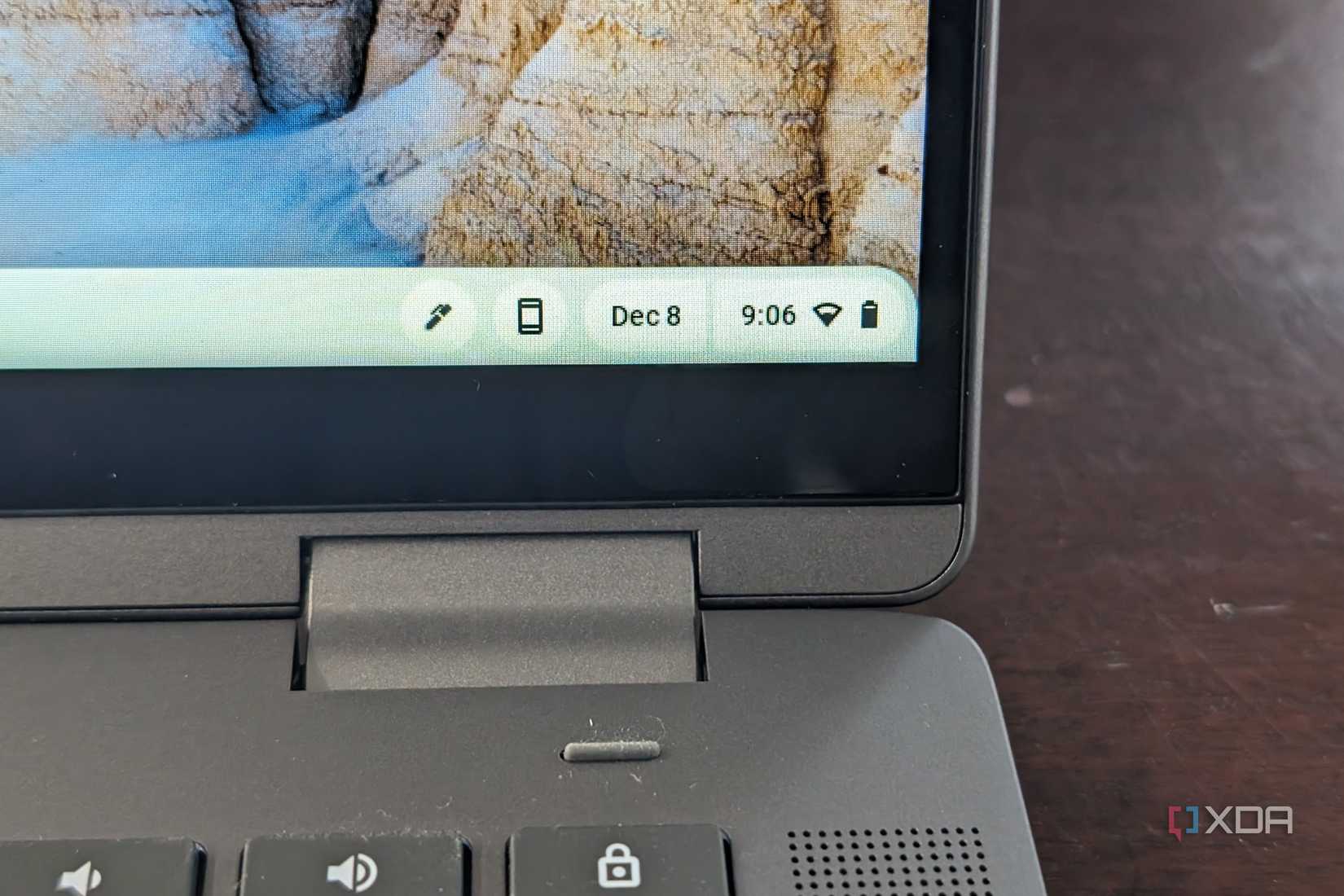
Storage is often a cost-cutting area in most Chromebooks. Many models utilize soldered eMMC, which lacks the speed and endurance of a dedicated SSD. While this does not render them unusable, it necessitates careful consideration. Fortunately, many server workloads are primarily read-heavy and write-light. DNS servers, dashboards, and small services do not stress storage in the same way that databases or torrent clients do.
For tasks involving frequent writes, external USB SSDs can be beneficial. Additionally, logs can often be directed to RAM or aggressively rotated to minimize writes to the internal storage. Some higher-end Chromebooks were equipped with actual NVMe or SATA SSDs, making those models particularly well-suited for this type of repurposing. Regardless of the storage type, robust backup strategies are more critical than raw performance in these scenarios.
Networking capabilities are also quite restricted on Chromebooks, typically offering only a single Wi-Fi interface. This limitation prevents their use as routers or firewall appliances. However, for internal services, Wi-Fi is often perfectly adequate. If wired stability is required, USB Ethernet adapters can be used, although they are not ideal for critical infrastructure.
It’s Not the Best Server, But It’s One You Already Own
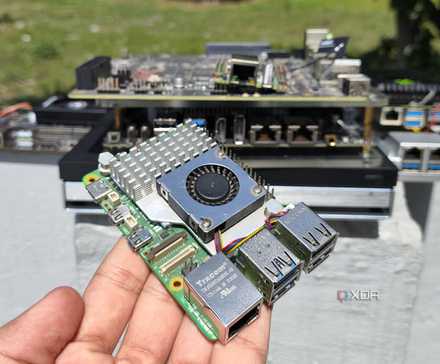
Older Chromebooks may not be powerful or highly expandable, but they serve as an excellent starting point for establishing a home server. They are efficient, quiet, and capable of running Linux, which is often all that is required for basic tasks. While such a setup will not replace a dedicated server with substantial RAM and CPU processing power, the significant advantage is that it utilizes a computer already owned, representing a considerable benefit.
