


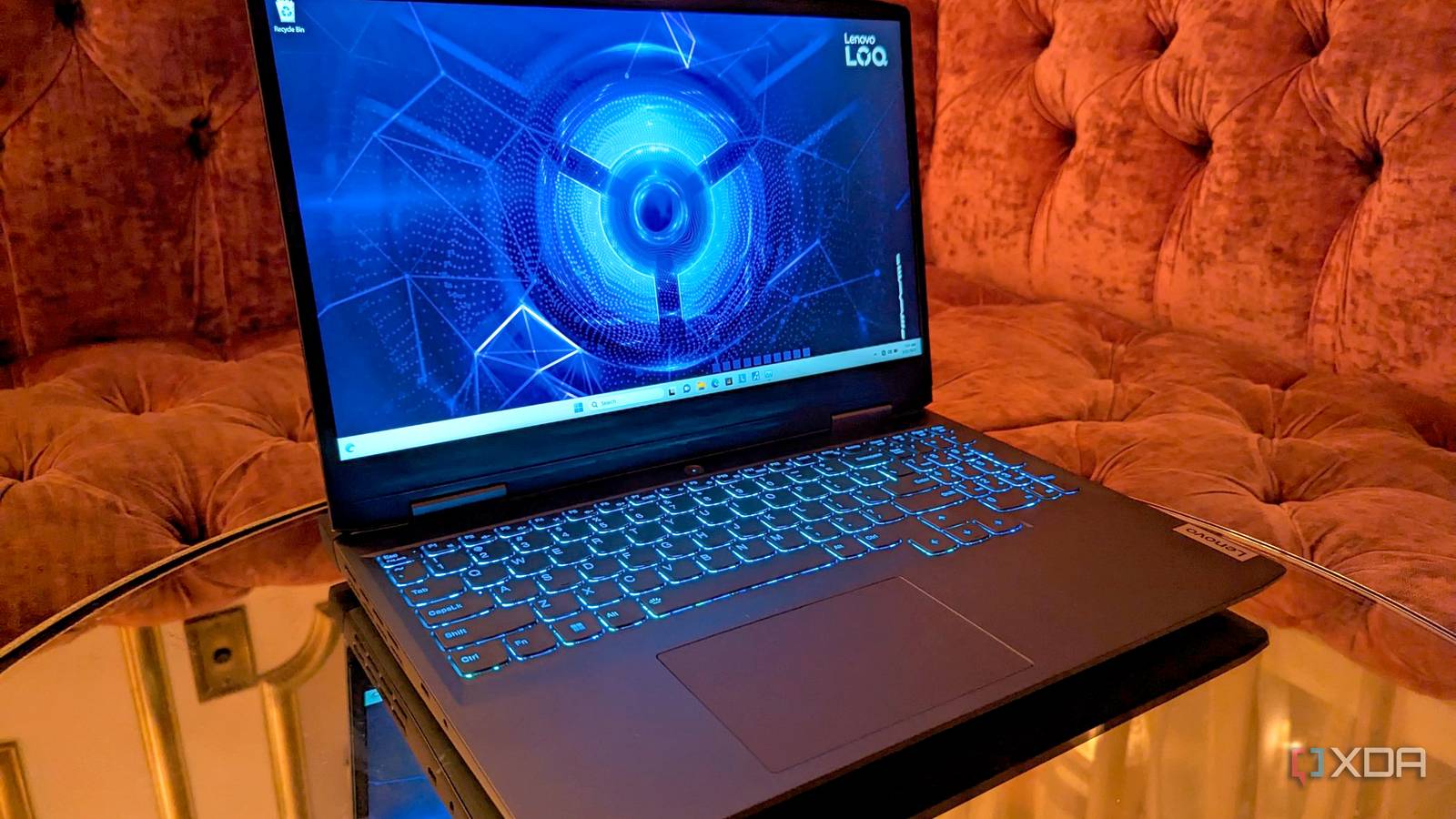
Many assume a gaming laptop operates at peak performance right out of the box. However, a single, often-ignored GPU setting can significantly improve gaming performance. This adjustment doesn’t require complex clock speed tweaks, third-party software, or driver modifications. Instead, it involves optimizing how the laptop manages graphics switching, specifically by enabling dGPU-only mode to eliminate potential performance bottlenecks.
Hybrid GPU Mode Prioritizes Efficiency Over Peak Performance
Designed for Battery Life and General Use
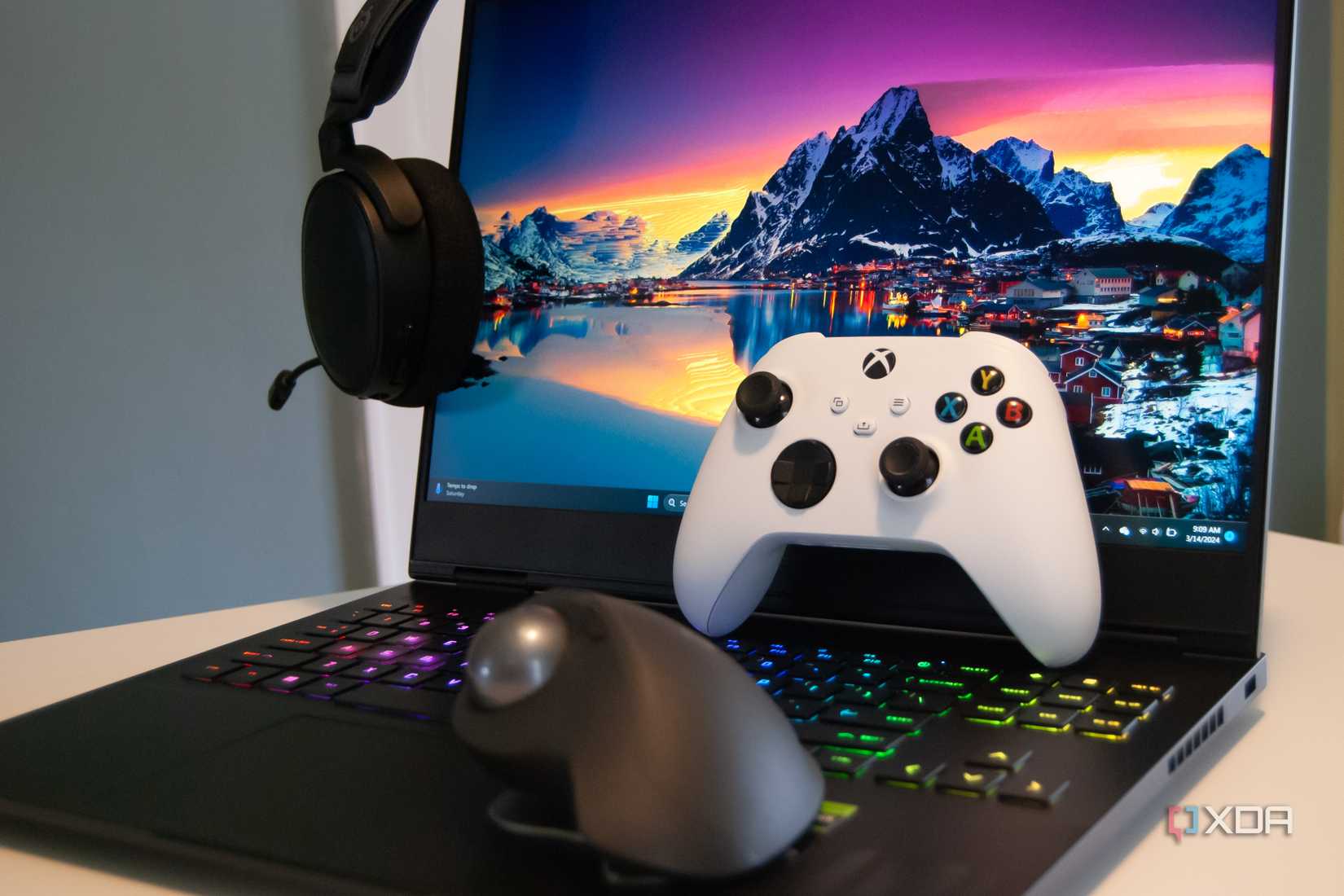
Modern gaming laptops typically come with hybrid GPU mode enabled by default. This configuration allows the integrated GPU (iGPU) to manage lighter tasks and the display output, while the dedicated GPU (dGPU) handles demanding rendering and gaming workloads. This division of labor enhances efficiency, as the iGPU consumes less power for less intensive operations, extending battery life and helping to keep the laptop cooler during everyday use.
Performance Limitations of Hybrid GPU Mode
Gaming Performance Can Be Affected
While hybrid GPU mode offers practical benefits for general use, it can introduce performance compromises during gaming. The active iGPU keeps a portion of the system memory reserved, reducing the amount of RAM available for the CPU and games. This can be particularly problematic for laptops with limited memory.
Additionally, in typical hybrid configurations, the iGPU manages the display output. This means frames rendered by the dGPU must be transferred through shared memory to the iGPU, introducing an extra step that adds latency and can impact game responsiveness.
dGPU-Only Mode Eliminates Performance Bottlenecks
Maximizing Memory and Power for the Dedicated GPU
Activating dGPU-only mode removes the integrated GPU from the rendering pipeline entirely. The dedicated GPU then takes full control of both display output and rendering, bypassing the iGPU.
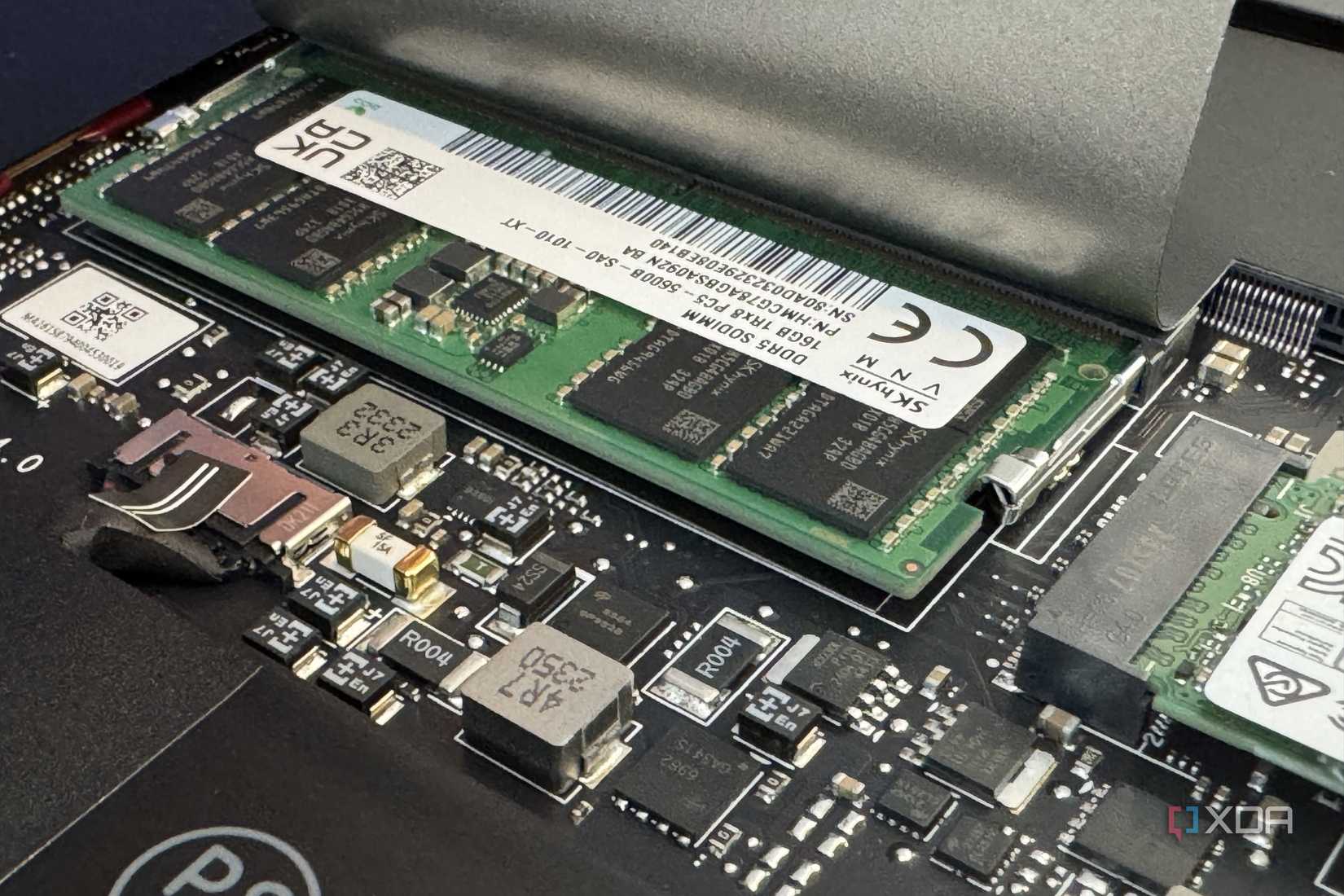
This change frees up the system memory previously reserved by the iGPU, making it available for the CPU and games. Laptops with 16GB of RAM or less can experience a noticeable performance improvement from this memory liberation.
Furthermore, dGPU-only mode dedicates the full power bandwidth to the discrete GPU, which was previously shared with the iGPU. This allows the dGPU to maintain higher performance levels more consistently. Frame times also improve because frames are no longer routed through the iGPU, eliminating the latency introduced by hybrid mode.
Enabling dGPU-Only Mode: A Simple Toggle
Accessing the Setting Through OEM Software or BIOS
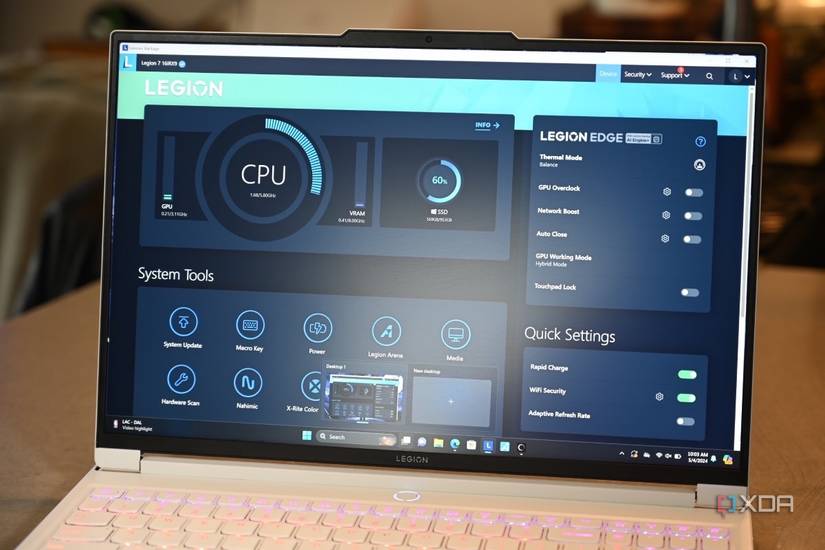
Switching to dGPU-only mode is generally straightforward. The setting is most commonly found within the manufacturer’s control software. For instance, Lenovo Legion laptops allow users to change the GPU mode in Lenovo Vantage, while MSI laptops offer this feature in MSI Center.
Similarly, Asus gaming laptops provide this option in Armoury Crate, and HP systems utilize the OMEN Gaming Hub. In some cases, the option might be located in the UEFI or BIOS menu, typically under display or advanced graphics settings.
If a laptop lacks the option to switch between hybrid and dGPU-only modes, it likely does not feature a hardware MUX switch, meaning the display output is permanently routed through the iGPU.
dGPU-Only Mode: Considerations and Trade-offs
Performance Boosts May Come with Compromises
While dGPU-only mode offers distinct performance advantages, it also introduces certain trade-offs. A primary concern is the reduction in battery life. Integrated GPUs are inherently more power-efficient for light tasks such as web browsing and video playback compared to their dedicated counterparts.
When the iGPU is inactive, the dGPU must manage all tasks, including these less demanding ones. Even at idle, a discrete GPU typically consumes more power than an integrated GPU. This increased power draw can noticeably shorten the laptop’s battery life when operating in dGPU-only mode.
Thermal performance can also be impacted. Continuous dGPU activity leads to a higher baseline heat output. As a result, chassis temperatures may be a bit warmer, and there can be higher-than-usual fan noise during non-gaming workloads.
Therefore, for situations where maximum gaming performance is not critical, or when the laptop is operating on battery power, reverting to hybrid GPU mode is advisable.
