


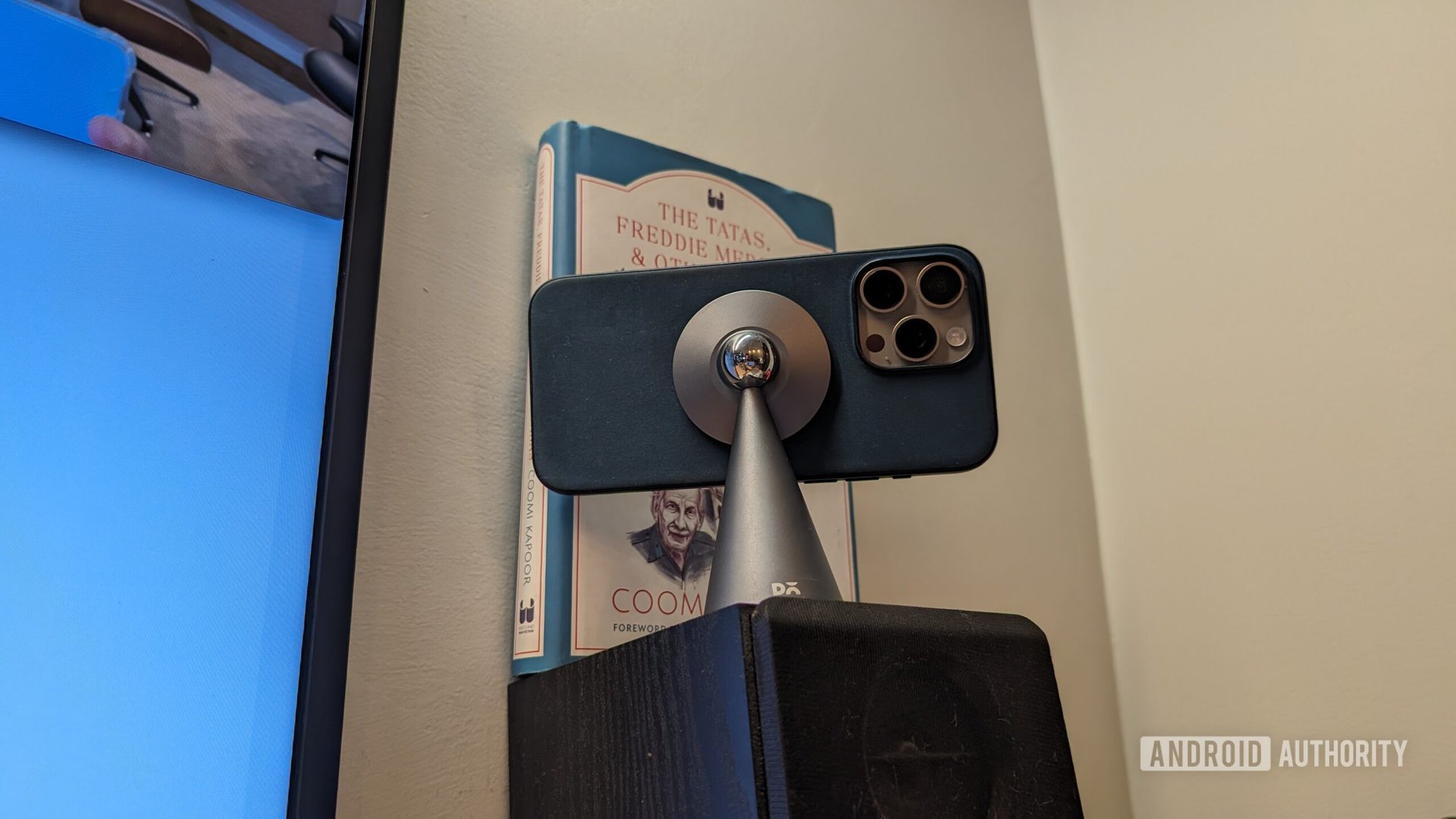
Dash cams are increasingly popular for purposes ranging from accident evidence to recording road trips. However, dedicated dash cams can be costly. An old, unused phone offers a cost-effective solution for this purpose.
QUICK ANSWER
To convert an old phone into a dash cam, simply install the Droid Dashcam app, secure the phone to your car’s dashboard, and connect it to a power source to ensure continuous operation.
JUMP TO KEY SECTIONS
- Setting Up Your Phone as a Dash Cam
- Advantages and Disadvantages of Using a Phone as a Dash Cam
- Frequently Asked Questions
Setting Up Your Phone as a Dash Cam
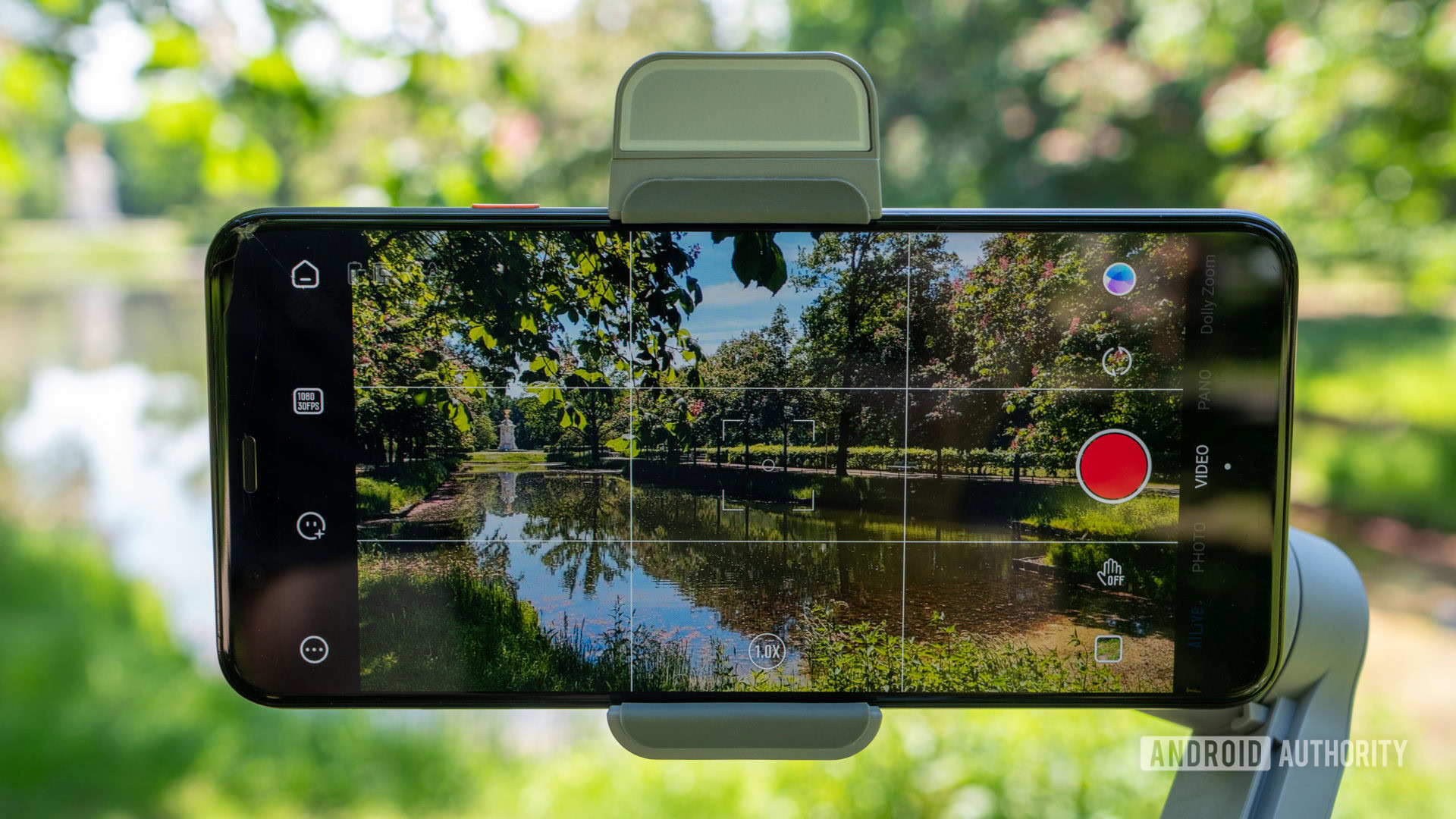
Four essential items are required for this setup:
- An old phone
- A dash cam application
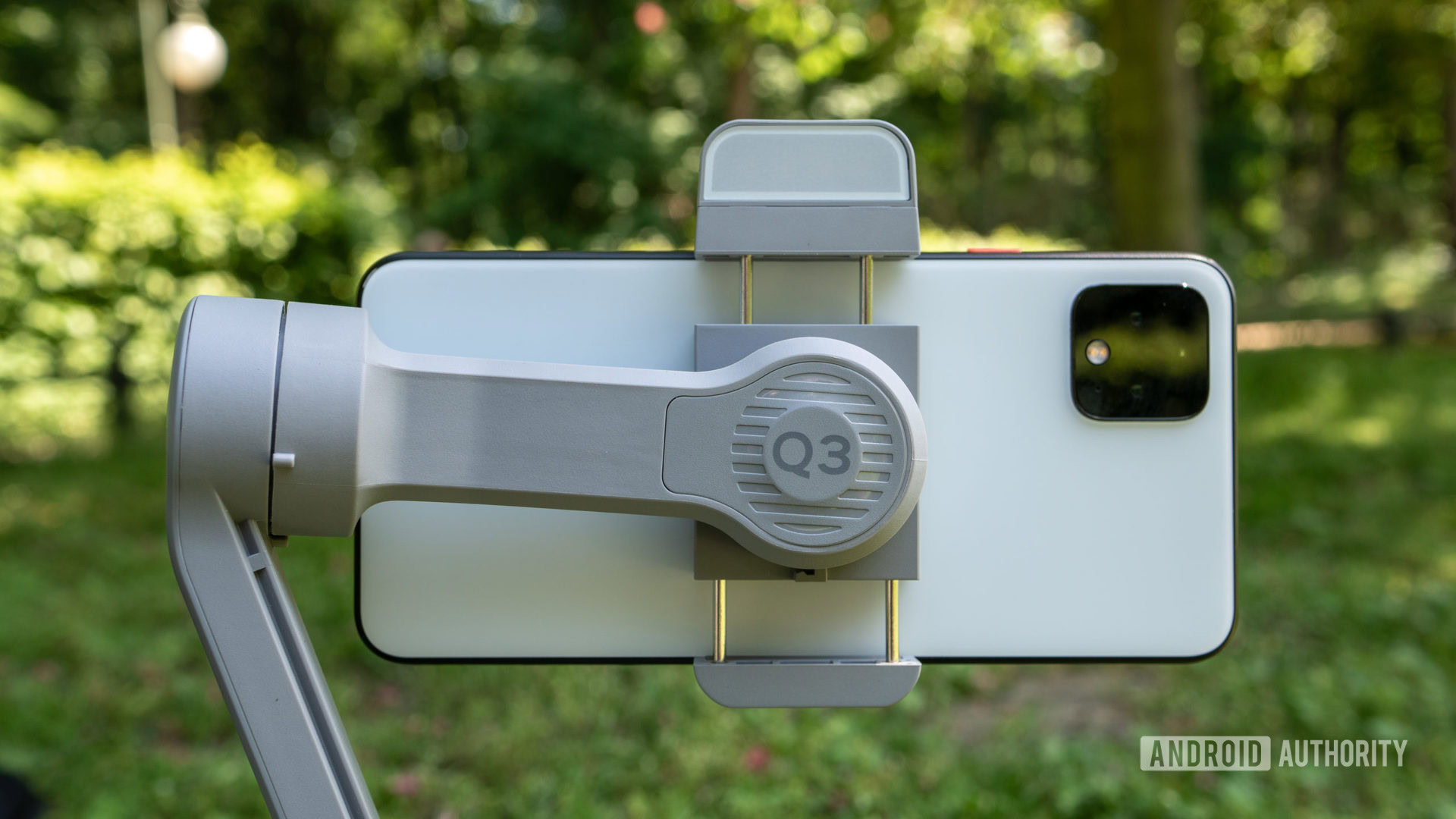
- A phone mounting device
- A charging cable
While a current smartphone can serve as a dash cam, using an older device offers greater convenience. An old phone can remain permanently in the vehicle, dedicated solely to dash cam functions, eliminating the need for daily setup and removal.
Numerous dash cam apps are available, but Droid Dashcam is a highly recommended option. It provides comprehensive features, including the collection and display of data such as timestamps, GPS coordinates, and vehicle speed. The app operates in the background, allowing for phone calls without interrupting recording, and can even initiate recording automatically when driving begins. Droid Dashcam is compatible with both Android and iOS devices.
A reliable phone mount is also necessary. Affordable options are readily available online. When selecting a mount, ensure it does not obstruct the phone’s camera or its field of view.
Finally, a charging cable is crucial. Continuous video recording significantly drains battery life, so a permanent power connection in the car is essential. These cables are inexpensive and can be easily stored.
Once all components are acquired, install and launch the chosen app, secure the phone to the dashboard, plug it in, and the setup is complete.
Advantages and Disadvantages of Using a Phone as a Dash Cam
The primary benefit of this approach is cost savings. Utilizing an existing old phone eliminates the need to purchase a dedicated dash cam. While a charging cable and phone mount might still be required, the overall expense is significantly reduced.
Another advantage is the immediate accessibility of recorded videos directly on the phone, a feature not always present on all dedicated dash cams. Videos can also be easily uploaded to cloud storage for secure backup with a simple tap.
However, there are potential drawbacks. Leaving a phone permanently mounted on a dashboard could increase the risk of vehicle break-ins. Phones are generally larger and more conspicuous than purpose-built dash cams, potentially affecting aesthetics and obstructing the driver’s view. Furthermore, video quality can be a concern, particularly with very old phones or during nighttime recording, where the output might not meet desired standards.
While an old phone can certainly function as a dash camera, it might not be the ideal solution for users with high demands for discreetness or advanced video performance.
Frequently Asked Questions
Is using a phone as a dash cam legal?
Legality varies by region, but generally, using a phone as a dash cam is permissible, provided it is securely mounted. It is crucial to avoid holding or interacting with the phone while driving, as this is illegal in most jurisdictions.
Are dash cam apps free?
Many dash cam applications are available, with most offering a free version. These often include premium tiers that unlock additional features or remove advertisements.
Does the phone require a SIM card?
A SIM card is not necessary for a phone to function as a dash cam. Video recording capabilities are independent of cellular service, and recordings can be uploaded to cloud storage via Wi-Fi.
