



While Microsoft is often associated with Windows updates and AI integrations, the company also provides several valuable open-source tools that can greatly improve the user experience.

PowerToys: An Essential Utility Collection for Windows
Windows users frequently search for individual applications to perform specific tasks. Microsoft, however, offers a comprehensive program called PowerToys, which bundles numerous utilities into a single, convenient package, though it is not widely advertised.
PowerToys includes approximately 30 different utility programs, offering a wide array of functions. These range from basic quality-of-life improvements to entirely new ways of interacting with a PC.

For instance, the Mouse Highlighter feature allows users to quickly tap the control key to highlight their mouse cursor, making it easier to locate on screen.
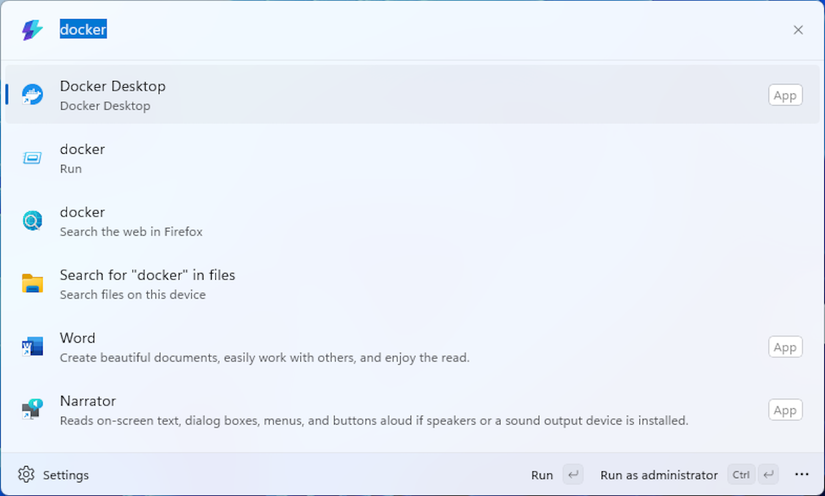
The Command Palette provides an innovative method for Windows interaction, similar to macOS’s Spotlight search. This tool can streamline the process of finding and launching applications, potentially replacing the traditional Start Menu for many users.
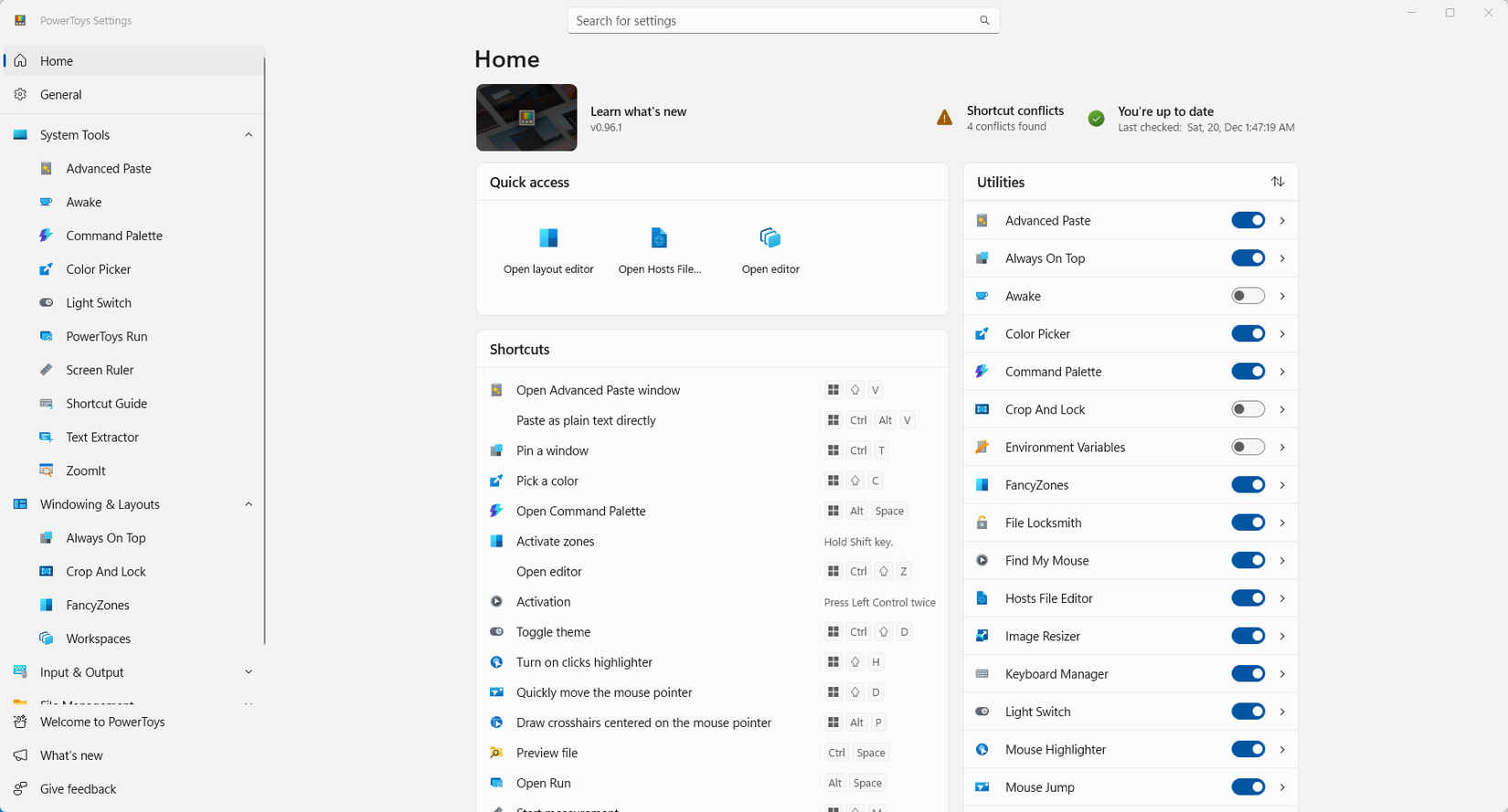
Another highly useful feature is Keyboard Manager, which enables users to remap most keyboard shortcuts or create new custom ones. Shortcuts can even be made application-specific, maximizing the utility of a limited number of keys.
PowerToys can become an indispensable part of a daily Windows routine. It offers something beneficial for almost every user.
Winget: Bringing Linux-Style Package Management to Windows
Most modern operating systems, including macOS, iOS, Android, and Linux, utilize a centralized store for application distribution. While Windows has its own Microsoft Store, it may not always be the preferred option.
Winget is a command-line utility built into Windows that functions much like Linux’s APT or DNF. It allows users to download, install, update, and uninstall programs and packages efficiently.
A significant advantage of Winget is its capability for bulk updates. Unlike the typical one-by-one updates of Windows applications, Winget enables users to update all installed programs simultaneously with a single command, offering considerable convenience.
Winget is not restricted to its default repositories; users can add additional repositories, mirroring the flexibility found in Linux package managers.
For those who prefer a graphical interface over command-line tools, UniGetUI is available. This user interface for Winget provides a more intuitive experience and also supports other Windows package managers such as Scoop, Chocolaty, and PIP.
Using UniGetUI can significantly reduce the need to interact with the default Windows Settings app for program modification or removal.
Windows Subsystem for Linux (WSL): Linux Benefits Within Windows
Linux users often highlight the advantages of their operating system over Windows. With the Windows Subsystem for Linux (WSL), users can access many benefits of Linux without needing to leave the Windows environment.
WSL facilitates the execution of popular Linux distributions within an efficient virtual machine, accessible directly from the Windows Terminal. This provides immediate access to a vast array of Linux command-line tools and programs, many of which offer superior functionality compared to their Windows counterparts.
In recent years, WSL has evolved to support graphical user interfaces, allowing Linux applications that rely on a UI to be displayed directly on the Windows desktop.
For individuals who prefer Linux for development or specific tasks, WSL offers a quick and easy way to enter a Linux environment without the need to switch laptops, set up a traditional virtual machine, or plug in an external SSD and boot into a Linux OS.
WSL is a highly convenient solution for those requiring access to both Linux and Windows. Even for users who do not strictly need Linux, it provides a safe and straightforward method to explore the Linux command line without the complexities of dual-booting or installing Linux to a separate drive.
