


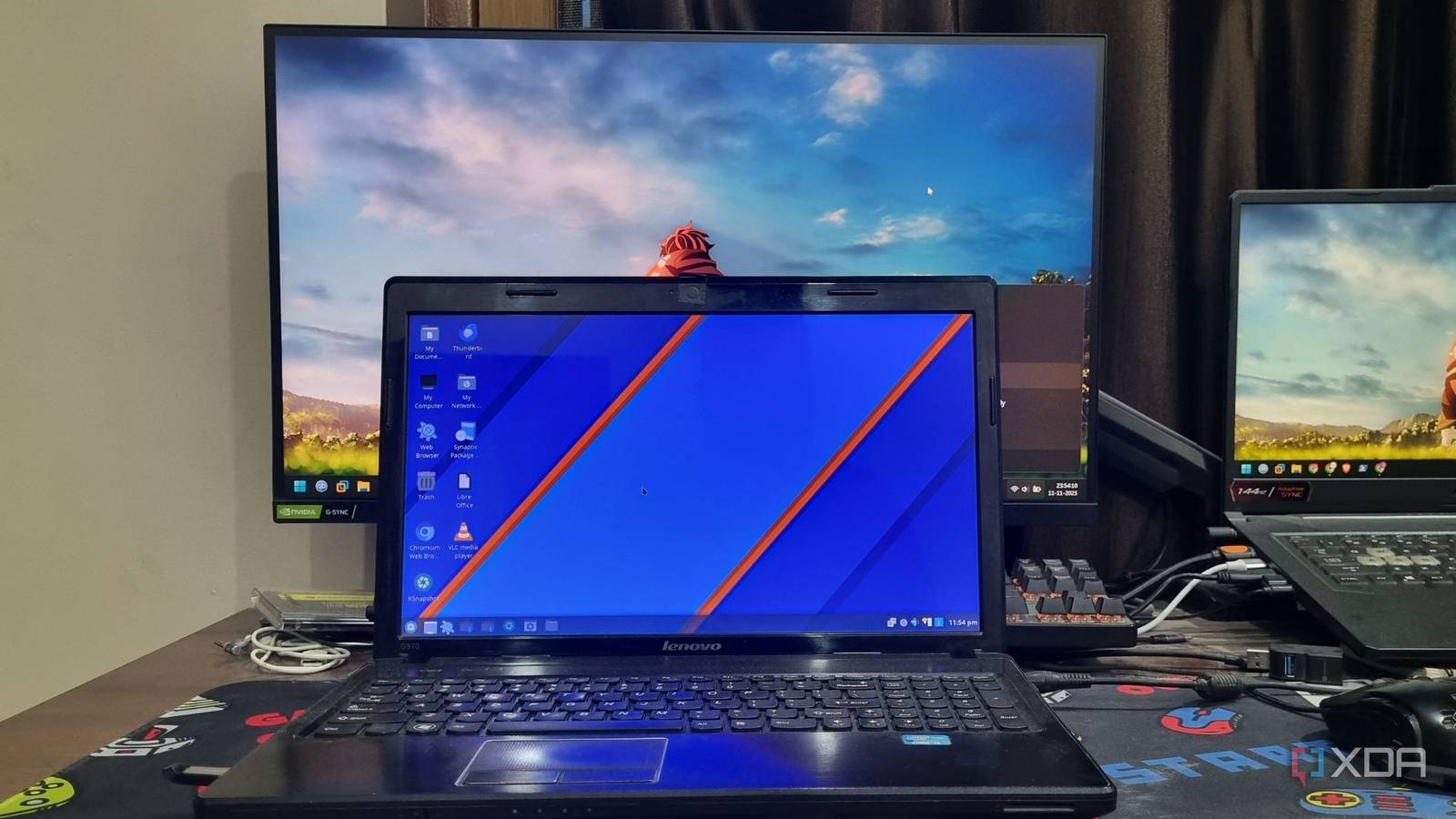
Many individuals have utilized Windows operating systems for an extended period, often acquiring their first laptop around 2012. Instead of letting older laptops gather dust, these devices can be repurposed for self-hosting projects. While newer gaming laptops might replace older models, and single-board computers (SBCs) are popular for locally hosting various tools, the potential of older laptops is often underestimated.
For those embarking on a self-hosting journey, older personal computers and laptops represent valuable, often overlooked resources. A single-board computer, regardless of its recent advancements, typically cannot rival the raw processing power of an older laptop. This realization often comes after experimenting with multiple SBCs, leading to a strategy where both device types are utilized for suitable projects, preventing overload on a single system.
Laptops Offer Superior Performance
Performance Disparity
While the Arm architecture prioritizes power efficiency and has seen significant improvements, high-end SBC chips, predominantly Arm-based, are suitable for managing several self-hosted tools and functioning as small servers. However, this efficiency often comes at the expense of raw performance. A compact chip with basic cooling has limitations and generally cannot compete with a laptop’s capabilities. Exceptions exist with more powerful x86 or other chip architectures in SBCs, but these often approach the price point of a mini PC.
Even a dual-core processor from ten years ago often outperforms a modern Raspberry Pi 5 significantly. Laptops equipped with quad-core processors offer an even greater advantage, capable of handling more demanding self-hosted applications. While a Raspberry Pi 5 can manage services like Jellyfin or Home Assistant, its CPU may struggle to meet the demands of multiple concurrent users.
Many individuals possess laptops from their school or college days, perhaps a decade old. While these devices might not flawlessly run the latest versions of Ubuntu or Deepin OS, they retain substantial raw power that surpasses most new SBCs. By installing a lightweight Linux distribution such as AntiX, an old laptop can be readily transformed into a platform for self-hosted tools or container environments like Docker.
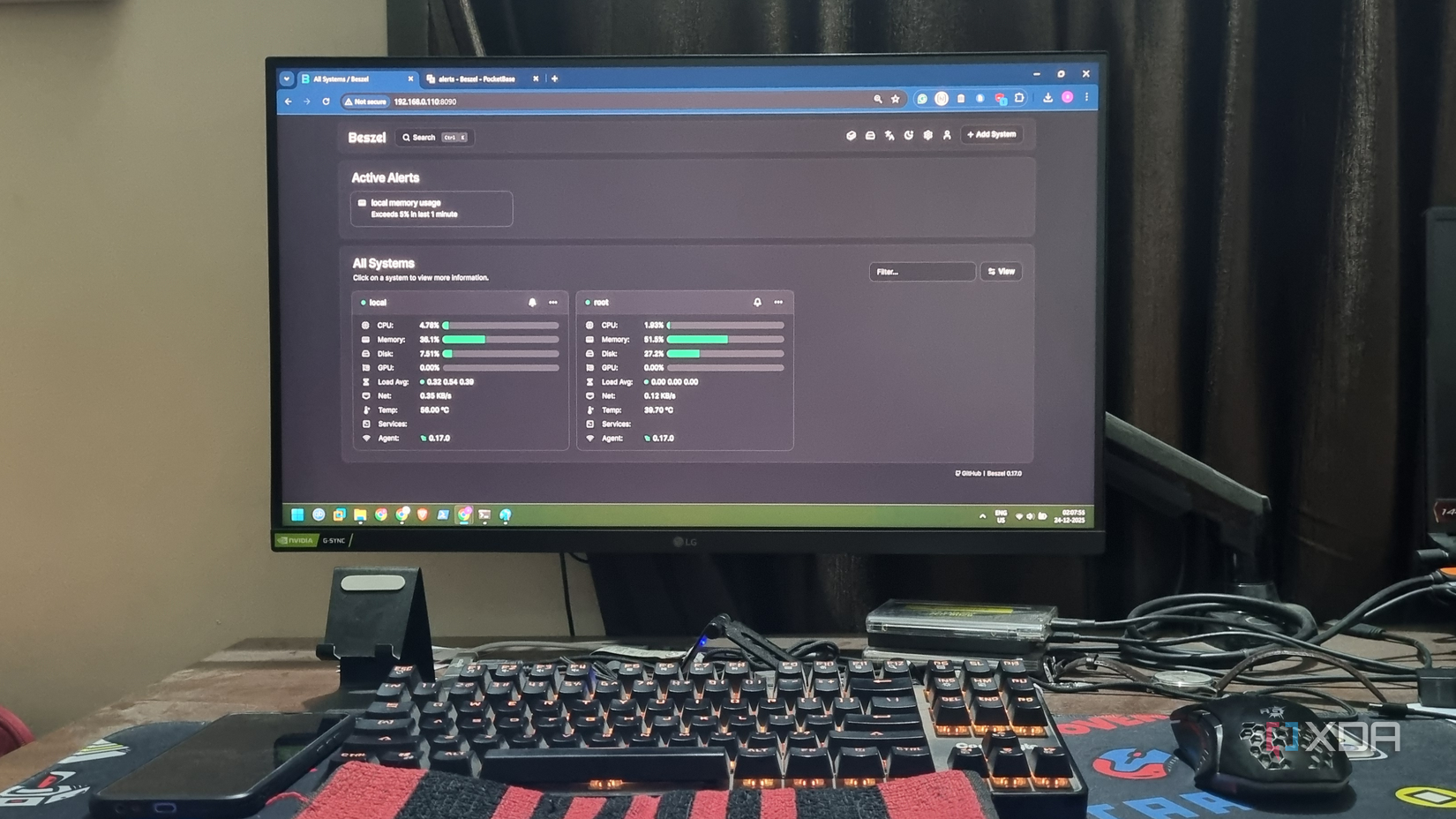
The graphical processing unit (GPU) capabilities of a laptop should not be underestimated. While not all self-hosted tools require a GPU, it can be highly beneficial for a home server setup. Media streaming applications such as Jellyfin or Emby can significantly improve performance with even an integrated GPU. Hardware transcoding is crucial for efficiently serving media to multiple devices with varying resolutions, a task that most SBCs struggle with.
Without hardware acceleration, users are often forced to rely on less efficient software transcoding. For integrating a local Large Language Model (LLM) with a self-hosted tool, an older laptop often proves superior to an SBC. While some SBCs now feature integrated NPUs or offer AI HAT modules, such as the Raspberry Pi 5, these compact computers typically struggle with real-time AI workloads.
In contrast, a laptop equipped with an integrated or discrete GPU can handle these AI tasks much more effectively. Therefore, for those interested in experimenting with AI integration in self-hosted applications, an older laptop remains a valuable option.
Cost-Effectiveness of Older Laptops
Avoiding Multiple SBC Investments
An older laptop often sits unused, awaiting a new purpose. If the device is still functional, with a working battery and power adapter, minimal investment is required. A thorough cleaning and a thermal paste replacement might be all that is needed to prepare it for new tasks.
Opting for an SBC typically involves a minimum investment of $50–100 for the device itself, along with a learning curve. Additional accessories such as power adapters, SD cards or other storage, USB hubs, and protective cases can significantly increase the overall cost.
For users primarily interested in self-hosting tools, rather than GPIO development, the investment in an SBC might be difficult to justify. A more economical approach could be to leverage an existing laptop, as SBCs often cannot match the performance of a full-fledged computer. While a self-hosted tool stack may function on an SBC, it typically performs better on a laptop and can struggle under the load of multiple connected devices.
Older laptops generally consume less power than modern gaming laptops, with a modest idle load. Although their power consumption will be higher than a Raspberry Pi or similar SBC, the difference is often not substantial enough to significantly impact electricity bills. An additional laptop operating at 30-50W can run a comprehensive self-hosted tool stack with considerably better performance.
Experiments have shown that older laptops with as little as 4GB DDR3 RAM can smoothly run multiple Docker containers without performance issues. Furthermore, these laptops can still be used for basic tasks like web browsing. A modest upgrade, such as increasing RAM to 12GB for around $15, can provide ample memory for various self-hosted applications.
SBCs Have Specific Use Cases
While devices like the Raspberry Pi are effective for certain tasks, they are not universally suitable for every application. They excel as single-purpose devices, for example, functioning as a remote downloading device or a retro gaming system. However, entrusting them with a full self-hosted stack is generally not recommended if an older laptop is available.
Repurposing an old laptop is often a more prudent choice, offering both cost savings and the necessary power for demanding tools such as Paperless-ngx and NextCloud. Laptops also allow for easier component upgrades and typically eliminate the need for external USB hubs for connectivity. These advantages make it challenging to recommend a Raspberry Pi for such roles, unless the primary goal is to minimize power consumption.
