


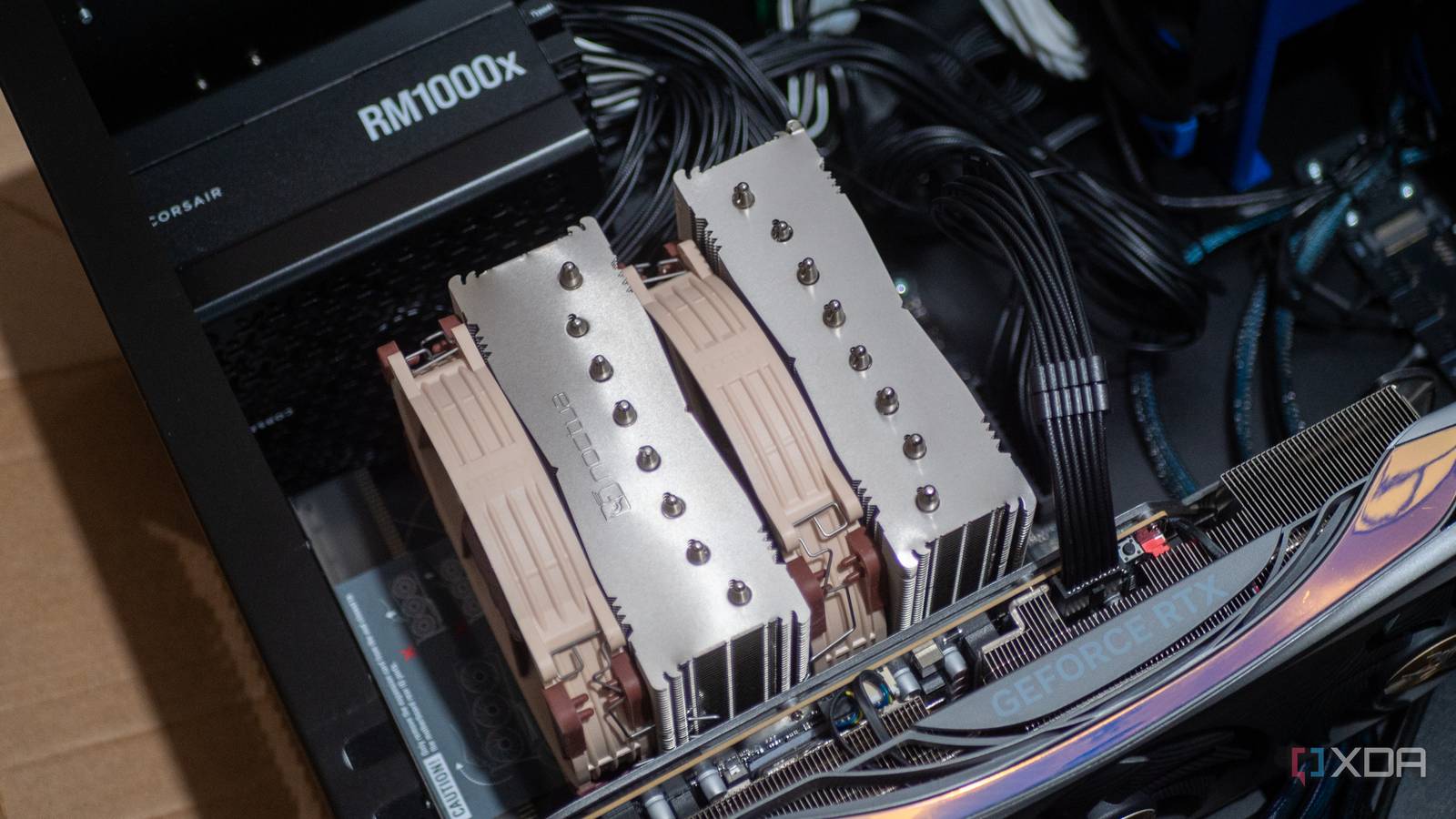
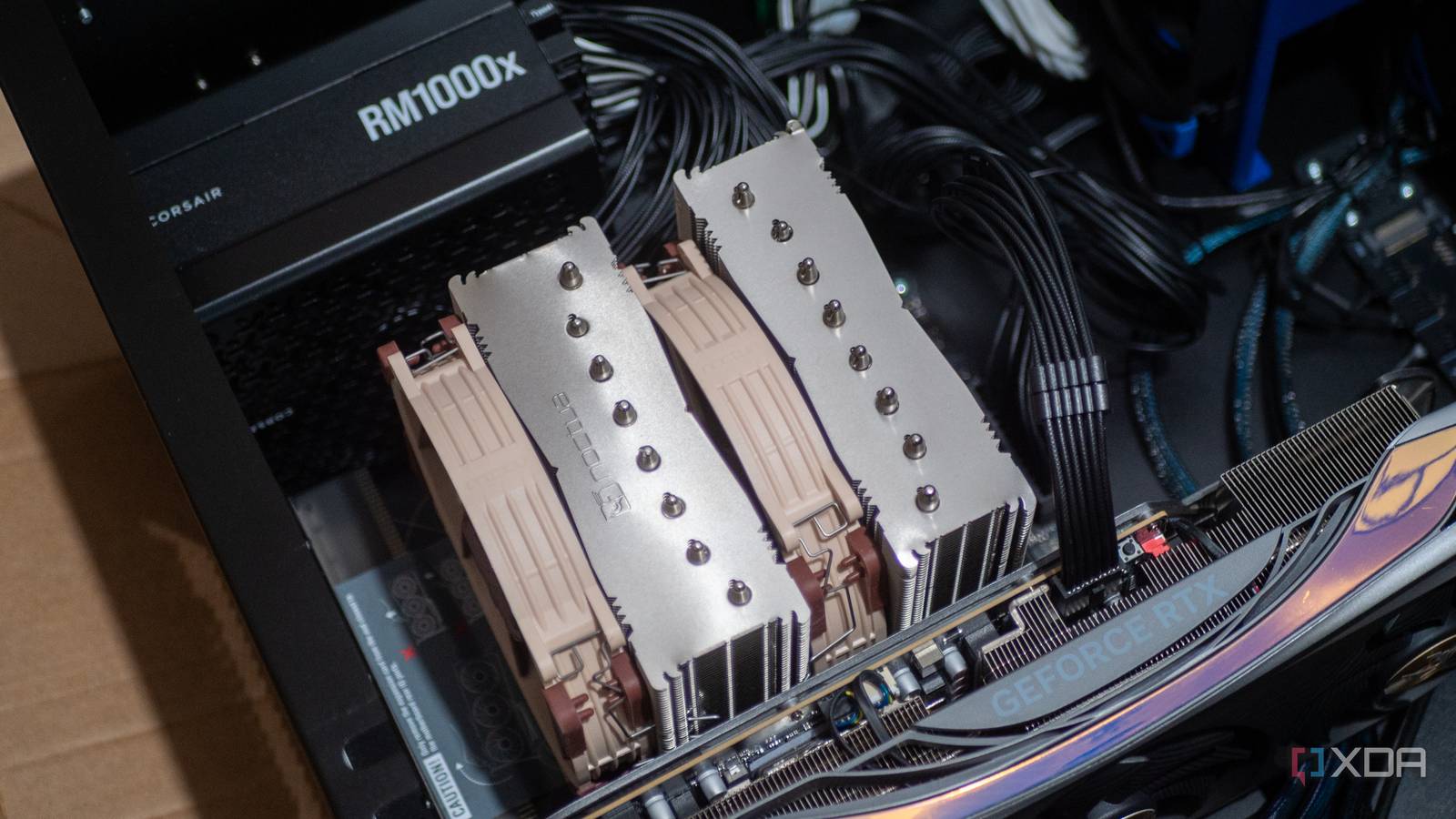
Using an old desktop PC for a home server or lab is practical, as the hardware is often suitable for home services. However, many users incorrectly benchmark these servers with desktop PC tools, leading to misleading results. Desktop benchmarks are not designed for server workloads and can make a perfectly functional server appear underperforming.
Desktop Benchmarks Focus on Peak Performance
Server Workloads Require a Different Approach
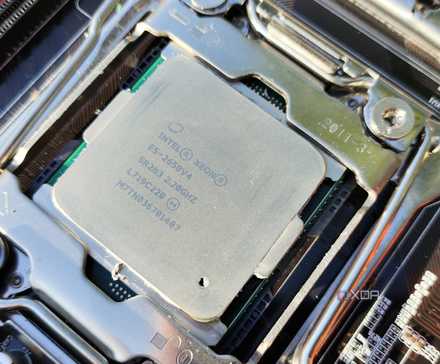
Desktop benchmarks, such as CrystalDiskMark, Geekbench, and Cinebench, are designed to measure a system’s maximum performance under ideal, short-duration conditions. These tools execute rapid tests, heavily utilize caches, and often conclude before factors like thermals, power limits, or sustained load become significant.
This approach suits desktop PCs, which benefit from quick bursts of speed for tasks like game loading, video exports, or code compilation. In contrast, home servers operate differently. They typically maintain a steady state, idling for extended periods with occasional brief spikes in activity. Servers prioritize consistent, long-term reliability over raw, instantaneous speed. Their configurations often reflect this, with features like lower clock speeds, stricter power limits, ECC memory, and stability-focused firmware settings. While these choices may result in lower benchmark scores, they enhance the server’s long-term dependability. The definition of “idle” also varies based on the services running on the server.
Home Servers Manage Distinct Workloads
Prioritizing Consistent, Steady-State Operation
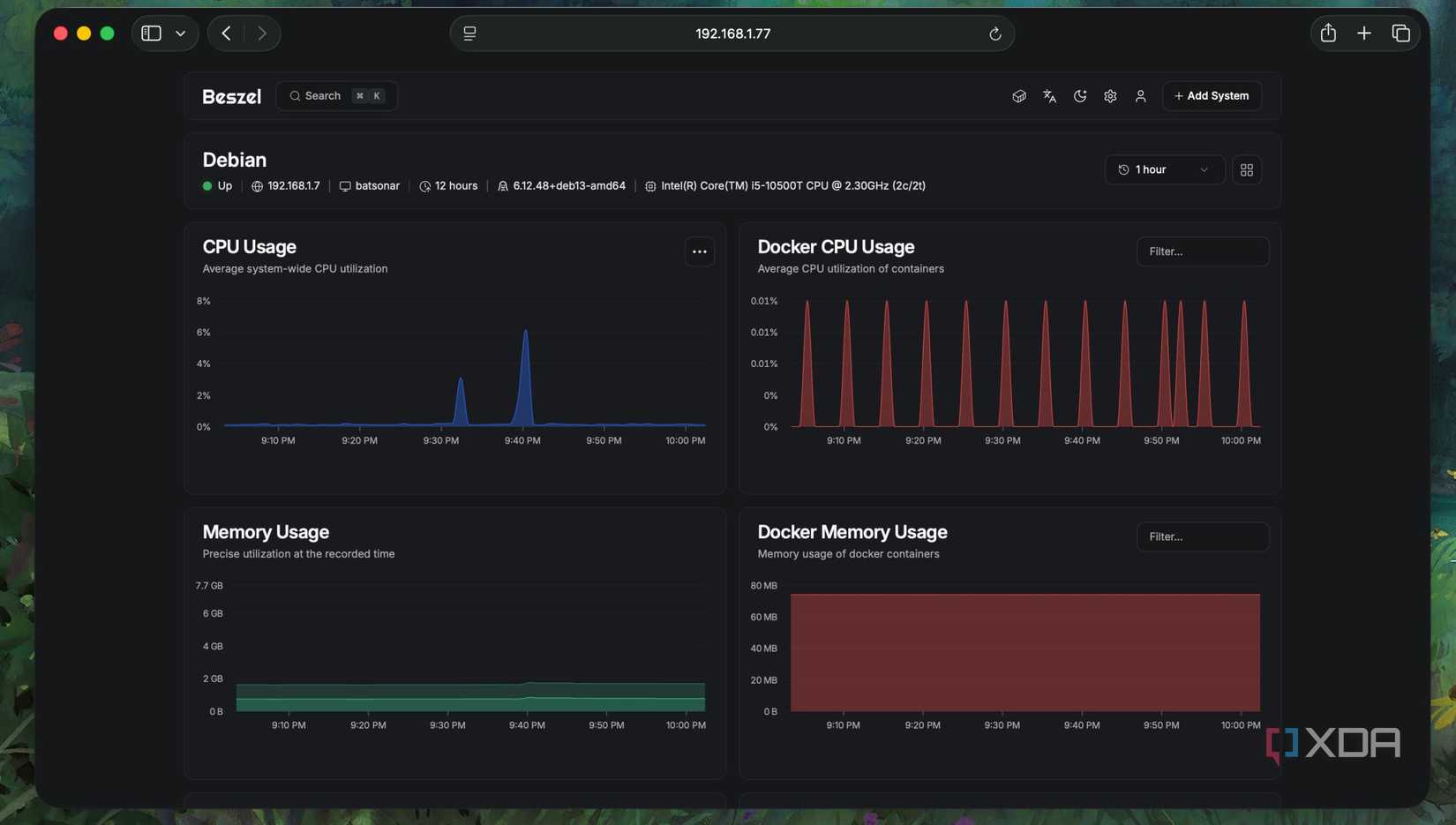
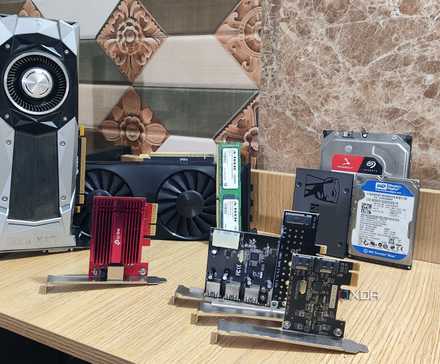
Desktop benchmarks typically assume a single user focused on completing one task rapidly. Home servers, however, operate differently. Even a basic home server might manage multiple Docker containers, virtual machines, background backups, media indexing, and occasional file transfers (if configured as a NAS). For these tasks, the goal is reliable completion rather than record-breaking speed. Consequently, server hardware, optimized for stability, might appear slower in peak performance tests like Cinebench.
Storage benchmarks can be particularly deceptive. While sequential read/write speeds often look impressive, they rarely represent real-world server storage interactions. Virtual machine disks, container volumes, databases, and file system metadata typically involve small, random I/O patterns where consistent latency is more crucial than raw throughput. Consumer SSDs, especially those with QLC flash and no DRAM cache, can be misleading. They may show strong benchmark results in short tests but struggle under sustained writes or when relying on system memory. Benchmarks often don’t run long enough to reveal throttling, write amplification, or background cleanup, which are common behaviors in server environments over time.

Server Benchmarking Requires a Tailored Approach
Evaluation Depends on Specific Services
Benchmarking a server involves more than simply running a single tool for a quick score. Servers manage multiple, overlapping background workloads, respond to external requests, and constantly make performance trade-offs, unlike desktops that perform discrete, repeatable bursts. Effective server benchmarking must account for this complex reality.
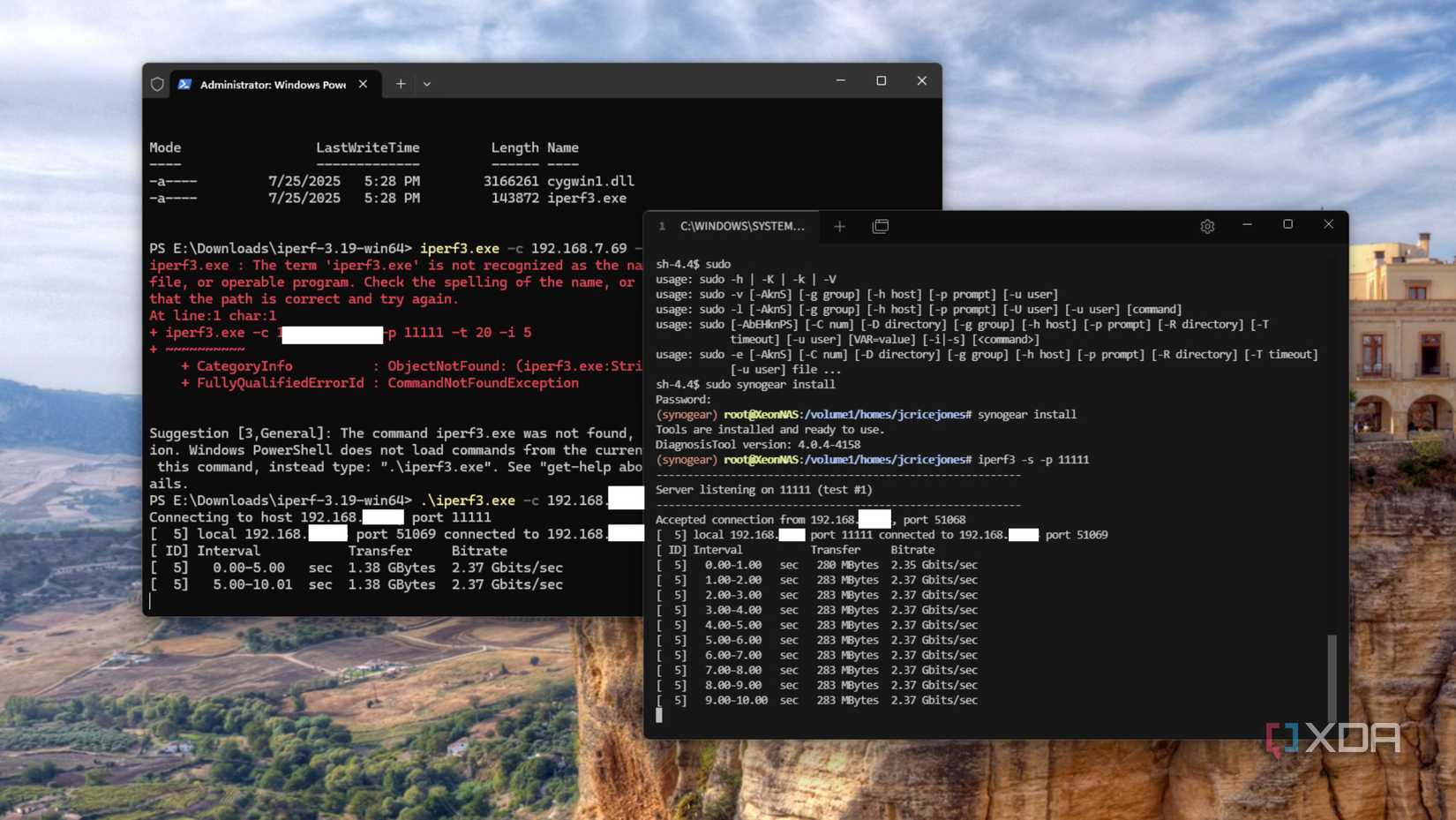
Network performance is a logical starting point, as it directly impacts service responsiveness. Tools like iperf3 can help identify bottlenecks in the NIC, switch, host CPU, or network stack. Crucially, repeating these tests under server load reveals whether throughput or latency degrades, highlighting critical failure modes in practical use.
For compute performance, a more effective approach is to observe how virtual machines or containers perform when multiple services are actively running. The key is not to measure peak CPU clock speeds, but to assess the consistency of performance when various tasks contend for resources. Simulating real-world usage scenarios and monitoring changes in latency, scheduling, and responsiveness over time provides far more valuable insights than any single peak benchmark score.
Storage benchmarking should follow a similar methodology. Utilities such as fio are superior to quick desktop tools because they enable the modeling of realistic I/O patterns. Executing mixed read/write workloads, adjusting queue depths, and allowing tests to run long enough to exhaust caches will reveal behaviors that short benchmarks entirely overlook.
Desktop Benchmarks Can Offer Value
Context is Essential for Server Evaluation
 Source: Steam
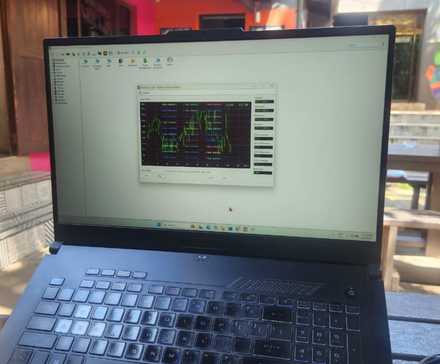
Desktop benchmarks are not entirely without merit for servers. They can serve as valuable diagnostic tools. For instance, running a benchmark after a hardware upgrade can verify correct configuration. A sudden drop in performance might indicate cooling issues, incorrect BIOS settings, or other problems. Furthermore, comparing identical systems during testing can still yield useful information.
Avoid Misinterpreting Server Performance with Desktop Benchmarks
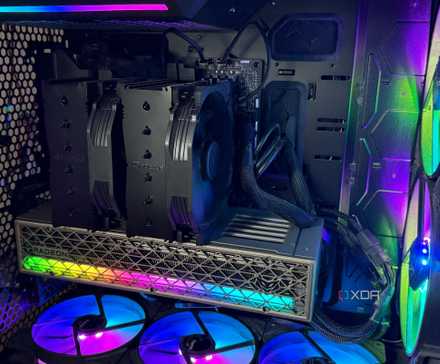
Home servers are not designed to compete with desktops in terms of raw benchmark scores or leaderboard positions. Their primary value lies in being consistent, reliable, and dependable. A home server functions differently from a desktop PC, and its usage patterns are distinct. Therefore, applying desktop benchmarks to evaluate a server’s performance is often inappropriate.
