


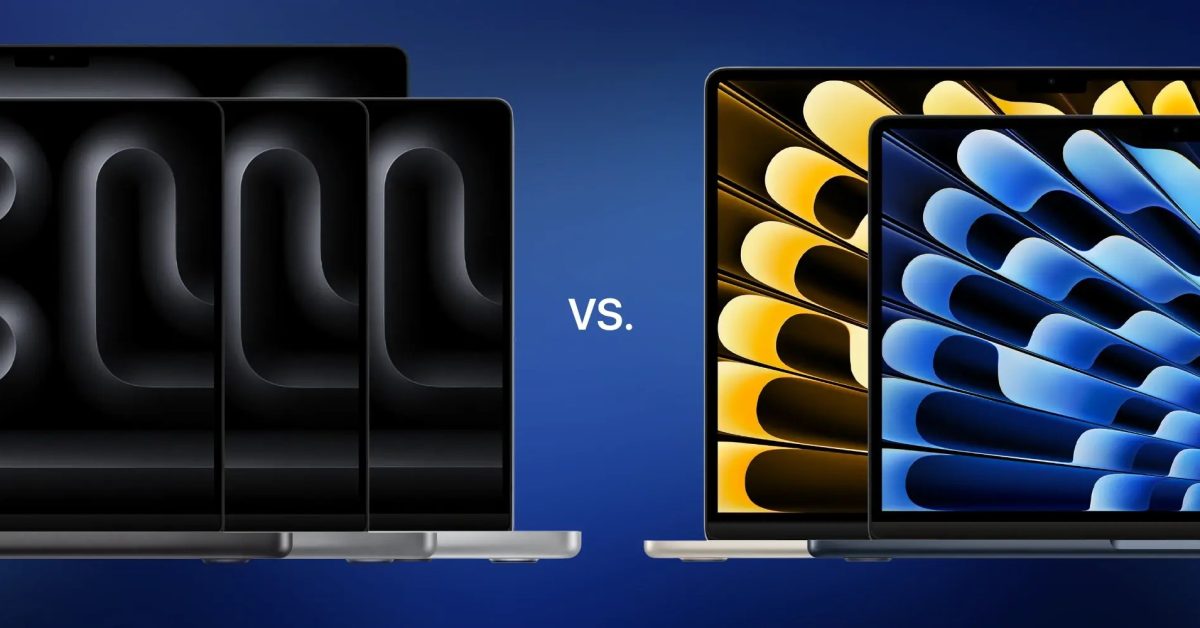
Apple’s M3 chip powers both the latest MacBook Pro and MacBook Air models, offering impressive performance across the board. However, despite sharing the same core silicon, these two laptop lines cater to different user needs and budgets. Understanding the distinctions between the M3 MacBook Pro and M3 MacBook Air is crucial for making an informed purchase decision.

Key Differences at a Glance
While both are excellent machines, the MacBook Pro is designed for demanding professional workflows, featuring more robust performance capabilities, advanced displays, and a wider array of ports. The MacBook Air, conversely, prioritizes portability, silent operation, and affordability, making it ideal for everyday tasks, students, and general productivity.
Performance and Cooling
The M3 chip itself is powerful, but its implementation differs. The M3 MacBook Air is a fanless design, meaning it relies on passive cooling. This is perfect for quiet operation during light to moderate tasks. For sustained heavy workloads, however, the M3 MacBook Pro includes an active cooling system (fans). This allows the Pro models to maintain peak performance for longer periods without throttling, making them superior for tasks like video editing, 3D rendering, or compiling large codebases.
While both can be configured with up to 24GB of unified memory, the Pro models often start with higher base configurations and offer more powerful M3 Pro and M3 Max chip options, which are not available in the Air line.
Display Technology
One of the most significant differentiators is the display. The M3 MacBook Air features a brilliant Liquid Retina display, offering excellent color accuracy and brightness suitable for most users. The M3 MacBook Pro, however, boasts a Liquid Retina XDR display with mini-LED technology. This provides significantly higher peak brightness, deeper blacks, and a much wider dynamic range, essential for HDR content creation and consumption. Additionally, ProMotion technology on the MacBook Pro offers adaptive refresh rates up to 120Hz, resulting in smoother scrolling and more fluid motion.
Ports and Connectivity
Connectivity options vary between the two lines. Both models include two Thunderbolt / USB 4 ports. However, the M3 MacBook Pro (especially the 14-inch model) typically offers additional ports like an HDMI output and an SDXC card slot, which are invaluable for creative professionals who frequently connect external displays or transfer media from cameras. The MacBook Air relies solely on its Thunderbolt ports for expansion.
Design, Portability, and Battery Life
The MacBook Air lives up to its name, being noticeably thinner and lighter than the MacBook Pro. This makes it exceptionally portable for users constantly on the go. The MacBook Pro, while still sleek, is a bit heavier and thicker due to its more robust cooling system and larger battery. Both models offer impressive battery life, often lasting a full workday or more, but specific endurance can vary based on usage and model configuration.
Pricing and Value
Generally, the MacBook Air represents a more accessible entry point into the Apple laptop ecosystem. Its starting price is considerably lower than the MacBook Pro. The Pro models command a premium due to their enhanced performance, advanced display, and additional features. The choice often comes down to balancing budget with specific performance and feature requirements.
Who Should Buy Which?
- M3 MacBook Air: Ideal for students, general users, writers, light photo editing, web browsing, and anyone prioritizing portability, quiet operation, and affordability.
- M3 MacBook Pro: Best suited for creative professionals, developers, video editors, graphic designers, and users who require sustained high performance, a superior display, and more versatile connectivity for demanding tasks.
Ultimately, both the M3 MacBook Pro and M3 MacBook Air are powerful and efficient machines. Your decision should be guided by your specific workflow, budget, and how much you value features like active cooling, a ProMotion XDR display, and additional ports.
