


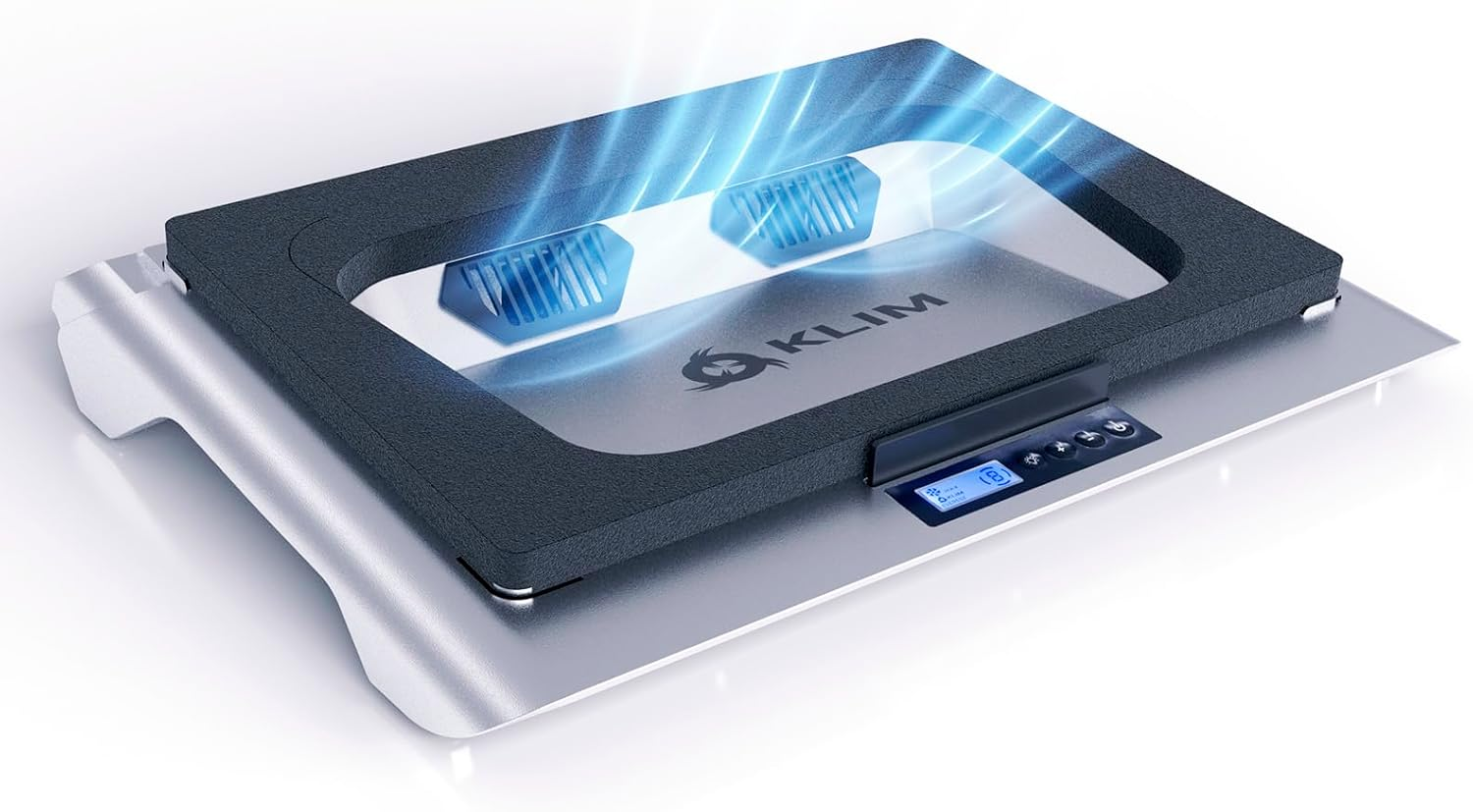
KLIM Everest Review: The Industrial-Grade Solution to Thermal Throttling
In the world of high-performance gaming laptops, heat is the ultimate enemy. As manufacturers push for thinner chassis and more powerful GPUs, the laws of physics eventually demand a toll. We’ve all been there: thirty minutes into a session of Cyberpunk 2077 or Warzone, and suddenly your frame rates tank as your CPU hits the dreaded 95°C thermal limit.
Standard cooling pads—the ones with those massive, slow-spinning blue LED fans—often do little more than act as a glorified laptop stand. Enter the KLIM Everest. This isn’t just a cooling pad; it’s a high-pressure turbine system designed to force-feed cold air into your machine.
Design and Build Quality: Industrial Aesthetic
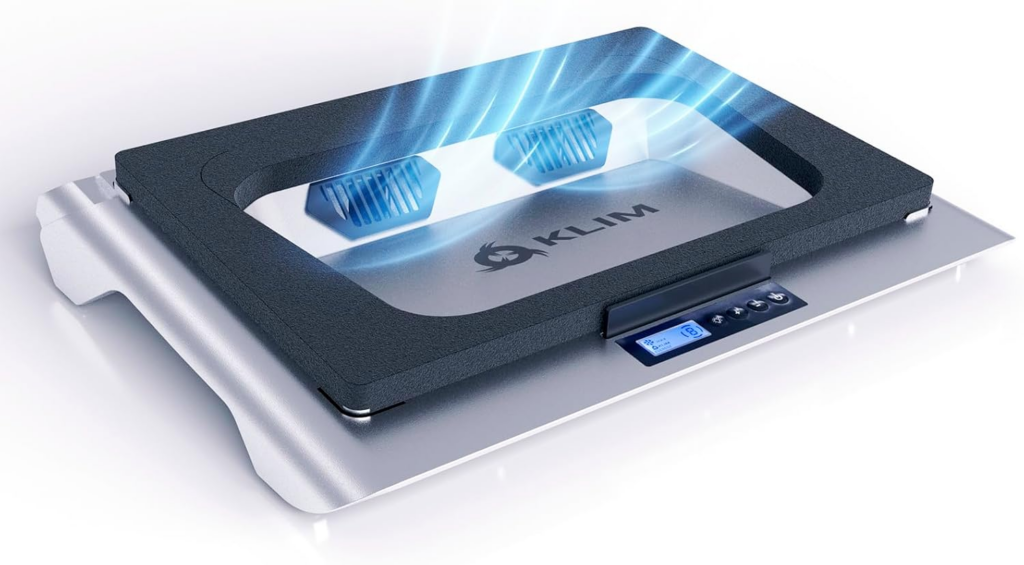
Upon unboxing the KLIM Everest, the first thing you notice is the weight and the seal. Unlike traditional pads that rely on open-air flow, the Everest utilizes a high-density “sealed foam” ring. This ring creates a vacuum-like environment between the pad and the bottom of your laptop.
The build quality feels exceptionally robust. It’s constructed from high-impact plastic with a reinforced metal mesh top. While it’s certainly bulkier than your average office cooling pad, it feels like it was built to withstand the heat of a high-end RTX 4090 mobile setup.
The “Foam Seal” Advantage
Most laptop cooling pads fail because the air they push simply bounces off the laptop’s bottom casing and escapes through the sides. The KLIM Everest solves this with its proprietary foam gasket. By sealing the gap between the cooler and the laptop, the 4300 RPM turbo fan creates static pressure.
This pressure forces air into the laptop’s intake vents, no matter how small or oddly placed they are. In our testing, this design proved to be the “secret sauce” that separates the Everest from the $20 bargain bin coolers.
Technical Specifications
- Fan Speed: Adjustable up to 4300 RPM.
- Cooling Method: High-pressure turbine with foam seal.
- Compatibility: Laptops from 14 to 17.3 inches.
- Lighting: Customizable RGB strips.
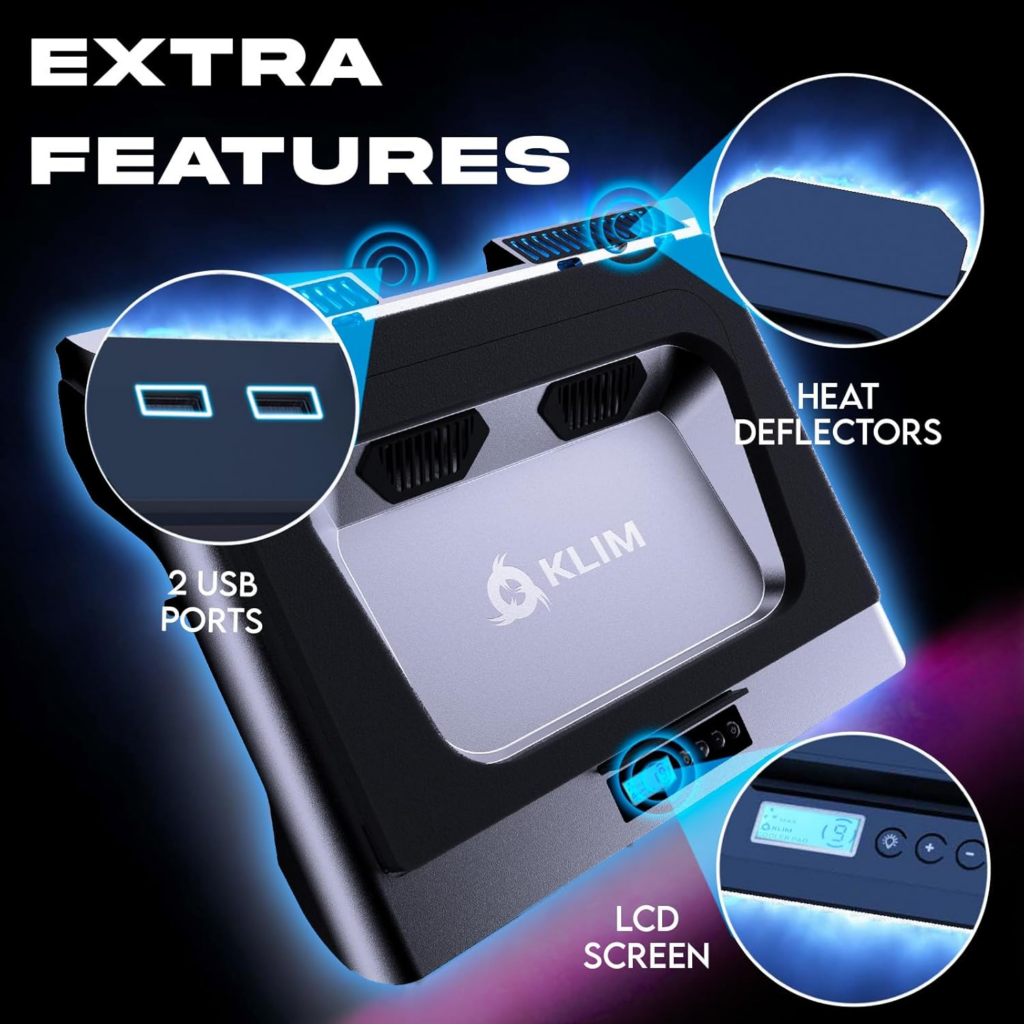
- Extras: Integrated USB hub and adjustable height legs.
- Noise Level: 35dB to 55dB (depending on speed).
Performance: Putting the 4300 RPM to the Test
To see if the KLIM Everest lives up to its “Everest” moniker, we tested it using a high-spec gaming laptop known for its thermal struggles.
Test Setup:
- Laptop: 15.6″ Gaming Laptop (i7-13700H / RTX 4070)
- Ambient Temp: 22°C
- Stress Test: 30 minutes of A Plague Tale: Requiem at Ultra Settings.
The Results:
- Without Cooler: CPU: 94°C (Thermal Throttling), GPU: 86°C.
- Standard Mesh Cooler: CPU: 91°C, GPU: 83°C.
- KLIM Everest (Max Speed): CPU: 79°C, GPU: 72°C.
A 15°C drop on the CPU is staggering. By preventing the CPU from hitting its thermal ceiling, we saw a consistent 10-15% increase in average frame rates because the clock speeds remained stable throughout the session.
Ergonomics and Usability
The Everest offers several levels of inclination. This is crucial for long gaming sessions to prevent wrist strain. The front stoppers are sturdy enough to hold even the heaviest 17-inch “desktop replacement” laptops without them sliding off.
The RGB lighting is a nice touch, offering several modes that can be cycled through via the front panel. It provides that “gamer” aesthetic without being overly distracting. However, the real star of the interface is the LCD display and touch controls, allowing you to dial in the exact fan speed you need.

The Noise Factor: A Necessary Evil?
We have to be honest: at 4300 RPM, the KLIM Everest is loud. It sounds less like a computer fan and more like a small jet engine spooling up. If you play with open-back headphones or through laptop speakers, the noise will be noticeable.
However, for most serious gamers using closed-back noise-canceling headsets, this is a non-issue. The trade-off—sacrificing some acoustic silence for significantly lower hardware temperatures—is one that most enthusiasts will gladly make. At lower speeds (around 2000 RPM), the noise is perfectly manageable for office work or light browsing.
Pros and Cons
Pros:
- Massive Temperature Drops: Easily the most effective cooling solution we’ve tested this year.
- Universal Fit: The foam seal works with almost any vent configuration.
- Build Quality: Feels premium and durable.
- Dust Filtration: The intake system includes filters to help keep the inside of your laptop cleaner for longer.
Cons:
- Noise: At maximum settings, it is significantly louder than traditional pads.
- Bulk: Not the most portable option for those who travel light.
- Power Draw: Requires a dedicated USB port (or external wall adapter for maximum stability).
The Verdict: Is the KLIM Everest Worth It?
If you own a high-end gaming laptop or a workstation used for heavy video rendering, the KLIM Everest isn’t just an accessory; it’s an insurance policy. Overheating doesn’t just throttle your performance today; it degrades the lifespan of your components over time.
While the price point is higher than generic cooling pads, the performance delta justifies every cent. It bridges the gap between “cool-looking stand” and “active thermal management system.” If you can handle the fan noise, your laptop will thank you with higher frame rates and a much longer lifespan.
Final Score: 9.2/10
Looking to upgrade your setup? You can find the KLIM Everest on Amazon here: KLIM Everest Laptop Cooler
