


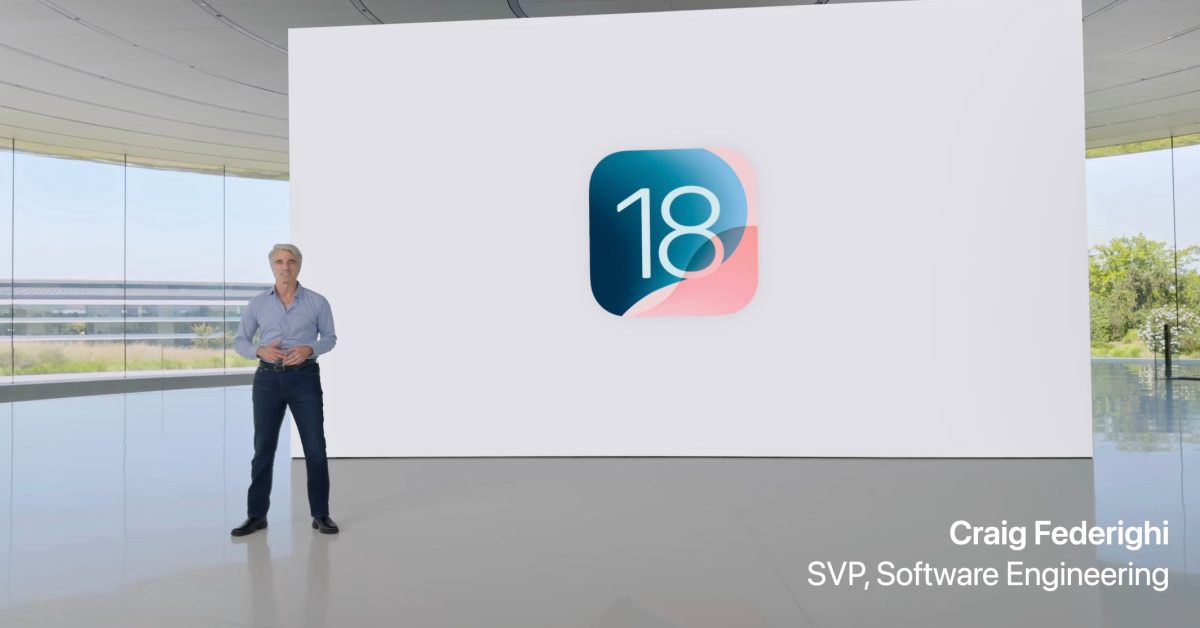
Apple has released the public beta for iOS 18, offering users an early look at the upcoming features and improvements. Installing the public beta allows you to test new functionalities and provide feedback to Apple. This guide outlines the process for installing the iOS 18 public beta on your compatible iPhone.
Before You Begin: Important Considerations
Before proceeding with the installation, it is crucial to understand that beta software can be unstable and may contain bugs. It is generally recommended to install beta versions on a secondary device if possible. If you are using your primary device, ensure you have a complete backup.
1. Back Up Your iPhone
Creating a backup of your device is an essential step. This allows you to restore your iPhone to its current state if you encounter any issues with the beta or decide to revert to a stable iOS version.
- iCloud Backup: Go to Settings > [Your Name] > iCloud > iCloud Backup and tap “Back Up Now.”
- Computer Backup: Connect your iPhone to a computer, open Finder (macOS Catalina or later) or iTunes (macOS Mojave or earlier, or Windows), select your device, and create an encrypted backup.
2. Enroll in the Apple Beta Software Program
To access the public beta, you must be enrolled in the Apple Beta Software Program.
- Visit the Apple Beta Software Program website on your iPhone.
- Tap “Sign Up” or “Sign In” with your Apple ID.
- Accept the terms and conditions.
3. Install the iOS 18 Public Beta
Once enrolled and backed up, you can proceed with the installation.
- On your iPhone, go to Settings > General > Software Update.
- Tap on “Beta Updates.”
- Select “iOS 18 Public Beta.”
- Go back to the previous screen, and the iOS 18 Public Beta update should appear.
- Tap “Download and Install.”
- Follow the on-screen prompts to complete the installation. Your iPhone will restart during this process.

After the installation is complete, your iPhone will be running iOS 18 public beta. You can now explore the new features and provide feedback to Apple through the Feedback Assistant app.
