


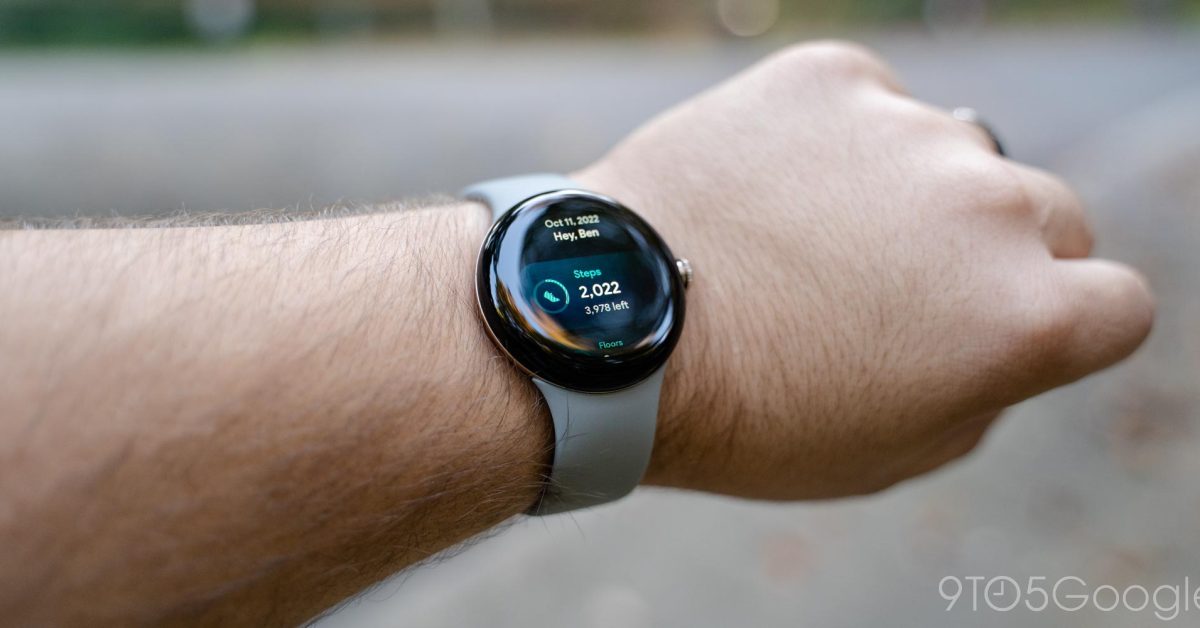
Many early adopters of the Google Pixel Watch received a complimentary six-month trial of Fitbit Premium. As this trial period approaches its conclusion for those who purchased the smartwatch around its launch, it is important to understand how to manage or cancel the subscription to avoid automatic charges.
Fitbit Premium offers advanced health and fitness insights, guided programs, and a daily readiness score. Without cancellation, the service typically renews at a monthly or annual fee after the trial ends.
Understanding Your Fitbit Premium Trial
The Pixel Watch, launched in October 2022, included a significant incentive: a six-month free trial of Fitbit Premium. For users who activated their trial shortly after purchasing the watch, this complimentary period is now nearing its end, potentially in April 2023 or soon thereafter, depending on the activation date.
If the subscription is not cancelled before the trial concludes, it will automatically convert to a paid membership using the payment method on file with your Google account.
How to Cancel Fitbit Premium via the Fitbit App
The most straightforward method to cancel your Fitbit Premium subscription is directly through the Fitbit application on your smartphone. Follow these steps:
- Open the Fitbit app on your mobile device.
- Tap on your profile icon (usually located in the top-left corner).
- Scroll down and select “Fitbit Premium”.
- Look for and tap on “Manage subscription”. This will typically redirect you to your device’s app store subscription management page.
- Follow the on-screen prompts to complete the cancellation process.
How to Cancel Fitbit Premium via the Google Play Store
If you prefer, or if you encounter issues with the Fitbit app method, you can also manage and cancel your subscription directly through the Google Play Store, assuming your subscription was initiated through Google Play.
- Open the Google Play Store app on your Android device.
- Tap on your profile icon (usually in the top-right corner).
- Select “Payments & subscriptions”.
- Tap on “Subscriptions”.
- Locate “Fitbit Premium” in your list of active subscriptions.
- Tap on the Fitbit Premium subscription.
- Select “Cancel subscription” and follow any subsequent instructions to confirm your decision.
What Happens After Cancellation?
Upon cancelling your Fitbit Premium trial, access to premium features will continue until the end of your current billing cycle (the original trial end date). After this date, you will lose access to features such as detailed sleep scores, daily readiness scores, guided workouts, and advanced health metrics. However, your basic Fitbit device functionalities, activity tracking, and standard health data will remain accessible through the free version of the Fitbit app.
Cancelling ensures that you will not be charged for the service once the trial period expires. If you decide later that you wish to re-subscribe, you can do so at any time through the Fitbit app or Google Play Store.
