
Close Menu
    Latest Post

    Suspected Russian Actor Linked to CANFAIL Malware Attacks on Ukrainian Organizations

    February 22, 2026

    Trump Reinstates De Minimis Exemption Suspension Despite Supreme Court Ruling

    February 22, 2026

    How Cloudflare Mitigated a Vulnerability in its ACME Validation Logic

    February 21, 2026
    Facebook X (Twitter) Instagram
    Trending
    • Suspected Russian Actor Linked to CANFAIL Malware Attacks on Ukrainian Organizations
    • Trump Reinstates De Minimis Exemption Suspension Despite Supreme Court Ruling
    • How Cloudflare Mitigated a Vulnerability in its ACME Validation Logic
    • Demis Hassabis and John Jumper Receive Nobel Prize in Chemistry
    • How to Cancel Your Google Pixel Watch Fitbit Premium Trial
    • GHD Speed Hair Dryer Review: Powerful Performance and User-Friendly Design
    • An FBI ‘Asset’ Helped Run a Dark Web Site That Sold Fentanyl-Laced Drugs for Years
    • The Next Next Job, a framework for making big career decisions
    Facebook X (Twitter) Instagram Pinterest Vimeo
    NodeTodayNodeToday
    • Home
    • AI
    • Dev
    • Guides
    • Products
    • Security
    • Startups
    • Tech
    • Tools
    NodeTodayNodeToday
    Home»Guides»How to Add Custom Notes to Your Saved Chrome Passwords
    Guides

    How to Add Custom Notes to Your Saved Chrome Passwords

    Samuel AlejandroBy Samuel AlejandroFebruary 5, 2026No Comments2 Mins Read
    Share Facebook Twitter Pinterest LinkedIn Tumblr Reddit Telegram Email
    src 10u5sus featured
    Share
    Facebook Twitter LinkedIn Pinterest Email

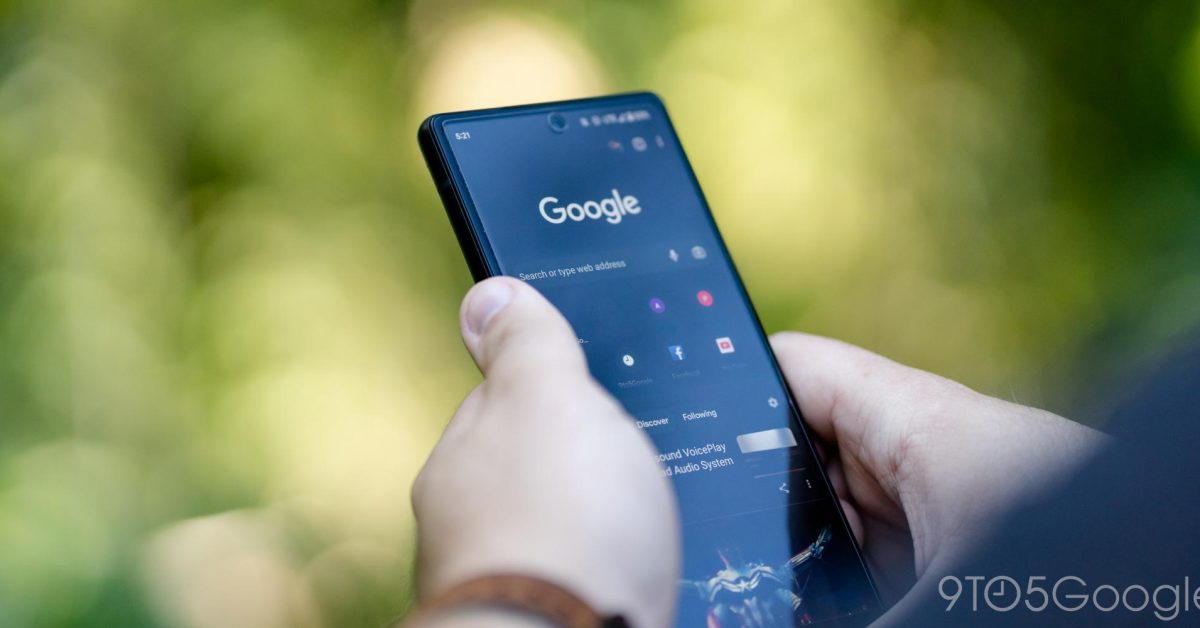
    Managing numerous online accounts can be challenging, and remembering specific details for each login can be even harder. Google Chrome’s built-in password manager offers a practical solution by allowing users to save their credentials directly within the browser. A recent enhancement to this feature introduces the ability to add custom notes to each saved password, making it easier to keep track of important information related to your accounts.

    Image 1

    Why Add Notes to Passwords?

    Adding notes to your saved passwords can be incredibly useful for several reasons:

    • Reminders: Jot down security questions, PINs, or other crucial details not stored in the password field itself.
    • Context: Explain why a particular password was chosen or when it was last updated.
    • Account Details: Store associated email addresses, usernames, or recovery information if they differ from the primary login.

    Steps to Add Notes to Chrome Passwords

    Follow these simple steps to add or edit notes for your saved passwords in Google Chrome:

    1. Open Chrome Settings: Launch Google Chrome and click on the three-dot menu icon in the top-right corner. Select “Settings” from the dropdown menu.
    2. Access Password Manager: In the left-hand sidebar of the Settings page, click on “Autofill” and then select “Password Manager.” Alternatively, you can type chrome://password-manager/passwords directly into your address bar and press Enter.
    3. Find the Desired Password: Scroll through your list of saved passwords or use the search bar to locate the specific entry you wish to add a note to.
    4. Edit the Password Entry: Click on the eye icon to reveal the password (you may need to enter your device’s password or PIN) and then click on the “Edit” button (often represented by a pencil icon) next to the password field.
    5. Add Your Note: Within the edit screen, you will find a new field labeled “Add note” or similar. Click on this field and type in your desired information.
    6. Save Changes: Once you have finished adding your note, click the “Done” or “Save” button to apply the changes.

    Conclusion

    This new note-taking capability within Chrome’s password manager enhances its utility, transforming it into a more comprehensive tool for managing your digital credentials. By utilizing this feature, users can maintain better organization and ensure that all pertinent account information is readily accessible when needed.

    Share. Facebook Twitter Pinterest LinkedIn Tumblr Email
    Previous ArticleBridgerton season 4 part 1 review: Benedict might be the catch of the season, but someone else should be instead — and that’s enough to keep me hooked for part 2
    Next Article Web Development Insights: Videos, View Transitions, Media Queries, and Browser Mechanics
    Samuel Alejandro

    Related Posts

    Tools

    How Cloudflare Mitigated a Vulnerability in its ACME Validation Logic

    February 21, 2026
    Guides

    How to Cancel Your Google Pixel Watch Fitbit Premium Trial

    February 21, 2026
    Dev

    Docker vs Kubernetes in Production: A Security-First Decision Framework

    February 21, 2026
    Add A Comment
    Leave A Reply Cancel Reply

    Latest Post

    ChatGPT Mobile App Surpasses $3 Billion in Consumer Spending

    December 21, 202513 Views

    Creator Tayla Cannon Lands $1.1M Investment for Rebuildr PT Software

    December 21, 202511 Views

    Automate Your iPhone’s Always-On Display for Better Battery Life and Privacy

    December 21, 202510 Views
    Stay In Touch
    • Facebook
    • YouTube
    • TikTok
    • WhatsApp
    • Twitter
    • Instagram
    About

    Welcome to NodeToday, your trusted source for the latest updates in Technology, Artificial Intelligence, and Innovation. We are dedicated to delivering accurate, timely, and insightful content that helps readers stay ahead in a fast-evolving digital world.

    At NodeToday, we cover everything from AI breakthroughs and emerging technologies to product launches, software tools, developer news, and practical guides. Our goal is to simplify complex topics and present them in a clear, engaging, and easy-to-understand way for tech enthusiasts, professionals, and beginners alike.

    Latest Post

    Suspected Russian Actor Linked to CANFAIL Malware Attacks on Ukrainian Organizations

    February 22, 20260 Views

    Trump Reinstates De Minimis Exemption Suspension Despite Supreme Court Ruling

    February 22, 20260 Views

    How Cloudflare Mitigated a Vulnerability in its ACME Validation Logic

    February 21, 20260 Views
    Recent Posts
    • Suspected Russian Actor Linked to CANFAIL Malware Attacks on Ukrainian Organizations
    • Trump Reinstates De Minimis Exemption Suspension Despite Supreme Court Ruling
    • How Cloudflare Mitigated a Vulnerability in its ACME Validation Logic
    • Demis Hassabis and John Jumper Receive Nobel Prize in Chemistry
    • How to Cancel Your Google Pixel Watch Fitbit Premium Trial
    Facebook X (Twitter) Instagram Pinterest
    • About Us
    • Contact Us
    • Privacy Policy
    • Terms & Conditions
    • Disclaimer
    • Cookie Policy
    © 2026 NodeToday.

    Type above and press Enter to search. Press Esc to cancel.