


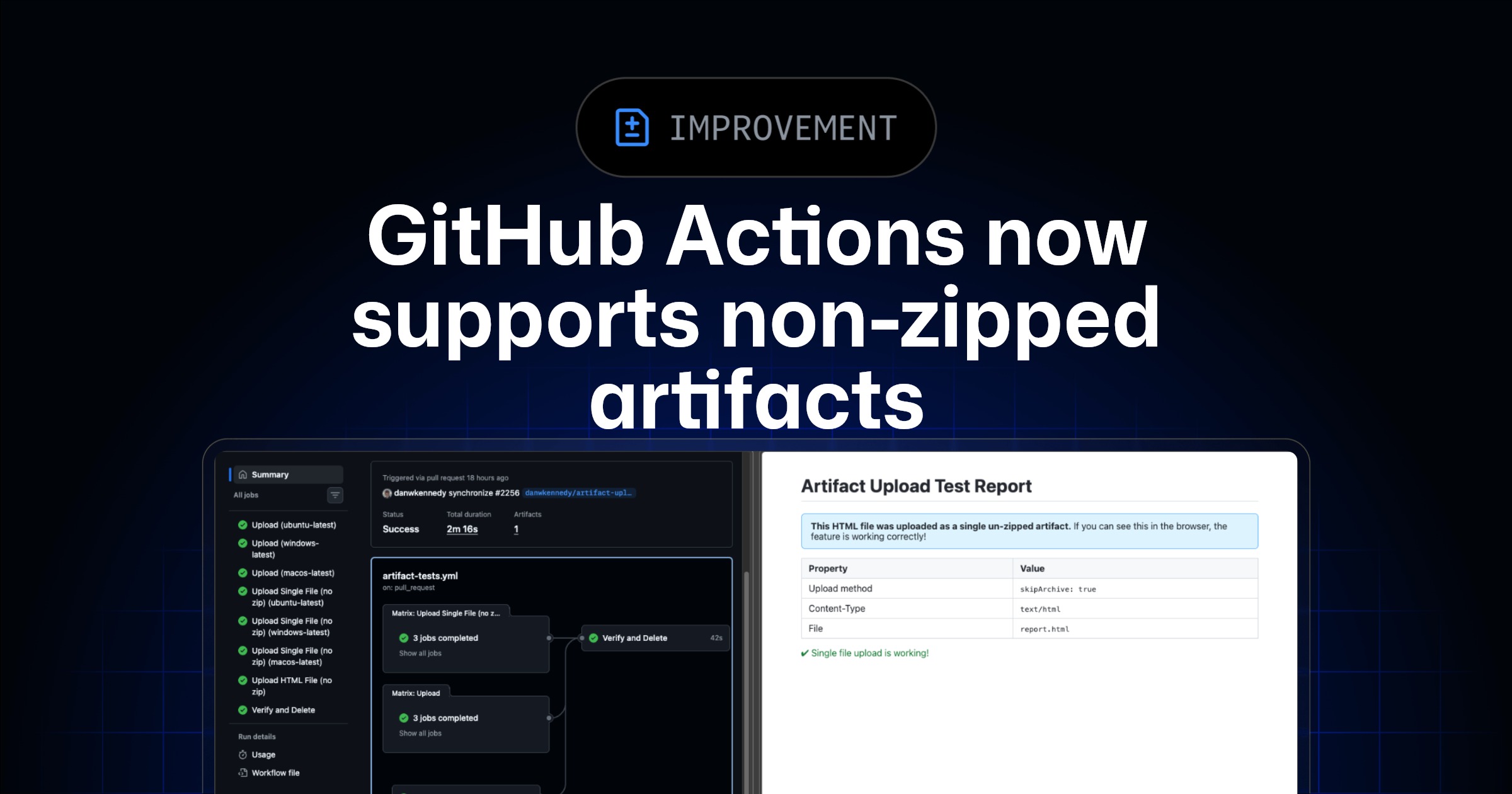
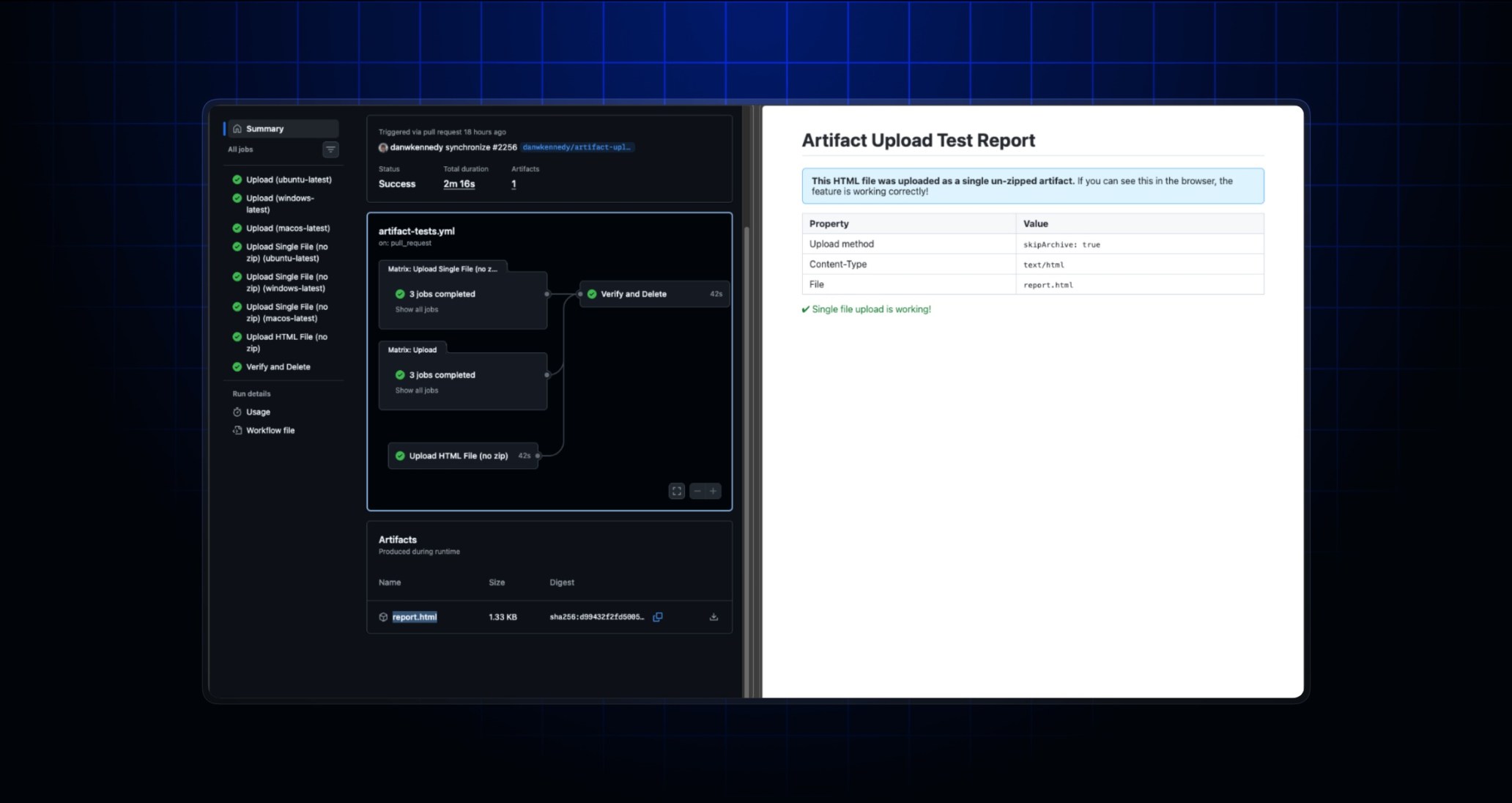
GitHub Actions has introduced a new capability for managing artifacts within workflows, allowing for the upload and download of files without automatic compression. Previously, artifacts uploaded via the actions/upload-artifact action were automatically zipped, and subsequent downloads, whether through the actions/download-artifact action or a web browser, would also result in a zipped file. This mandatory compression often created inefficiencies and frustration for users.
Support has been added to these actions, enabling the upload and download of unzipped artifacts. This enhancement addresses several key challenges:
- Users can now download single files directly through a browser without needing to manually unzip them.
- Files can be viewed natively in a browser if the file type is supported, such as basic HTML, images, or markdown, including on mobile devices.
- The “double zip” issue is eliminated; a file already compressed for size or permission retention will not be re-compressed during artifact upload.
This new functionality applies specifically to artifacts uploaded using actions/upload-artifact v7, provided the archive parameter is set to false. For backward compatibility, this parameter defaults to true. Artifacts uploaded with older versions of the action or prior to this update will remain zipped. To utilize this feature for downloading, users must also update to v8 of the actions/download-artifact action.
