
Close Menu
    Latest Post

    Verifying 5G Standalone Activation on Your iPhone

    March 1, 2026

    Hands on: the Galaxy S26 and S26 Plus are more of the same for more money

    March 1, 2026

    IronCurtain: A Secure AI Agent Designed to Prevent Rogue Actions

    March 1, 2026
    Facebook X (Twitter) Instagram
    Trending
    • Verifying 5G Standalone Activation on Your iPhone
    • Hands on: the Galaxy S26 and S26 Plus are more of the same for more money
    • IronCurtain: A Secure AI Agent Designed to Prevent Rogue Actions
    • Kwasi Asare’s Entrepreneurial Journey: Risk, Reputation, and Resilience
    • The Rubin Observatory’s alert system sent 800,000 pings on its first night
    • GitHub Actions Now Supports Unzipped Artifact Uploads and Downloads
    • Project Genie: Experimenting with Infinite, Interactive Worlds
    • Text Generation Using Diffusion Models and ROI with LLMs
    Facebook X (Twitter) Instagram Pinterest Vimeo
    NodeTodayNodeToday
    • Home
    • AI
    • Dev
    • Guides
    • Products
    • Security
    • Startups
    • Tech
    • Tools
    NodeTodayNodeToday
    Home»AI»Generate Images with Claude and Hugging Face
    AI

    Generate Images with Claude and Hugging Face

    Samuel AlejandroBy Samuel AlejandroFebruary 3, 2026No Comments3 Mins Read
    Share Facebook Twitter Pinterest LinkedIn Tumblr Reddit Telegram Email
    src 6nkbl1 featured
    Share
    Facebook Twitter LinkedIn Pinterest Email

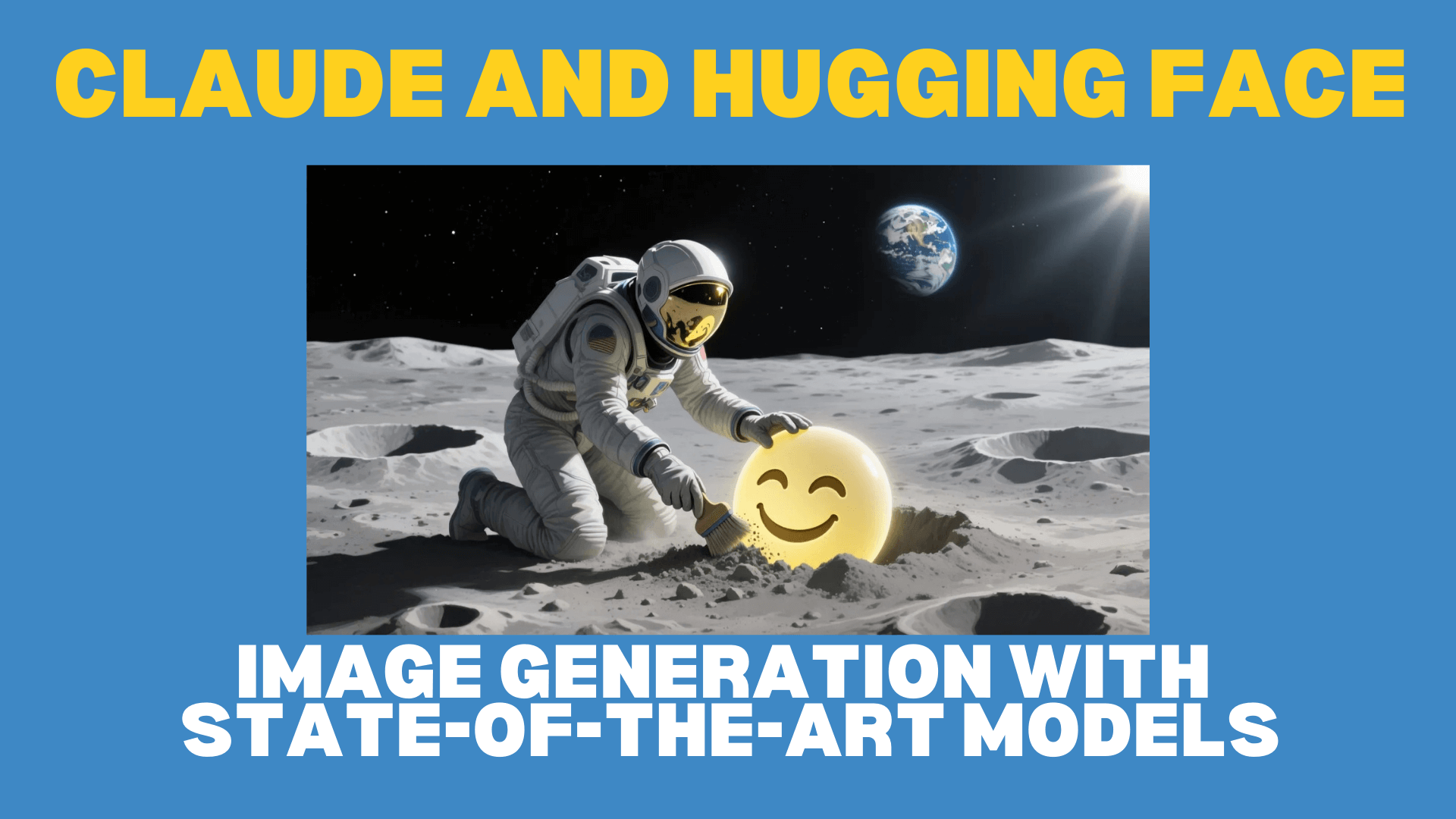
    TL;DR: Generating detailed images with advanced AI models is now simpler than ever by connecting Claude to Hugging Face Spaces. This article explains the process and benefits, introducing recently launched models that excel at producing natural-looking images or those incorporating text.

    Update October 2025: Due to an update in Anthropic’s Connector Directory Policy, users must now utilize the “Add custom connector” option. Set the Remote MCP server URL to https://huggingface.co/mcp?login to enable Image Generation and other Gradio Spaces within Claude.

    Introduction

    Recent advancements in image generation models have significantly improved their ability to create realistic outputs and integrate high-quality text. These models are now more accessible through direct connection to Claude.

    The advantages of generating images this way include:

    • AI can assist in crafting detailed prompts, potentially enhancing the quality of generated images.
    • AI can analyze generated images, then help refine designs and techniques for optimal results.
    • Users can easily switch between the latest models or select the most suitable one for specific needs.

    To begin, create a free Hugging Face account. Then, connect Claude via its “Search and tools” menu within the chat input box.

    Once Claude is connected, it can utilize tools from the Hugging Face MCP Server, expanding its capabilities. This includes access to AI applications running on innovative ZeroGPU powered Spaces. A Hugging Face account provides free credits for using these powerful models.

    After establishing the connection between Claude and Hugging Face, the next step involves configuring the image generation tools Claude can employ.

    Natural Images with Flux.1 Krea Dev

    FLUX.1 Krea [dev] aims to eliminate the common “AI look” often found in generated images, such as plastic-like skin, oversaturated colors, or excessively smooth textures. For images that resemble professional photography rather than computer-generated art, Krea provides realistic textures, natural lighting, and authentic aesthetics that other AI models often lack. Further details on its development are available on their blog.

    Examples from Krea

    Examples from the Krea Image Generator

    To use Krea with Claude, navigate to huggingface.co/mcp/settings and add mcp-tools/FLUX.1-Krea-dev to your “Spaces Tools.” This simple step enables Claude to generate high-quality, realistic images.

    Users can then try a prompt in Claude, such as: “Use Krea to create an image of a vibrant garden with victorian house.” This initiates the image generation process.

    Qwen Image

    Qwen-Image is an effective AI image generator known for its prompt adherence and accurate text rendering. This makes it suitable for creating posters, signs, infographics, and marketing materials where text quality is crucial. More information about the Qwen-Image model can be found in its blog post.

    Examples from Qwen

    Examples from the Qwen-Image Generator

    To use Qwen-Image, add mcp-tools/qwen-image from the MCP Servers setting page, then ensure it is enabled in Claude to begin using it.

    Qwen-Image includes a Prompt Enhancer designed to assist in writing detailed prompts. To use it, select “Qwen Prompt Enhancer” from the prompts menu and input an idea before submitting it to Claude.

    Both Krea and Qwen-Image can be enabled simultaneously, allowing for direct comparison of results. For instance, a user could prompt: “Use Krea and Qwen to generate a street scene with ‘Hugging Face’ graffiti sprayed on the wall.”

    Hugging Face Graffiti Street Scene

    Hugging Face Graffiti Street Scene

    Conclusion

    Integrating Claude with Hugging Face Spaces simplifies the use of cutting-edge models, even immediately after their release. The AI App Directory at https://huggingface.co/spaces offers extensive possibilities, including Video Generation, Web Search, Image Editing, and thousands more applications. A Pro account provides increased usage limits and additional benefits.

    Share. Facebook Twitter Pinterest LinkedIn Tumblr Email
    Previous ArticlePandas v Psycopg
    Next Article Fine-tune image optimization — WebP now supported in Configuration Rules
    Samuel Alejandro

    Related Posts

    AI

    Project Genie: Experimenting with Infinite, Interactive Worlds

    March 1, 2026
    AI

    Docker AI for Agent Builders: Models, Tools, and Cloud Offload

    February 28, 2026
    AI

    Perplexity’s New Computer: A Bet on Diverse AI Models

    February 27, 2026
    Add A Comment
    Leave A Reply Cancel Reply

    Latest Post

    ChatGPT Mobile App Surpasses $3 Billion in Consumer Spending

    December 21, 202517 Views

    Automate Your iPhone’s Always-On Display for Better Battery Life and Privacy

    December 21, 202515 Views

    Creator Tayla Cannon Lands $1.1M Investment for Rebuildr PT Software

    December 21, 202514 Views
    Stay In Touch
    • Facebook
    • YouTube
    • TikTok
    • WhatsApp
    • Twitter
    • Instagram
    About

    Welcome to NodeToday, your trusted source for the latest updates in Technology, Artificial Intelligence, and Innovation. We are dedicated to delivering accurate, timely, and insightful content that helps readers stay ahead in a fast-evolving digital world.

    At NodeToday, we cover everything from AI breakthroughs and emerging technologies to product launches, software tools, developer news, and practical guides. Our goal is to simplify complex topics and present them in a clear, engaging, and easy-to-understand way for tech enthusiasts, professionals, and beginners alike.

    Latest Post

    Verifying 5G Standalone Activation on Your iPhone

    March 1, 20264 Views

    Hands on: the Galaxy S26 and S26 Plus are more of the same for more money

    March 1, 20265 Views

    IronCurtain: A Secure AI Agent Designed to Prevent Rogue Actions

    March 1, 20264 Views
    Recent Posts
    • Verifying 5G Standalone Activation on Your iPhone
    • Hands on: the Galaxy S26 and S26 Plus are more of the same for more money
    • IronCurtain: A Secure AI Agent Designed to Prevent Rogue Actions
    • Kwasi Asare’s Entrepreneurial Journey: Risk, Reputation, and Resilience
    • The Rubin Observatory’s alert system sent 800,000 pings on its first night
    Facebook X (Twitter) Instagram Pinterest
    • About Us
    • Contact Us
    • Privacy Policy
    • Terms & Conditions
    • Disclaimer
    • Cookie Policy
    © 2026 NodeToday.

    Type above and press Enter to search. Press Esc to cancel.