


Epson EcoTank ET-4950 Series Overview
The Epson EcoTank ET-4950 series represents an evolution in Epson’s refillable ink tank technology. This all-in-one printer is well-suited for home office environments, delivering quality prints on diverse media while maintaining exceptionally low cost per page due to its affordable bottled ink system.
- Pros
- Auto-duplex scan
- Low running cost
- Includes three years’ worth of ink
- User-friendly design
- Cons
- No USB Host port or NFC
- Lacks a multi-purpose tray
- No Bluetooth connectivity
- Cannot scan heavy paper
Specifications
Type: color inkjet 4-in-1 printer
Functions: Print, copy, scan, fax
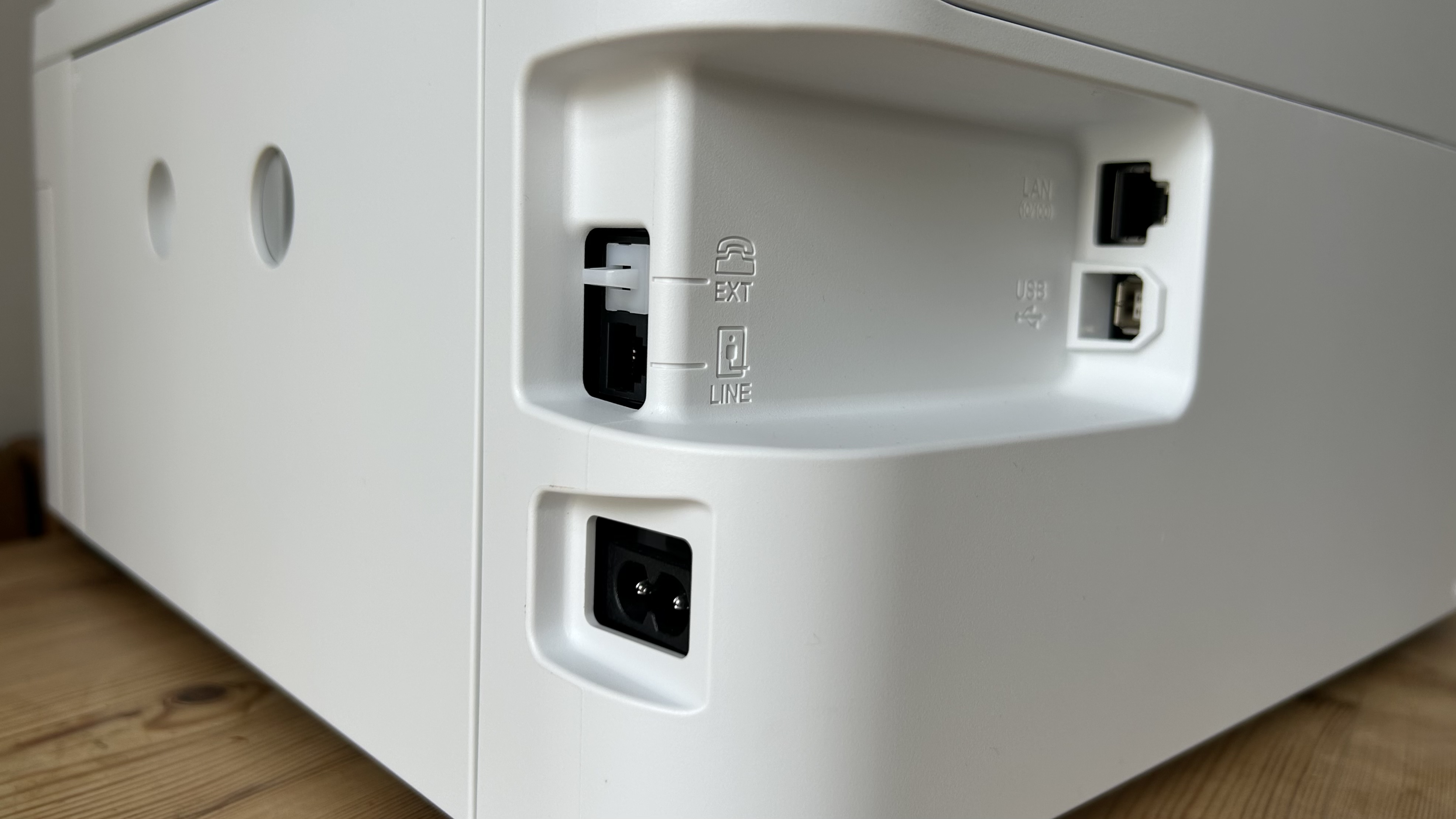
Connectivity: Ethernet, USB, Wi-Fi
Data storage slots: none
Print speed: 35ppm (mono)
Max paper size: Legal/Letter/A4
Max print quality: 4,800 x 1,200 dpi
Memory: unknown
Apple AirPrint: yes
Consumables included: 5 bottles; 15,100 black pages, 5,500 color
Dimensions/Weight: 375 x 347 x 240 mm (WxDxH)/16lb/7.3kg
Epson’s EcoTank series has achieved significant sales, demonstrating the success of its refillable ink concept. The Epson EcoTank ET-4950 series showcases a refined design, positioning it as a top-tier all-in-one inkjet printer. The ET-4950 series, available in white (ET-4956 variant) and black, offers a feature set suitable for any small business or home-based professional. It supports both duplex printing and duplex scanning, features an improved automatic document feeder (ADF), and boasts faster print speeds compared to its predecessor.
A key appeal of this printer is the substantial amount of ink included in the box, estimated to last for three years. However, the initial purchase price is relatively high. This review examines whether this new model can maintain Epson’s leadership in the increasingly competitive refillable 4-in-1 printer market.
Epson EcoTank ET-4950 Series: Design and Build
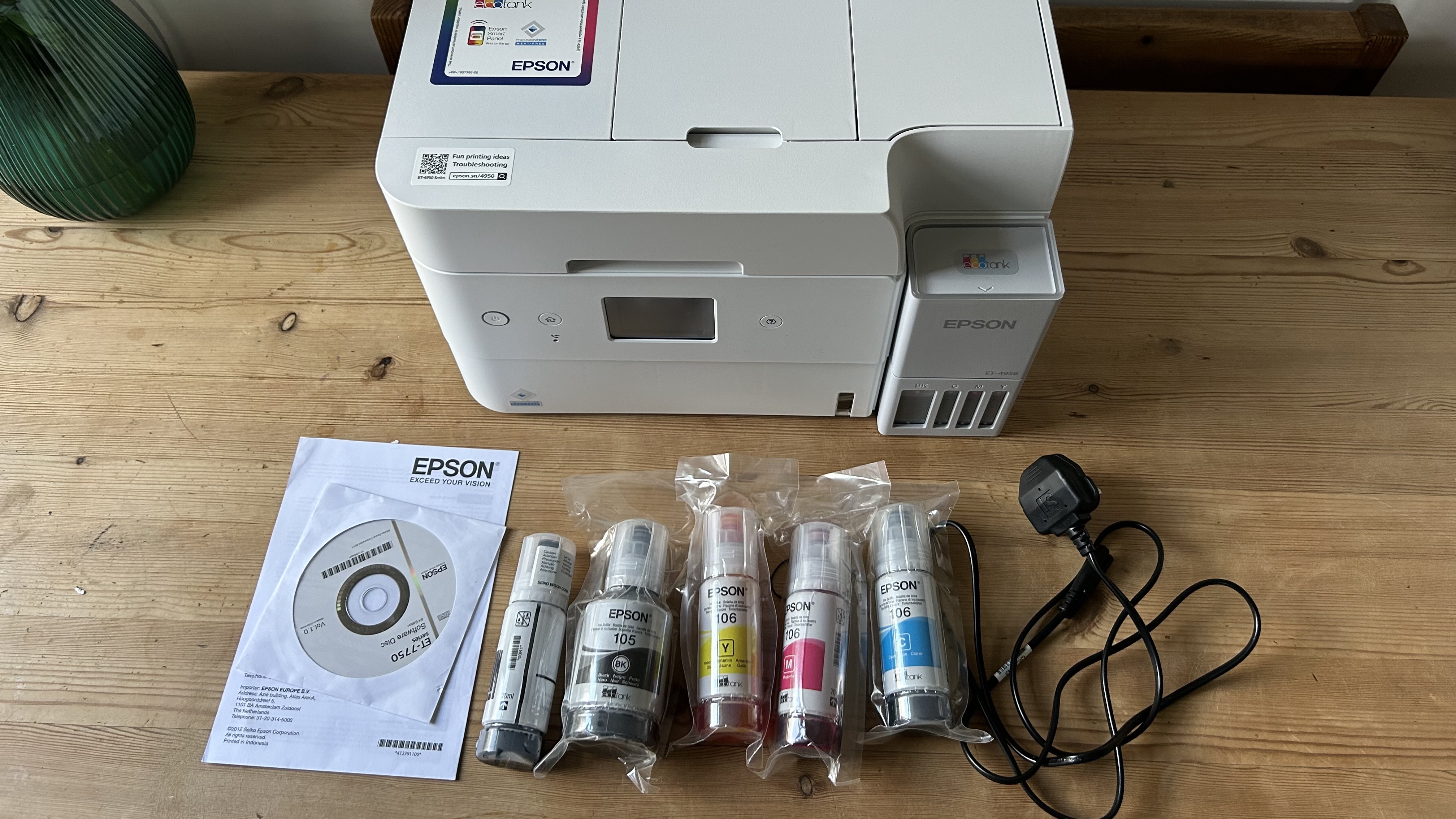
The redesigned aesthetic is modern, particularly in the white finish. A folding front panel ensures the touchscreen display remains visible, while a new status light around the ink tank cover provides clear visual feedback on the printer’s activity from a distance. The smooth plastic construction feels robust, and the motorized paper output tray extends smoothly for each print job.
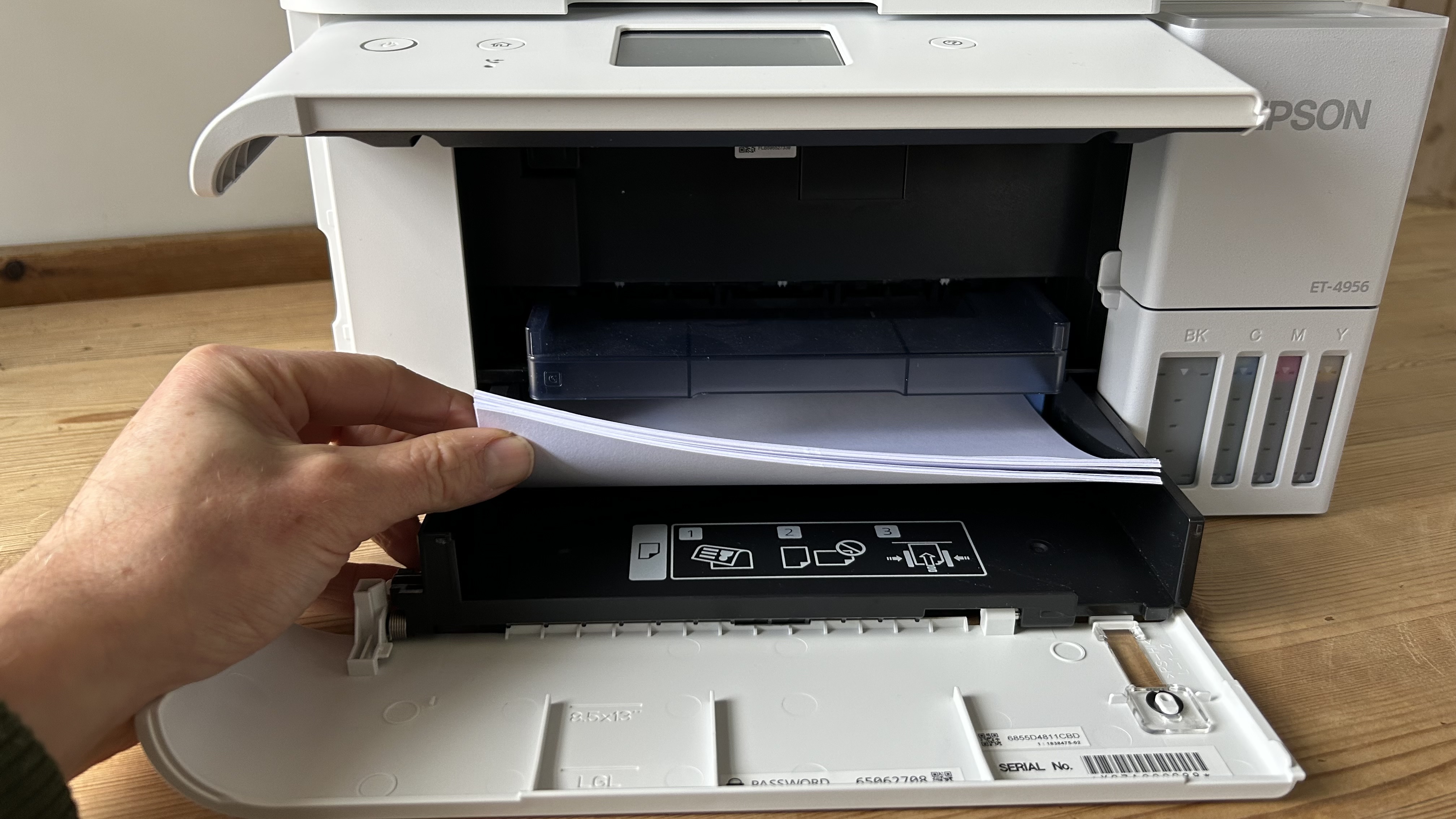
The paper input tray accommodates up to 250 sheets of letter or A4-sized paper. The absence of a second input tray means users must unload the main tray when switching between different media types.
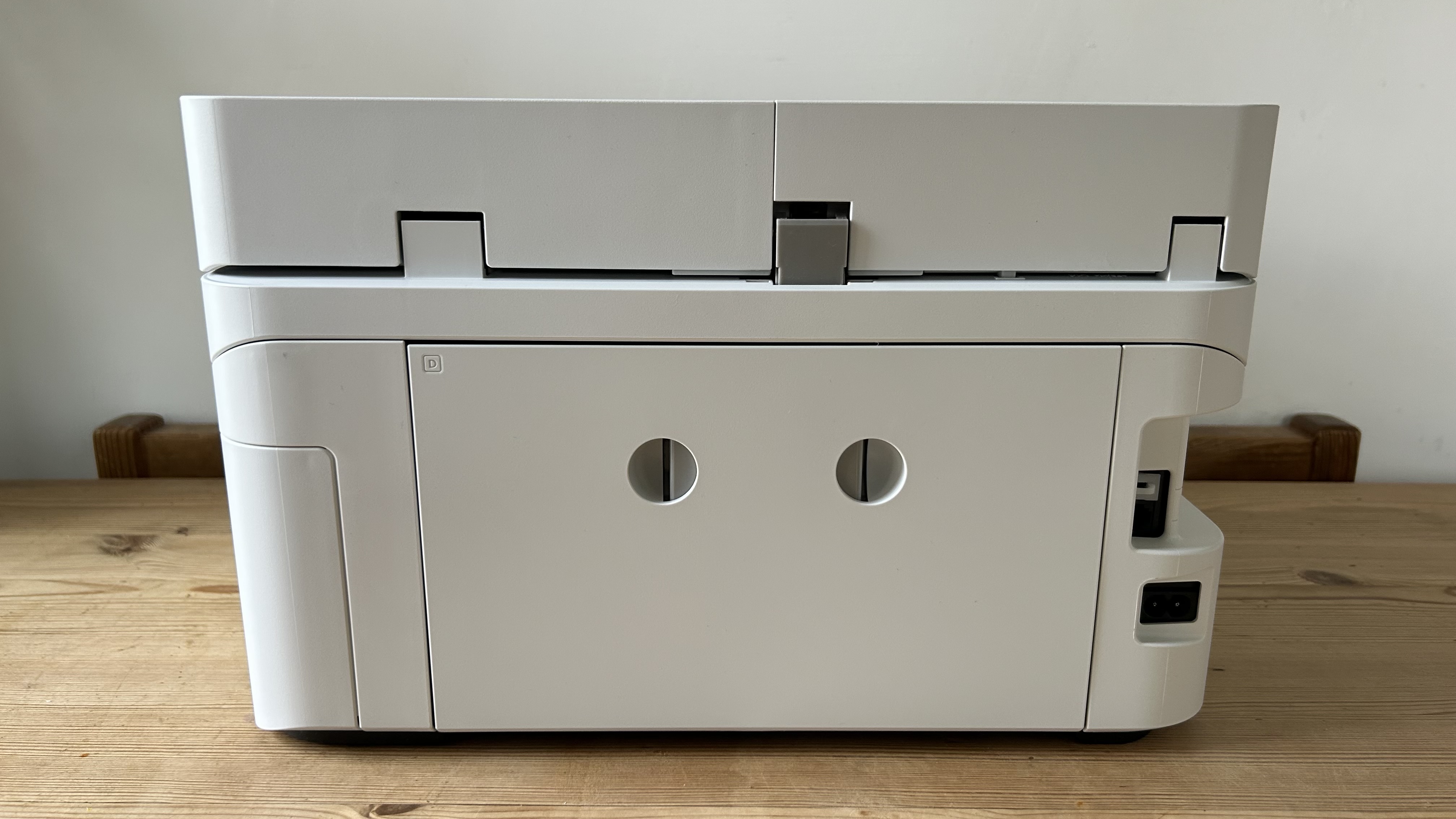
The 2.4-inch touchscreen, while compact, is responsive and sufficiently sized for operation. Cable ports are conveniently located on the left side, and the relatively large 70ml ink tanks are seamlessly integrated on the opposite side. Overall, the design is practical and the build quality is solid.
Epson EcoTank ET-4950 Series: Features & Specifications
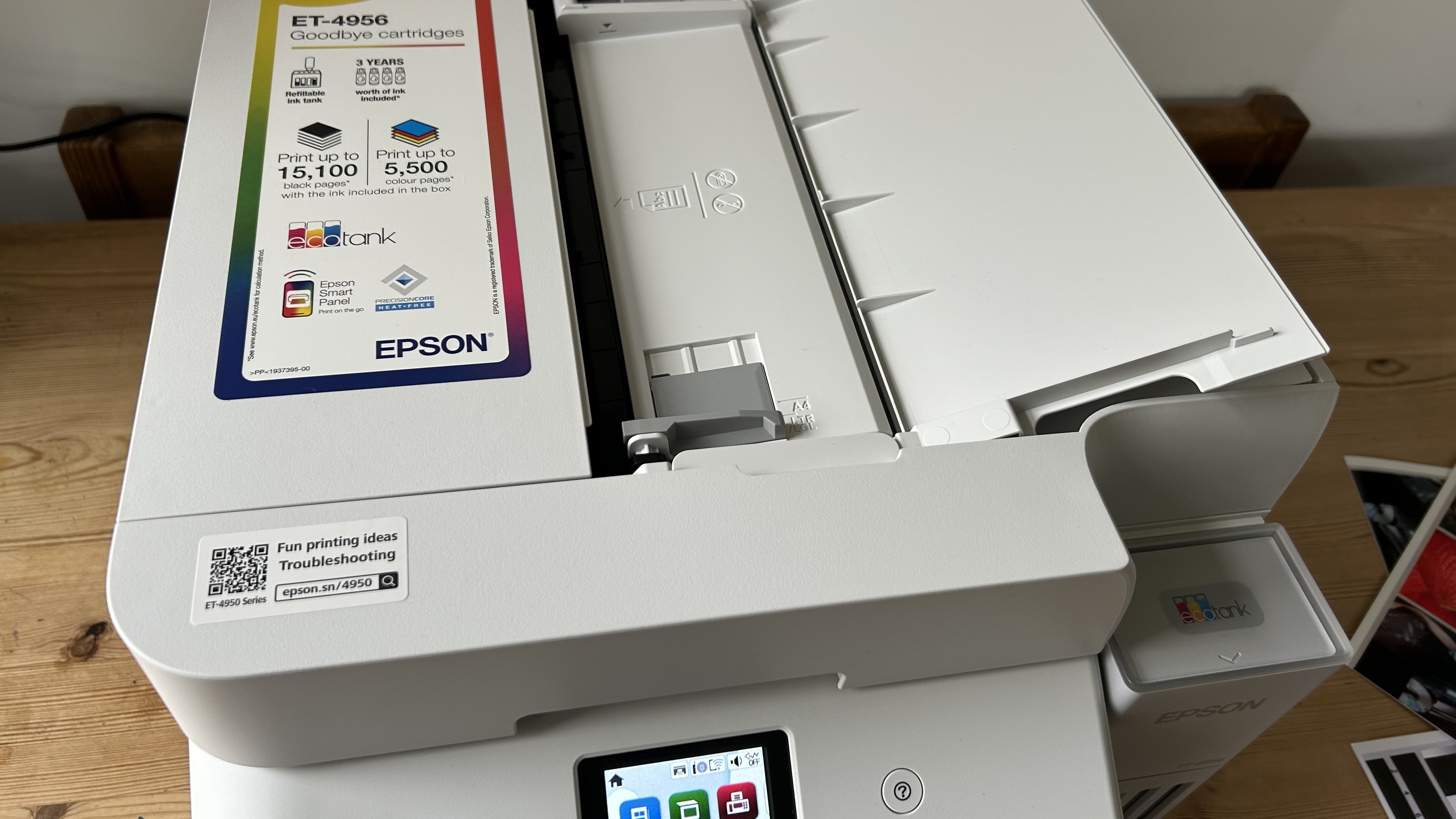
As the premium model in Epson’s range, the ET-4950 series is a four-in-one multifunction device offering print, scan, copy, and fax capabilities, alongside numerous additional features. Its 30-sheet automatic document feeder (ADF) supports automatic double-sided scanning, a notable improvement over the previous model.
The printer utilizes a PrecisionCore print head with 784 inkjet nozzles, achieving a print resolution of 4,800 x 1,200 DPI. It includes Wi-Fi 5 with AirPrint compatibility and can handle paper weights up to 300g/m².
Print speeds are fast for an inkjet, with a claimed top speed of 35 pages per minute (ppm) for monochrome simplex pages and 23 ppm for color. While the ISO/IEC 24734 standard rates it at 18 ppm, it prints faster than its predecessor and compares favorably to other inkjets in its class. The quoted 8.5-second first page out time (FPOT) is accurate and impressively quick.
Missing features include Bluetooth, NFC, a USB Host port for direct printing or scanning to a USB drive, and a multi-purpose tray. While the first three are minor omissions for many users, a second paper input tray would significantly enhance the printer’s versatility. This might be a consideration for future updates.
Epson EcoTank ET-4950 Series: Setup and Operation
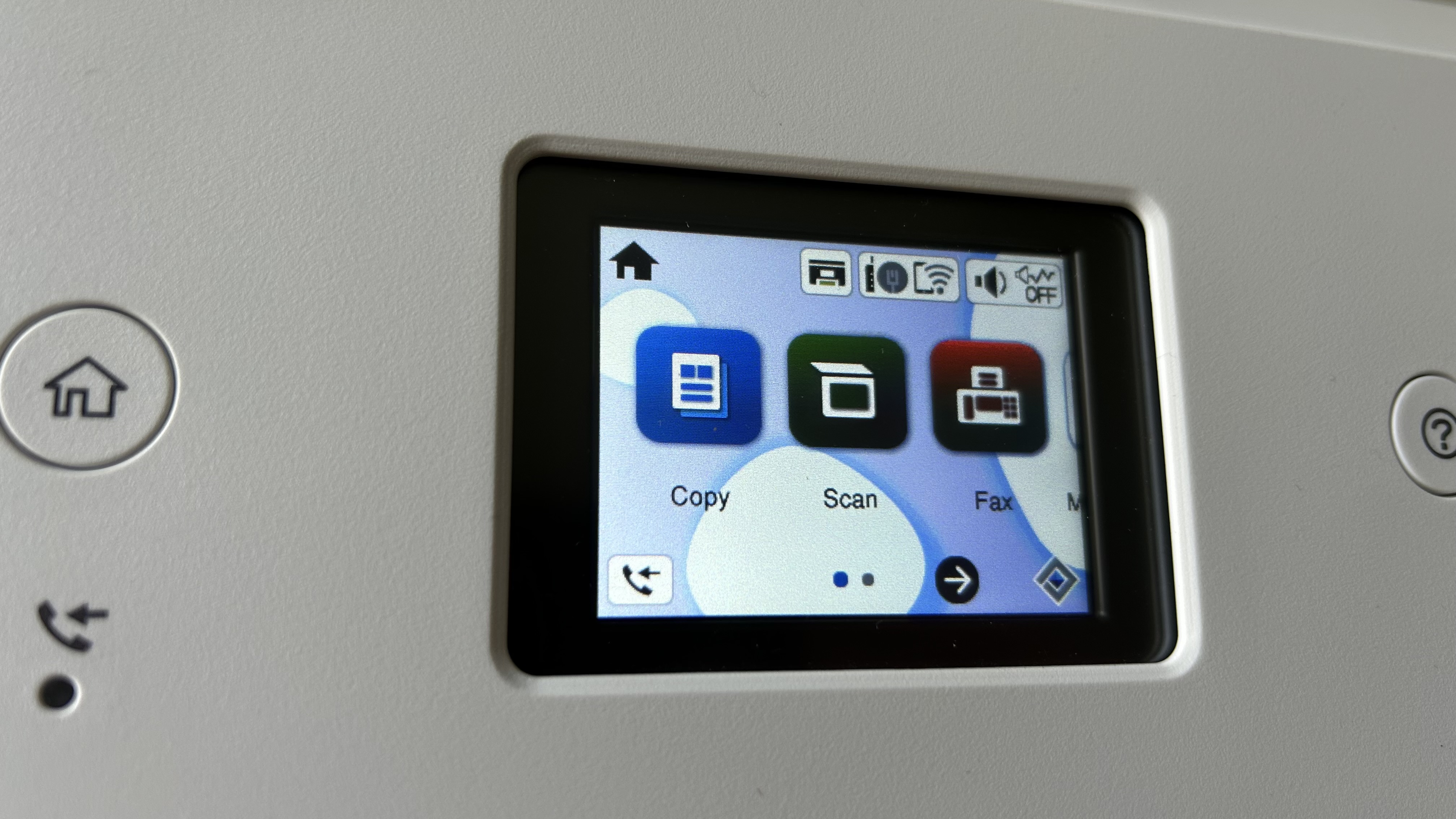
The included quick-start guide simplifies the setup process. Users need to remove all transport tape, load paper, connect the power, turn on the device, and follow the on-screen instructions.
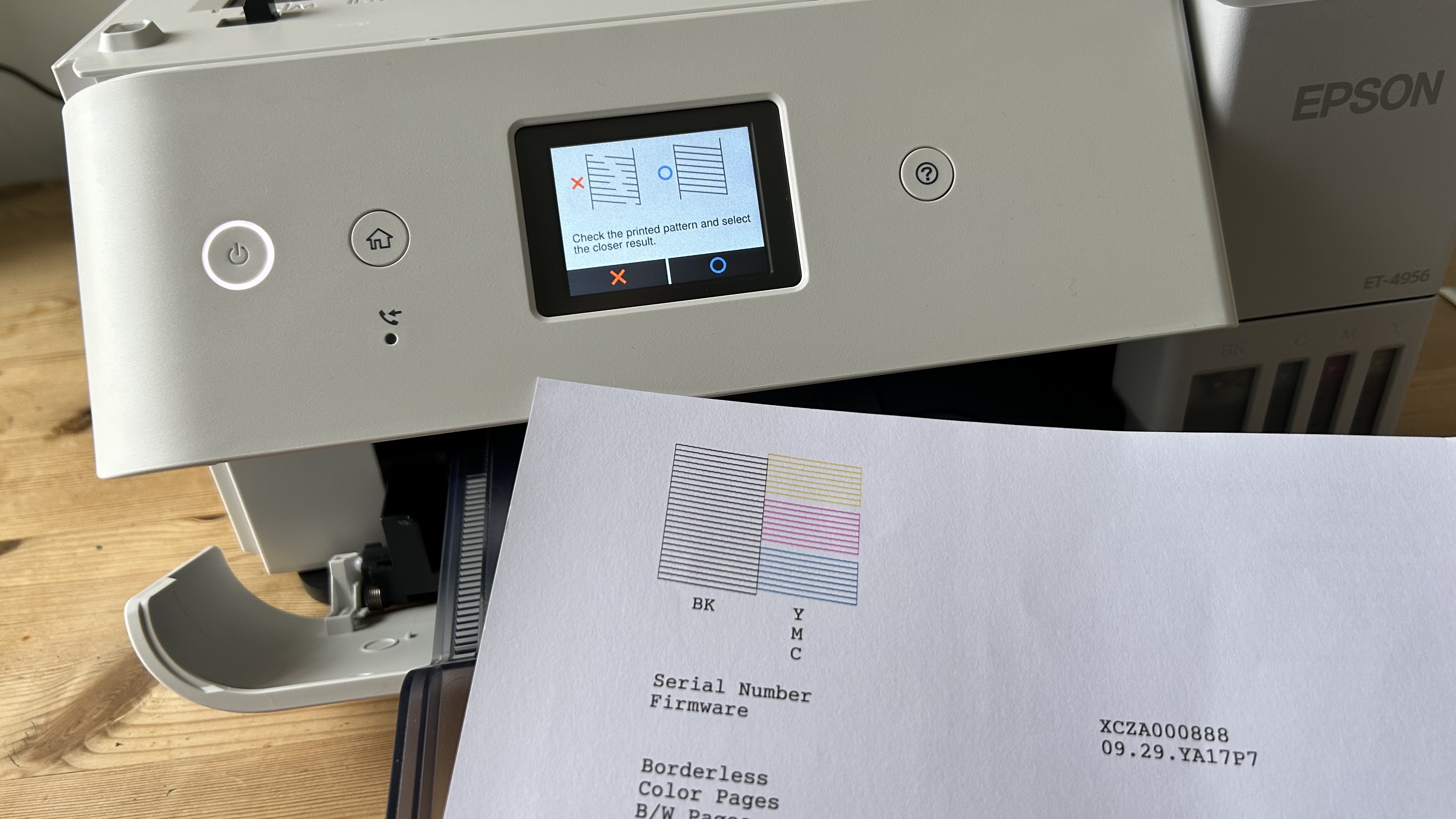
Downloading the Epson Smart Panel app for Android or iPhone is recommended, as it streamlines connecting the printer to a Wi-Fi network. Printing test pages when prompted helps ensure proper nozzle alignment and function.
Refilling the ink reservoirs is a clean and straightforward process. The ink bottles contain the same volume as the tanks (70ml for color, 127ml for black), and each spout is uniquely shaped to fit only its corresponding tank, preventing accidental mixing.
Epson EcoTank ET-4950 Series: Performance
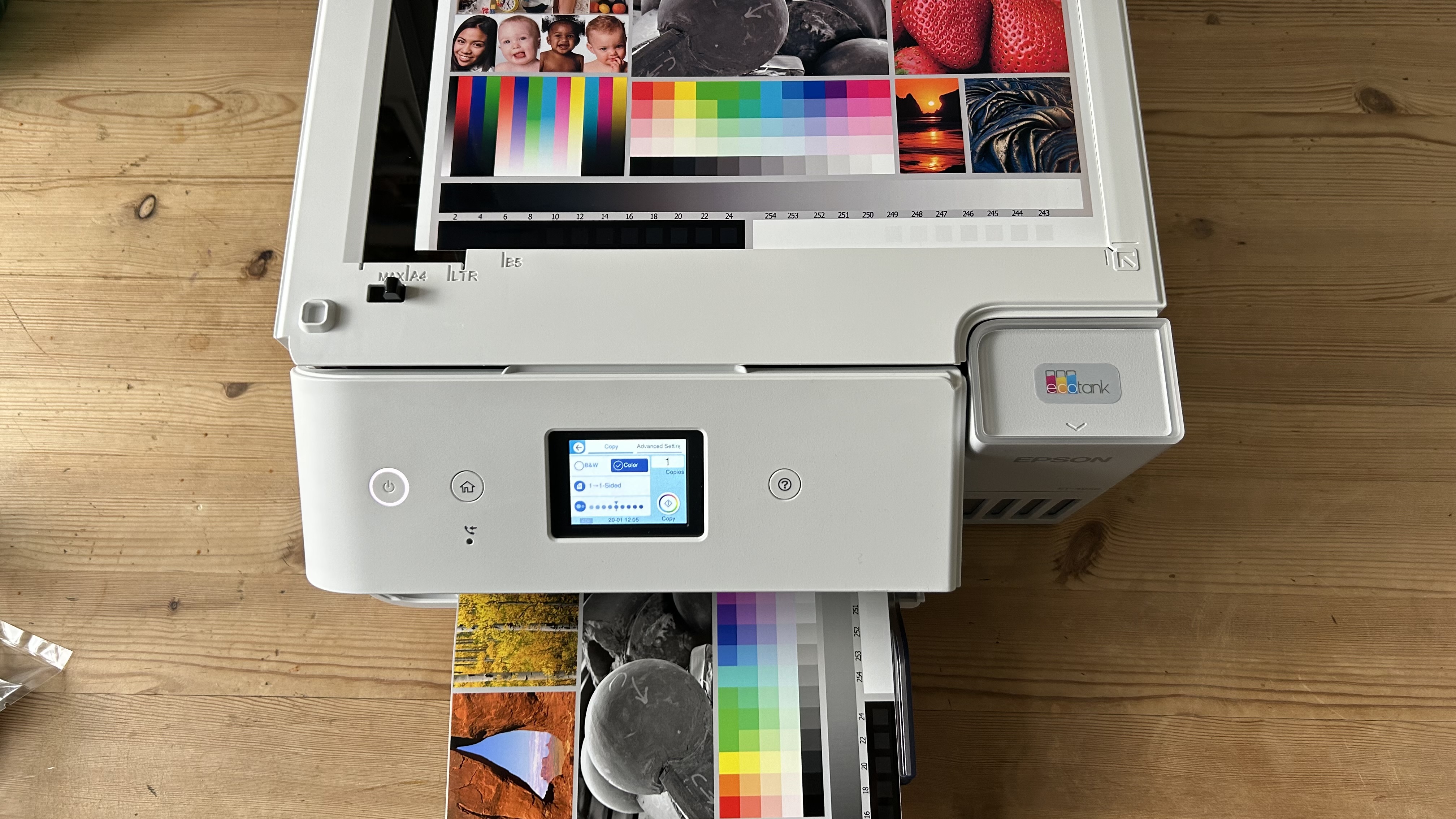
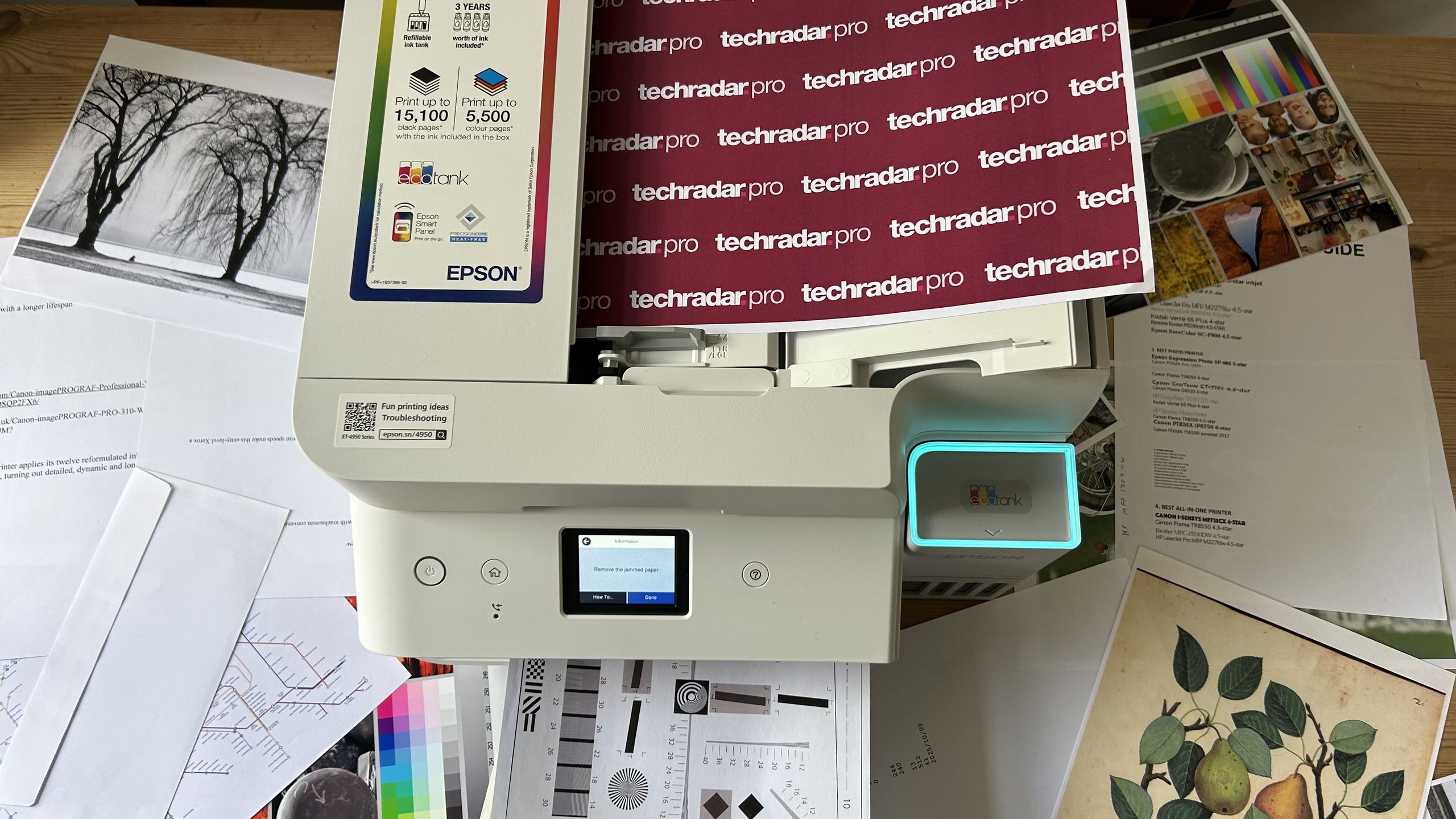
The Epson EcoTank ET-4956 demonstrated strong overall performance, printing quickly and cleanly. A single paper jam occurred when a photograph was loaded into the automatic document feeder for copying. While the manual states compatibility with paper up to 300g/m² (the photo paper used was 200g/m²), this capacity applies to the main tray, not the ADF.
Aside from this incident, test pages were satisfactory, though no significant improvement in quality was observed compared to the previous EcoTank ET-4850. This is expected, given the use of the same heat-free inkjet technology and hybrid pigment and dye-based inks.
Plain text pages print quietly in simplex mode, and paper is efficiently turned in auto-duplex mode. The pigment black ink is applied precisely, though it may not appear as dark as that from printers like the Canon MAXIFY GX4020, which uses a similar hybrid ink system.
Color documents highlight the Epson’s strengths, as its dye-based cyan, magenta, and yellow inks produce particularly bright and vivid results. This also benefits photo printing. The Epson recognizes various coated photo paper types, and with premium glossy photo paper, test photos exhibited excellent vibrancy. The printer achieves an enhanced resolution of 4,800 x 1,200, sufficient for general photo printing, though dedicated photo printers, such as the Canon PIXMA G3270, can produce sharper images at a lower cost.
Epson EcoTank ET-4950 Series: Consumables
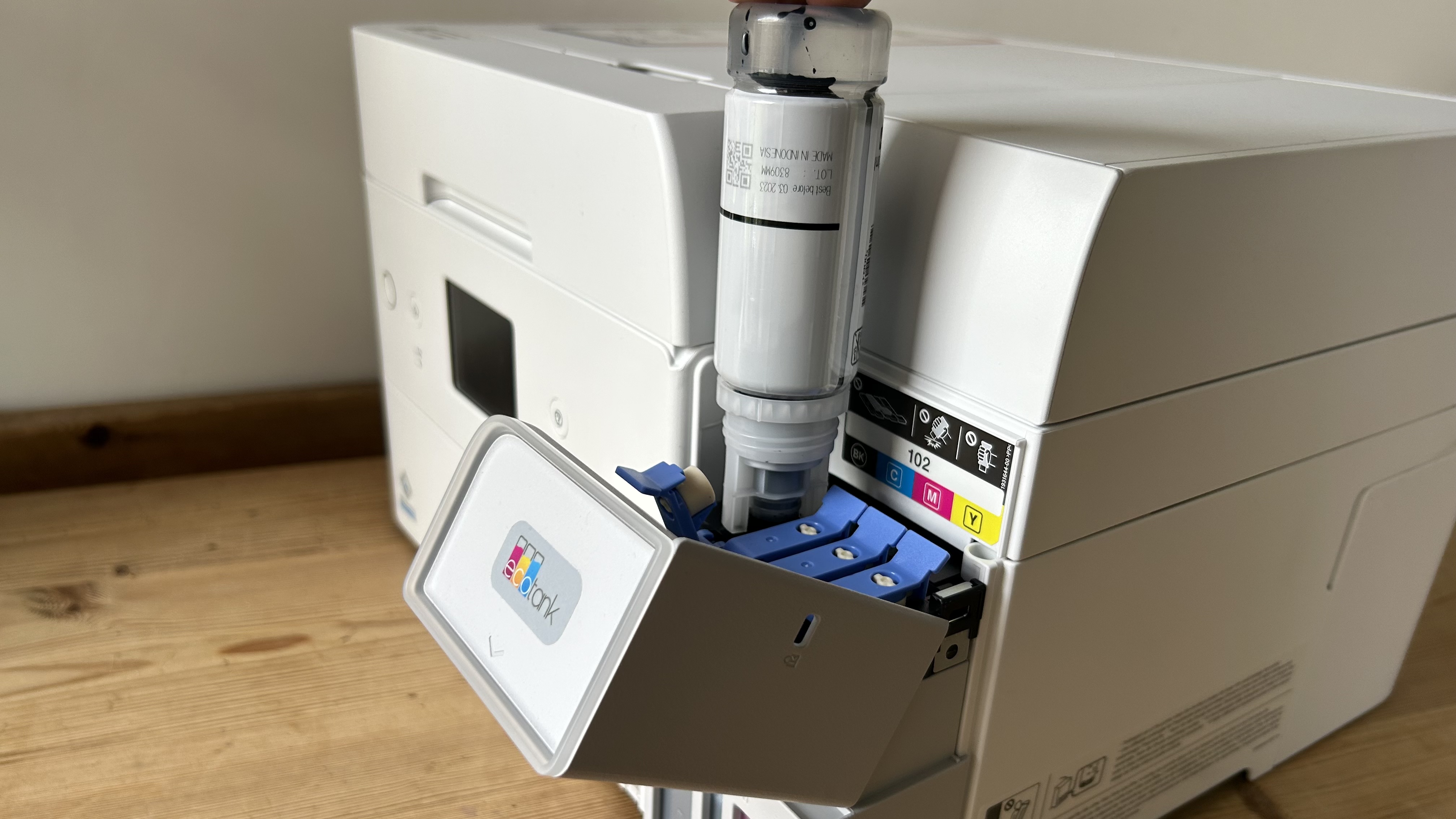
The Epson EcoTank ET-4950 includes five ink bottles, totaling 464ml of ink. This volume is roughly equivalent to 65 standard ink cartridges and is estimated by Epson to provide enough ink for approximately three years of printing before refills are needed.
Epson’s bottled ink is significantly more affordable than cartridge ink, and third-party ink options offer even greater savings. This makes Epson’s claim of up to 95% lower running costs compared to cartridge printers appear reasonable.
Epson EcoTank ET-4950 Series: Maintenance
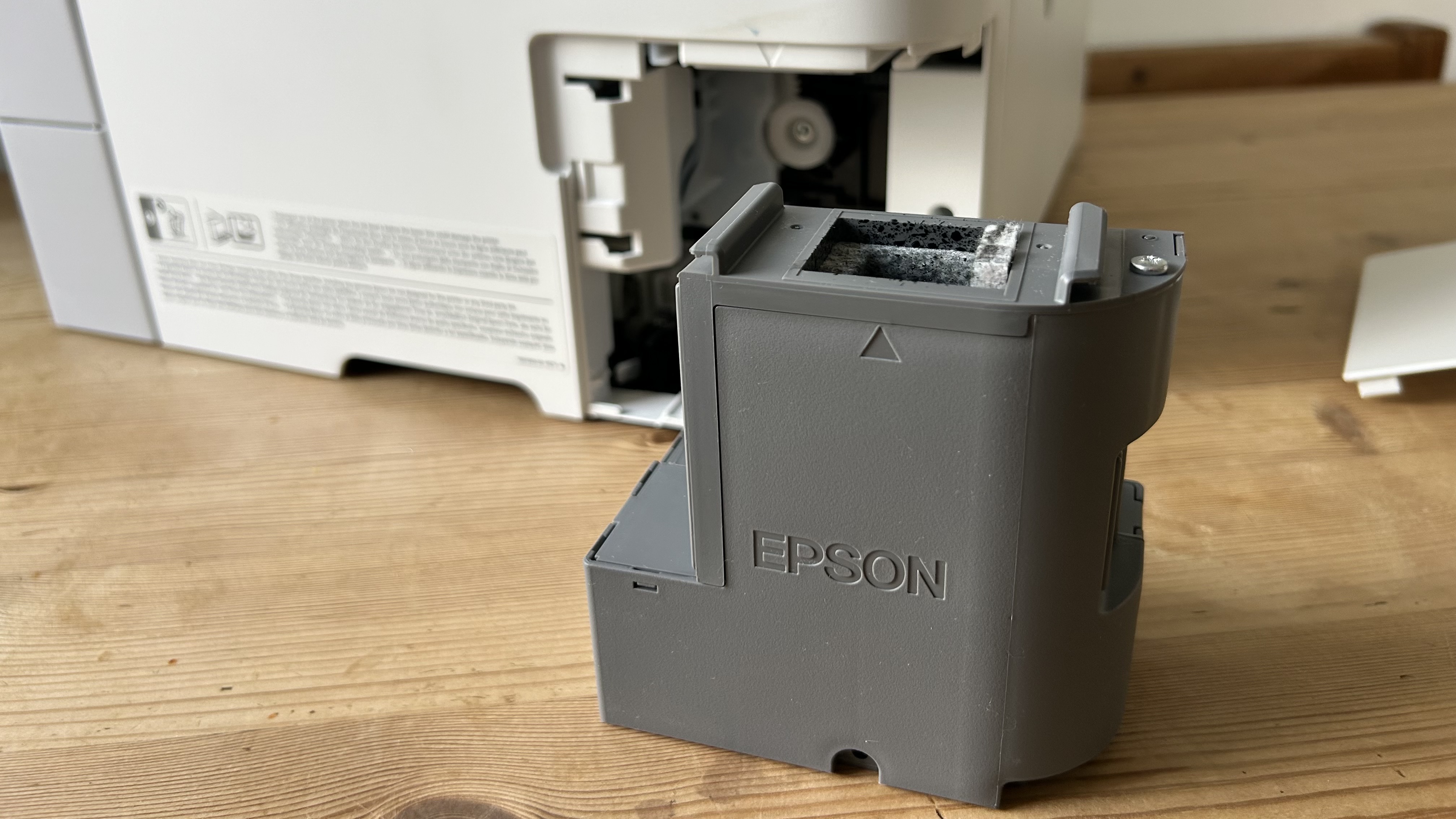
Epson’s heat-free printing technology eliminates the need for printhead replacement, a common cost for many inkjet users. This printer also features improved engineering to reduce nozzle clogging.
However, the settings menu provides several anti-clogging cycles that can be run if dried ink issues arise. Epson offers a one-year or 100,000-page warranty with this model.
Users may eventually need to replace the maintenance box, which collects small amounts of excess ink from printing and cleaning cycles. A replacement typically costs around ten dollars, though it appears possible to empty and clean the existing one to save money.
Epson EcoTank ET-4950 Series: Final Verdict
The Epson EcoTank ET-4950 and its variants demonstrate Epson’s strong position in the refillable, mid-price office printer category. The printer is easy to set up and operate, thanks to its responsive touchscreen and thoughtful design. It includes all essential features for home workers or small shared offices.
Key strengths include its relatively fast duplex printing, seamless 5GHz Wi-Fi connectivity, and the production of crisp, colorful test pages on various media. The two-sided scan feature and the generous amount of included ink are also significant advantages.
The ink tank printer category is increasingly competitive, with more affordable options like the Brother DCP-T780DW, the HP Smart Tank 7001 with larger ink tanks, and the Canon MAXIFY GX4020 offering superior print quality. Despite these rivals, the Epson EcoTank ET-4950 series stands out with more features and a robust all-round performance, making it a highly recommended choice.
