


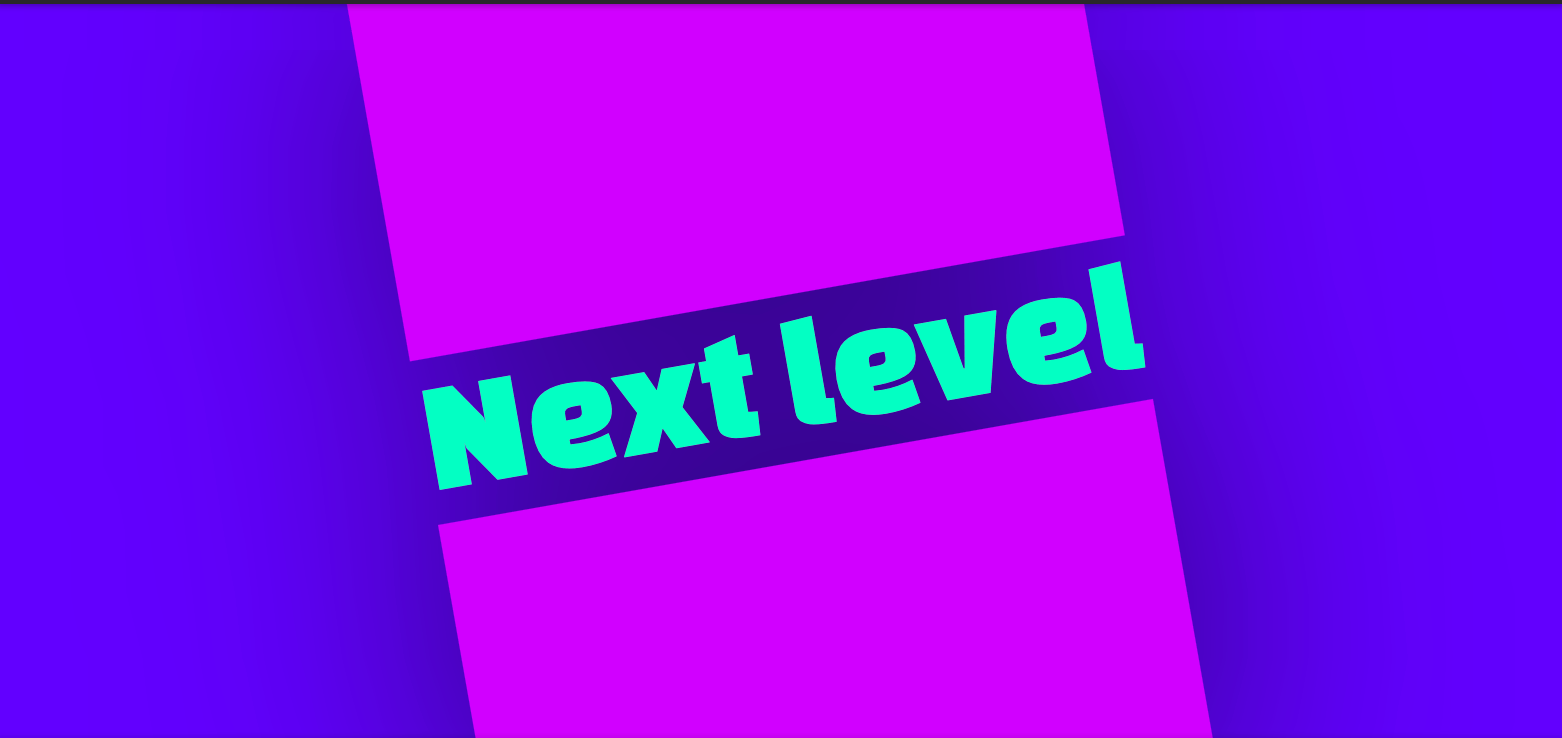
The CSS property text-decoration-inset addresses a long-standing issue on the web: text decorations like underlines often extend past the actual text characters, reaching the content box edges. This can lead to visual misalignment.

While some users might not notice or care about this detail, designers often find this misalignment visually bothersome.
Previously, attempting to fix this issue was often more trouble than it was worth. A common workaround involved using text-decoration: none and a custom ::after pseudo-element with a background, but this method can be complex. Many prefer to utilize native text decoration features like text-decoration-thickness, text-underline-position (for adjusting the underline’s position relative to font metrics, such as the baseline), and text-underline-offset (to control the offset from that position).
So, how does text-decoration-inset function? By trimming an underline just enough to align it vertically with the text, a more precise appearance can be achieved. (Note: This functionality is currently supported in Firefox 146+).

This property allows for extensive trimming of text decorations, opening up possibilities for creative designs and even animated effects.
text-decoration-inset basic usage
The text-decoration-inset property, previously known as text-decoration-trim, allows clipping from the ends of an underline or any other computed text-decoration-line. The syntax is as follows:
text-decoration-inset: <left-inset> <right-inset>;This property allows for distinct inset values to be applied to the left and right sides of the decoration.
The values for text-decoration-inset must be <length> units. Relative lengths, like em units, are particularly useful as they scale with the computed font-size. This ensures that if the font size changes, the insets adjust proportionally. For instance, a value like 0.076em (representing 7.6% of the computed font-size) can be used to align the left inset with the left stem of a character like “N”. While this value might require some trial and error to find, it typically only needs to be determined once per font.
If the initial character were, for example, “W”, the inset might not align perfectly, indicating that this is not a universally flawless solution. It is most effective in scenarios where the content is known in advance.
The W3C may eventually develop a solution for automatically and accurately aligning text decorations and multiple lines of text. In the meantime, text-decoration-inset offers a valuable method for achieving precisely aligned effects, such as those involving both overlines and underlines with customized text-decoration-thickness.
Animating text-decoration-inset
The text-decoration-inset property becomes particularly compelling when considering transitions and animations. While custom ::after pseudo-elements are often used for animating underlines, text-decoration-inset allows for native animation. An example might involve multiplying the inset values on :hover. It is important to remember that only <length> values are permitted, so using em units is advisable, and testing with various font sizes is recommended.
Currently, Firefox 146 or newer is required for this functionality:
a {
  transition: 300ms;
  text-decoration-inset: 0.046em 0.009em;

  &:hover {
    text-decoration-inset: calc(0.046em * 10);
  }
}
A more advanced demonstration utilizes a CSS @keyframes animation to achieve a “shooting star” underline effect. This is accomplished by pushing the left inset across the element. Since only <length> values are allowed (percentages like 100% are not), a specific em value, such as 4.5em representing the element’s width, can be used. Precision in this value improves the animation or transition quality. Further details can be found in the code comments:
a {
  /*
    The value at the start and end of the
    animation, as well as the default value
  */
  text-decoration-inset: 0.046em 0.009em;

  &:hover {
    animation: 1s next-level;
  }
}

@keyframes next-level {
  /* By half-way through the animation... */
  50% {
    /*
      ...the left inset has shifted 4.5em,
      which is the full width of the element
    */
    text-decoration-inset: 4.5em 0.009em;

    /* It’s faded out as well */
    text-decoration-color: transparent;
  }

  /* Immediately after that... */
  50.999% {
    /* ...both insets are set to the left */
    text-decoration-inset: 0.046em 4.5em;
  }

  /* Then it animates back to the default value */
}
In summary, text-decoration-inset is a valuable CSS feature. While it has some limitations, like any property, its ability to natively refine details is a significant benefit. Specifically, it allows for improved text decoration alignment relative to the text and enables native transitions or animations for these decorations.
