Close Menu
    Latest Post

    Verifying 5G Standalone Activation on Your iPhone

    March 1, 2026

    Hands on: the Galaxy S26 and S26 Plus are more of the same for more money

    March 1, 2026

    IronCurtain: A Secure AI Agent Designed to Prevent Rogue Actions

    March 1, 2026
    Facebook X (Twitter) Instagram
    Trending
    • Verifying 5G Standalone Activation on Your iPhone
    • Hands on: the Galaxy S26 and S26 Plus are more of the same for more money
    • IronCurtain: A Secure AI Agent Designed to Prevent Rogue Actions
    • Kwasi Asare’s Entrepreneurial Journey: Risk, Reputation, and Resilience
    • The Rubin Observatory’s alert system sent 800,000 pings on its first night
    • GitHub Actions Now Supports Unzipped Artifact Uploads and Downloads
    • Project Genie: Experimenting with Infinite, Interactive Worlds
    • Text Generation Using Diffusion Models and ROI with LLMs
    Facebook X (Twitter) Instagram Pinterest Vimeo
    NodeTodayNodeToday
    • Home
    • AI
    • Dev
    • Guides
    • Products
    • Security
    • Startups
    • Tech
    • Tools
    NodeTodayNodeToday
    Home»Guides»Enhance Google Maps Saved Places with Emojis
    Guides

    Enhance Google Maps Saved Places with Emojis

    Samuel AlejandroBy Samuel AlejandroFebruary 25, 2026No Comments2 Mins Read
    Share Facebook Twitter Pinterest LinkedIn Tumblr Reddit Telegram Email
    src 1riscge featured
    Share
    Facebook Twitter LinkedIn Pinterest Email

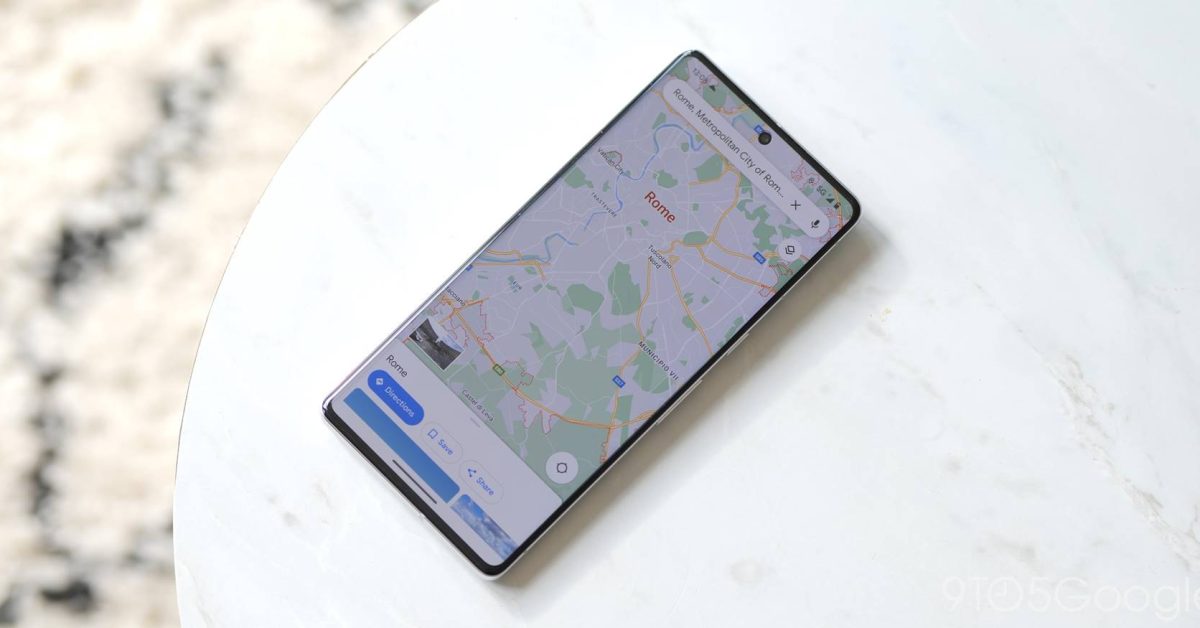
    Google Maps offers a useful feature for saving locations, whether they are places to visit, favorite restaurants, or important addresses. However, as the list of saved places grows, it can become challenging to quickly identify specific locations. Fortunately, Google Maps provides a simple yet effective way to enhance visibility and organization: using emojis.

    Adding emojis to your saved places allows for instant visual recognition, making it easier to navigate your personalized maps. Instead of seeing generic pins, you can assign a unique emoji that represents the nature of the location, such as a 🍕 for a pizza place or a ✈️ for an airport.

    How to Customize Saved Places with Emojis

    The process for updating your saved places with emojis is straightforward and can be done in just a few steps:

    1. Open the Google Maps application on your mobile device.
    2. Tap on the Saved tab located at the bottom of the screen.
    3. Select the specific list where the place you wish to edit is located (e.g., “Want to go,” “Starred places,” or a custom list).
    4. Locate the saved place you want to customize and tap the three-dot More menu icon next to its name.
    5. From the options that appear, select Edit place.
    6. A small icon or the current emoji will be visible next to the place’s name. Tap on this icon.
    7. A selection of emojis will appear. Choose the emoji that best suits the location.
    8. Tap Save to apply the changes.

    Image 1

    Once an emoji is assigned, it will appear next to the place’s name in your saved lists and on the map itself, providing a quick visual cue. This customization helps in quickly distinguishing between different types of locations and improves the overall user experience when managing numerous saved spots.

    Benefits of Using Emojis for Saved Places

    • Improved Visibility: Emojis make specific locations stand out on the map and in your lists.
    • Enhanced Organization: Visually categorize places, making it simpler to find what you need.
    • Personalization: Add a unique touch to your saved locations, reflecting their purpose or your connection to them.

    This simple customization can significantly streamline how you interact with your saved places in Google Maps, turning a cluttered list into an organized and visually appealing guide.

    Share. Facebook Twitter Pinterest LinkedIn Tumblr Email
    Previous ArticleRetro Camera Showdown: Camp Snap Pro vs. Flashback One35 V2
    Next Article Potentially Coming to a Browser :near() You
    Samuel Alejandro

    Related Posts

    Guides

    Verifying 5G Standalone Activation on Your iPhone

    March 1, 2026
    Guides

    Modern PC hardware failure rates aren’t increasing, the expectations are just higher

    March 1, 2026
    Guides

    Android 17 Beta 2 Introduces Apple-Like Handoff and “Bubbles” Multitasking

    February 28, 2026
    Add A Comment
    Leave A Reply Cancel Reply

    Latest Post

    ChatGPT Mobile App Surpasses $3 Billion in Consumer Spending

    December 21, 202517 Views

    Automate Your iPhone’s Always-On Display for Better Battery Life and Privacy

    December 21, 202515 Views

    Creator Tayla Cannon Lands $1.1M Investment for Rebuildr PT Software

    December 21, 202514 Views
    Stay In Touch
    • Facebook
    • YouTube
    • TikTok
    • WhatsApp
    • Twitter
    • Instagram
    About

    Welcome to NodeToday, your trusted source for the latest updates in Technology, Artificial Intelligence, and Innovation. We are dedicated to delivering accurate, timely, and insightful content that helps readers stay ahead in a fast-evolving digital world.

    At NodeToday, we cover everything from AI breakthroughs and emerging technologies to product launches, software tools, developer news, and practical guides. Our goal is to simplify complex topics and present them in a clear, engaging, and easy-to-understand way for tech enthusiasts, professionals, and beginners alike.

    Latest Post

    Verifying 5G Standalone Activation on Your iPhone

    March 1, 20264 Views

    Hands on: the Galaxy S26 and S26 Plus are more of the same for more money

    March 1, 20265 Views

    IronCurtain: A Secure AI Agent Designed to Prevent Rogue Actions

    March 1, 20264 Views
    Recent Posts
    • Verifying 5G Standalone Activation on Your iPhone
    • Hands on: the Galaxy S26 and S26 Plus are more of the same for more money
    • IronCurtain: A Secure AI Agent Designed to Prevent Rogue Actions
    • Kwasi Asare’s Entrepreneurial Journey: Risk, Reputation, and Resilience
    • The Rubin Observatory’s alert system sent 800,000 pings on its first night
    Facebook X (Twitter) Instagram Pinterest
    • About Us
    • Contact Us
    • Privacy Policy
    • Terms & Conditions
    • Disclaimer
    • Cookie Policy
    © 2026 NodeToday.

    Type above and press Enter to search. Press Esc to cancel.