


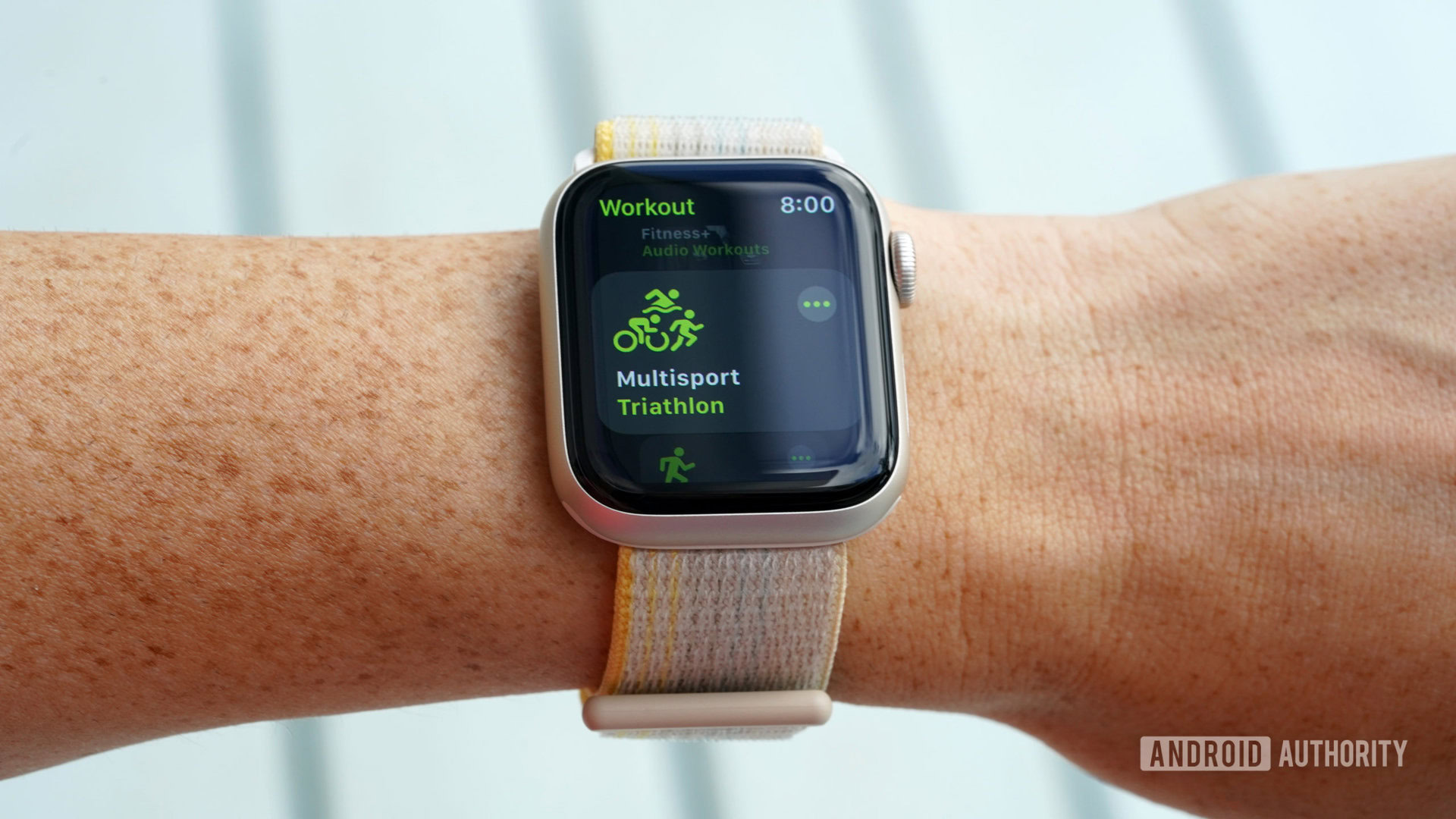
With the WatchOS 9 update, Apple enhanced its features for endurance sports athletes directly on the device. A notable addition is the new Multisport mode. This guide explains how to utilize this triathlon-friendly workout mode to track your activities using your Apple Watch. To begin a triathlon workout, simply open the Workout app on your Apple Watch, then scroll and tap Multisport.
How to use the Multisport workout mode
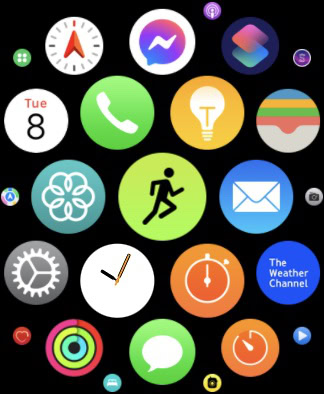
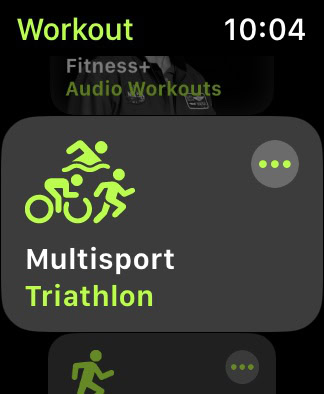
Apple’s Multisport workout mode allows athletes to combine running, cycling, and swimming into a single, continuous workout. The Apple Watch automatically detects transitions between these activities.
- Open the Workout app on your Apple Watch.
- Scroll to and tap Multisport workout. The default option is Triathlon.
- For alternative activity combinations or to create a custom workout, tap the More icon (three dots).
How to create a custom multisport workout
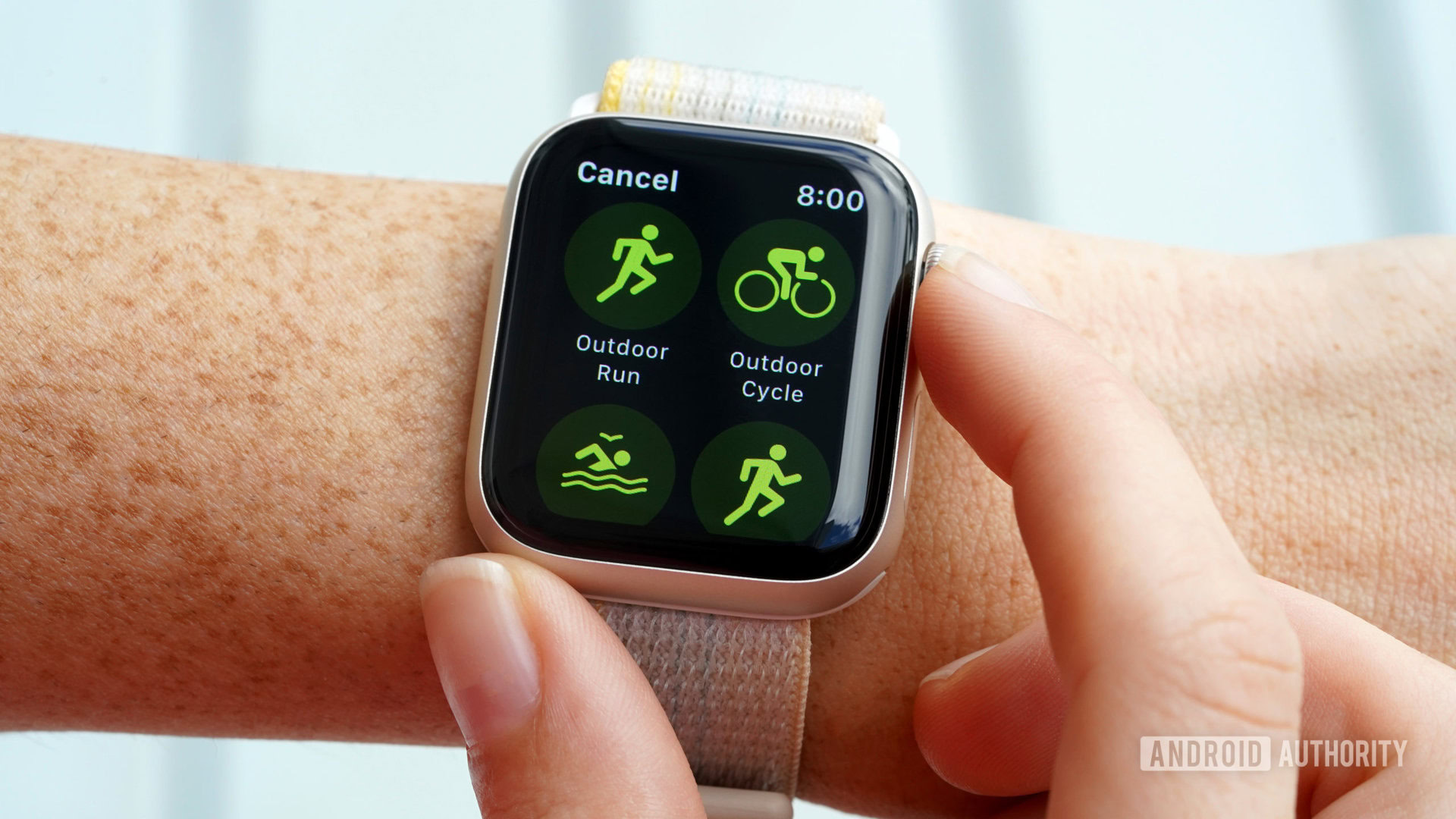
Users have the option to build a multisport workout from scratch. This allows for tailored workouts with unique activity combinations, customized views, and specific goals. Multisport workouts can incorporate any mix of the following activities:
- Outdoor Run
- Outdoor Cycle
- Open Water Swim
- Indoor Run
- Indoor Cycle
- Pool Swim

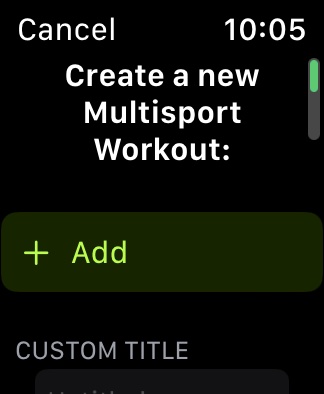
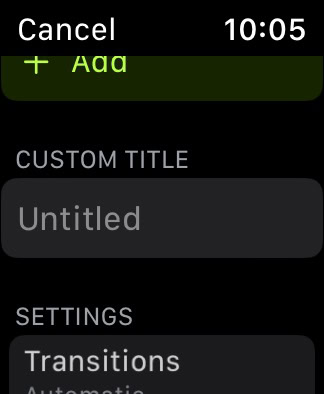
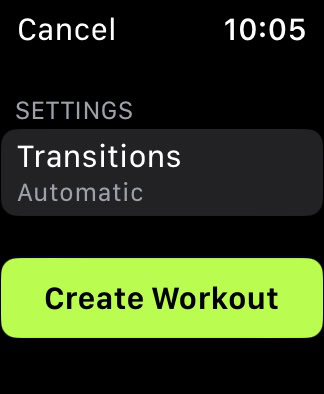
Creating custom multisport or modified triathlon workouts on your Apple Watch involves a few simple steps:
- Open the Workout app and navigate to Multisport.
- Tap the More icon (three dots).
- Scroll down and tap Create Workout.
- Tap Add, then select the first activity for your workout.
- Add subsequent activities as needed.
- After adding, tap each activity to adjust workout views, alerts, or to change the order of the segments.
- Tap Untitled under Custom Title, then enter a name for your new workout.
- Tap Create Workout to save.
A specific limitation in customization is that consecutive indoor and outdoor versions of the same activity cannot be included. For instance, a workout can feature Outdoor Run, Outdoor Cycle, Indoor Run, but not Outdoor Run followed immediately by Indoor Run, Outdoor Cycle. Similarly, an Outdoor Cycle cannot directly follow an Indoor Cycle, nor can a Pool Swim immediately follow an Open Water Swim.
Frequently Asked Questions
Which Apple Watch is best for triathletes?
The Apple Watch Ultra is considered the top choice for triathletes and other race participants due to its Precision Start feature.
Can an Apple Watch Ultra endure an Ironman-length event?
Yes. Apple states the Apple Watch Ultra provides up to 36 hours of battery life, which can be extended to approximately 60 hours when using the device’s Low Power Mode.
How do I delete a Multisport workout on the Apple Watch?
To delete a Multisport workout: tap the More icon (three dots) on the Multisport workout tile. Then, tap the pencil icon next to the workout you wish to remove, scroll down, and tap Delete Workout. Confirm by tapping Delete.
