


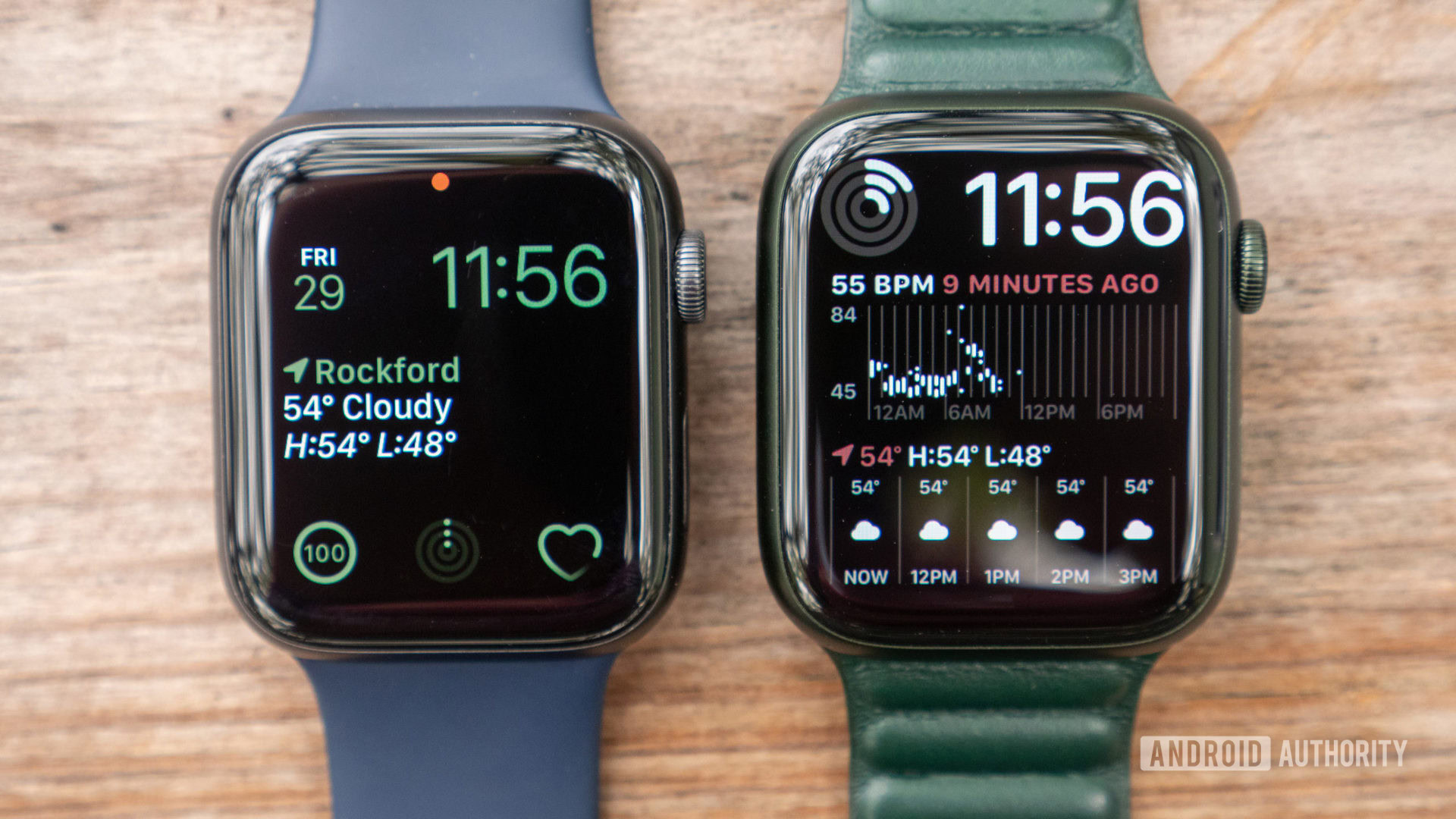
Smartwatches offer the convenience of switching between analog and digital time displays, and the Apple Watch is no exception. While users can select a classic aesthetic, there’s also an option to display time in the 24-hour format, often referred to as military time. This guide explains how to enable this setting on your Apple Watch.
Quick Steps to Enable 24-Hour Time
To quickly change your Apple Watch to military time, open the Watch app on your iPhone, navigate to Clock, and then activate the 24-Hour Time toggle.
Detailed Guide: Changing Apple Watch to Military Time
Follow these steps using your iPhone to switch your Apple Watch to display time in the 24-hour format:
- Open the Watch app on your iPhone.
- Tap the My Watch tab.
- Select Clock.
- Toggle on the 24-Hour Time option.
- Consider changing your Apple Watch face to a digital one if you haven’t already.
- Note that the 24-Hour Time setting will not affect the display on an analog watch face.
- Your Apple Watch clock should now show the time in military format.
It’s important to understand that this change only applies to your Apple Watch. Your iPhone’s time display will remain unaffected. If you wish to enable 24-hour time on your iPhone as well, go to Settings, then General > Date & Time, and toggle on 24-Hour Time.
Frequently Asked Questions
Is military time recommended for Apple Watch?
Using military time on your Apple Watch is beneficial if you prefer a digital watch face. It can simplify glancing at the time by removing the need for AM/PM indicators. Ultimately, the choice depends on personal preference.
Can both 12-hour and 24-hour time be displayed simultaneously on an Apple Watch?
Apple does not offer an official watch face that simultaneously displays both 12-hour and 24-hour time formats. However, it might be possible to configure a complication to show one of these formats.
What is the distinction between military time and 24-hour time?
When referring to the time display on an Apple Watch, there is no practical difference between military time and 24-hour time; both terms refer to the same format.
