


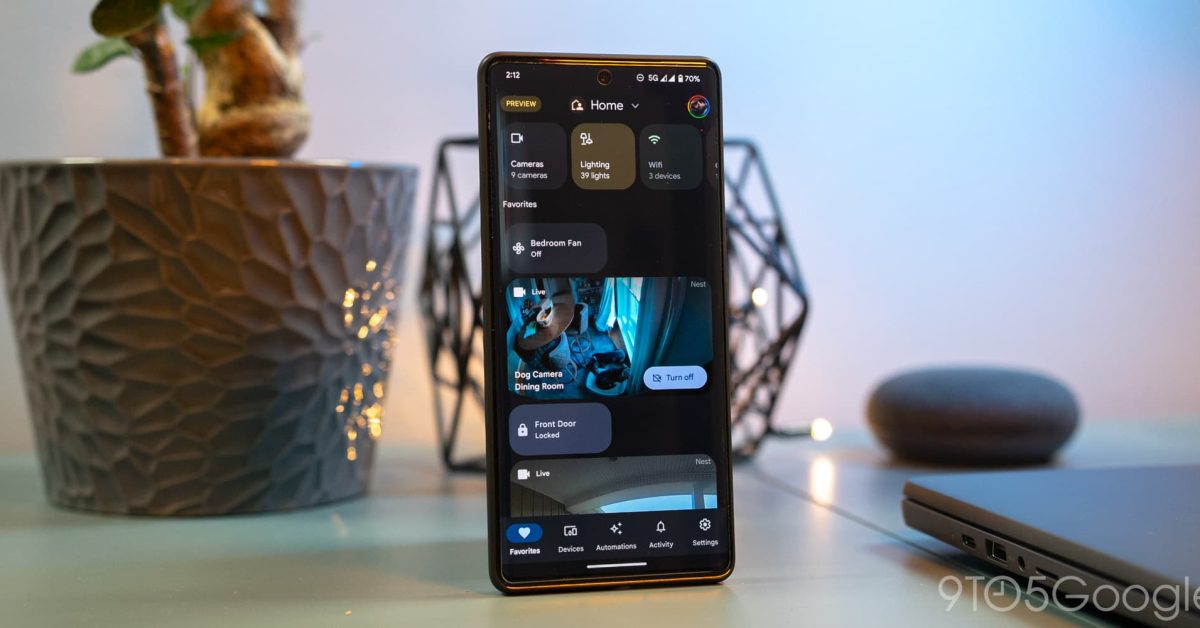
Google frequently introduces new features and improvements for its smart home ecosystem. For users eager to experience these updates before their official public release, the Google Home Public Preview program offers an exclusive opportunity. This program allows participants to test upcoming functionalities on their compatible devices, such as Nest Hubs, Chromecast, and various Google Assistant-enabled speakers.
Joining the Public Preview is a straightforward process, enabling users to provide feedback and help shape the future of Google Home. Here’s a step-by-step guide on how to enroll:
How to Join the Google Home Public Preview Program
- Open the Google Home App: Launch the Google Home application on your smartphone or tablet.
- Access Settings: On the main screen, locate and tap the “Settings” icon.
- Find Public Preview: Scroll down through the settings menu until you find the “Public Preview” option. Tap on it.
- Initiate Enrollment: Within the Public Preview section, you will see an option to “Join.” Tap this button to proceed.
- Review Terms: Carefully read the terms and conditions associated with the program. Once reviewed, tap “Join program” to confirm your understanding and agreement.
- Select Devices: The app will then prompt you to choose which of your eligible Google Home devices you wish to enroll in the preview. This could include devices like your Nest Hub, Chromecast, or various smart speakers. Select all desired devices.
- Confirm Enrollment: After selecting your devices, confirm your choices to finalize the enrollment process.

Once enrolled, your selected devices will begin receiving preview updates as they become available. It’s important to remember that preview features might not always be fully stable and could occasionally exhibit bugs or unexpected behavior, as they are still under development.
How to Leave the Google Home Public Preview Program
Should you decide to stop participating in the Public Preview program, the process to opt out is just as simple:
- Open the Google Home App: Launch the Google Home application.
- Access Settings: Tap the “Settings” icon.
- Find Public Preview: Scroll to and tap on the “Public Preview” option.
- Leave Program: Instead of “Join,” you will now see an option to “Leave program.” Tap this button.
- Confirm Exit: Confirm your decision to leave the program. Your devices will then revert to receiving standard public software updates.
Participating in the Google Home Public Preview offers a unique chance to get a sneak peek at upcoming innovations and contribute to their development. Users can easily join or leave the program at any time through the Google Home app.
