


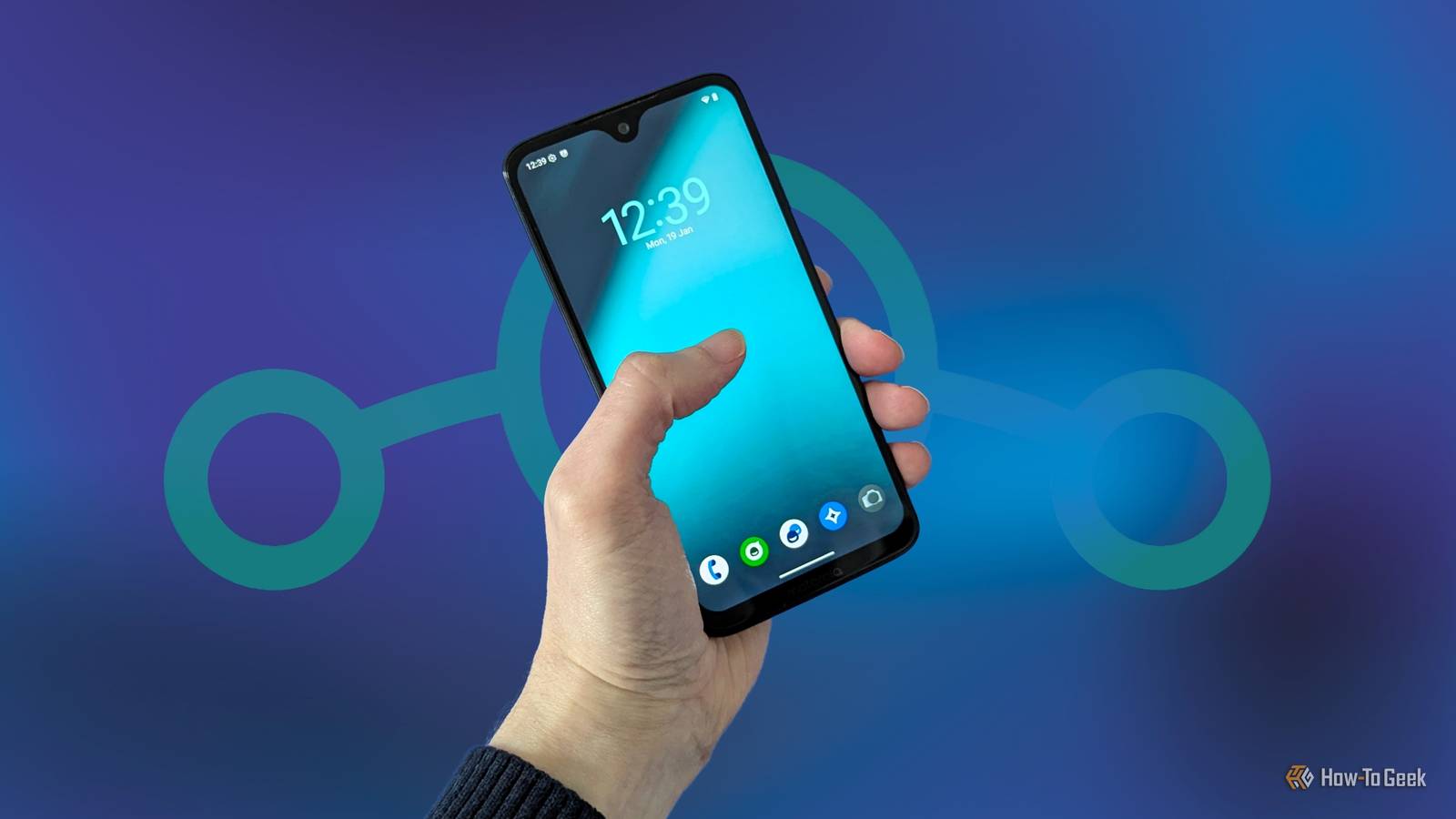
An old Android phone gathering dust in a drawer can be revitalized by installing an open-source ROM. This process can update the device and extend its lifespan. This article details the experience of doing so with an older Motorola phone.
Why I chose an open-source OS
Many individuals retain an older phone for emergency use. For this user, it was a Moto G7 Plus. While a capable mid-range device in its time, it suffered from inconsistent software updates from Motorola.
Consequently, this seven-year-old device remained on Android 10, lacking updates for an extended period. This made it less than ideal even as a backup. However, a solution existed to refresh the phone.
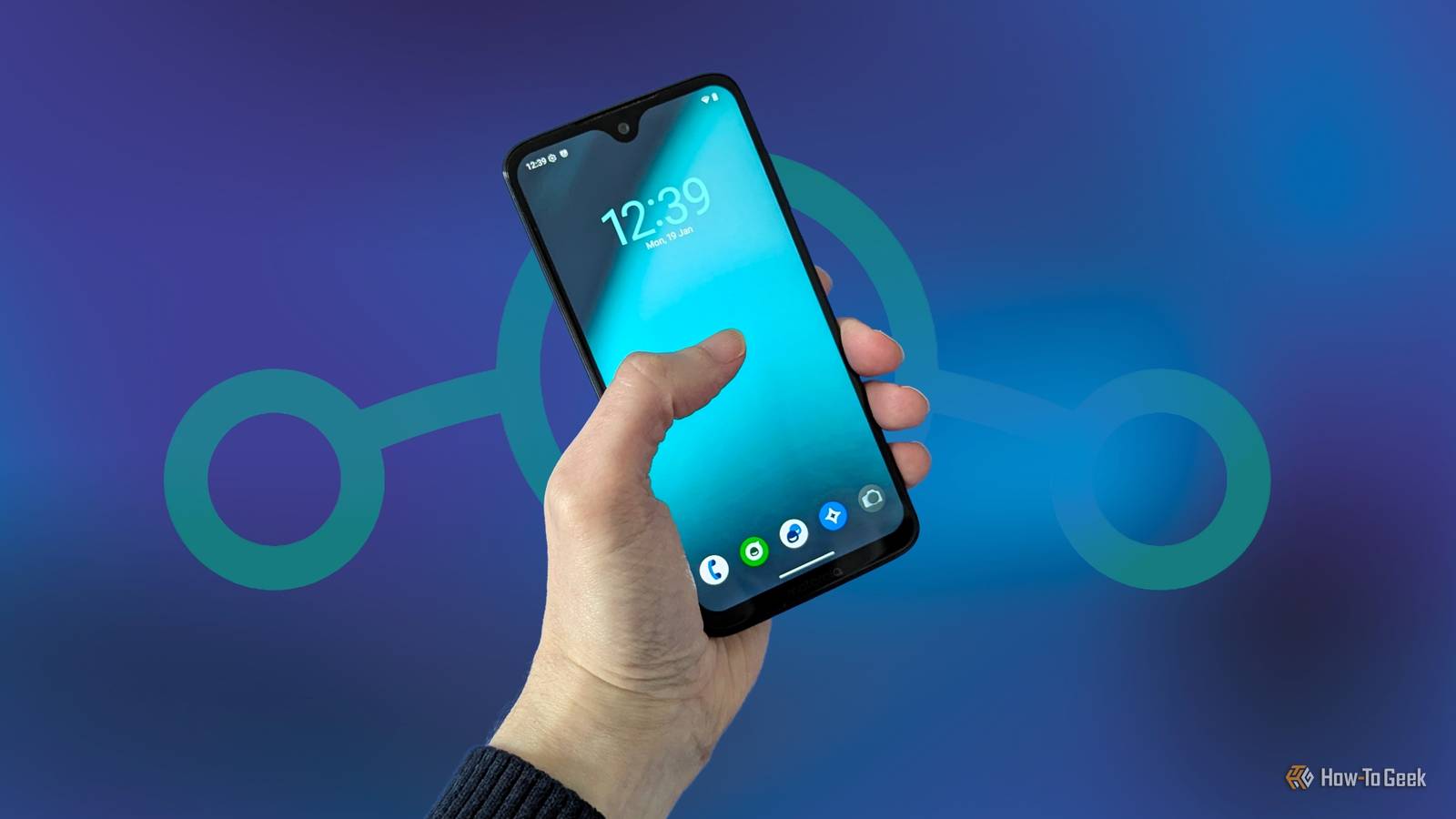
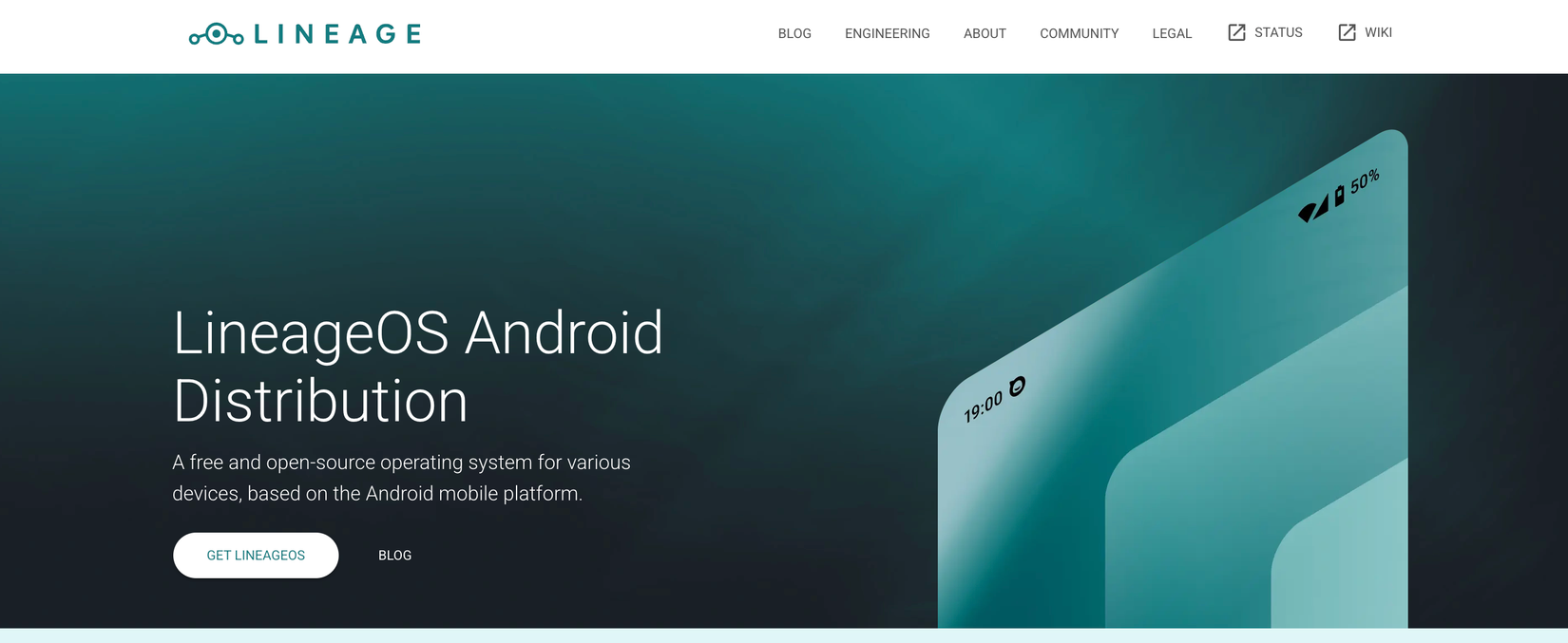
The custom ROM community for Android has evolved, though it remains active in certain niches. LineageOS stands out as the most prominent and accessible open-source custom ROM. Official builds are generally available for devices that are not overly niche and whose bootloaders can be unlocked. While some modern Samsung flagships and recent Pixel phones are not supported, a wide range of other brands are.
LineageOS also offers current software. LineageOS 23 is built on Android 16. For the Motorola device in question, LineageOS 22, based on Android 15, was the most recent version. This version continues to receive development and regular updates, making it a viable choice.
By default, LineageOS does not include Google apps and services, though users have the option to install them. The initial decision was to proceed without them.
This article will not detail the installation procedure, as it varies by device, particularly concerning bootloader unlocking. The LineageOS website provides extensive guides for all supported devices. The installation is a manual process but generally manageable if instructions are followed carefully.
What it’s like to use…
Experiencing Android without pre-installed Google applications can be surprisingly minimalist. The initial setup wizard, for instance, is significantly condensed. This setup is perfect for those aiming to create a minimalist phone, but it requires effort to configure for standard use.
The installed system included 16 applications, a mix of Lineage and stock Android apps. These were primarily essential tools, alongside features like an equalizer and an FM radio. As is common with Android, some duplicates were present, such as two camera applications (one from LineageOS and one from Motorola).
The operating system operates locally by default, without cloud synchronization. The convenience of background cloud backups and Google syncing, often taken for granted, is absent. Applications like the calendar and contacts start empty.
The default browser, based on Chromium, offers a familiar and functional experience, despite lacking some advanced features found in Chrome or Brave. The Google Play Store is not included, but sideloading applications is straightforward.
To enhance the device’s functionality, the open-source F-Droid store was installed, providing access to preferred applications such as Ente Photos and Brave. Additional apps, including WhatsApp and the podcast app Pocket Casts, were easily sideloaded. Overall, configuring the phone to desired specifications proved surprisingly simple.
The inherent limitations of the setup proved beneficial. Despite the G7 Plus being an older mid-range phone, its performance with LineageOS was fluid and consistent, making the device feel current. The inability to install excessive applications was also a positive aspect. Furthermore, consistent OS updates provide enhanced security and usability compared to remaining on outdated software.
…and what I lost
The experience was not without minor drawbacks. A banking application encountered compatibility issues with LineageOS, despite the device not being rooted. This specific problem might be isolated to the app itself, and potential solutions or workarounds could exist.
The absence of Google applications was noticeable. While managing without the Play Store was more feasible than anticipated, tasks like setting up an email account or accessing contacts became cumbersome. The seamless integration and convenience offered by a full Android setup are often underestimated.
Having prior experience with custom ROMs, the user was aware that Google apps could be installed. However, it was overlooked that these apps must be installed immediately after flashing the LineageOS ROM. A full re-flash was not necessary, but a factory reset was required.
For those considering this path, it is crucial to decide whether to include Google services early in the installation process.
LineageOS is ideal for old phones
Despite minor challenges, the LineageOS experience proved successful. The operating system is refined and stable, making it an excellent option for privacy-focused individuals or as a secondary device no longer receiving official updates. The Motorola phone will continue to serve as an emergency backup, with its refreshed software potentially extending its usable life for several more years.
