


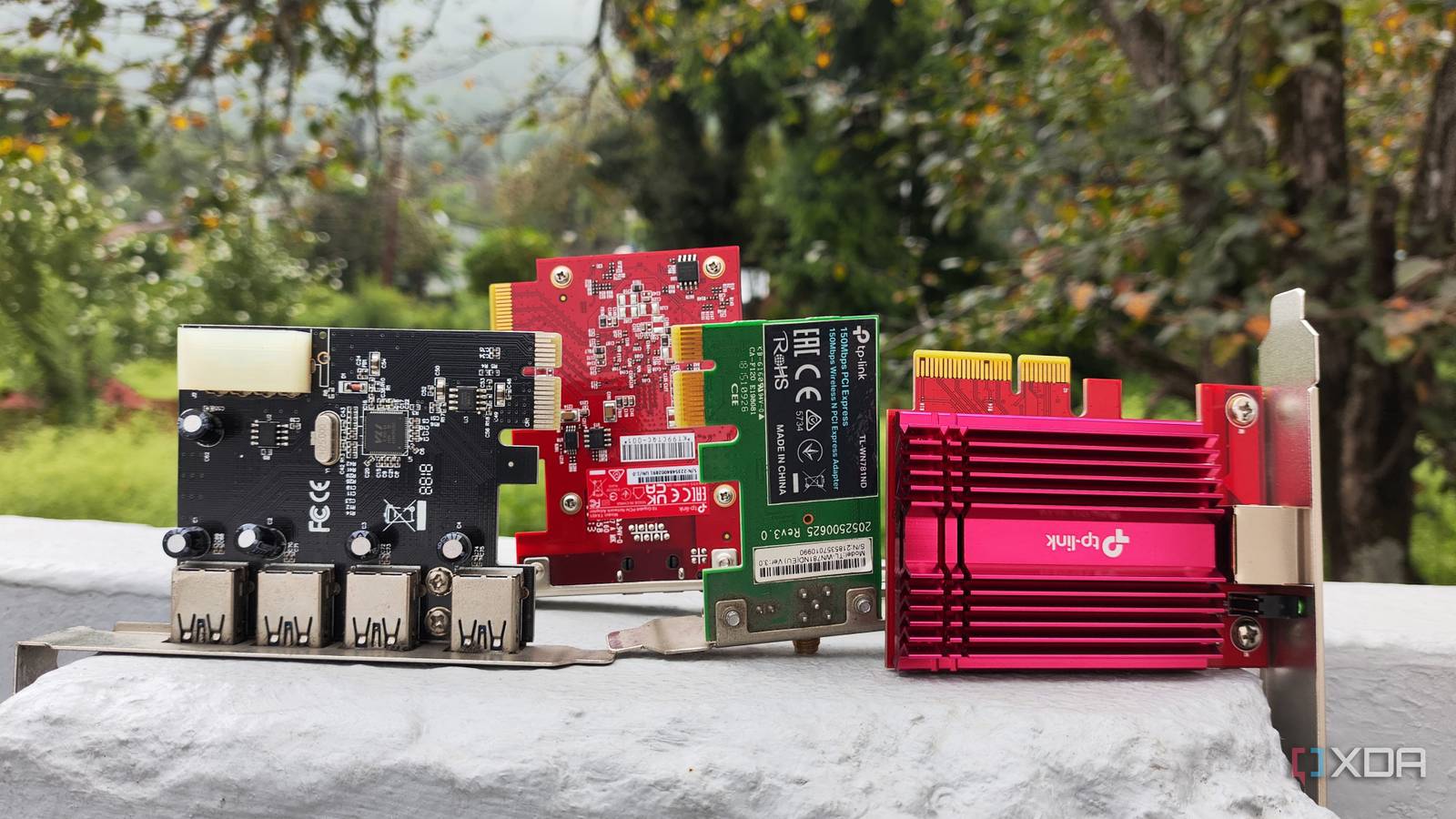
For those involved in the home lab community, experimenting with various hardware and software configurations for DIY projects is common. Servers offer flexibility, allowing integration of almost any computing device, not just mini-PCs, CPUs, or other core PC components.
If you are using repurposed server-grade systems or older PCs for your projects, you likely have unused PCIe slots on your motherboard. These slots can be equipped with useful PCIe cards to significantly enhance your home lab’s capabilities.
Bluetooth Card
More Reliable Than a Dongle

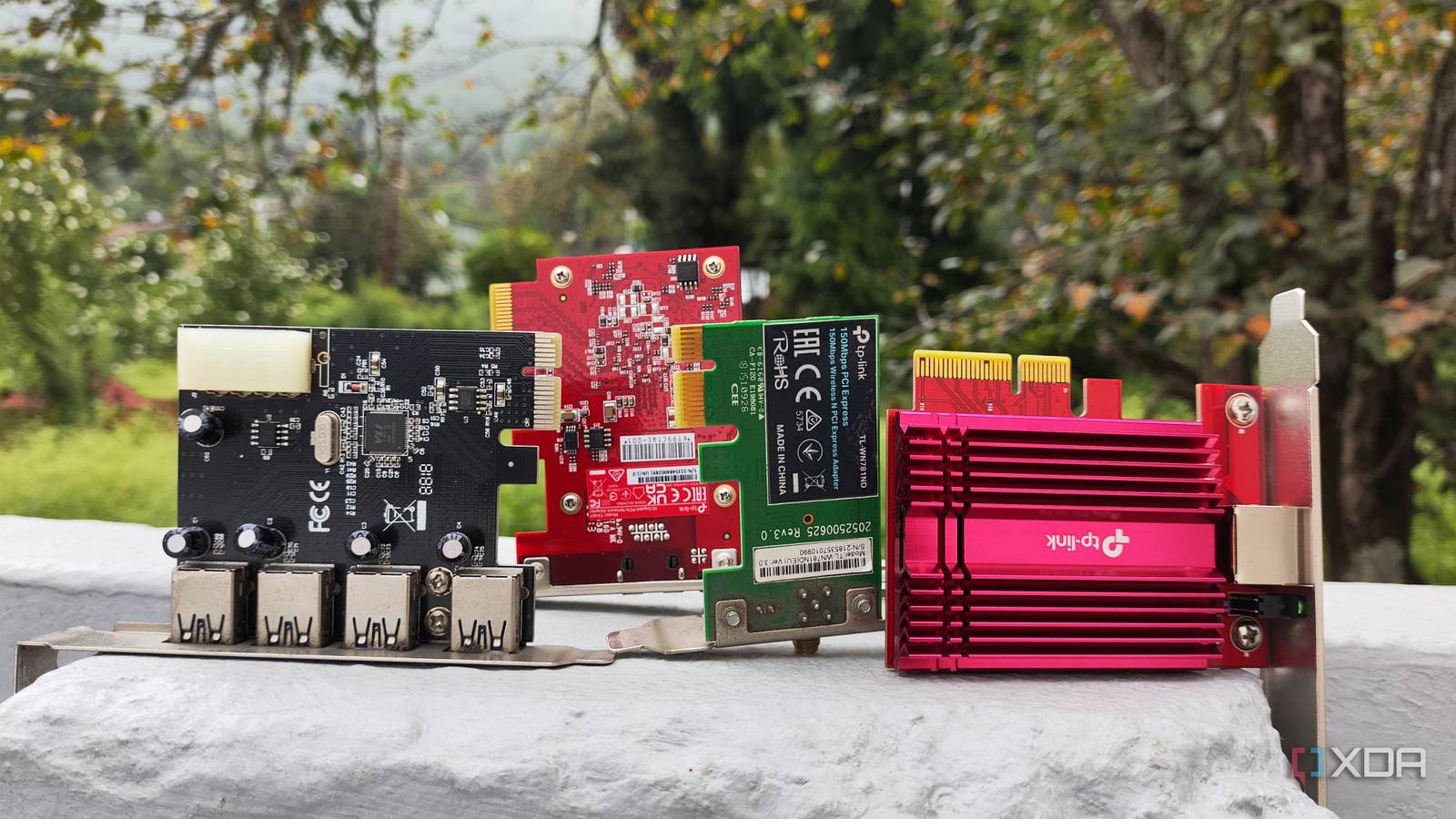
While wireless connectivity might seem more relevant for standard PCs than servers, Bluetooth cards offer distinct benefits for home lab setups, despite being a niche option. Servers are typically connected to a network switch for internet access, but Bluetooth expands their utility.
For instance, Home Assistant integrates effectively with Bluetooth-enabled smart devices. Using a dedicated PCIe Bluetooth card offers greater reliability compared to USB adapters, which are often susceptible to random disconnections. Furthermore, many specialized devices, including energy-efficient BLE (Bluetooth Low Energy) peripherals, lack Wi-Fi or LAN connectivity, making Bluetooth the only way to incorporate them into smart home automation systems.
Host Bus Adapter (HBA) Cards
Adding Extra SATA, SAS, or FC Ports
Host Bus Adapter (HBA) cards are often perceived as simply providing additional SATA ports for hard drives, which is largely true. Many common HBA cards serve as expansion slots for SATA devices, but they also support other protocols. For enterprise-grade HDDs, a SAS (Serial Attached SCSI) interface is common, offering enhanced reliability, dual-pathing, and higher throughput compared to SATA when paired with a compatible HBA card.
Beyond storage, some HBA cards are designed for network connectivity, specifically Fibre Channel (FC). FC hardware provides block-level access to storage, differing from traditional file-sharing protocols. While this might be an advanced option for the typical home lab enthusiast, it offers significant potential for experimentation, particularly with robust cluster nodes. For building a reliable Network Attached Storage (NAS) system with multiple drives, a SATA or SAS HBA card proves highly beneficial.
Graphics Card
Even Older GPUs Can Be Useful
While graphics cards are primarily linked to gaming computers, they offer considerable utility in server environments. One application involves passing a GPU directly to a virtual machine, transforming it into a remote gaming hub or a video-editing workstation. Another option is to host Large Language Models (LLMs) on the GPU, a method some users adopt, for example, after a manufacturer ceases driver support for older cards.
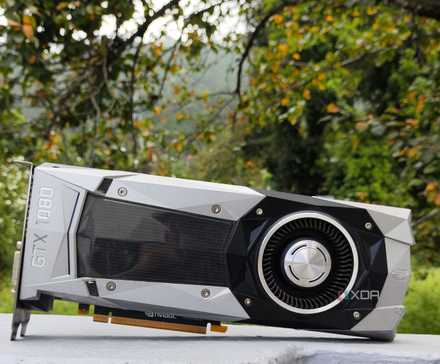
LLMs integrate effectively with self-hosted applications. For instance, connecting Home Assistant with an AI provider allows the LLM to function as a reasoning model for the platform’s integrated assistant. Similarly, tools such as LanguageTool, Paperless-GPT, and Karakeep can leverage a locally hosted LLM for various AI-driven tasks. Additionally, applications like Frigate can use a graphics card for motion tracking, and media servers like Jellyfin benefit from GPU-powered hardware acceleration.
Network Interface Card (NIC)
Enhancing Server Networking Capabilities
The value of a dedicated Network Interface Card (NIC) for a home server varies based on the system’s existing Ethernet capabilities and specific networking requirements. For example, if a motherboard has a 1 Gigabit Ethernet port and the network switch supports 2.5 Gigabit bandwidth, installing a 2.5GbE network card into an available PCIe slot can significantly boost file transfer speeds, particularly for a data archival or backup NAS.
A key consideration with NICs is the need for compatible network equipment; a high-speed card will be limited by a slower switch. Fortunately, 2.5G and even 5 Gigabit networking hardware has become more affordable, though speeds beyond that can incur higher costs. Even if increasing network speed isn’t the primary goal, a dedicated NIC can enhance fault tolerance. Furthermore, network cards with multiple Ethernet ports allow for experimentation with self-hosted router distributions, SMB multichannel, or link aggregation.
Budget Considerations for PCIe Devices
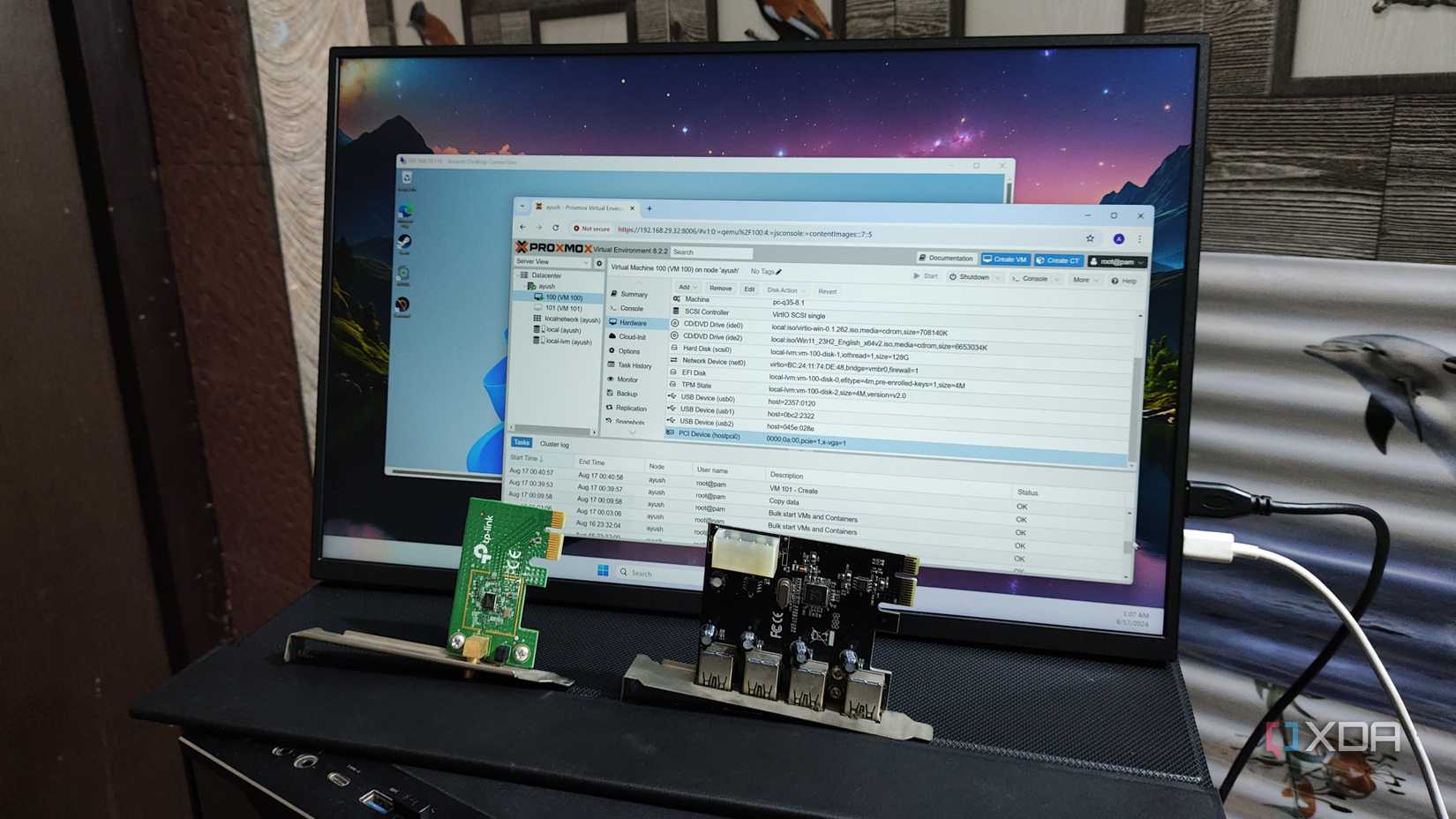
While enhancing server nodes with additional components is appealing, home lab setups can become costly. Graphics cards, especially for running high-parameter LLMs, demand significant GPU power. However, Fibre Channel (FC) cards, SAS HBA boards, and 10GbE NICs can be very expensive, making used server hardware a more budget-friendly option.
These devices are entirely optional; a fully functional home lab can be built without them. Nevertheless, the satisfaction derived from upgrading nodes and experimenting with advanced hardware often justifies the investment for enthusiasts.
