


Verdict
The KYY X90E is a surprisingly good-quality device for its low price, largely delivering on its promises. Improvements could include reducing its weight without compromising resilience and adding an HDMI input.
Pros
-
Inexpensive
-
Single cable connection
-
Flexible display options
-
Better than budget IPS panels
Cons
-
No Apple MacBook support
-
Heavy to carry
-
Limited OSD functions
-
No HDMI input
KYY X90E Portable Monitor: 30-second review
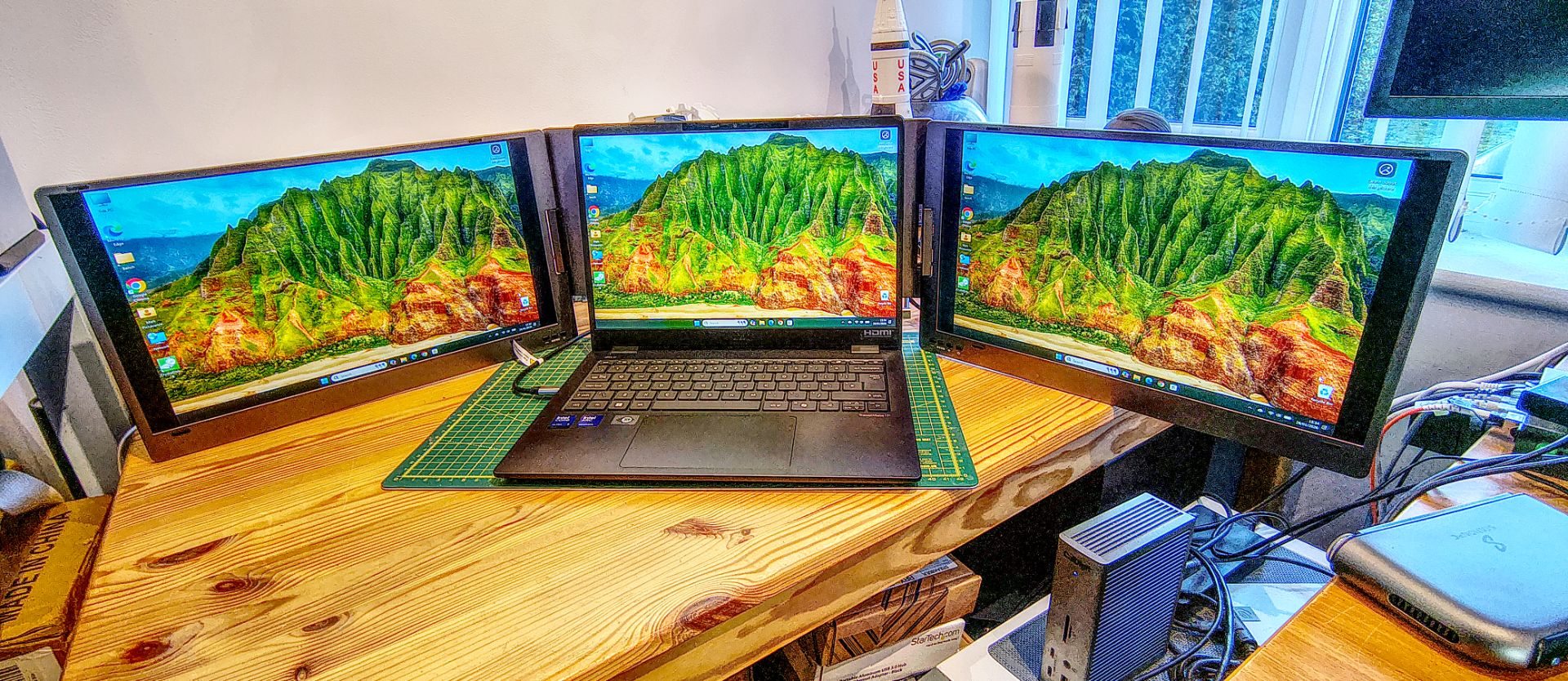
KYY, a Chinese hardware manufacturer specializing in portable displays, recently released the X90E. Marketed as a ‘triple laptop screen extender’, it more accurately provides two additional monitors in a single package, effectively tripling the total screen space when combined with a laptop’s existing display.
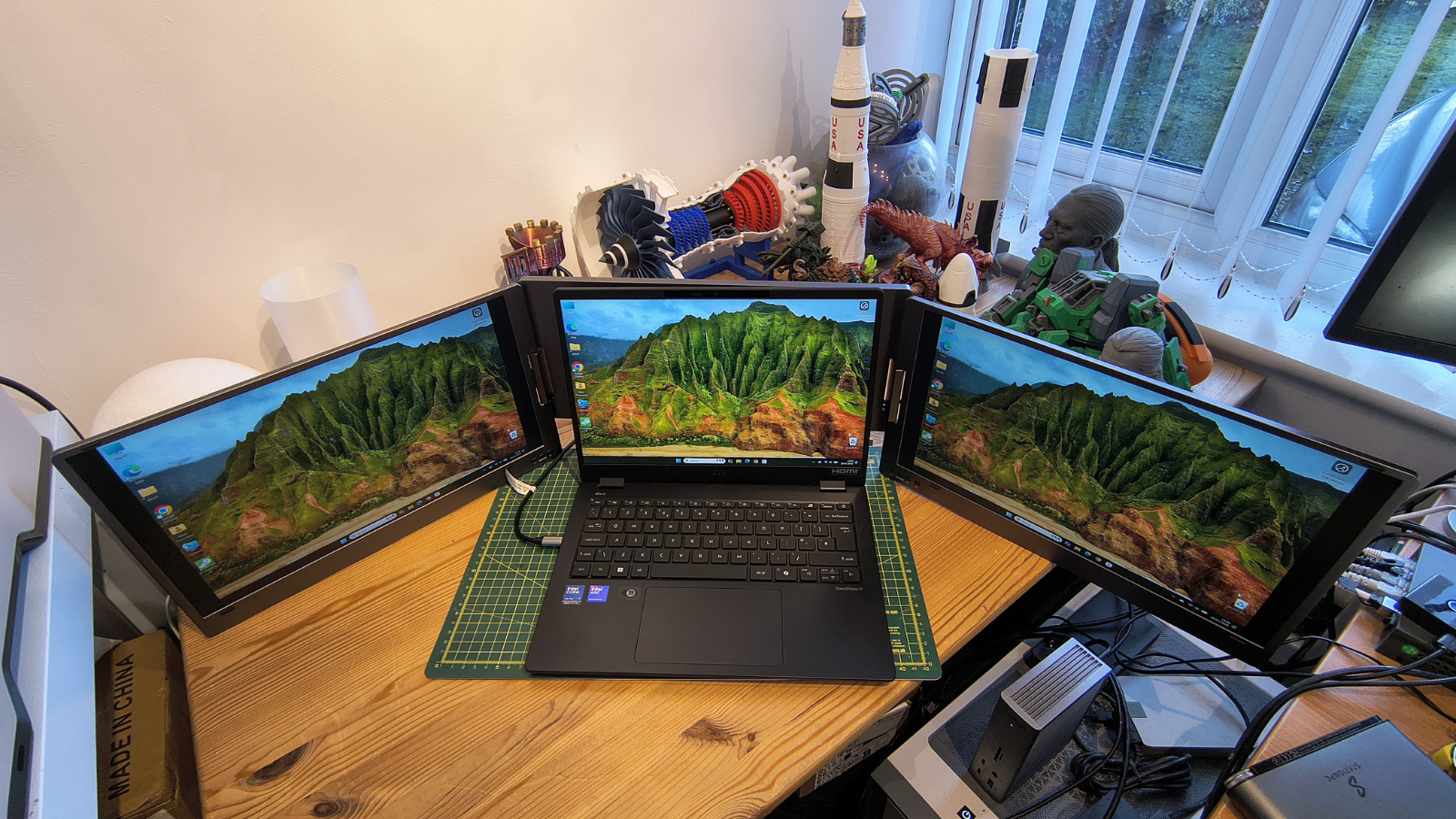
This hinged device features a 15.6-inch 1080p display on both the left and right sides of the laptop, connecting via a single USB cable.
It supports configurations for mirroring content, allowing others to view the laptop’s display from different angles, or for extending the desktop workspace.
Power can be drawn directly from the laptop, or for prolonged use, a small USB-C power supply is included.
A key limitation is its reliance on laptops equipped with USB-C featuring ALT-DP capability or Thunderbolt 3 or 4. KYY also states it is designed exclusively for Windows PCs and does not support Apple MacBook hardware.
Priced at just over $300 directly from the manufacturer and weighing 2.2kg, potential buyers should consider if the cost and additional weight are justified for their productivity needs.
Despite some limitations at this price point, it stands out as a strong contender among affordable portable monitors.
KYY X90E Portable Monitor: Price and availability
- Cost: $240/£230
- Availability: Available now
- Where to buy: Direct from KYY or online retailers like Amazon
As with previous KYY products, purchasing directly from the manufacturer may not be the most economical option. It is listed for $309.99 directly from KYY.
On Amazon.com, the device is typically available for $239.99, representing a 20% reduction from its official $299.99 list price.
In the UK, the same hardware is priced at £229.99, making it slightly more expensive for UK consumers. While KYY does not sell on French or German Amazon sites, it should be available through other European online resellers.
Buyers should ensure they are selecting the X90E variant, as KYY also produces X90A and X90D models with differing specifications.
Beyond the KYY brand, similar products from other Chinese display manufacturers exist, with some being more expensive and others slightly cheaper.
Options with 14-inch displays, instead of the X90E’s 15.6-inch screens, can be found for under $200, while models offering three additional displays (four total) can approach $450.
Given its Amazon.com price, the KYY X90E represents an affordable investment, even for occasional use, positioning it firmly in the budget-friendly category.
KYY X90E Portable Monitor: Specs
Model: X90E
Screen Size: 2x 15.6-inch corner to corner
Resolution: 1920 x 1080
Compatibility: TB4, TB3, USB 4.0, USB-C
Number of Ports: 2
Ports: 2x USB-C (data and power)
Quoted colour spec: 85% NTSC
Quoted contrast: 1200:1
Panel depth: 6 (Hi FRC)
Display Technology: IPS
Brightness: 300 nits
Size: 388 x 227 x 30mm
Weight: 2200g
Accessories included: 1x USB-C to USB-A Cable, 1x USB-C to USB-C Cable, 5V 3A 15W Power Adapter
Touch capable: No
Maximum refresh: 60Hz
KYY X90E Portable Monitor: Design
- Structural integrity
- Various display arrangements
- Single cable connectivity
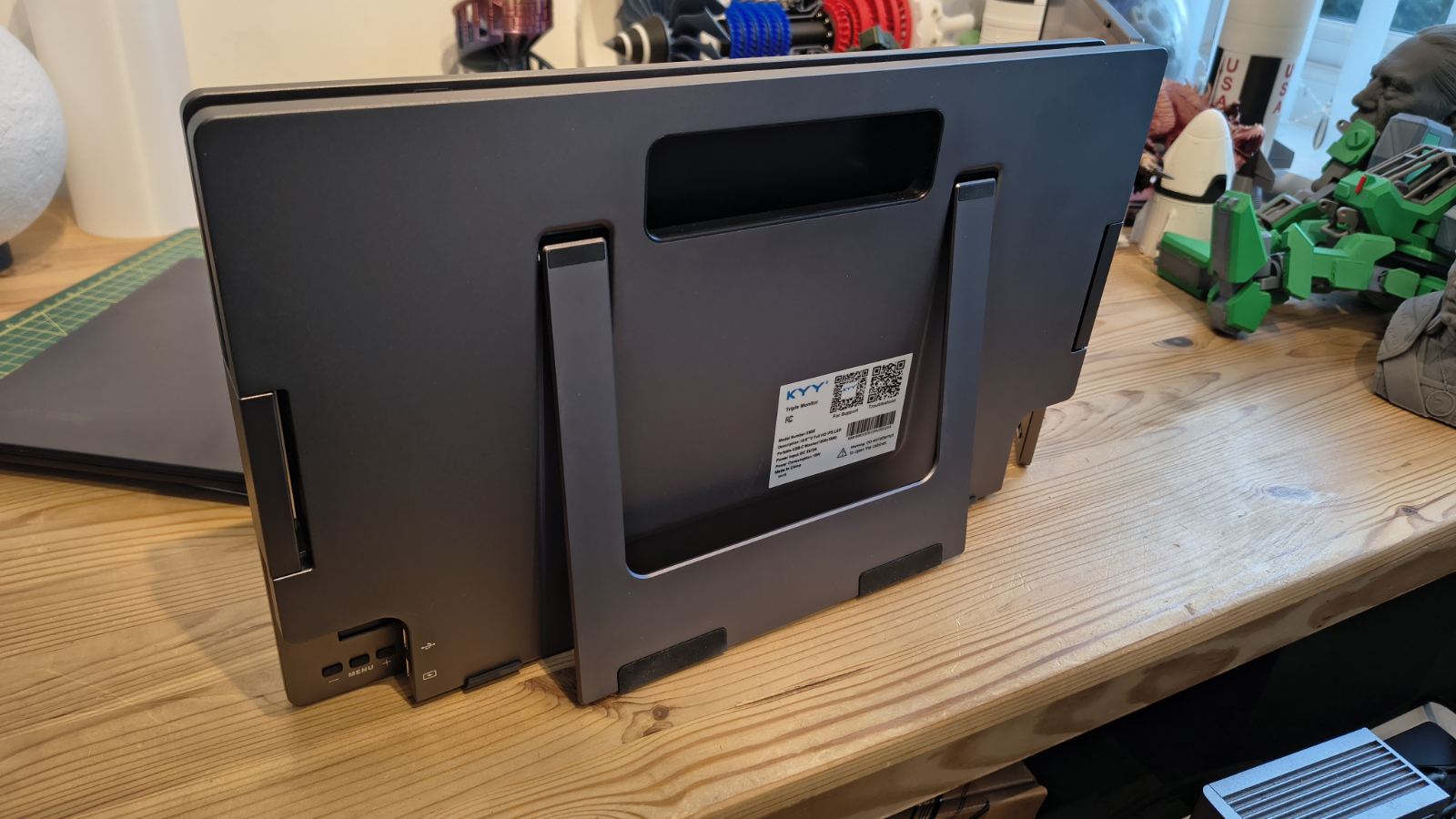
Initial impressions of the X90E upon unboxing were positive. Its construction is robust, featuring a metal casing on all non-display surfaces and two exceptionally sturdy hinges that connect the monitors to a central support plate and foot.
The primary drawback of this rugged build is its weight; at 2.2kg, it adds significant bulk to a laptop bag, requiring a bag designed for a 17-inch laptop to accommodate it.
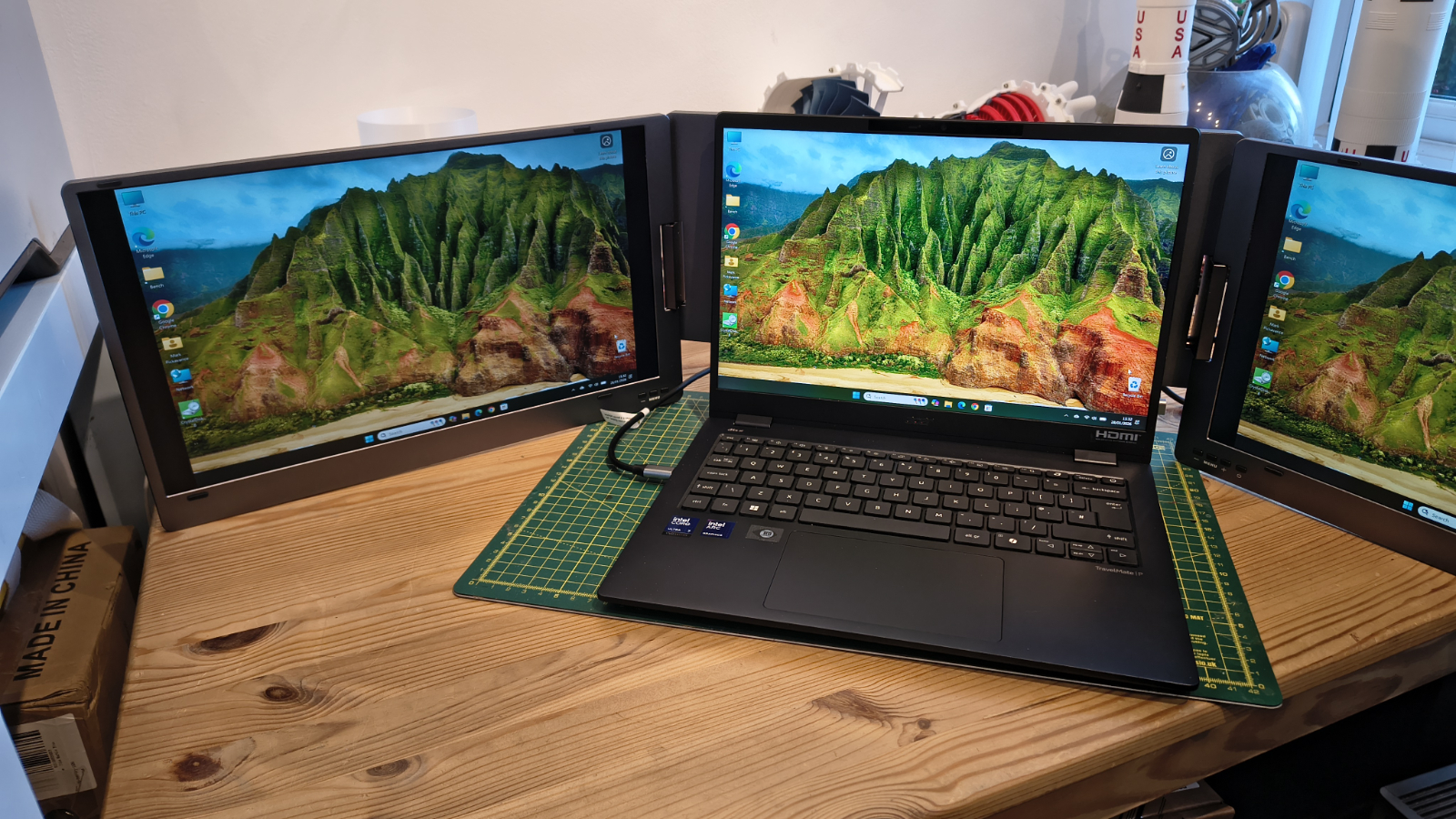
When fully unfolded, the unit spans an impressive 115cm, though its width can be slightly reduced by adjusting the hinges.
The typical setup involves placing the laptop in the center with an additional display on each side. However, various other configurations are possible, including rotating the screens backward for left and right presentation modes, or folding one screen away for single-screen use.
The single-screen mode can also be utilized in portrait orientation.
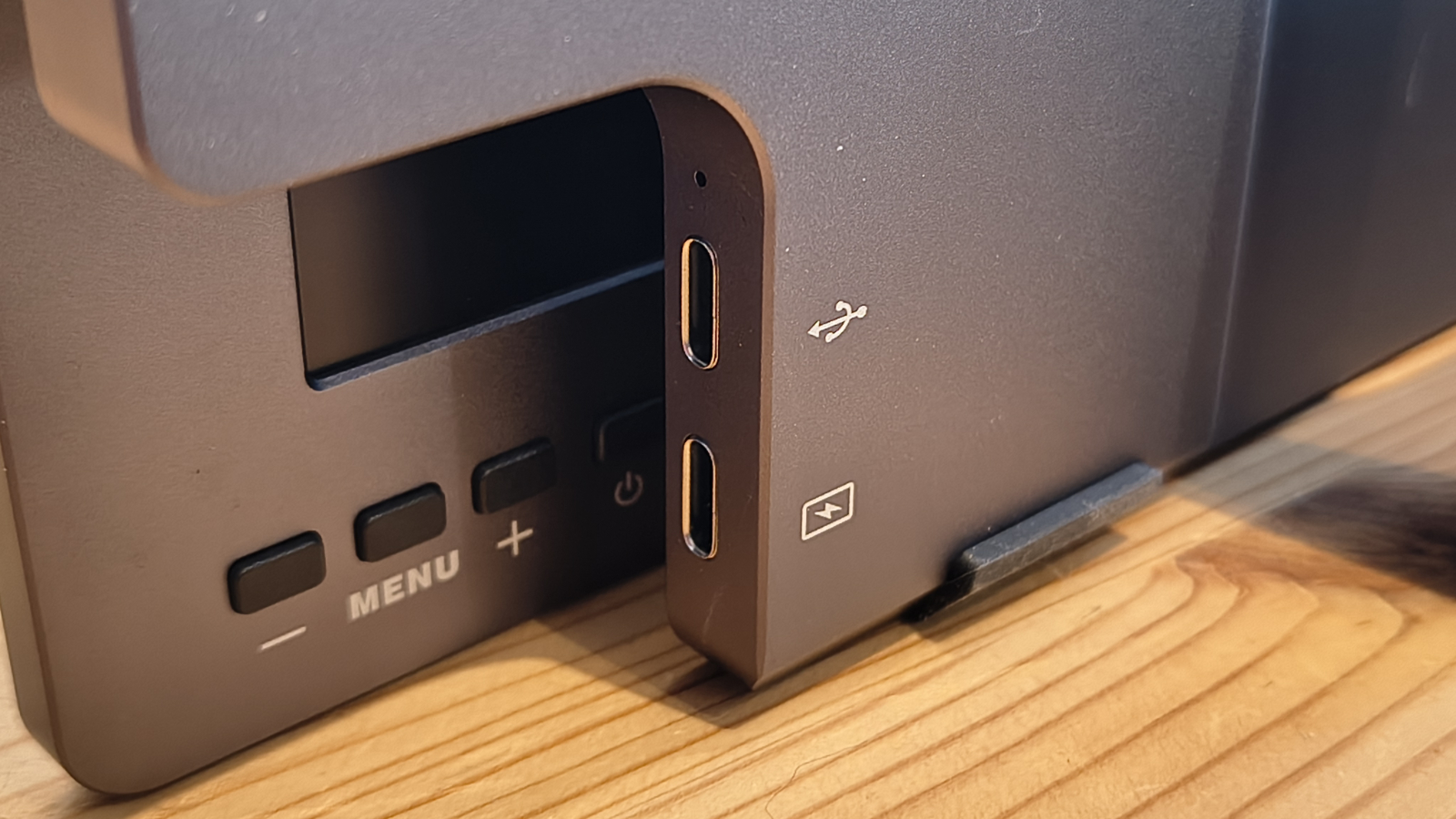
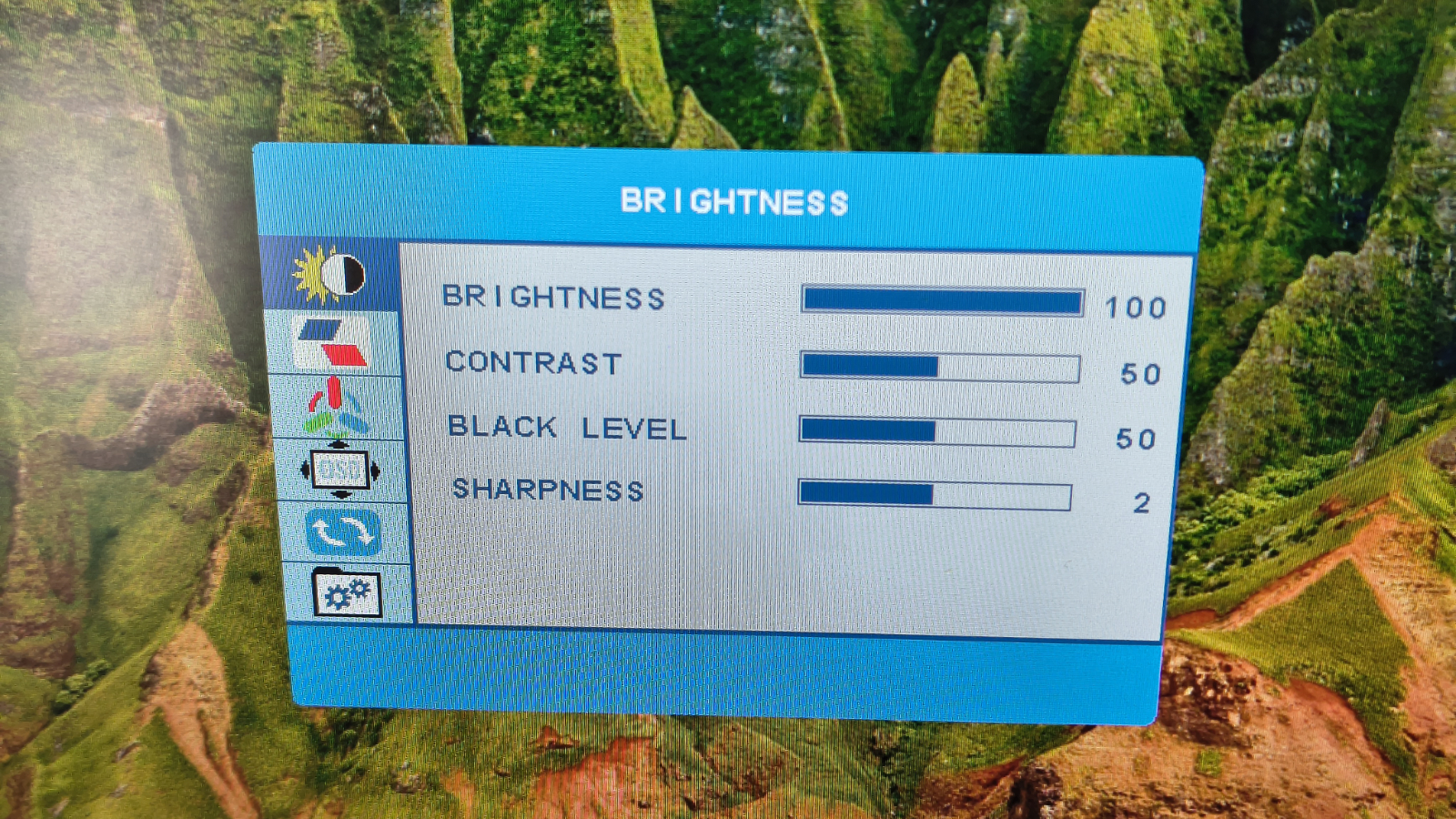
A peculiar aspect of this system is that each monitor has its own On-Screen Display (OSD) and menu controls. While it is unlikely one would configure different brightness, contrast, or color temperature settings for each screen, the system offers this capability.
The OSD menus themselves are basic, and navigation using the buttons is cumbersome. These menus appear largely unchanged from older display technologies, featuring outdated fonts and colors. A ‘copy to other screen’ option for OSD settings would be beneficial, as the monitors operate independently.
A notable feature is that both displays can be connected to the laptop using a single USB-C cable. This single cable handles both data transmission via ALT-DP and power. The downside of this one-cable solution is that powering three screens can rapidly deplete a laptop’s battery capacity.
If multiple USB-C ports are available, one could power the laptop, which might then have sufficient power to drive the external monitors and recharge its own battery. Alternatively, the included 15W PSU can power the monitors directly.
The X90E features only two USB-C inputs: one for connection and one for power, preventing the use of one screen for each of two separate laptops.
Furthermore, it is incompatible with laptops lacking USB-C (or Thunderbolt) or USB-C ports that do not support video output, as there is no HDMI input. While the USB-C solution is plug-and-play and requires no drivers, it is exclusively for Windows PCs (7, 8.1, 10, and 11) and does not function with Apple MacBook systems.
Overall, the X90E’s design targets a specific user profile: those with modern Windows laptops featuring a display between 14 and 17 inches. While this might seem niche, it offers a reasonable price for users seeking to expand their mobile screen real estate.
KYY X90E Portable Monitor: Performance
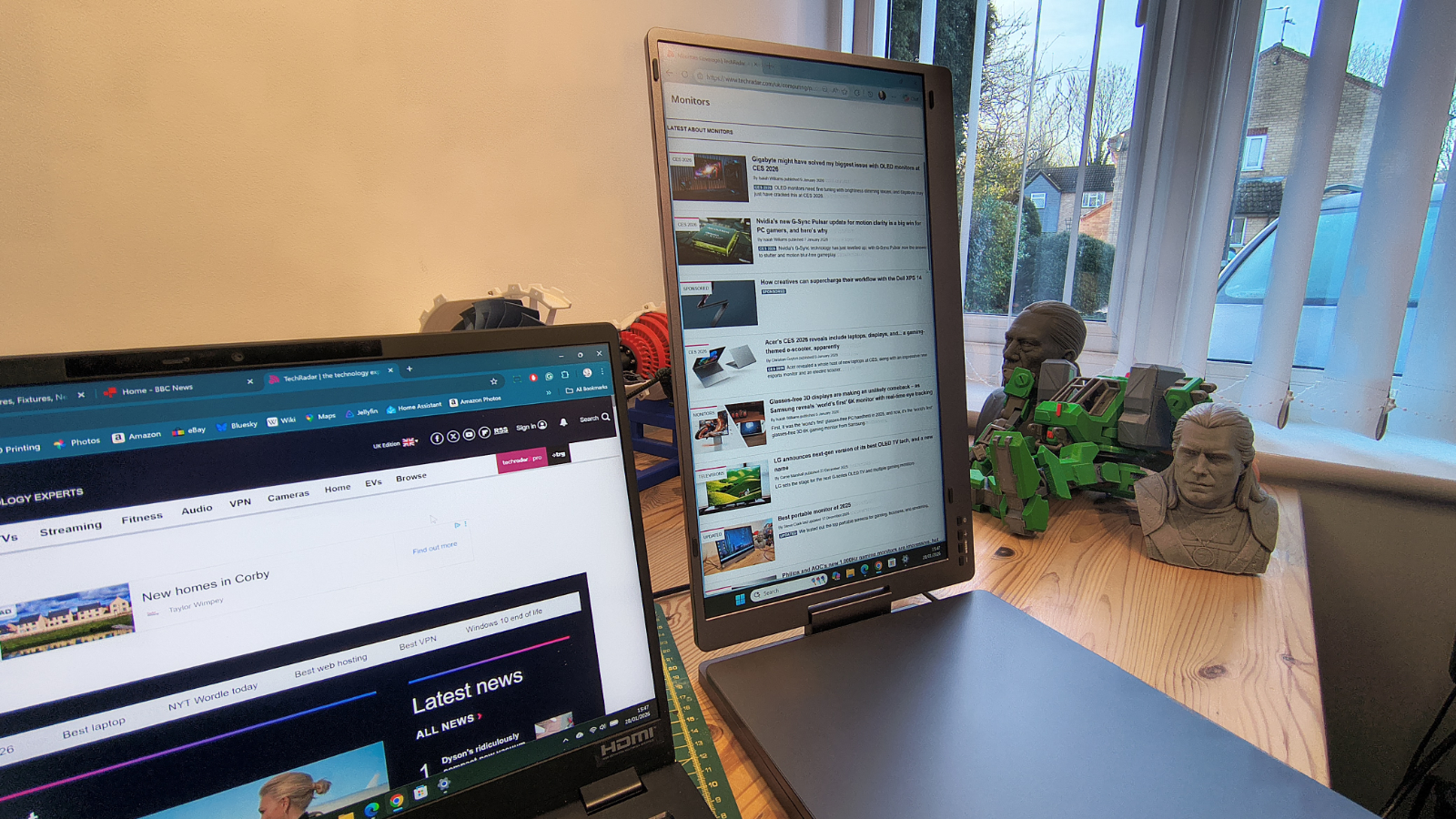
- Better than 300 nits
- 82% sRGB
Colour Gamut
- sRGB: 82%
- AdobeRGB: 64%
- P3: 63%
- NTSC: 61%
- Rec2020: 46%
- Gamma: 2.2
Brightness/Contrast
- Maximum Brightness: 312.7 nits
- Maximum Contrast: 900:1
When evaluating these displays, it is important to remember they are inexpensive IPS technology panels, and thus cannot compete with OLED or MicroLED technology in terms of contrast and color representation.
However, the panels on the X90E showed significant improvement over previous KYY models tested.
The manufacturer’s quoted 85% NTSC color gamut appears to be a misunderstanding, with tests indicating a figure closer to 61%. This number might have been confused with sRGB, which is much closer to 85%.
While the contrast did not reach the predicted 1200:1, the panel brightness closely matched the manufacturer’s claims.
Luminosity uniformity is not ideal, with rear illumination concentrated in the middle, causing each corner to be approximately 15% less illuminated at 100% brightness.
The default White Point on these displays is 7600, which is higher than the typical 6500. The OSD does not offer specific temperature settings, only ‘cool’, ‘warm’, and user-definable via R, G, and B settings.
Overall, the panel offers decent contrast, gamut, and tone response, with good color accuracy and uniformity, despite the noted luminance uniformity issues.
The X90E performs better than anticipated, though it may not suit professionals requiring precise color work. For general office tasks and presentations, especially in controlled lighting, it is a viable option.
KYY X90E Portable Monitor: Final verdict
The KYY X90E offers an improved solution over previous models at a surprisingly low price. While it is on the heavy side and exclusively compatible with Windows laptops featuring USB-C or Thunderbolt, its value proposition is compelling.
An HDMI input to allow another system to share the screens, or enabling both USB-C ports to act as inputs, would have been beneficial. However, the absence of these features, along with speakers, is not unexpected at this price point.
For users needing to triple their screen space and willing to accommodate an additional 2.2kg of luggage, the KYY X90E could be an appropriate choice.
KYY X90E Portable Monitor: Report card
Value: Cheap from online retailers (4 / 5)
Design: Hinges allow for numerous screen layouts (3.5 / 5)
Performance: Other than brightness uniformity, these are decent monitors (4 / 5)
Total: Excellent value for money if you don’t mind some connection limitations (4 / 5)
Should you buy a KYY X90E Portable Monitor?
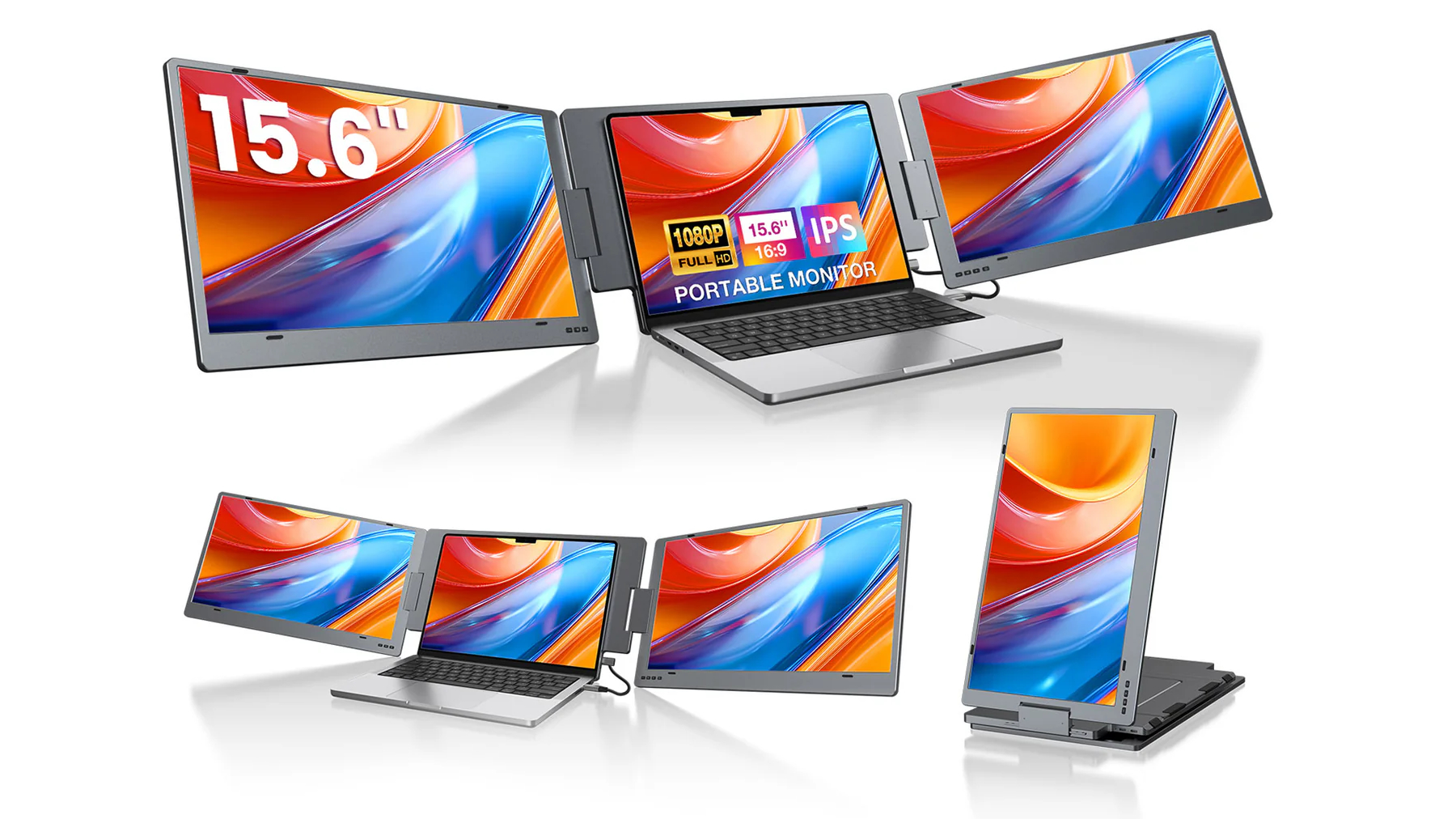
Buy it if you need extra screens: Attach one cable and you have three screens instead of one, which is mostly straightforward. These 15.6-inch panels offer versatile usage and can be powered independently.
Don’t buy it if you need color accuracy: This monitor has a limited color gamut for a portable display. While the colors it does include are generally well-represented, it may not be the best choice for professional work where precise color is essential.
Don’t buy it if you have a laptop without USB-C: This hardware does not require a driver, but it necessitates a Windows PC with a USB-C port or Thunderbolt that supports ALT-DP mode. Apple MacBook owners are not supported.
