



Microsoft has released the KB5074105 preview cumulative update for Windows 11 systems, introducing 32 modifications, including solutions for sign-in, boot, and activation difficulties.
KB5074105 is an optional update, typically released at the end of each month. This allows administrators to test bug fixes, new features, and system enhancements that will become broadly available with the following month’s Patch Tuesday release.
It is important to note that, unlike Patch Tuesday cumulative updates, these monthly non-security preview updates focus solely on quality improvements and do not contain security patches.
The January 2025 optional update from Microsoft resolves a known problem where Explorer.exe would freeze during the initial login if certain applications were configured to start automatically.
Additionally, a bug that caused the system to become unresponsive during startup when Windows Boot Manager debugging was active has been fixed. Another issue leading to iSCSI boot failures, displaying an “Inaccessible Boot Device” error, has also been addressed.
This month’s preview update also tackles a problem where Windows license migrations might fail during upgrades because the PC could not register its digital license with the Windows Activation server.
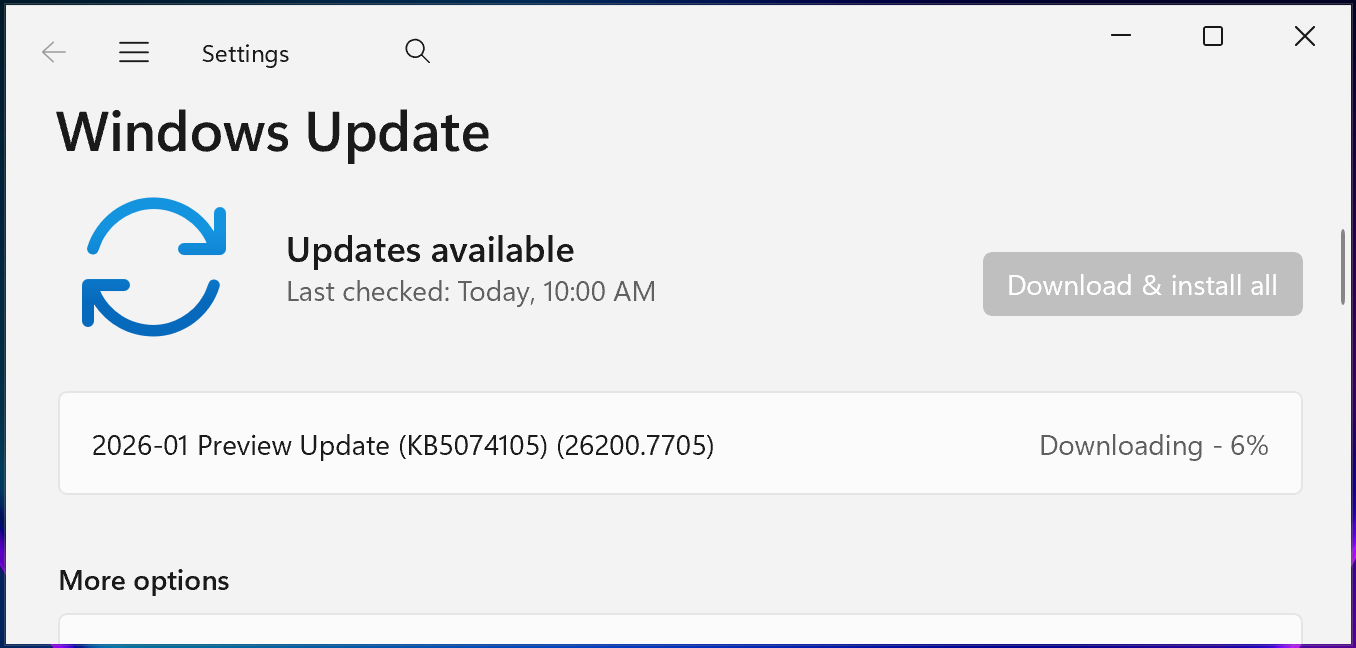
To install KB5074105, navigate to Settings, select Windows Update, and then click ‘Check for Updates.’ As this is an optional update, a ‘Download and install’ link will appear, prompting installation.
Alternatively, this optional cumulative update can be installed manually by downloading it from the Microsoft Update Catalog.
Windows 11 KB5074105 Highlights
Upon installation, this optional non-security preview update will bring Windows 11 25H2 and 24H2 devices to builds 26200.7705 and 26100.7705, respectively.
The January 2026 preview update includes additional improvements and fixes. Some of the more significant ones are listed below:
- The functionality of Cross-Device Resume has been expanded. Users can now seamlessly continue activities from an Android phone on their PC, such as resuming Spotify playback, working in Word, Excel, or PowerPoint, or continuing a web browsing session.
- Windows Hello Enhanced Sign-in Security (ESS) now supports peripheral fingerprint sensors. This extends the more secure sign-in option beyond devices with integrated fingerprint sensors to include desktops and other Windows 11 PCs, including Copilot+ PCs.
- [User Account Control (UAC)] Fixed: An issue where a PC might stop responding when attempting to run Windows Terminal with elevated privileges from a non-admin account has been resolved.
- [Graphics] Fixed: This update addresses a system error related to dxgmms2.sys that certain GPU configurations might have recently experienced, which resulted in the KERNEL_SECURITY_CHECK_FAILURE error.
- [Windows Sandbox] Fixed: An issue that could cause Windows Sandbox to stop responding during startup and display error 0x800705b4 has been resolved.
In a separate announcement, Microsoft stated that Windows 11 and Windows Server 2025 updates will receive distinct identifiers to prevent confusion.
According to Microsoft, “Starting with the January 2026 security update, Windows Server 2025 has its own KB identifiers and build numbers, separate from Windows 11, versions 24H2 and 25H2.” This modification aims to enhance clarity for administrators, while installation and management processes will remain unchanged.
Beginning this month, Microsoft has also adopted simplified titles for Windows updates. This change is intended to make update information more comprehensible by removing unnecessary technical details like platform architecture.
