


Do Not Disturb is a helpful feature for reducing notifications and distractions when concentration is needed. While it has existed for over a decade with consistent core functionality, it may not be robust enough for everyone.
Even with Do Not Disturb active, some individuals may still find themselves checking for missed notifications. Consequently, some users opt for Airplane mode instead, finding it more effective for maintaining focus. This approach is applicable to both iPhone and Android users.
Do Not Disturb has its limitations
Do Not Disturb, introduced in iOS 6, blocks calls, alerts, and app notifications. However, settings allow users to customize which notifications can bypass this feature.
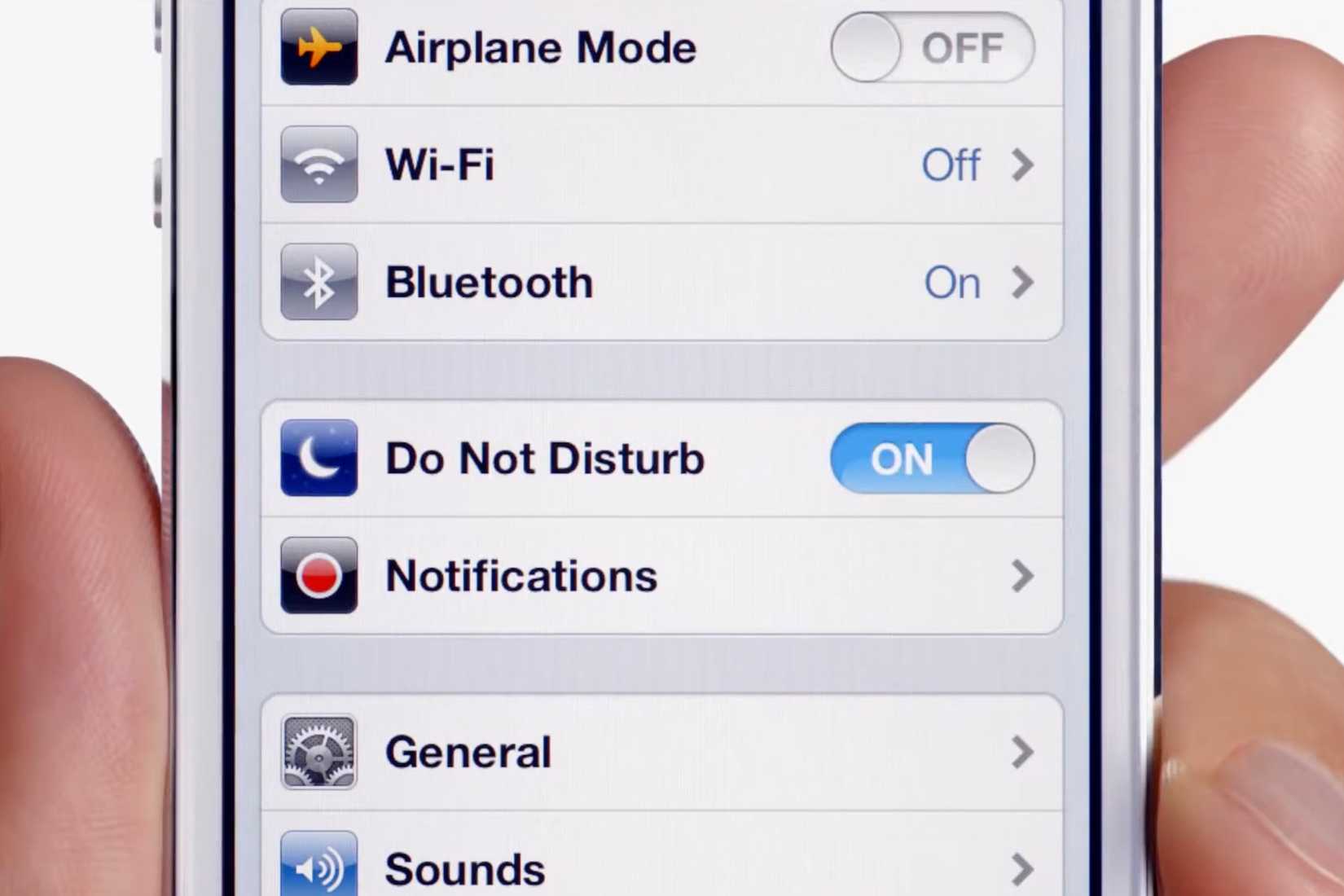
The feature was improved in iOS 15 with the addition of Focus modes, enabling customized Do Not Disturb settings for various scenarios such as work, exercise, or appointments.
Despite its effectiveness since its inception, Do Not Disturb still has limitations. There are reported cases where notifications bypass the setting even when they should not.
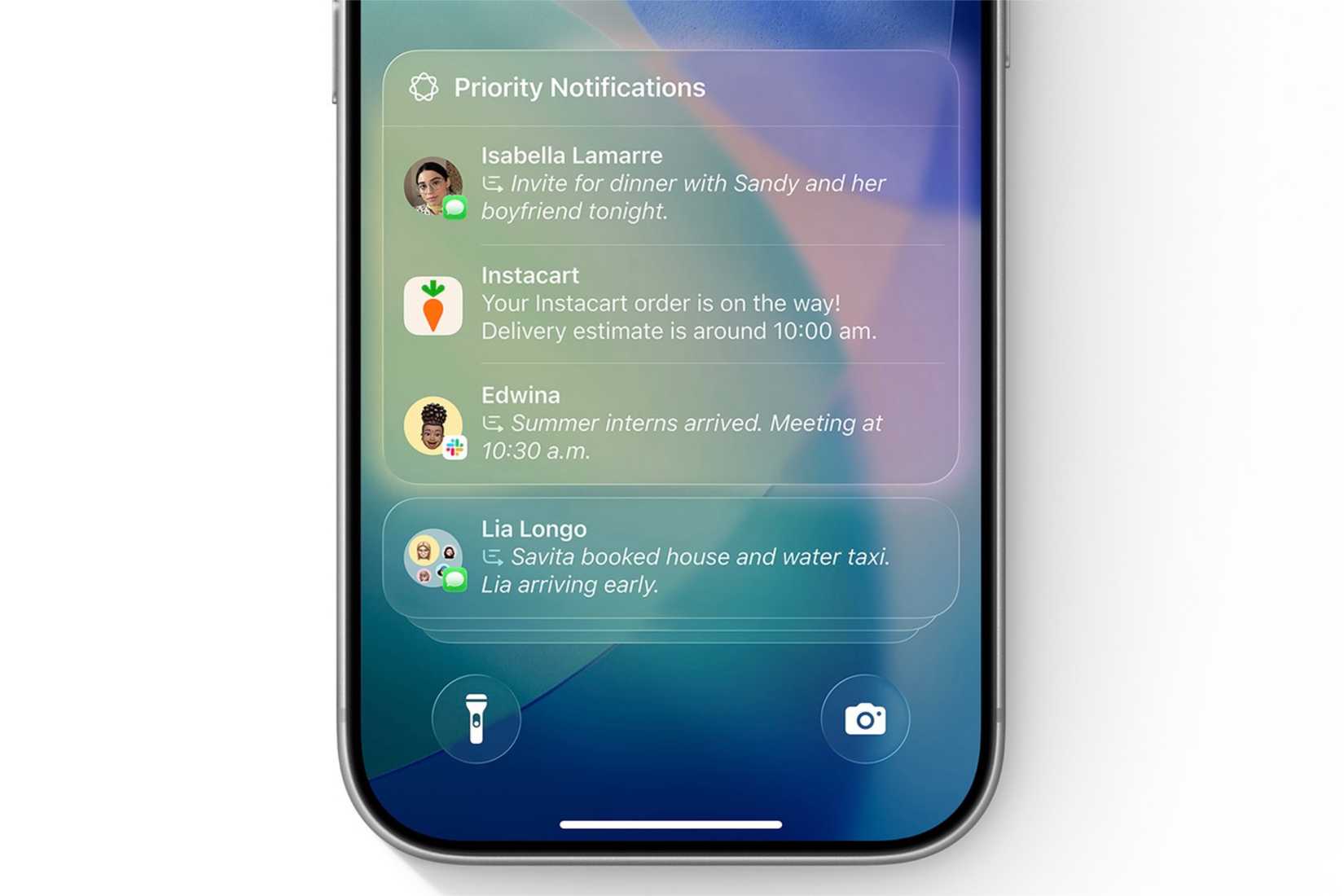
Furthermore, with Apple Intelligence, priority notifications can still alert users. While these can be disabled, some users prefer to keep them active for genuinely important alerts, even if not all notifications categorized as “priority” are truly urgent.
This persistent connectivity can be distracting. Even without audible alerts, the knowledge of pending messages in Notification Center can lead to frequent checking, disrupting focus with just a simple swipe on the lock screen.
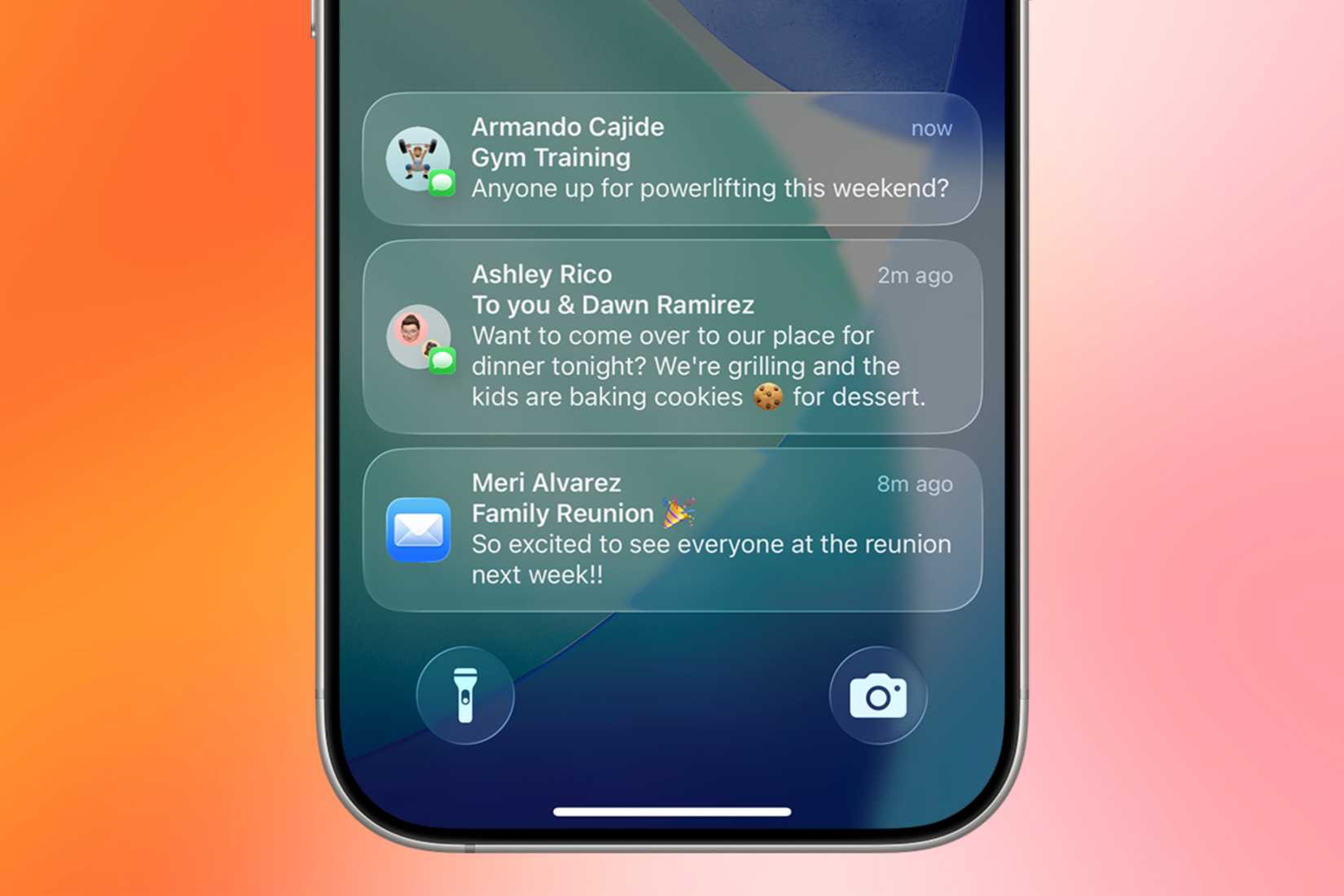
Given the limitations of Do Not Disturb and the ease of checking notifications, some users opt for Airplane mode. Although this is a more drastic measure, it ensures a complete disconnection, promoting deeper focus.
Airplane mode completely disconnects users
Initially designed for air travel, Airplane mode’s primary function was to prevent electronic interference with aircraft systems during takeoff and landing, ensuring safety.
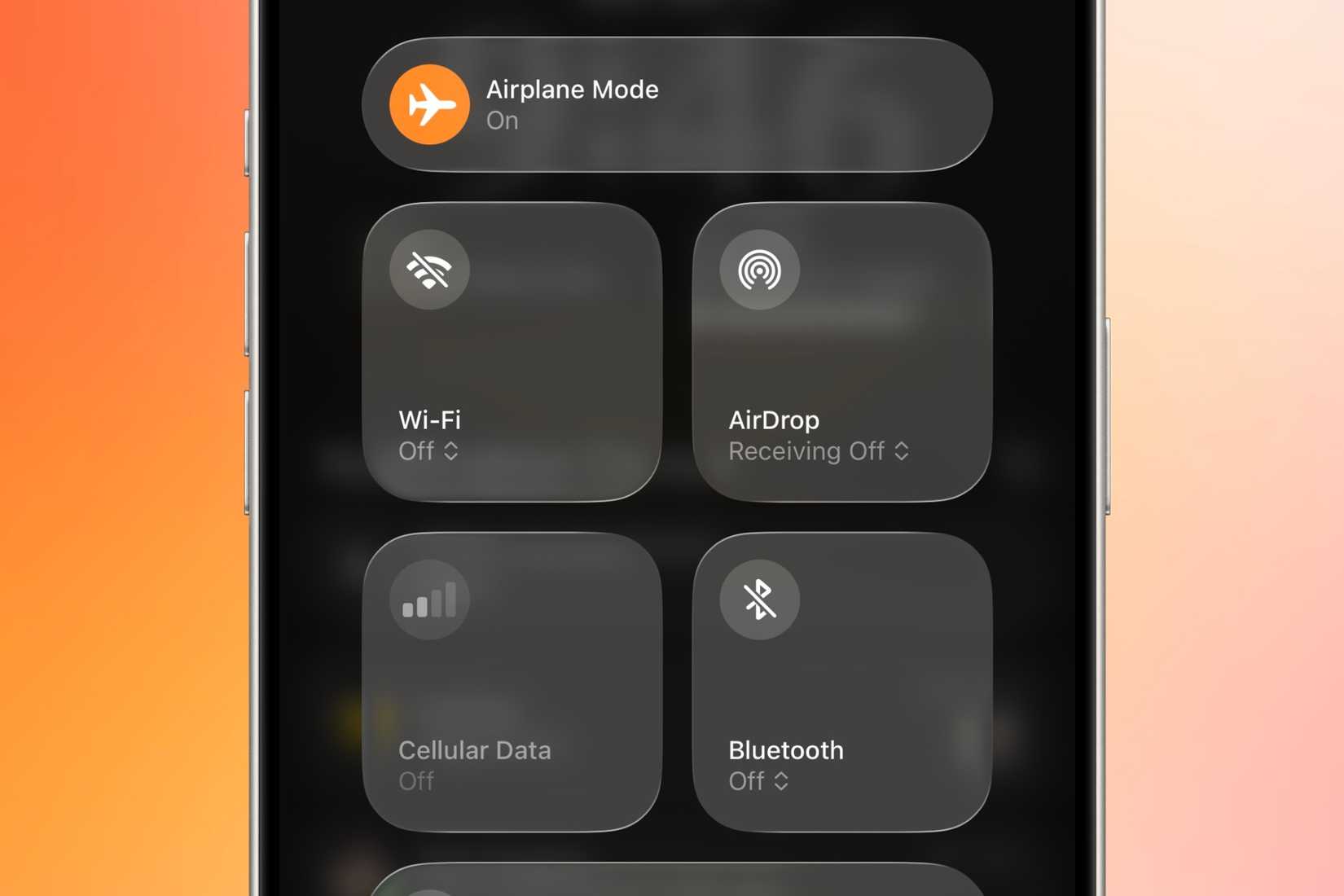
Over time, Airplane mode has evolved into a convenient switch to fully disable Bluetooth, Wi-Fi, and cellular connections. This can also contribute to battery saving or reduced data consumption. For many, it facilitates a digital detox by eliminating distractions more effectively than Do Not Disturb.
A drawback of Do Not Disturb is that while it suppresses alerts, notifications still arrive and remain easily accessible via a swipe down to the Notification Center.
Conversely, Airplane mode completely blocks incoming notifications by severing all network connections, including those requiring Wi-Fi or cellular data.
For those seeking to prevent calls and texts from appearing on their device, activating Airplane mode is effective. This reduces the temptation to check the Notification Center, as no new alerts will have arrived.
Times when Airplane mode is preferred over Do Not Disturb
Many individuals find themselves easily distracted, frequently checking notifications. This constant awareness of potential or pending alerts can lead to a loss of focus.
Activating Airplane mode resolves this by ensuring that most distracting notifications, such as texts or social media updates, will not be received.

This method proved beneficial for students preparing for exams, allowing them to study without constant interruptions from texts, calls, or social media, thereby enhancing retention of material.
In a professional setting, the same strategy can be applied to maintain task focus. It is also useful for periods requiring quiet contemplation to generate new creative ideas or explore topics.
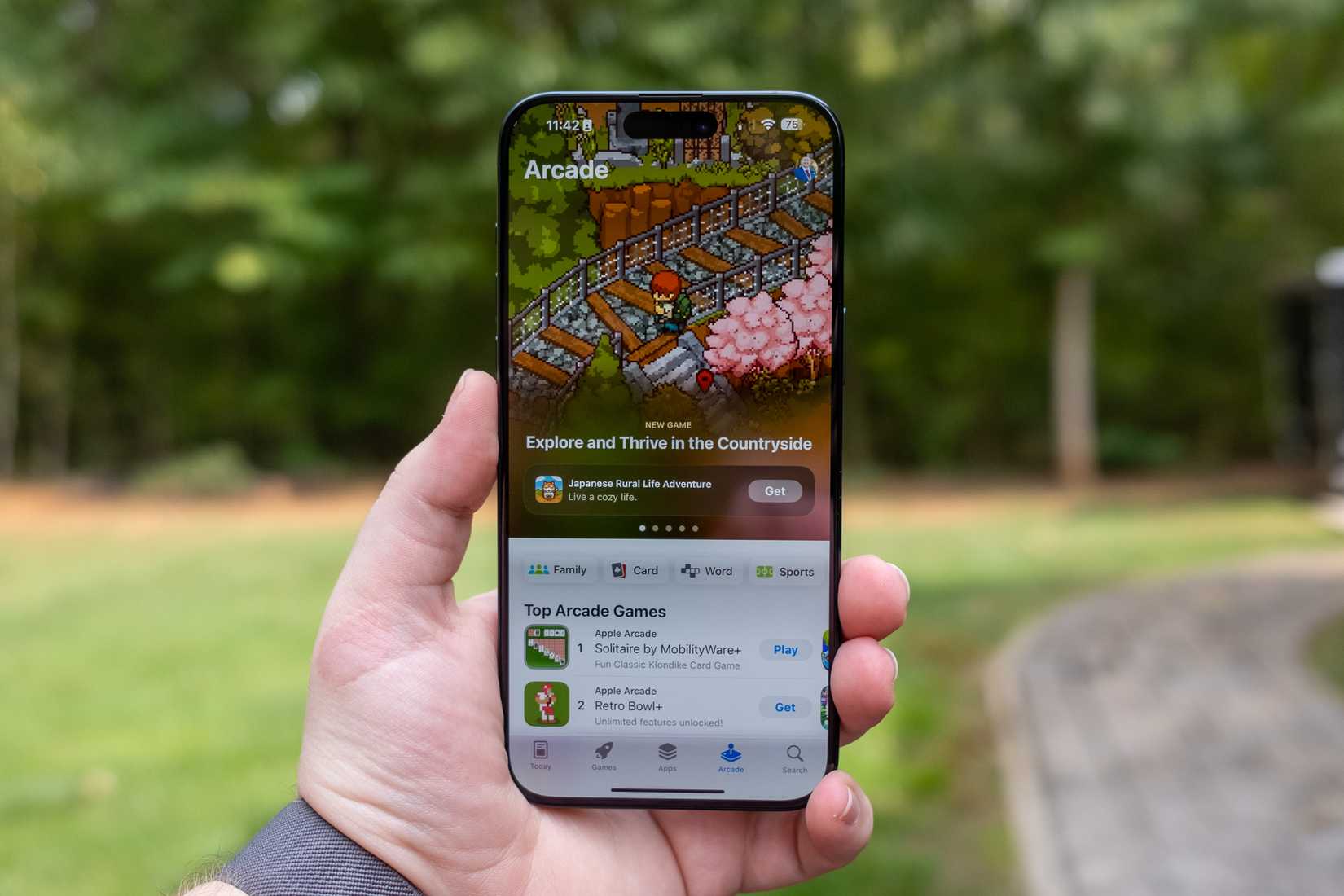
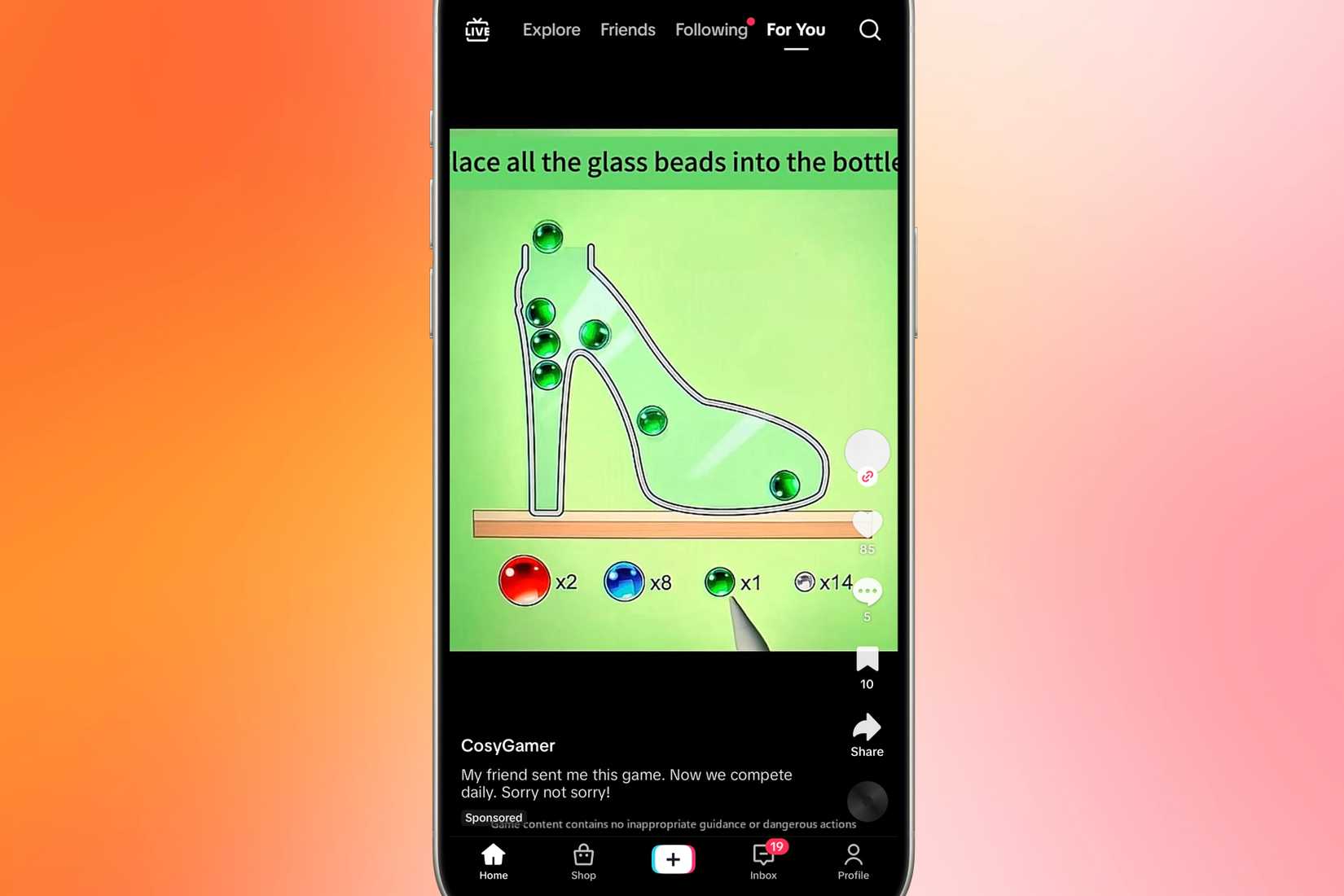
Another effective application is during mobile gaming. While Apple Arcade games are typically ad-free and offline-compatible, many games promoted on platforms like TikTok often feature frequent advertisements.
These intrusive ads, sometimes appearing after every level, can significantly detract from the gaming experience. Activating Airplane mode can circumvent this by disabling the internet connection, thereby blocking most in-game ads and allowing for uninterrupted gameplay.
It is worth noting that this method is not universally effective, as some games require an active internet connection to function.
What to do before activating Airplane mode
While enabling Airplane mode is a simple action, certain preparatory steps can ensure both the user and their contacts are ready for the temporary disconnection.
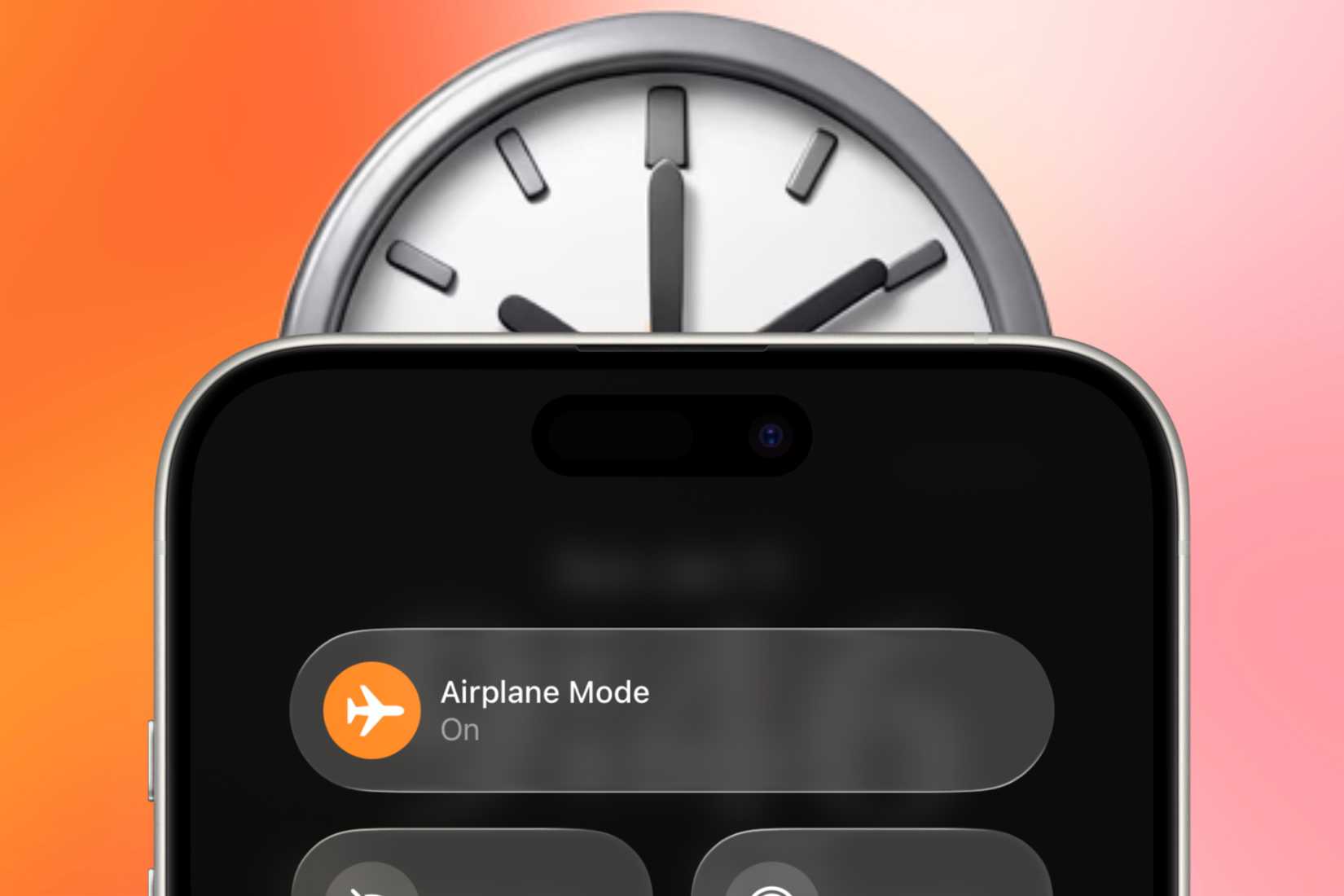
Whenever possible, plan the activation of Airplane mode. This could coincide with periods dedicated to studying, important tasks, or a general digital detox.
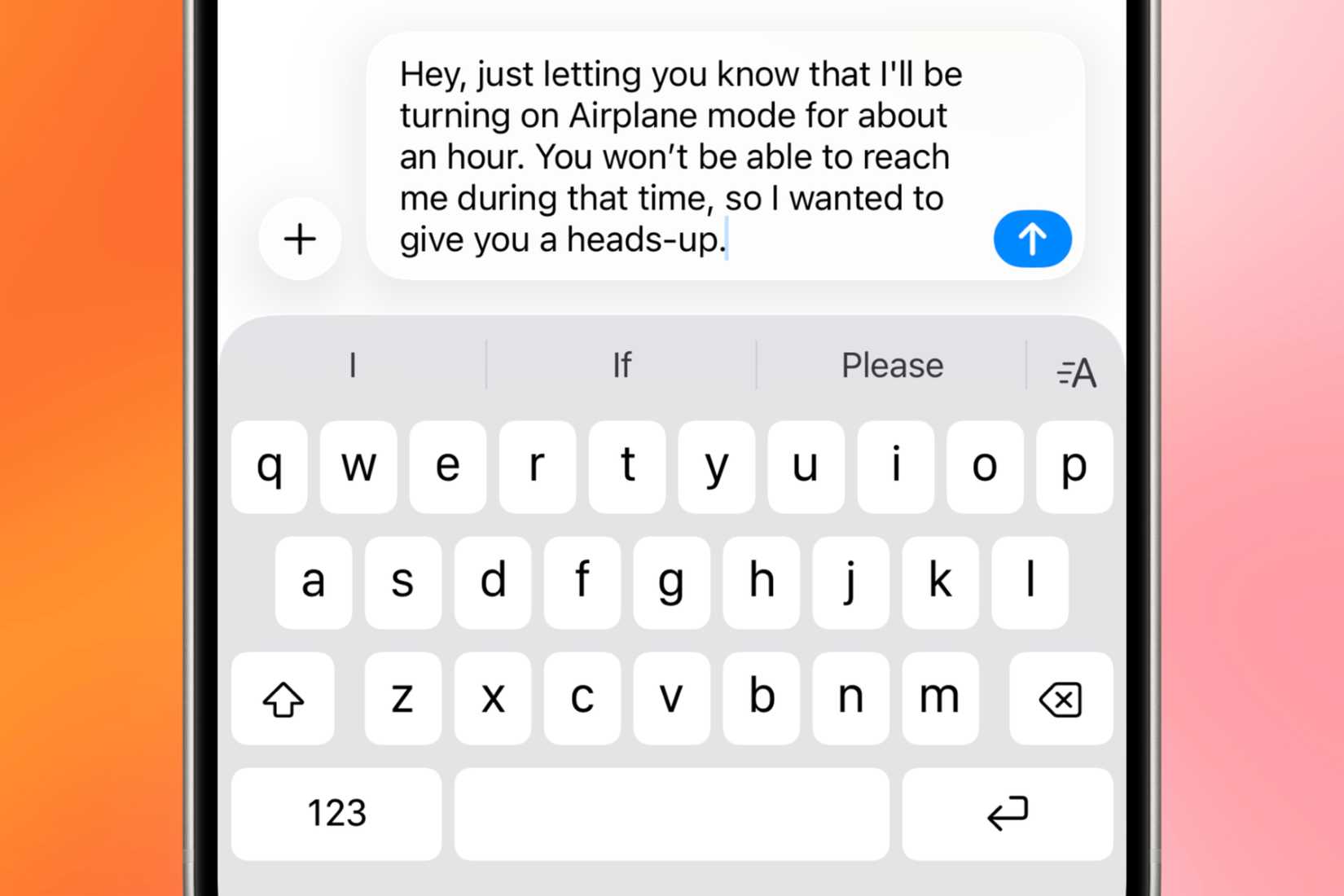
Informing frequent contacts about the planned disconnection can manage expectations, preventing them from awaiting responses to messages or calls that will not be received.
For online resources, such as files in a cloud drive, download them prior to enabling Airplane mode. While it is possible to temporarily disable Airplane mode to access un-downloaded content, be prepared for a rush of pending notifications upon reconnection.
Crucially, activate this setting only when suitable. While Airplane mode is effective for focus, it should be avoided in situations where urgent contact might be necessary, such as medical emergencies or anticipated important calls.
Although Airplane mode is excellent for minimizing distractions, its complete disconnection necessitates judicious use. There are instances where maintaining contact or reachability is essential while working on tasks.
In such cases, Do Not Disturb effectively manages most distractions. However, for a complete elimination of interruptions, Airplane mode provides a truly quiet environment, free from the influx of notifications.
