

Close Menu
    Latest Post

    Anker’s X1 Pro shouldn’t exist, but I’m so glad it does

    February 22, 2026

    Suspected Russian Actor Linked to CANFAIL Malware Attacks on Ukrainian Organizations

    February 22, 2026

    Trump Reinstates De Minimis Exemption Suspension Despite Supreme Court Ruling

    February 22, 2026
    Facebook X (Twitter) Instagram
    Trending
    • Anker’s X1 Pro shouldn’t exist, but I’m so glad it does
    • Suspected Russian Actor Linked to CANFAIL Malware Attacks on Ukrainian Organizations
    • Trump Reinstates De Minimis Exemption Suspension Despite Supreme Court Ruling
    • How Cloudflare Mitigated a Vulnerability in its ACME Validation Logic
    • Demis Hassabis and John Jumper Receive Nobel Prize in Chemistry
    • How to Cancel Your Google Pixel Watch Fitbit Premium Trial
    • GHD Speed Hair Dryer Review: Powerful Performance and User-Friendly Design
    • An FBI ‘Asset’ Helped Run a Dark Web Site That Sold Fentanyl-Laced Drugs for Years
    Facebook X (Twitter) Instagram Pinterest Vimeo
    NodeTodayNodeToday
    • Home
    • AI
    • Dev
    • Guides
    • Products
    • Security
    • Startups
    • Tech
    • Tools
    NodeTodayNodeToday
    Home»Guides»How to Use Gboard’s Number Pad and Switch Back if It Gets Stuck
    Guides

    How to Use Gboard’s Number Pad and Switch Back if It Gets Stuck

    Samuel AlejandroBy Samuel AlejandroJanuary 24, 2026No Comments2 Mins Read
    Share Facebook Twitter Pinterest LinkedIn Tumblr Reddit Telegram Email
    src 1lq315j featured
    Share
    Facebook Twitter LinkedIn Pinterest Email

    Image 1

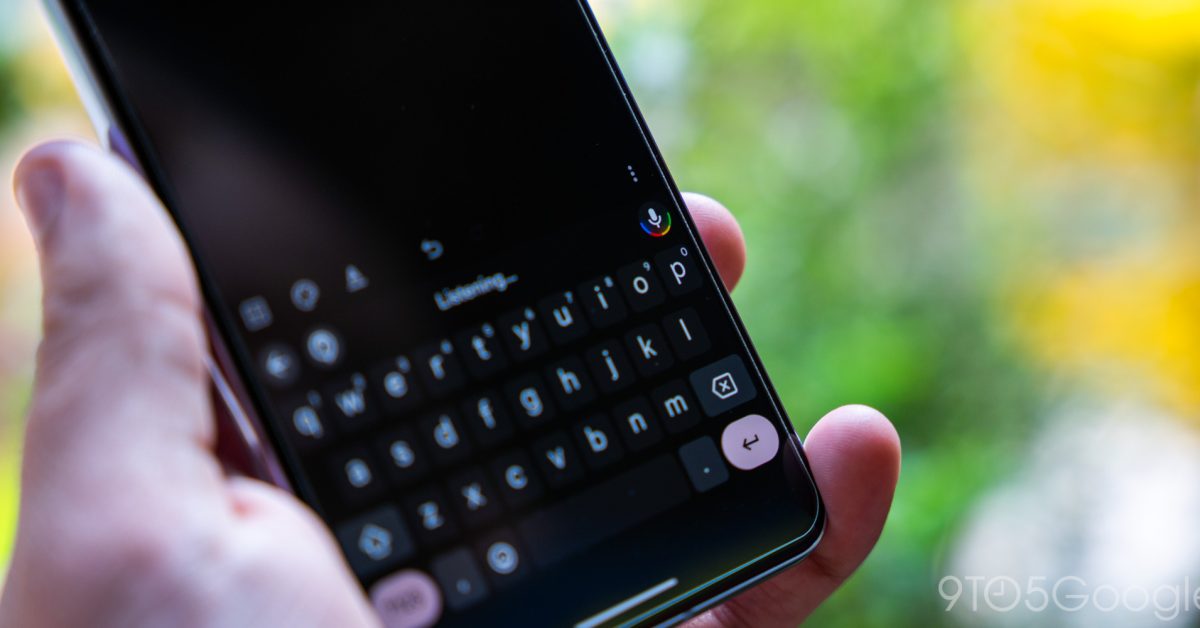
    Gboard, Google’s popular virtual keyboard, offers a convenient number pad layout that can significantly speed up typing numbers. While this feature is useful, some users might find it appearing unexpectedly or struggle to revert to the standard alphanumeric layout. This guide explains how to activate and deactivate Gboard’s number pad, ensuring a smooth typing experience.

    Accessing the Number Pad

    There are two primary ways to bring up the dedicated number pad in Gboard:

    • Long-press the ‘123’ key: On the standard Gboard layout, locate the ‘123’ key, usually in the bottom-left corner. Press and hold this key. A pop-up menu should appear with options, including a dedicated number pad icon. Select this icon to switch to the full number pad.
    • Through Gboard settings: If the long-press method doesn’t work or a more permanent setting is preferred, navigate to Gboard’s settings.

    To access Gboard settings:

    1. Open any app that brings up the Gboard keyboard.
    2. Tap the gear icon (⚙️) on the keyboard to open settings.
    3. Go to ‘Preferences’.
    4. Look for an option related to ‘Number row’ or ‘Number pad’. Ensure it is enabled if the number row is desired to always be visible, or explore other layout options.

    Switching Back to the Alphanumeric Keyboard

    If Gboard gets “stuck” on the number pad or a return to the letter layout is desired, the process is straightforward:

    • Tap the ‘ABC’ key: When the number pad is active, a key labeled ‘ABC’ will typically be present in the bottom-left corner. Tapping this key will immediately revert the keyboard to its standard alphanumeric layout.
    • Restarting the app or device: In rare cases where the keyboard seems unresponsive, closing the app being used and reopening it might resolve the issue. If the problem persists, a device restart can often fix temporary software glitches.

    Understanding how to manage Gboard’s number pad feature allows for more efficient data entry and helps users regain control over their keyboard layout if it behaves unexpectedly.

    Share. Facebook Twitter Pinterest LinkedIn Tumblr Email
    Previous ArticleThe Current State of Humanoid Robots: An Investment Bubble or Future Potential?
    Next Article Your 2025 Stacked: A year of knowledge, community, and impact
    Samuel Alejandro

    Related Posts

    Guides

    How to Cancel Your Google Pixel Watch Fitbit Premium Trial

    February 21, 2026
    Guides

    Unlock Instant Gaming Performance on Your Laptop with This GPU Setting

    February 21, 2026
    Guides

    How to craft a bow in Minecraft

    February 20, 2026
    Add A Comment
    Leave A Reply Cancel Reply

    Latest Post

    ChatGPT Mobile App Surpasses $3 Billion in Consumer Spending

    December 21, 202513 Views

    Creator Tayla Cannon Lands $1.1M Investment for Rebuildr PT Software

    December 21, 202511 Views

    Automate Your iPhone’s Always-On Display for Better Battery Life and Privacy

    December 21, 202510 Views
    Stay In Touch
    • Facebook
    • YouTube
    • TikTok
    • WhatsApp
    • Twitter
    • Instagram
    About

    Welcome to NodeToday, your trusted source for the latest updates in Technology, Artificial Intelligence, and Innovation. We are dedicated to delivering accurate, timely, and insightful content that helps readers stay ahead in a fast-evolving digital world.

    At NodeToday, we cover everything from AI breakthroughs and emerging technologies to product launches, software tools, developer news, and practical guides. Our goal is to simplify complex topics and present them in a clear, engaging, and easy-to-understand way for tech enthusiasts, professionals, and beginners alike.

    Latest Post

    Anker’s X1 Pro shouldn’t exist, but I’m so glad it does

    February 22, 20260 Views

    Suspected Russian Actor Linked to CANFAIL Malware Attacks on Ukrainian Organizations

    February 22, 20260 Views

    Trump Reinstates De Minimis Exemption Suspension Despite Supreme Court Ruling

    February 22, 20260 Views
    Recent Posts
    • Anker’s X1 Pro shouldn’t exist, but I’m so glad it does
    • Suspected Russian Actor Linked to CANFAIL Malware Attacks on Ukrainian Organizations
    • Trump Reinstates De Minimis Exemption Suspension Despite Supreme Court Ruling
    • How Cloudflare Mitigated a Vulnerability in its ACME Validation Logic
    • Demis Hassabis and John Jumper Receive Nobel Prize in Chemistry
    Facebook X (Twitter) Instagram Pinterest
    • About Us
    • Contact Us
    • Privacy Policy
    • Terms & Conditions
    • Disclaimer
    • Cookie Policy
    © 2026 NodeToday.

    Type above and press Enter to search. Press Esc to cancel.