
Close Menu
    Latest Post

    Verifying 5G Standalone Activation on Your iPhone

    March 1, 2026

    Hands on: the Galaxy S26 and S26 Plus are more of the same for more money

    March 1, 2026

    IronCurtain: A Secure AI Agent Designed to Prevent Rogue Actions

    March 1, 2026
    Facebook X (Twitter) Instagram
    Trending
    • Verifying 5G Standalone Activation on Your iPhone
    • Hands on: the Galaxy S26 and S26 Plus are more of the same for more money
    • IronCurtain: A Secure AI Agent Designed to Prevent Rogue Actions
    • Kwasi Asare’s Entrepreneurial Journey: Risk, Reputation, and Resilience
    • The Rubin Observatory’s alert system sent 800,000 pings on its first night
    • GitHub Actions Now Supports Unzipped Artifact Uploads and Downloads
    • Project Genie: Experimenting with Infinite, Interactive Worlds
    • Text Generation Using Diffusion Models and ROI with LLMs
    Facebook X (Twitter) Instagram Pinterest Vimeo
    NodeTodayNodeToday
    • Home
    • AI
    • Dev
    • Guides
    • Products
    • Security
    • Startups
    • Tech
    • Tools
    NodeTodayNodeToday
    Home»Guides»Workaround for Missing ‘Add to Google Wallet’ Button on Passes
    Guides

    Workaround for Missing ‘Add to Google Wallet’ Button on Passes

    Samuel AlejandroBy Samuel AlejandroJanuary 22, 2026No Comments2 Mins Read
    Share Facebook Twitter Pinterest LinkedIn Tumblr Reddit Telegram Email
    src 14so1p3 featured
    Share
    Facebook Twitter LinkedIn Pinterest Email

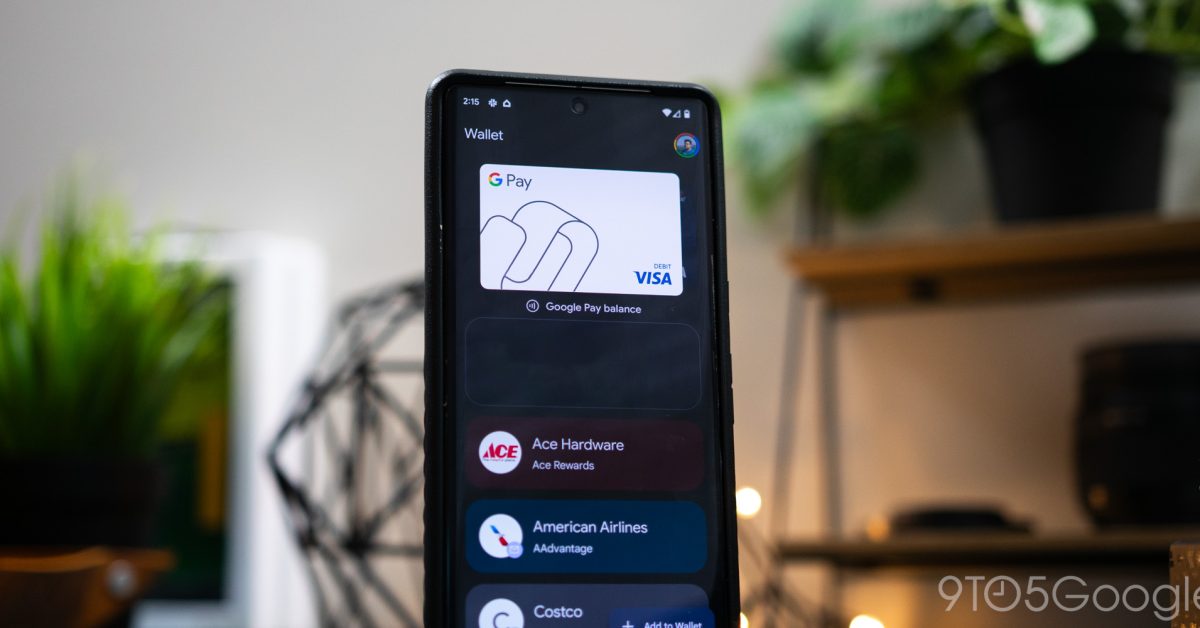
    Google Wallet is a convenient platform for storing various digital passes, including loyalty cards, event tickets, and boarding passes. Typically, when you receive a digital pass, there’s a straightforward “Add to Google Wallet” button that allows for easy integration. However, some users occasionally find this button missing, preventing them from saving their passes directly.

    TCL TV NFL Sunday Ticket

    Understanding the Issue

    The absence of the “Add to Google Wallet” button can be frustrating. This often occurs when the pass provider’s implementation doesn’t fully support the direct integration method, or there’s a temporary glitch. While the button might not be visible, there’s usually an underlying mechanism that still allows the pass to be added.

    The Simple Workaround

    Fortunately, a simple trick can help bypass this problem. Instead of looking for the explicit “Add to Google Wallet” button, users can often leverage the standard sharing functionality available on their device.

    Steps to Add a Pass Without the Button:

    1. Locate the Share Option: When viewing your digital pass (e.g., in an email, a web page, or a dedicated app), look for a general “Share” icon or option. This is usually represented by an icon with three connected dots or an arrow pointing upwards/rightwards.
    2. Select Google Wallet: Tapping the “Share” option will bring up a list of applications you can share the content with. Scroll through this list and select “Google Wallet.”
    3. Confirm and Save: Google Wallet should then process the pass data. You will likely be prompted to review the pass details and confirm that you want to add it to your wallet. Follow the on-screen instructions to complete the process.

    This method effectively forces the pass data into Google Wallet, even if the direct integration button is not present. It’s a useful trick for ensuring all your important digital passes are stored in one accessible location.

    Share. Facebook Twitter Pinterest LinkedIn Tumblr Email
    Previous ArticleCisco Patches Critical Unified Communications Zero-Day Exploited in Attacks
    Next Article Managing Defense Systems at Scale: When Protections Become Obstacles
    Samuel Alejandro

    Related Posts

    Guides

    Verifying 5G Standalone Activation on Your iPhone

    March 1, 2026
    Guides

    Modern PC hardware failure rates aren’t increasing, the expectations are just higher

    March 1, 2026
    Guides

    Android 17 Beta 2 Introduces Apple-Like Handoff and “Bubbles” Multitasking

    February 28, 2026
    Add A Comment
    Leave A Reply Cancel Reply

    Latest Post

    ChatGPT Mobile App Surpasses $3 Billion in Consumer Spending

    December 21, 202517 Views

    Automate Your iPhone’s Always-On Display for Better Battery Life and Privacy

    December 21, 202515 Views

    Creator Tayla Cannon Lands $1.1M Investment for Rebuildr PT Software

    December 21, 202514 Views
    Stay In Touch
    • Facebook
    • YouTube
    • TikTok
    • WhatsApp
    • Twitter
    • Instagram
    About

    Welcome to NodeToday, your trusted source for the latest updates in Technology, Artificial Intelligence, and Innovation. We are dedicated to delivering accurate, timely, and insightful content that helps readers stay ahead in a fast-evolving digital world.

    At NodeToday, we cover everything from AI breakthroughs and emerging technologies to product launches, software tools, developer news, and practical guides. Our goal is to simplify complex topics and present them in a clear, engaging, and easy-to-understand way for tech enthusiasts, professionals, and beginners alike.

    Latest Post

    Verifying 5G Standalone Activation on Your iPhone

    March 1, 20264 Views

    Hands on: the Galaxy S26 and S26 Plus are more of the same for more money

    March 1, 20265 Views

    IronCurtain: A Secure AI Agent Designed to Prevent Rogue Actions

    March 1, 20264 Views
    Recent Posts
    • Verifying 5G Standalone Activation on Your iPhone
    • Hands on: the Galaxy S26 and S26 Plus are more of the same for more money
    • IronCurtain: A Secure AI Agent Designed to Prevent Rogue Actions
    • Kwasi Asare’s Entrepreneurial Journey: Risk, Reputation, and Resilience
    • The Rubin Observatory’s alert system sent 800,000 pings on its first night
    Facebook X (Twitter) Instagram Pinterest
    • About Us
    • Contact Us
    • Privacy Policy
    • Terms & Conditions
    • Disclaimer
    • Cookie Policy
    © 2026 NodeToday.

    Type above and press Enter to search. Press Esc to cancel.