


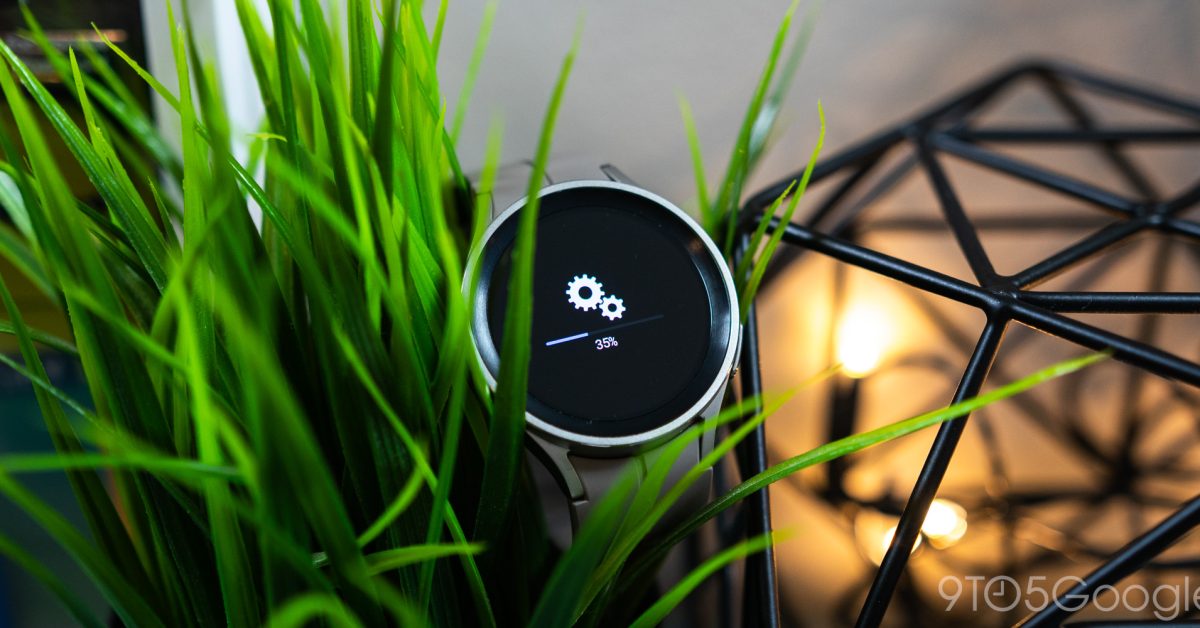
The highly anticipated One UI Watch 5 beta program for Samsung Galaxy Watch devices has officially commenced. This initiative allows users to preview and test upcoming software enhancements before their public release. The update is expected to introduce a range of new functionalities and performance improvements to the Galaxy Watch series.

This beta program is a crucial step for Samsung to gather user feedback, ensuring a refined and stable experience for the final One UI Watch 5 release. Participants will have the opportunity to explore new watch faces, improved health tracking features, and potentially updated notification management, among other changes.
Eligibility for the One UI Watch 5 Beta
Typically, beta programs are made available for recent flagship devices. For the One UI Watch 5 beta, it is generally expected to be compatible with the Galaxy Watch 4, Galaxy Watch 4 Classic, Galaxy Watch 5, and Galaxy Watch 5 Pro models. Users should verify their device’s eligibility within the Samsung Members application.
How to Enroll in the Beta Program
- Ensure the Samsung Members app is installed and updated on your connected smartphone.
- Open the Samsung Members application.
- Look for a banner or notification regarding the One UI Watch 5 beta program. This is usually found on the app’s home screen or in the ‘Notices’ section.
- Follow the on-screen instructions to register for the beta.
- Once registered, a software update notification should appear on your smartphone, allowing you to download and install the beta firmware on your Galaxy Watch.
It is important to note that beta software may contain bugs or instability. Users considering enrollment should be aware of potential issues and are advised to back up their device data before proceeding with the installation.
