


GPT-5.2-Codex is now generally available across various GitHub Copilot plans, including Copilot Enterprise, Copilot Business, Copilot Pro, and Copilot Pro+.
Availability in GitHub Copilot
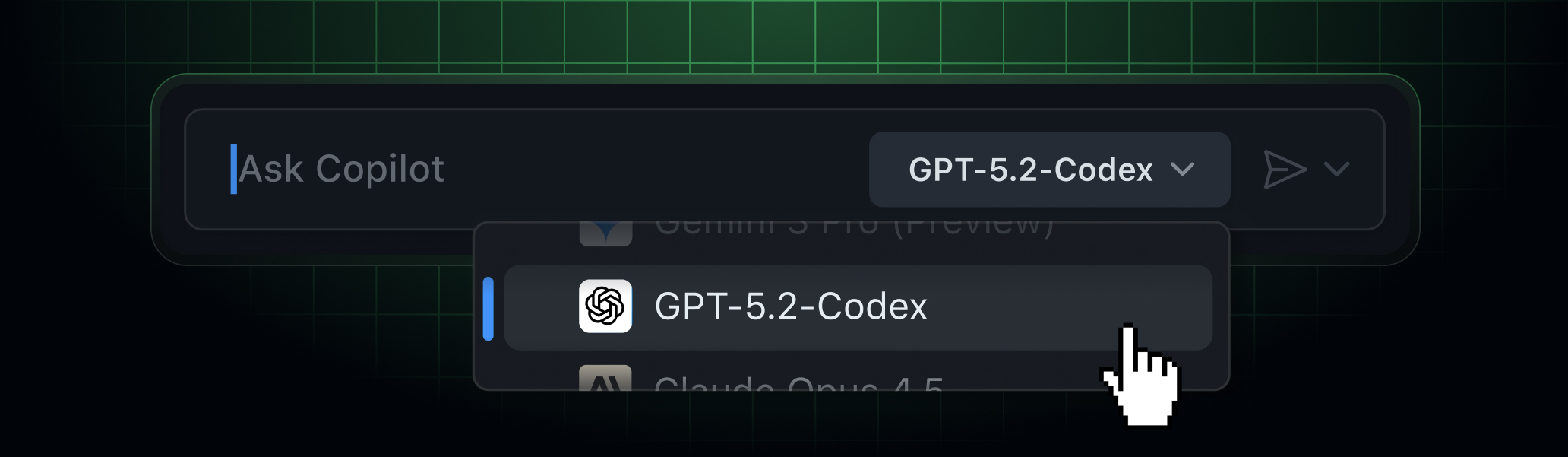
Users can select this model through the Copilot model picker in several environments:
- Visual Studio Code in all modes: chat, ask, edit, agent
- Copilot Chat in github.com
- GitHub Mobile (iOS and Android)
- Copilot coding agent (exclusive to Copilot Pro and Pro+ subscribers)
- Copilot CLI
The rollout will be gradual, so users who do not yet see the new models should check again soon.
Enabling Access
- Enterprise and Business plans: Administrators are required to enable OpenAI GPT-5.2-Codex within Copilot settings. Once activated, the model will appear in the Copilot model picker for users within that organization.
- Pro and Pro+ plans: Users can enable the model by selecting it in the model picker and confirming a one-time prompt.
- Bring your own key: In Visual Studio Code, users can select Manage Models from the picker, choose OpenAI GPT-5.2-Codex, and input their API key when prompted.
Learn More
For a comprehensive overview of all models available in GitHub Copilot, refer to the documentation on models and information on getting started with Copilot.
Share Your Feedback
Feedback can be shared by joining the GitHub Community.
