


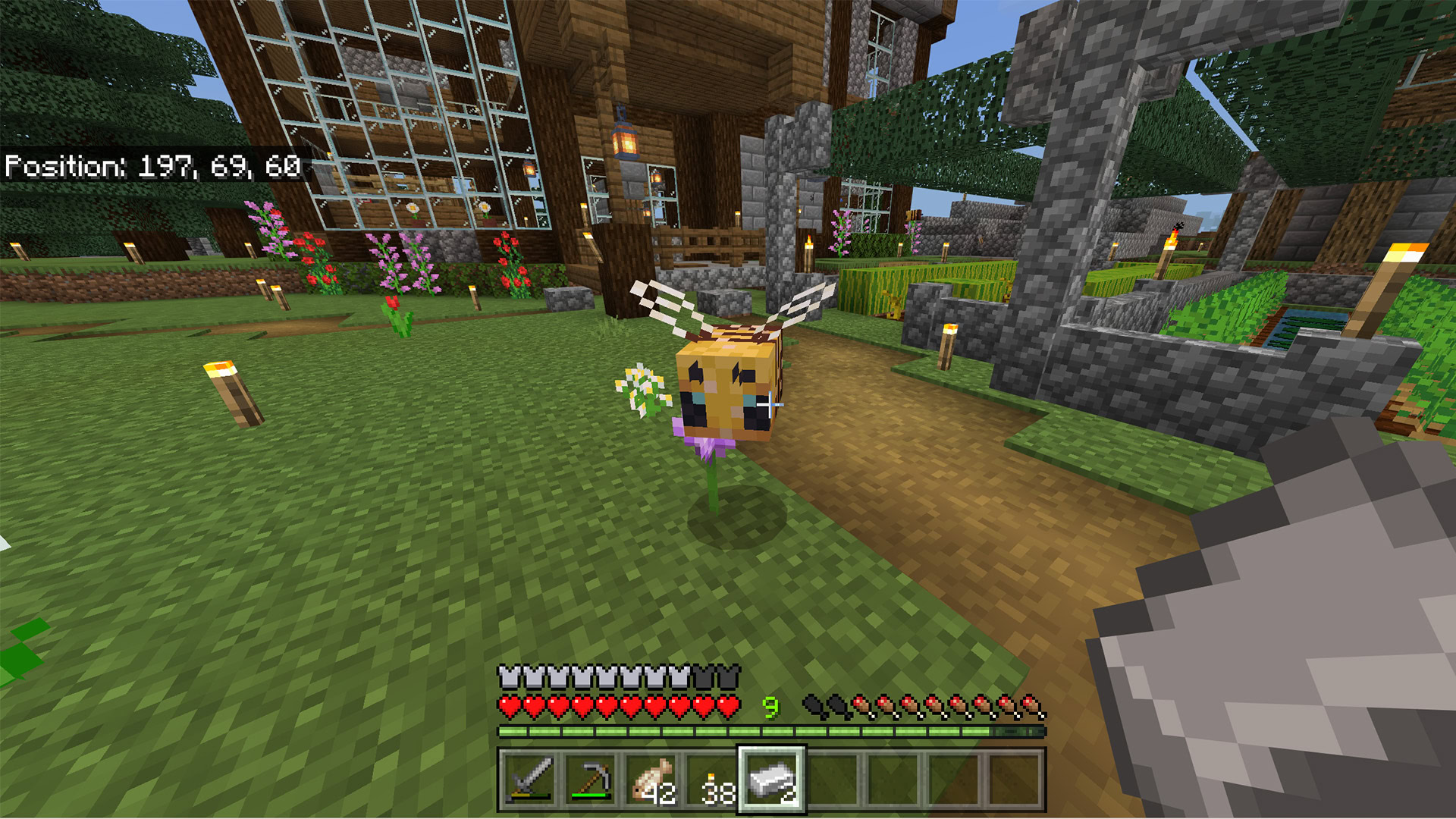
Honeycomb is a valuable item in Minecraft, essential for various crafting recipes. Obtaining it can be challenging, as it requires interacting with bee nests, which can provoke the bees. Bees will sting and poison players if not handled carefully. This guide explains how to acquire honeycomb safely, manage bees, and effectively use both bee nests and player-crafted beehives.
The methods described are generally applicable across different versions of Minecraft, including Java, console, and mobile editions.
How to Safely Obtain Honeycomb in Minecraft
To begin harvesting honeycomb, locate a bee nest or have a beehive ready. The only tool required is a pair of shears, crafted from two iron ingots at a crafting table. Details on finding nests and crafting beehives are covered in later sections.
Once a beehive or nest is located and shears are acquired, honeycomb can be harvested:
- Step 1 — Place a campfire directly beneath the nest or hive. The smoke rising from the campfire will pacify the bees, allowing for safe harvesting. It is advisable to dig a small pit beneath the hive or nest to contain the fire, preventing it from spreading to nearby trees or harming the bees. For Bedrock Edition, a fence around the fire can offer protection, while a carpet placed above it works for Java Edition to further safeguard the bees.
- Step 2 — With the bees pacified, equip the shears and interact with the nest or hive to harvest honeycomb. This typically involves right-clicking and holding on PC, using RZ for Nintendo Switch, R2 for PlayStation, RT for Xbox, or tapping and holding on mobile. Up to three honeycombs can be collected from a single nest or hive.
- Step 3 — After harvesting, extinguish the campfire.
- Step 4 — Return to the nest or hive later and repeat the process to gather more honeycomb.
- Important — Eliminating the bees will cause the nest or hive to become abandoned, ceasing all honeycomb production.
While it is possible to harvest honeycomb without pacifying the bees, this will provoke them, leading to stings that inflict immediate damage and poison. Using a campfire to smoke them out is highly recommended to avoid these consequences, ensuring no bees are harmed in the process.
Where to Find a Bee Nest in Minecraft
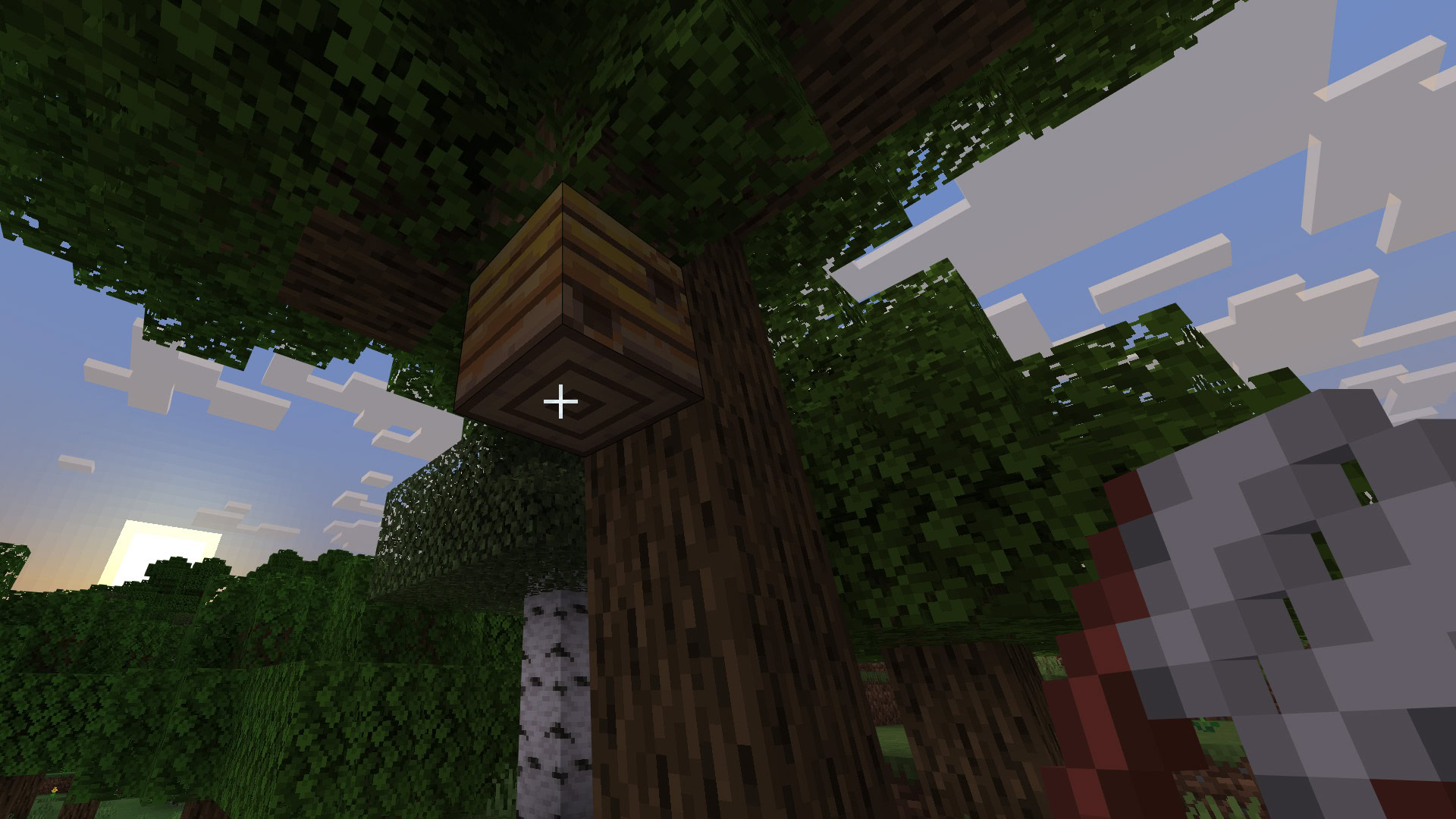
Bee nests are not overly difficult to find, though their spawn rates vary by biome. They exclusively appear on oak, mangrove, and birch trees. The following outlines the percentage chance for a tree to have a bee nest in various biomes. Essentially, bee nests can spawn in most biomes without sand or snow that also feature trees and flowers. Approaching a nest will reveal the distinct buzzing sound of bees.
- Meadow — 100% chance if a birch or oak tree generates.
- Plains and Sunflower plains — 5% in both Java and Bedrock editions.
- Mangrove Swamp — 5% in Java Edition and 4% chance in Bedrock edition.
- Flower forest — 2% in Java Edition and 3% in Bedrock edition.
- Forest, Birch forest, New growth birch forest — 0.2% in Java Edition, and 0.035% in Bedrock edition.
- Note — Some biomes may have alternative names, such as “Tall Birch Forest” for “Old Growth Birch Forest.”
These percentages apply to naturally generated trees within each biome. Beehives can also be spawned using saplings and flowers, as detailed in the next section.
How to Spawn Your Own Bee Nest in Minecraft
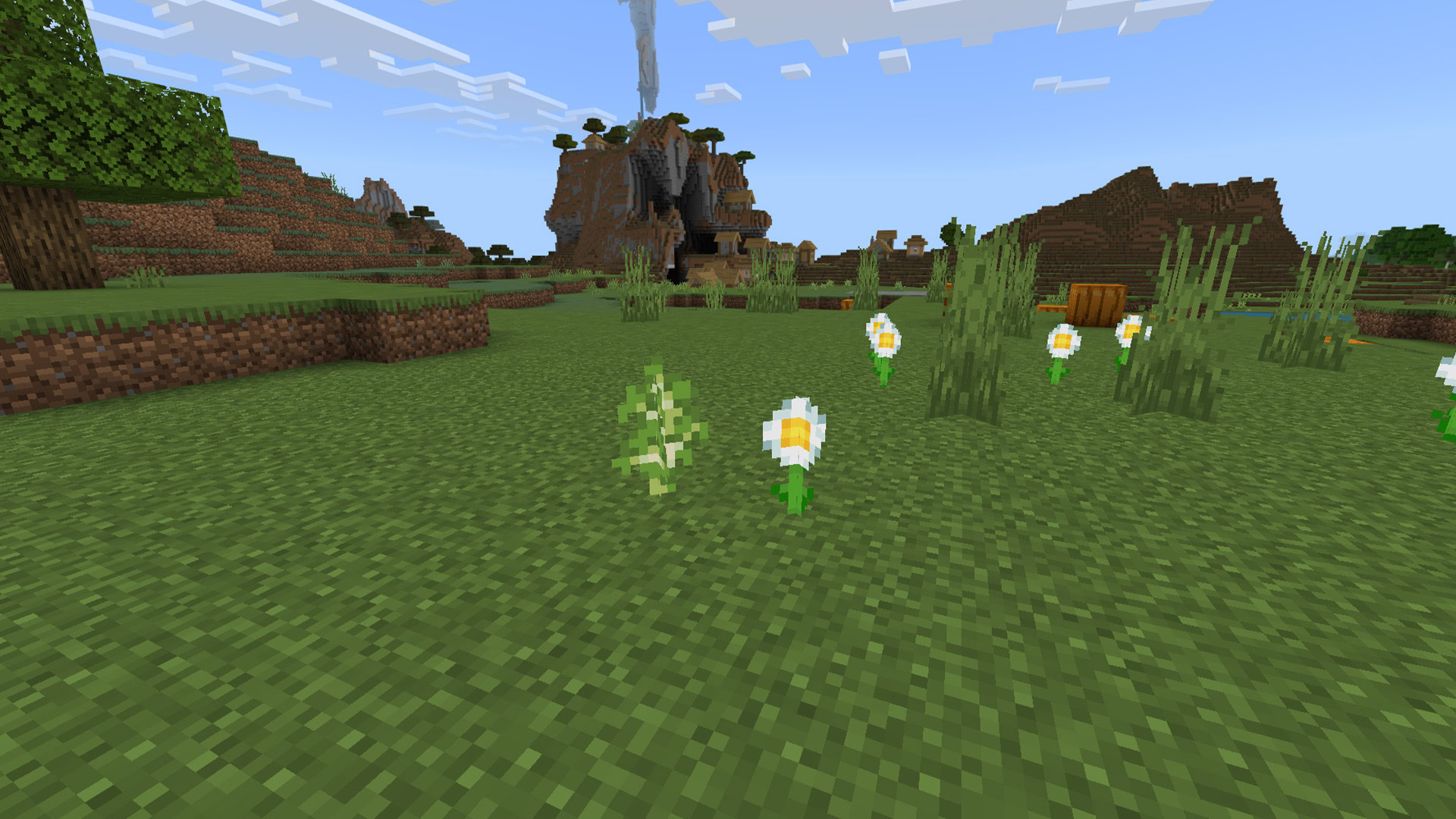
Players can encourage the spawning of their own bee nests in Minecraft. The process is straightforward, but the spawn rate is relatively low, often requiring multiple attempts.
What is needed:
- A flower.
- A sapling.
- Optional: Bonemeal.
How to spawn a bee nest:
- Step 1 — Plant a flower in a suitable field within one of the aforementioned biomes.
- Step 2 — Plant a sapling within two blocks of the flower.
- Step 3 — Allow the tree to grow. There is a 5% chance it will generate with a bee nest.
- Optional — Apply bonemeal to the sapling to accelerate its growth.
Once established, the spawned bee nest functions identically to a naturally occurring one, allowing for honeycomb harvesting and relocation.
How to Craft a Beehive
A beehive is a craftable item that functions similarly to a natural bee nest. It allows for the collection of honeycomb and honey and can be placed anywhere desired. While players must supply their own bees, a crafted beehive operates just like a natural bee nest.
Materials required:
- 6 planks of any wood type
- 3 honeycombs
How to craft a beehive:
- Step 1 — Using a crafting table, place 3 planks in the top row, 3 planks in the bottom row, and 3 honeycombs in the middle row.
- Step 2 — Retrieve the beehive from the crafting table.
- Step 3 — Place the hive in the desired location, ensuring flowers are nearby.
- Step 4 — Lead bees from a nearby nest to the new hive, and they should claim it.
Instructions on moving bees are provided later in this guide. Once set up, the hive will produce honeycomb and honey.
How to Safely Destroy and Move a Bee Nest in Minecraft
This section outlines how to move a bee nest in Minecraft without permanently destroying it. This allows players to relocate nests closer to their base or to a more accessible area for efficient harvesting.
What is needed:
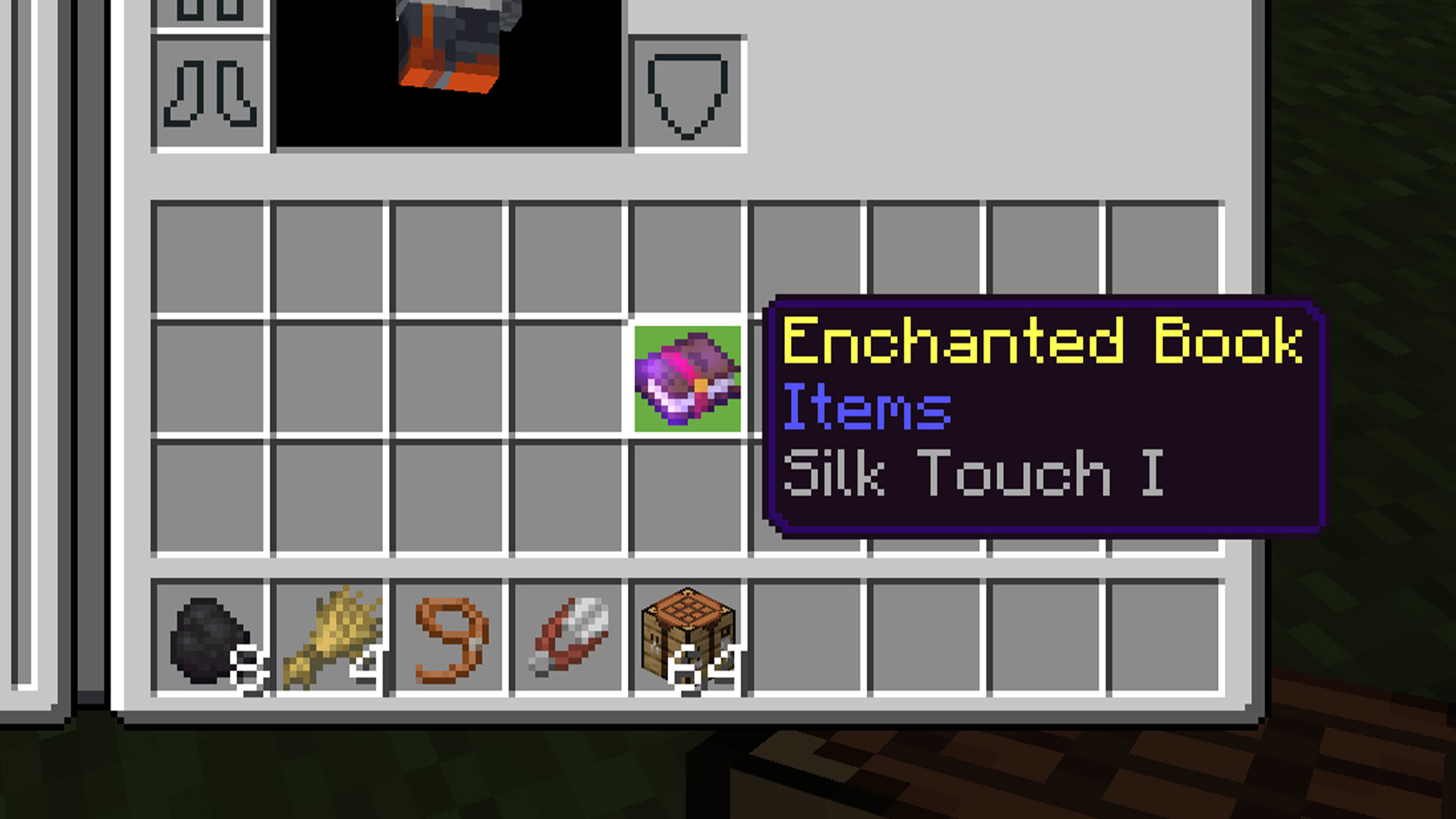
- A tool enchanted with Silk Touch.
- A bee nest or beehive.
How to safely destroy and move a bee nest:
- Step 1 — Wait for the bees to return to the nest. This typically occurs at night or during rainfall.
- Step 2 — Use a Silk Touch enchanted tool to break the nest while the bees are inside.
- Step 3 — Pick up the nest, transport it to the desired location, and place it.
- Step 4 — Ensure there are flowers nearby for the bees to collect pollen.
The key to this process is waiting for the bees to be inside their nest. If the nest is destroyed while the bees are outside, they will wander off in search of a new home, making relocation much more difficult.
How to Move Bees from One Nest or Hive to Another in Minecraft
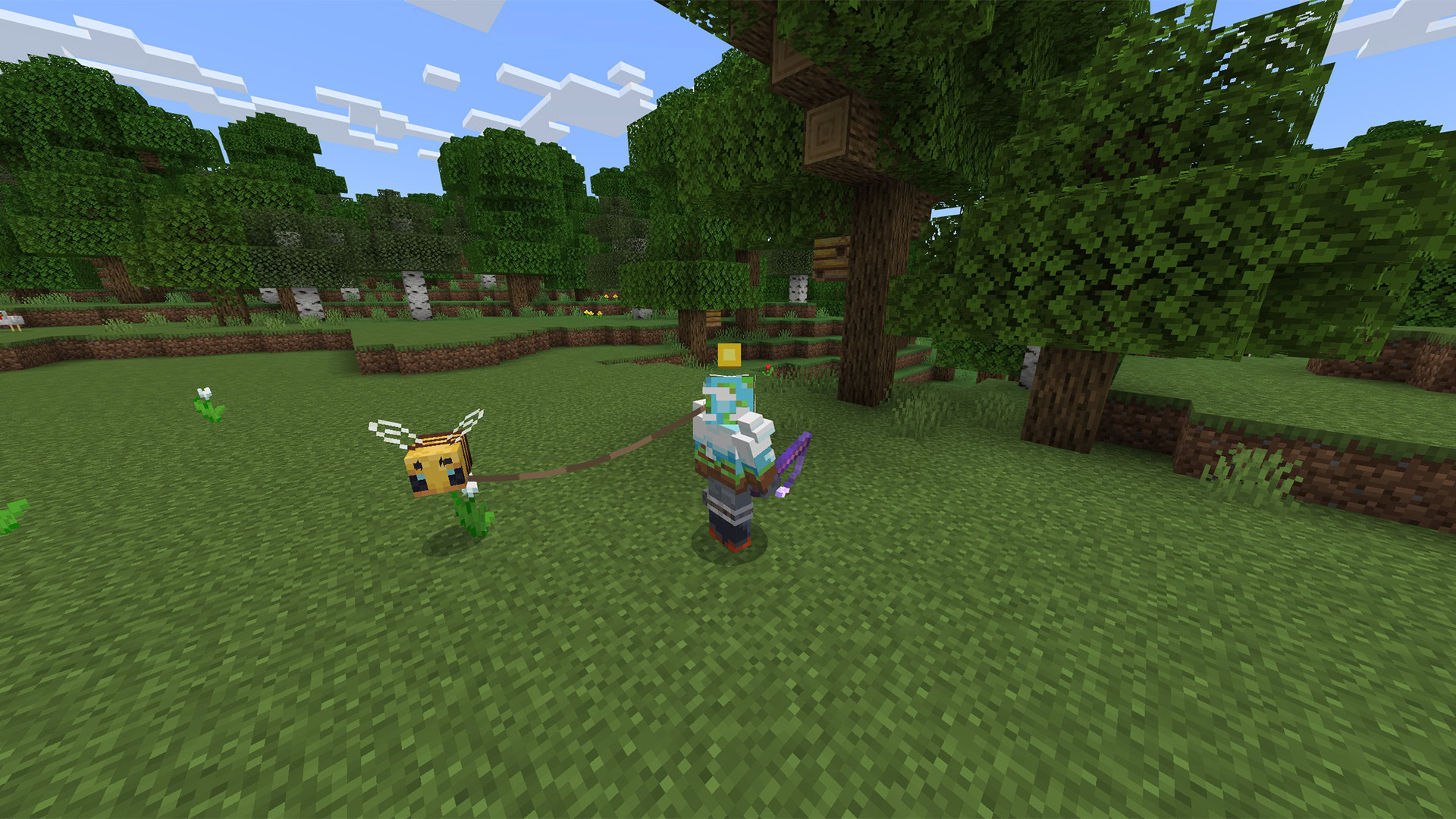
Moving bees between hives or nests is possible, though it can be a somewhat tricky task with potential complications. The following steps detail the process and how to mitigate issues.
Materials required:
- Either a flower or a lead.
- An empty beehive or bee nest surrounded by flowers.
How to move bees:
- Step 1 — Either attach a lead to the bee, similar to other animals, or attract its attention with a flower. Bees are drawn to flowers.
- Step 2 — Slowly guide the bee from its current hive or nest to the empty one. This may involve covering significant distances.
- Step 3 — Once at the new location, the bee should claim the empty hive or nest. Ensure flowers are present nearby to encourage the bee to collect pollen and return to its new home.
- Warning — Despite the seemingly simple steps, several issues can arise. Bees may disengage from the flower and fly back to their original nest. Long travel distances can also be taxing for the player. For these reasons, it is advisable to establish temporary trapping points where the bee can be secured indoors until the journey can continue.
Bees can be more particular than other Minecraft animals. There have been instances where bees refuse to claim a new nest or hive, flying all the way back to their original one. Therefore, this process may require multiple attempts for the bees to accept their new home. Since each nest and hive can house up to three bees, repeating this process a few times may be necessary to relocate all bees. Once settled, they will produce honeycomb and honey.
What is the difference between a bee nest and a beehive?
A bee nest is a naturally occurring object in the Minecraft world. A beehive is an item crafted by a player using wood planks and honeycomb. Beyond their origin, both objects function identically.
How do I get honey out of a beehive or bee nest?
Use an empty glass bottle on the nest or hive to harvest honey.
Can you eat honeycomb in Minecraft?
Unlike real life, honeycomb cannot be consumed in Minecraft.
What purpose does honeycomb serve?
Honeycomb is a crafting material primarily used for candles. It is also essential for creating waxed copper, which prevents copper from oxidizing and changing color over time.
Are there any honeycomb achievements?
Yes. The “Wax On” achievement is earned by using honeycomb to wax an item, such as copper. The “Wax Off” achievement is obtained by using an axe to scrape wax off an item.
