


While short-form videos are common on TikTok, you might also encounter slideshows featuring multiple pictures. If you wish to share vacation memories or recent adventures but lack the time to produce a full video, TikTok’s built-in tools allow for quick and easy slideshow creation.
There are several methods for creating and sharing slideshows on TikTok. Users can manually select photos, add effects, music, and transitions, or opt for one of the platform’s ready-made templates for a quicker process. The manual approach offers greater customization for those who want to express their creativity. Additionally, the AutoCut option provides a fast way to generate shareable slideshows. For immediate sharing, users can directly edit and post TikTok’s integrated photo templates.
Table of Contents
- How to make a slideshow on TikTok manually or with AutoCut
- How to make a slideshow on TikTok using photo templates
How to make a slideshow on TikTok manually or with AutoCut
If a lengthy TikTok video is not desired, photos and videos can be manually chosen to create an appealing slideshow. All of TikTok’s editing features are available for crafting a unique slideshow. However, this method can be time-consuming, especially for new users.
Manual Slideshow Creation:
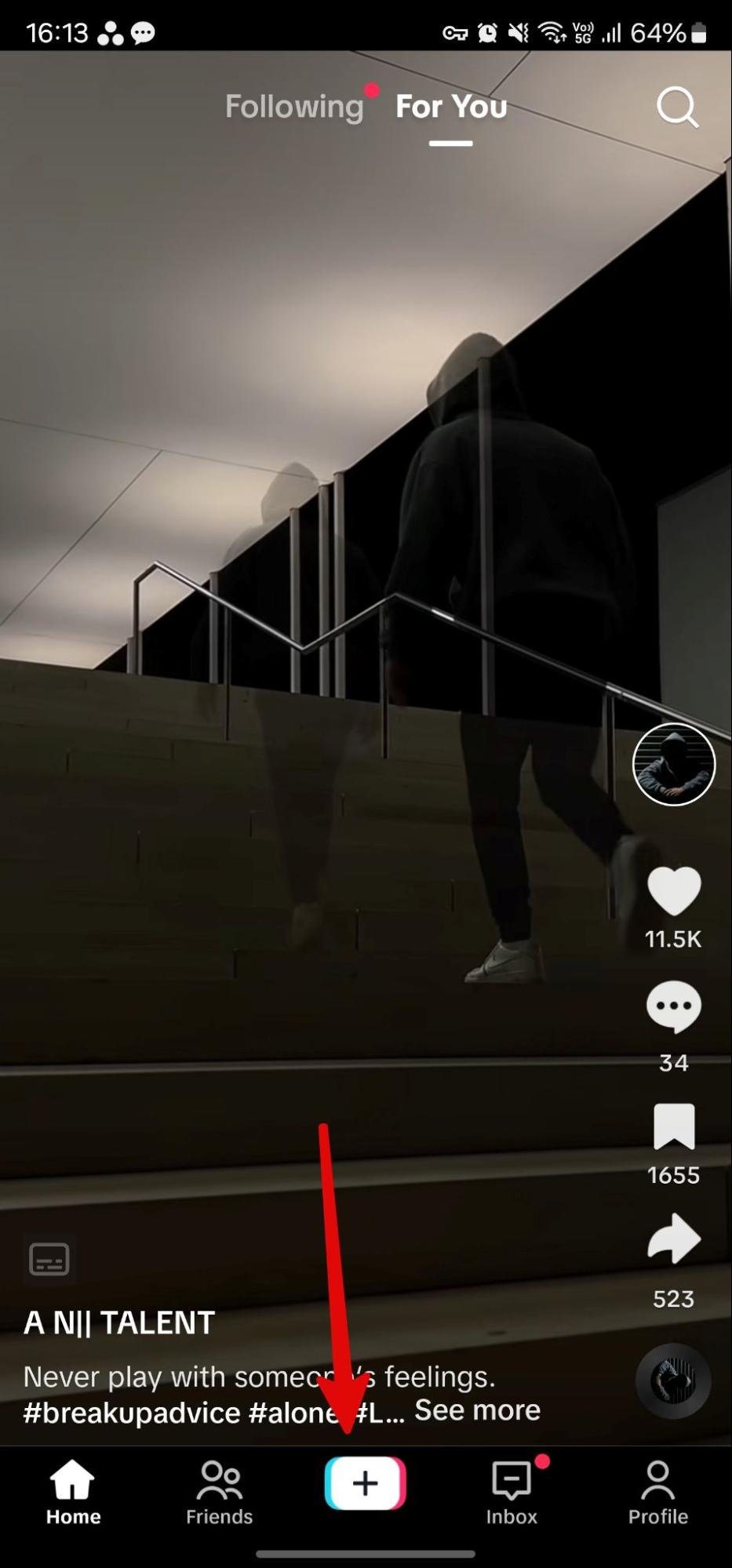
- Open TikTok on your device and tap the + icon at the bottom.
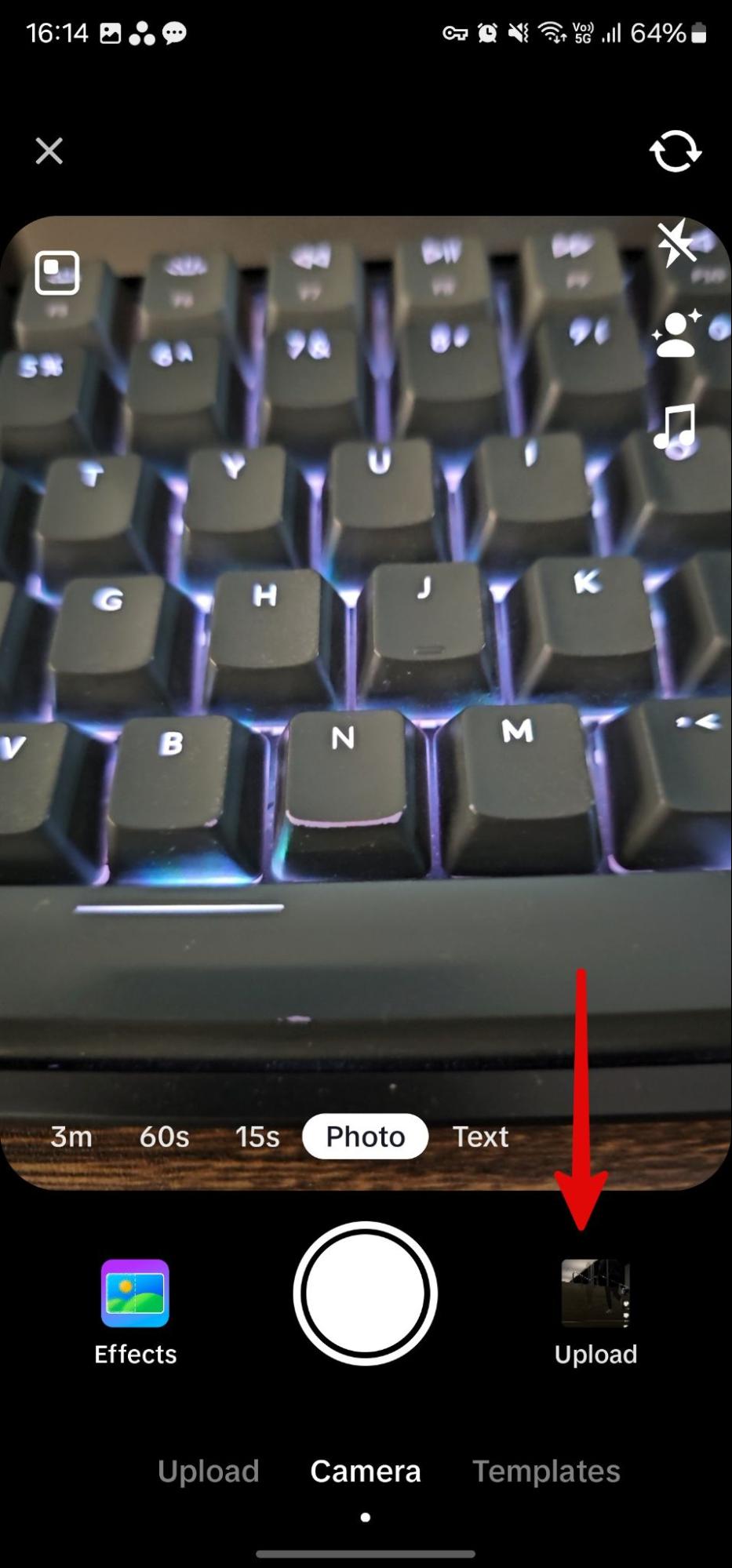
- Tap “Upload” next to the camera shutter button.
- Grant TikTok the necessary media permissions to access your phone’s photos and videos.
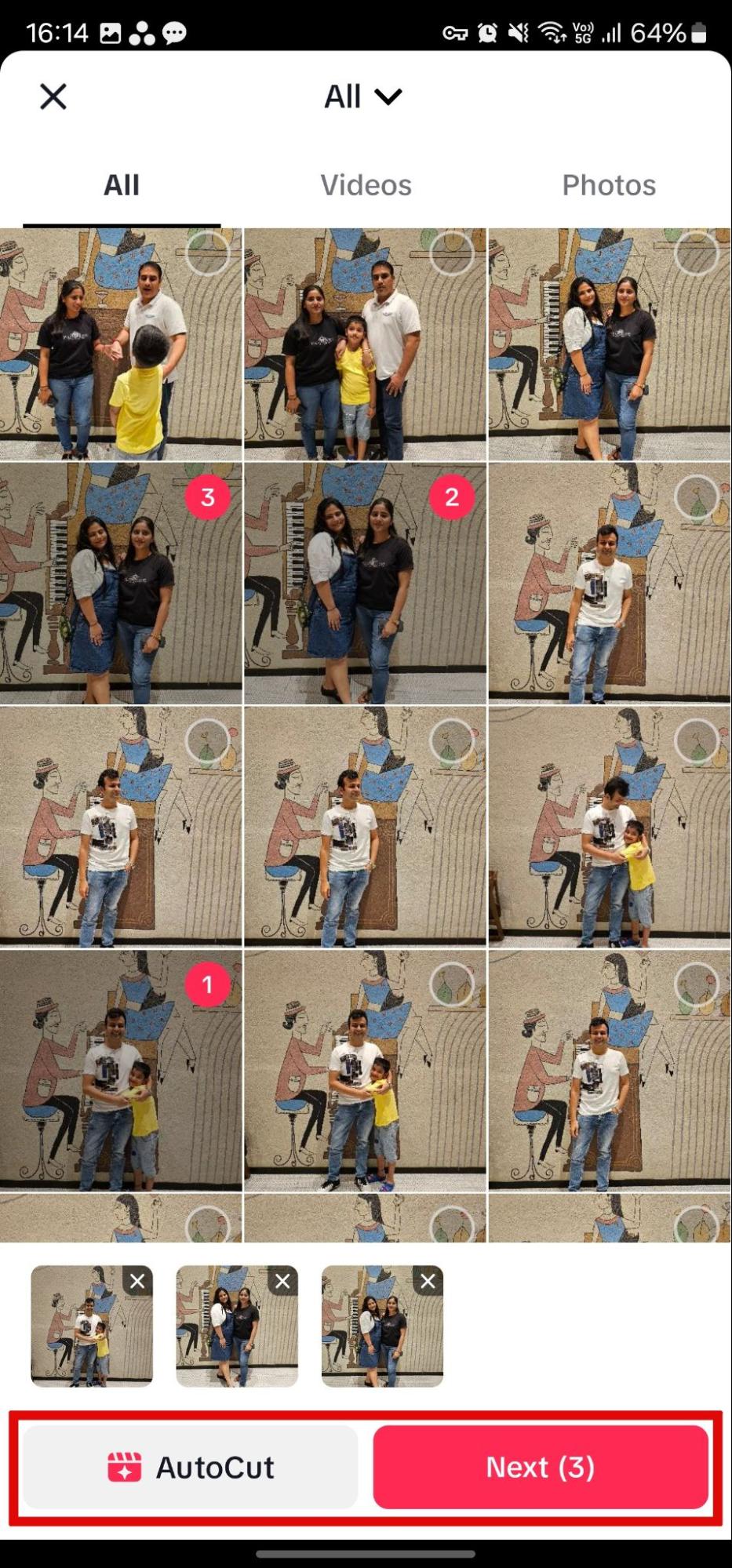
- Select the photos and videos intended for the slideshow by tapping the radio button above them.
- Choose between “AutoCut” or “Next.” For manual editing, tap “Next.”
- TikTok will generate a short video slideshow from your selections. Tap “Swipe to photo mode” at the bottom.
- The application will switch to a swipeable slide format. Stickers, text, and filters can be added from the right side of the screen. Customize the slideshow as preferred, then tap “Next.”

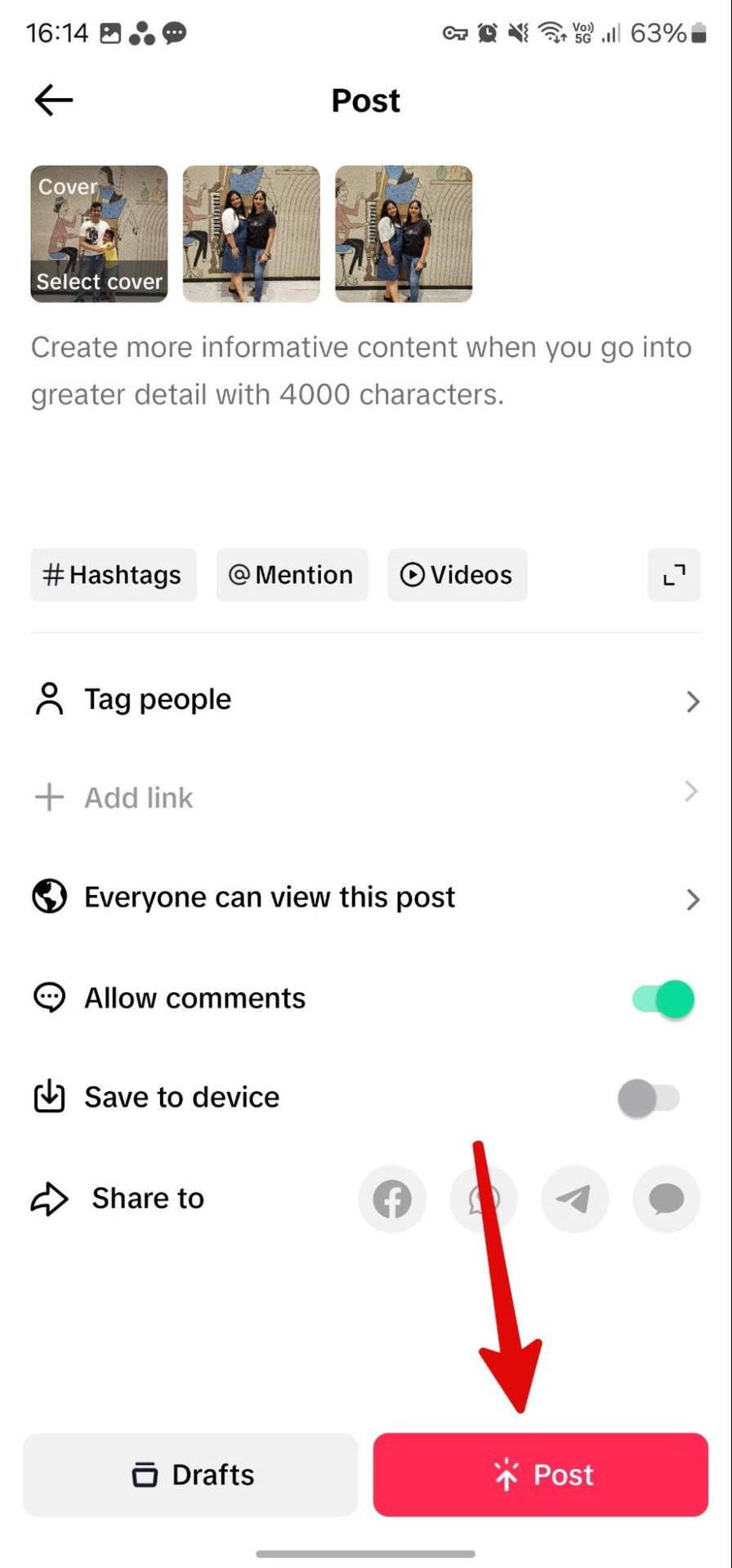
- Add content details (up to 4,000 characters), tag individuals, adjust privacy settings, enable or disable comments, save the slideshow to your device, and share it on other platforms. Finally, tap “Post.”
For those who prefer not to edit the slideshow manually, the AutoCut function is available. This feature automatically generates transitions and adds a music track to the slideshow.
AutoCut Slideshow Creation:
- Launch TikTok and tap +. Tap “Upload” to select photos and videos.
- Tap “AutoCut” and allow TikTok to manage the editing process. The processing time will vary based on your phone’s performance and the number of media files chosen.
- If the default music track is not suitable, tap the music icon at the top and select a different track from the bottom menu. The current track can also be trimmed from this menu.

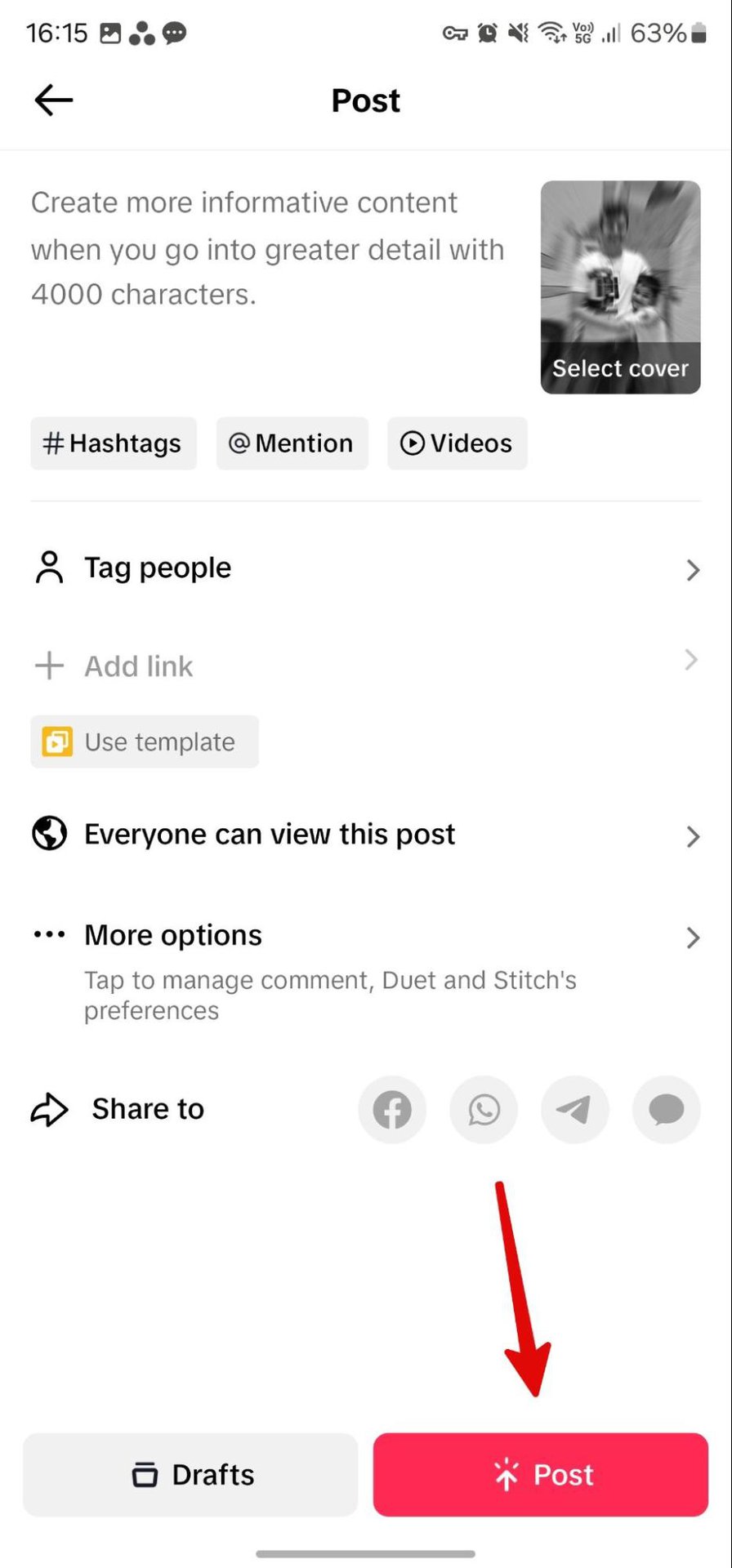
- Utilize the right-side menu to incorporate text, stickers, effects, filters, and sound with voice filters. Tap “Next.”
- Review sharing permissions and enter content details at the top. Select “Post.”
How to make a slideshow on TikTok using photo templates
TikTok provides numerous ready-to-use templates for creating slideshows. These templates can be used for various themes such as cooking progress, life journeys, birthdays, holidays, and more.
- Open TikTok and tap +.
- Swipe to the “Templates” section.
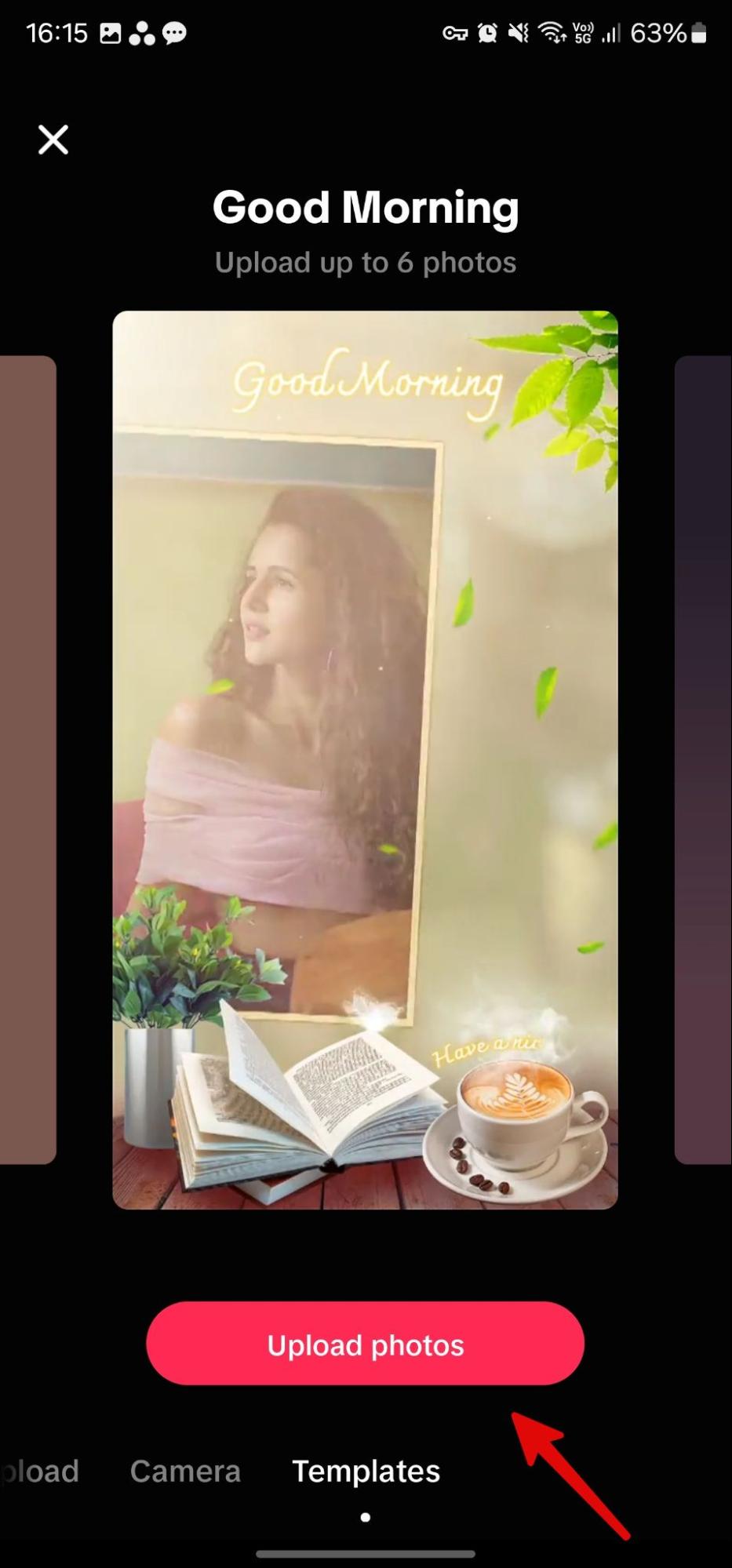
- Browse through the templates to see available options. Once a suitable template is found, verify how many photos it supports. Tap “Upload photos.”
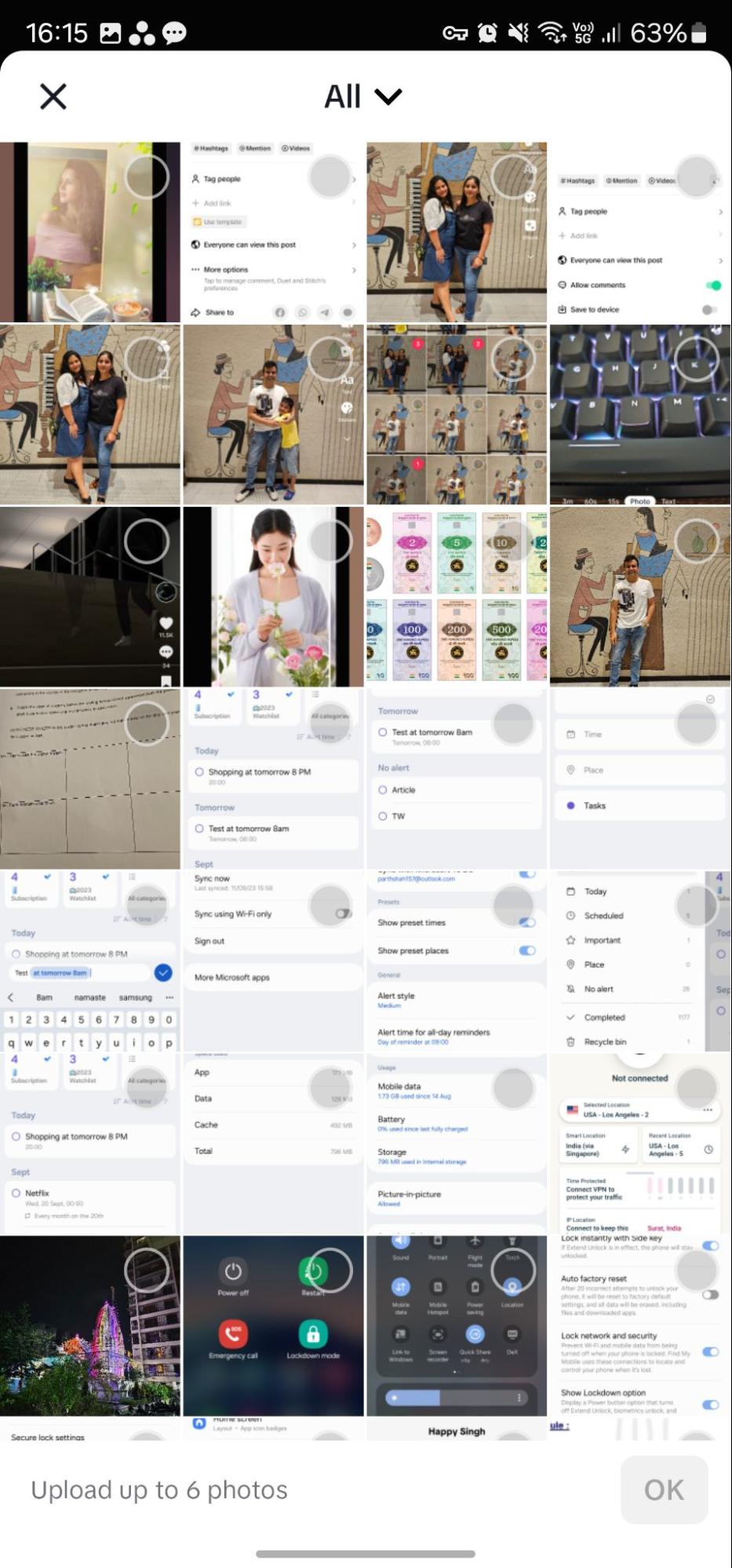
- Select photos from the subsequent menu. Preview your photo slideshow.
- The slideshow can be enhanced with text, stickers, effects, filters, and other features. Tap “Next.”
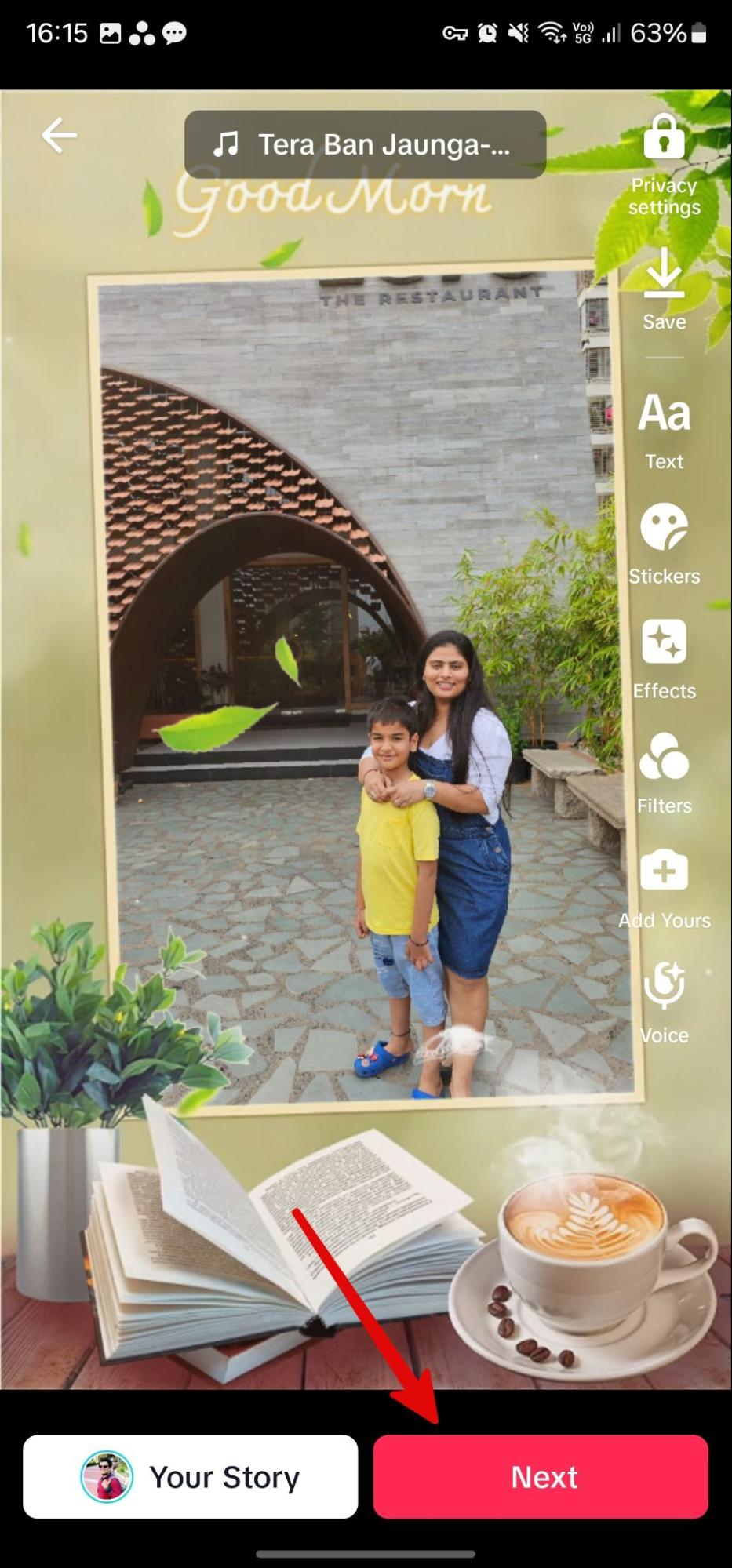
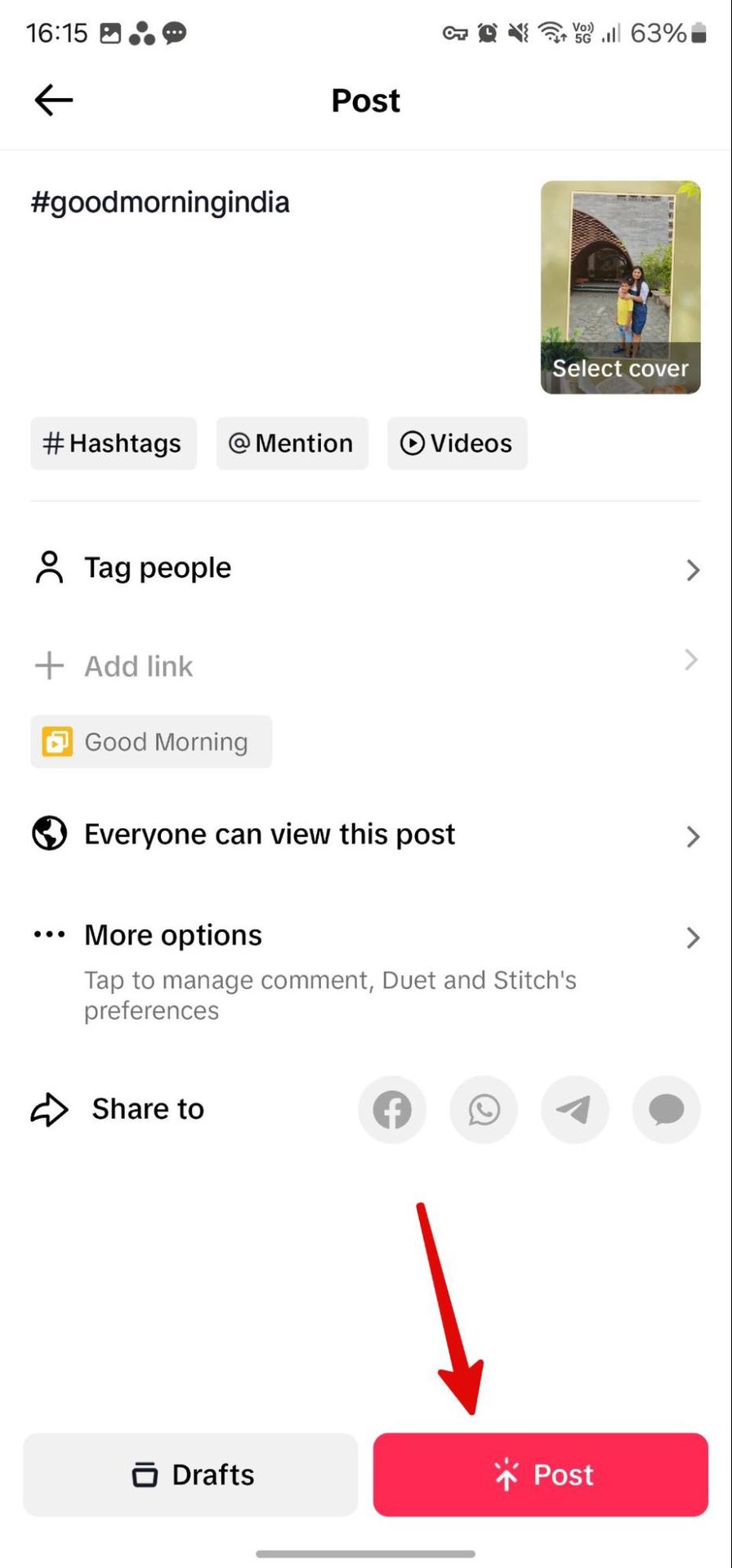
- TikTok will automatically add a hashtag based on the chosen template. Tag people, adjust sharing permissions, explore additional options, and tap “Post.”
TikTok offers a wide selection of photo templates, making it easy to find one that suits your needs. This is often the simplest method for creating quick slideshows on the platform.
While slideshows are gaining popularity among TikTok users, short-form videos generally remain the preferred format for achieving significant engagement on the platform. Notably, creating TikTok videos is nearly as straightforward as making slideshows.
