


When setting up a new Windows installation, users often have their preferred applications. However, certain tools are considered essential for many power users. This article highlights several key applications that can enhance a Windows PC.
Microsoft PowerToys
Microsoft PowerToys is a free, open-source suite of utilities designed to extend Windows functionality. This collection currently offers over 20 tools and can be installed from the Microsoft Store or via winget in the Terminal.
winget install Microsoft.PowerToys
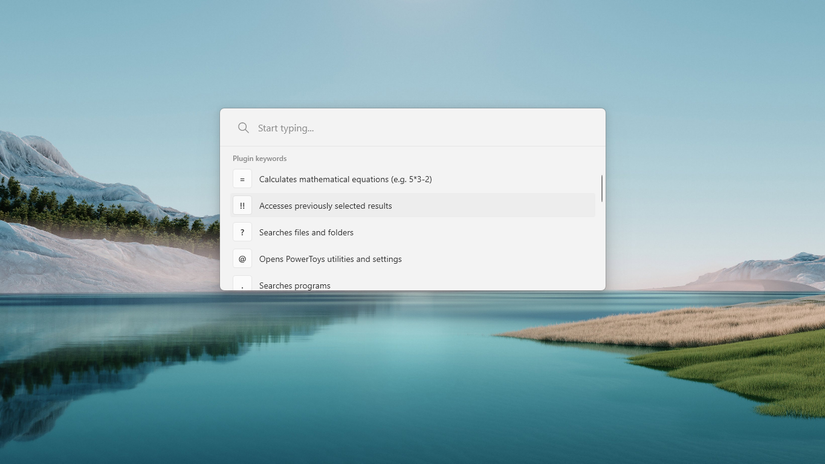
All tools are contained within a single package, allowing for easy browsing and configuration. PowerToys Run and Command Palette function similarly to macOS Spotlight, providing a unified search launcher accessible with Alt+Space. This launcher displays matching files, settings, and applications as you type, and can also perform basic calculations and commands.
FancyZones enables the creation of intricate window layout presets. Workspaces allow launching multiple applications with a single click. Advanced Paste supports pasting content in various formats like Markdown and JSON. File Locksmith helps identify processes using a file, enabling its deletion when it’s otherwise locked.
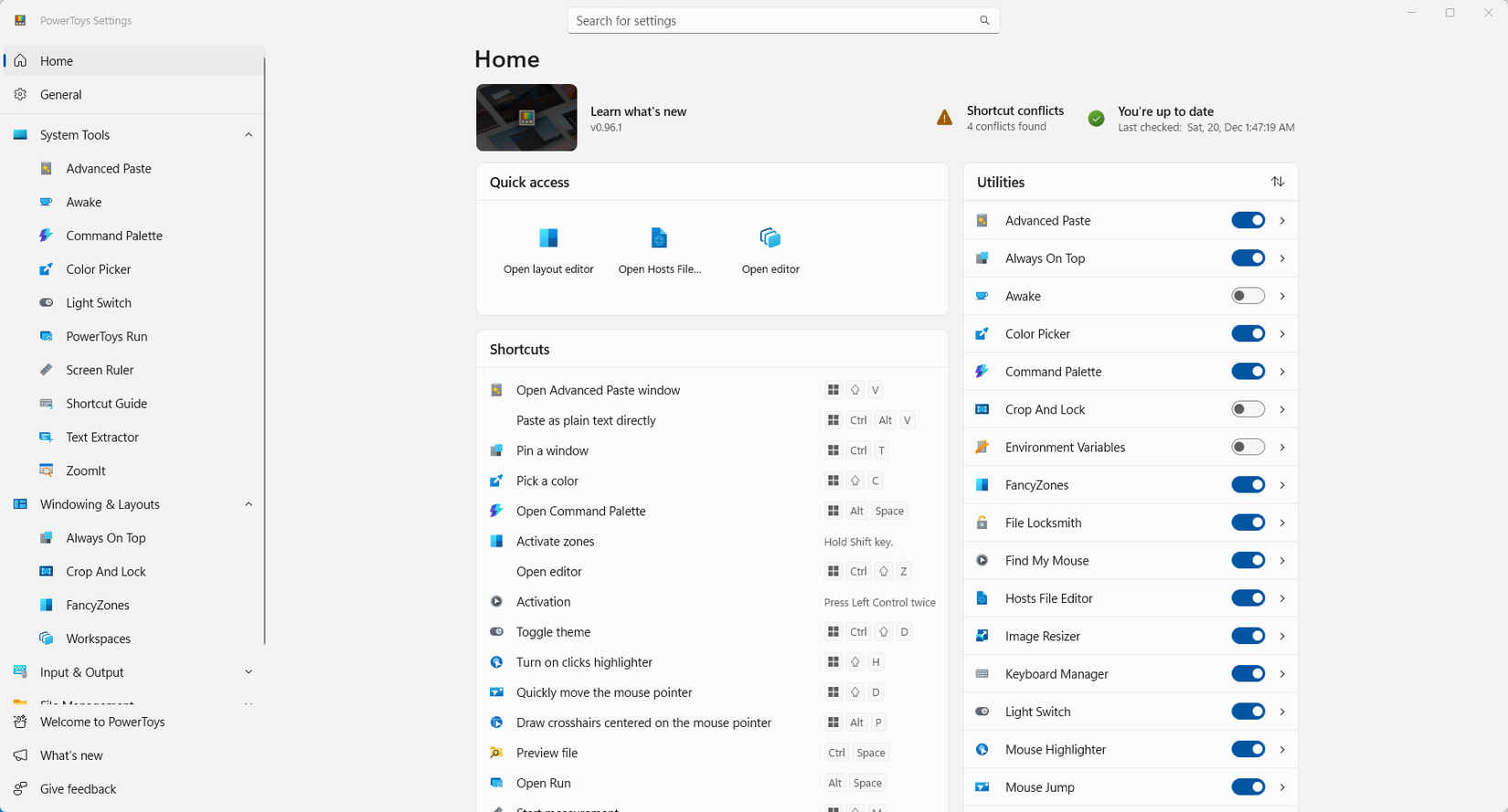
PowerRename facilitates batch file renaming, while Image Resizer handles bulk image resizing. Peek offers quick file previews by hovering. The Keyboard Manager allows for custom keyboard shortcuts. Mouse Without Borders provides KVM-like functionality, connecting a single mouse and keyboard to up to four computers.
Everything
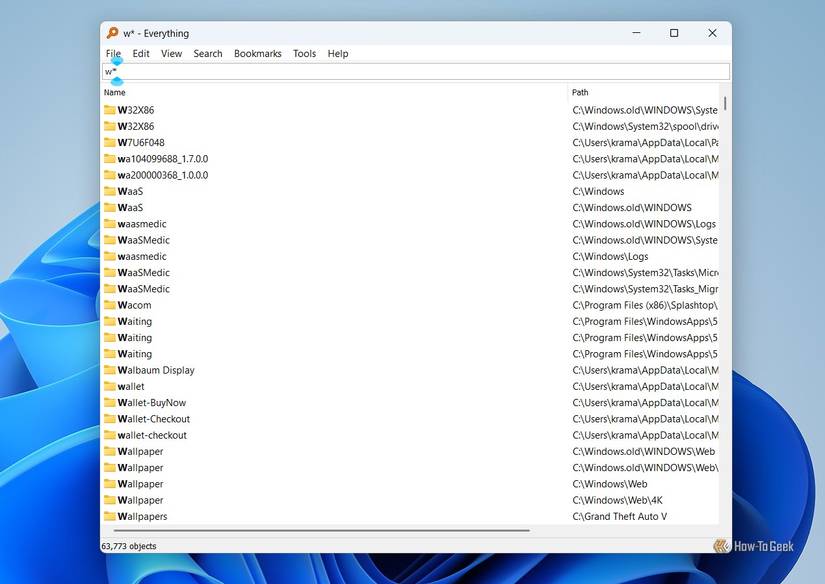
Windows’ built-in search can be slow and often includes irrelevant Bing results. Everything offers a superior, free, and straightforward alternative. It delivers instant search results as you type, capable of indexing millions of files (including hidden ones) in under a minute and tracking changes in real-time. The tool also provides advanced filters not found in standard File Explorer search.
LocalSend
LocalSend is a free, open-source, and cross-platform utility for sharing files and text. It offers seamless compatibility across various operating systems, including Linux, Windows, macOS, iOS, and Android, without requiring any initial setup.
No Microsoft account is needed to use LocalSend, ensuring that shared data remains unlinked from personal accounts. It often provides faster transfers, supports sending files to multiple devices, and allows sharing text and clipboard content.
LibreOffice
LibreOffice is a free and open-source productivity suite. It features LibreOffice Writer (a Microsoft Word alternative), Calc (for Excel-like spreadsheets), Impress (a PowerPoint replacement), and Base (an Access alternative). Additionally, Draw can be used for editing and signing PDFs, similar to Adobe Acrobat.
This suite operates entirely offline, prioritizing privacy, and requires no internet connection, subscription, or account. LibreOffice offers compatibility with various Microsoft Office file formats, such as .doc, .docx, .dotx, .xlsx, .xls, .xlsm, .ppt, .pptx, and .ppsx. It also supports open and standard formats like .odt, .ods, and .odp.
The user interface of LibreOffice applications resembles older versions of Microsoft Office.
Ditto
Ditto serves as an advanced clipboard manager for power users. While the standard Windows clipboard is limited to 25 items that clear upon reboot, Ditto stores an unlimited history of clipboard items, which persist across restarts. Its searchable list offers a significant advantage over the native Windows clipboard, and it also supports sharing data with other PCs on a local network.
Docker Desktop
Docker enables running ‘containerized’ applications without direct installation on a PC. It can transform a computer into a server, facilitating the self-hosting of various services and applications that might otherwise require payment. Examples include setting up a home assistant, a media server for offline collections, productivity tools, music streaming, or even personal cloud storage.
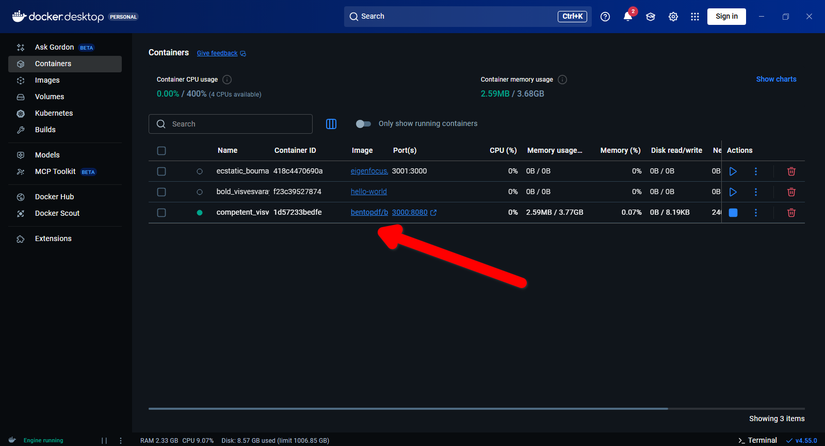
Docker is free to install and relatively easy to learn. For those interested in enhancing their privacy and control over digital services, self-hosting with Docker presents an excellent starting point.
KSnip
For frequent screenshot users, KSnip is an indispensable free and open-source utility. It can significantly streamline workflows, especially for those who regularly capture screen content across different platforms (with some exceptions on Wayland systems). KSnip offers robust keyboard support, allowing users to define custom hotkeys and associated actions.
KSnip provides a tabbed interface for managing captured screenshots, complete with a tool panel for annotation and editing. It also supports automatic uploading of screenshots to an FTP server, eliminating the need for manual file transfers.
Many find that the default Windows applications lack certain features, making these alternative tools valuable for filling those gaps.
