


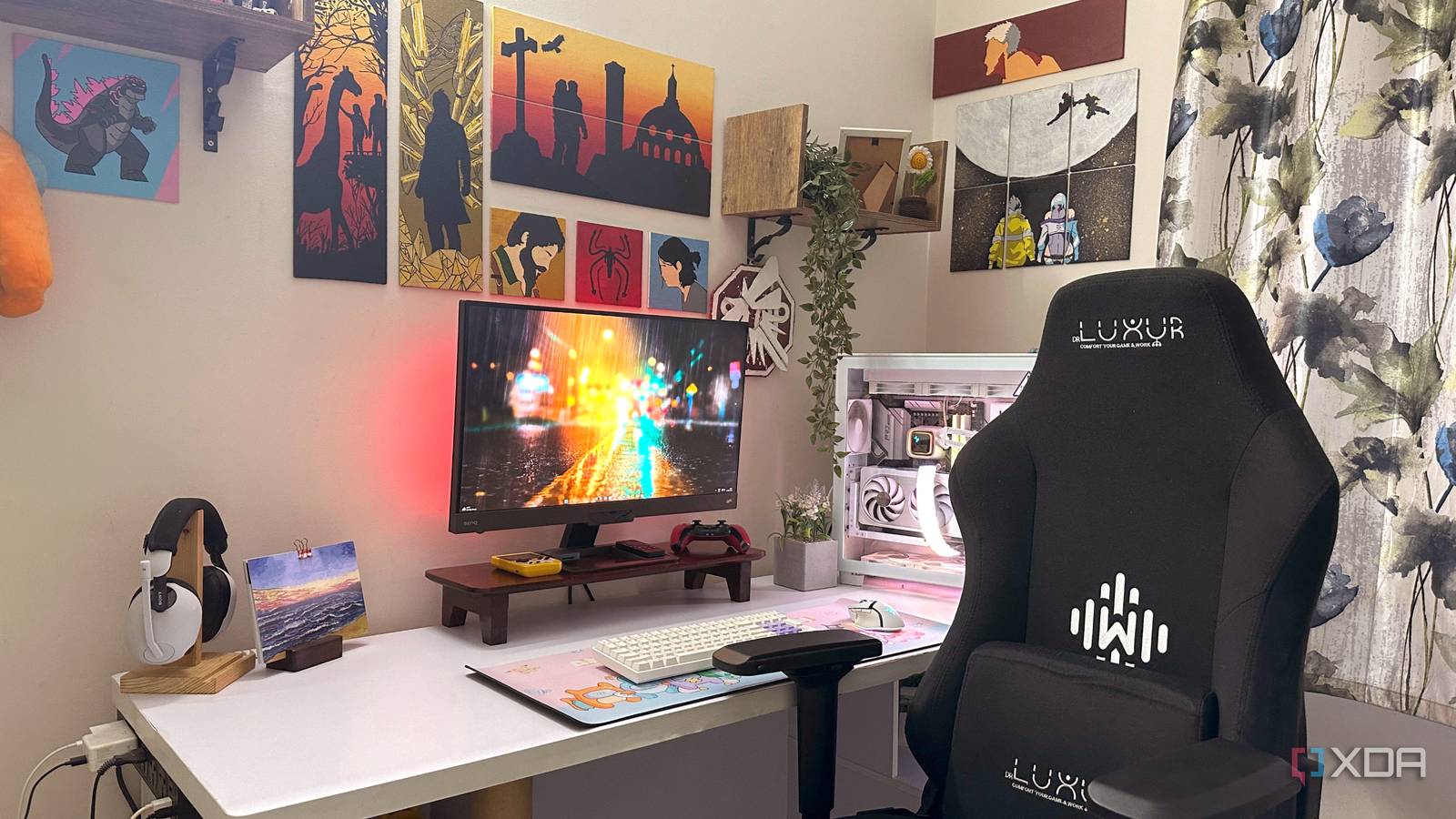
Upgrading a PC’s graphics card and CPU often feels like the most impactful way to boost performance. While these core components are crucial for a system’s power, it is important not to overlook non-hardware enhancements that can significantly improve the overall computing experience. Safeguarding valuable hardware from power surges is as vital as installing more powerful parts. Additionally, addressing issues like a cluttered desk or an uncomfortable chair can provide long-term benefits. This article highlights several PC setup upgrades that users should consider.
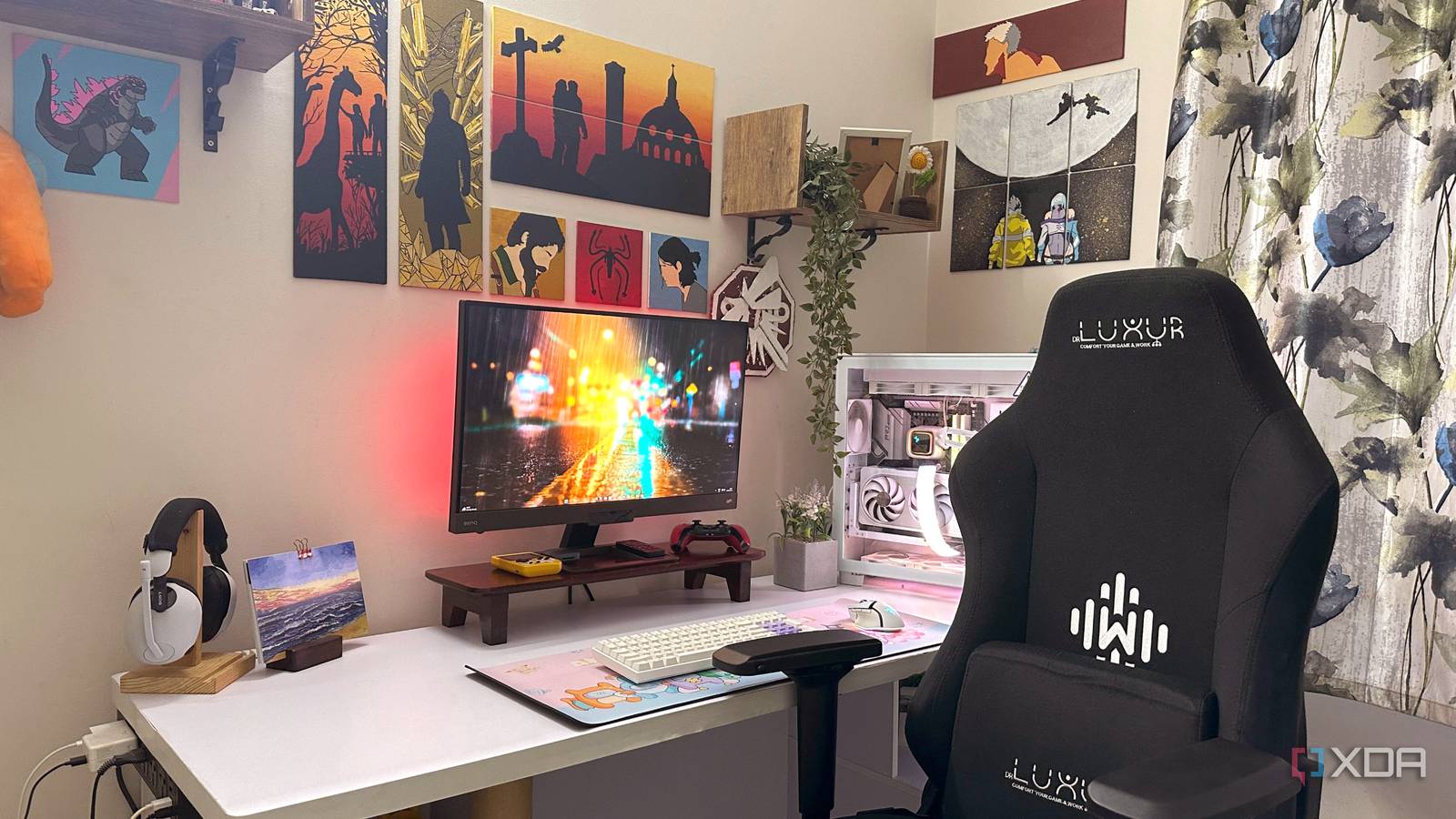
Uninterruptible Power Supply (UPS) for Backup and Protection
Protecting Valuable PC Components
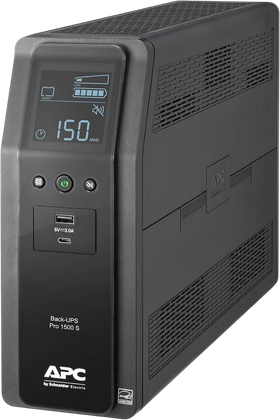
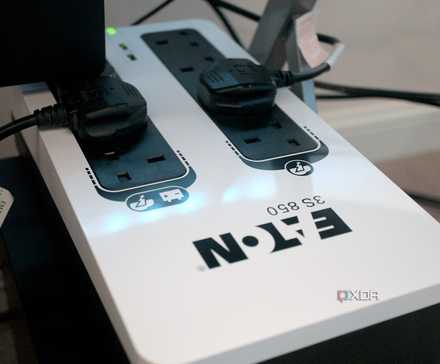
Many individuals invest heavily in high-end gaming PCs, often spending thousands of dollars, yet neglect to include an Uninterruptible Power Supply (UPS). A UPS offers more than just a few minutes of power during an outage; it serves as crucial insurance for sensitive electronics against power surges and brownouts. While these occurrences may be infrequent, a single severe power surge can render expensive components inoperable. Standard surge protectors or power strips typically lack the capacity to handle sustained power surges and offer minimal protection against brownouts, where voltage levels drop below safe operating thresholds.
An inconsistent power supply can shorten the lifespan of a PC’s power supply unit (PSU) and cause system instability over time. Regardless of the PSU installed, a UPS provides a critical layer of defense. It functions as a barrier, preventing power anomalies from reaching and damaging internal components. A high-quality UPS with integrated surge protection offers superior protection against erratic power, minimizes interruptions, and guards against potential data loss from sudden power failures. Considering the value of the protected equipment, this is a modest but essential investment.
Monitor Arm for Enhanced Flexibility and Desk Space
A Highly Beneficial and Cost-Effective Upgrade
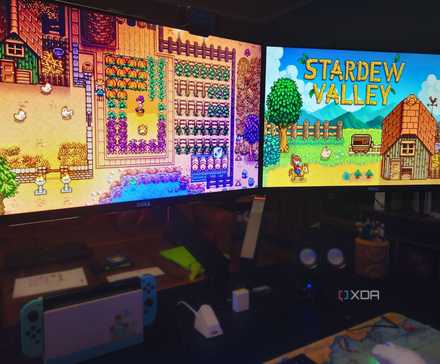
A monitor arm offers significant advantages even for single-monitor setups, not just dual or triple displays. For users with a large gaming monitor on a small desk, a monitor arm can be a remarkably effective upgrade. Many monitors lack adequate ergonomic adjustments for height, tilt, and swivel. Positioning a display at the correct height is crucial for comfort during both work and gaming. Furthermore, a large monitor can consume valuable desk space. A monitor arm is an affordable and practical accessory that provides extensive display adjustment capabilities.
Even if a monitor’s factory stand offers good ergonomics, it often takes up more desk area than necessary. Bulky stands can limit space for peripherals and accessories. Swapping the standard stand with a monitor arm can free up desk space and allow the screen to be positioned further away, potentially reducing eye strain. For those transitioning to a dual or triple monitor configuration, monitor arms become even more indispensable, particularly when using different screens for varied tasks.
Cable Management Tray for a Clutter-Free Setup
An Aesthetic and Functional Improvement
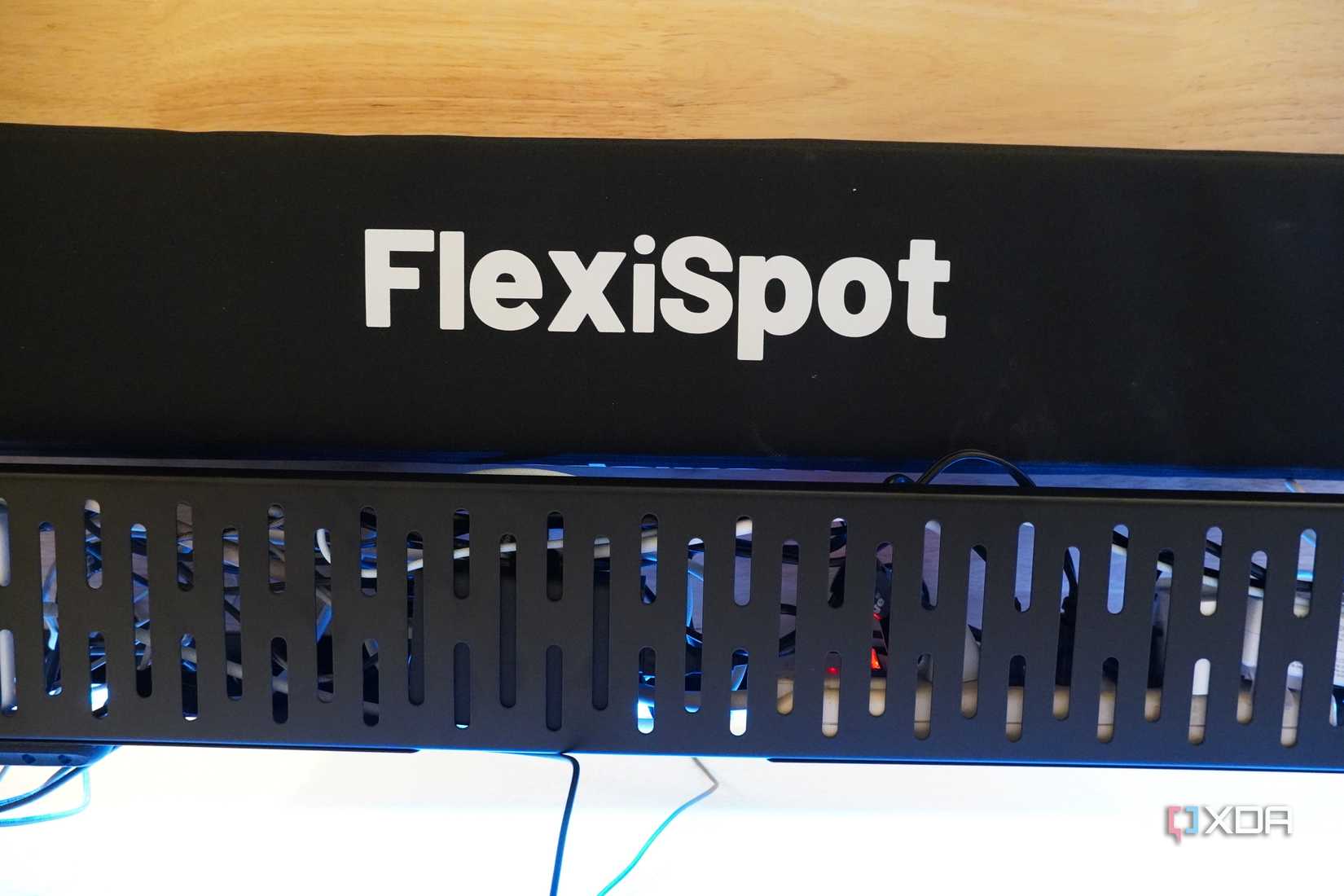
Effective cable management extends beyond the PC case, especially with numerous wires connecting monitors, speakers, and peripherals to the computer. Many users neglect the tangle of cables behind their desks, even when the mess is clearly visible. While loose cables might seem harmless, they pose a risk, particularly in homes with children or pets. An accidental tug could result in damaged cables or other issues. Installing a cable management tray beneath or behind the desk can effectively mitigate this hazard. Beyond preventing accidents, it enhances the overall aesthetics, creating the impression of a tidy, cable-free workspace.
Ergonomic Chair for Improved Posture
Prioritizing Ergonomics Before Issues Arise
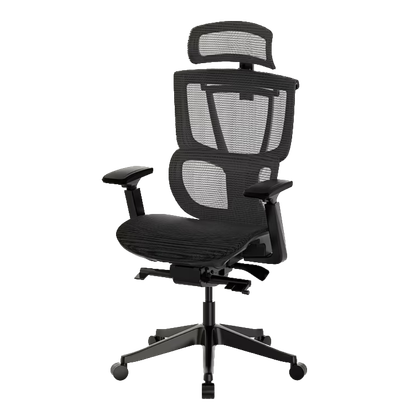
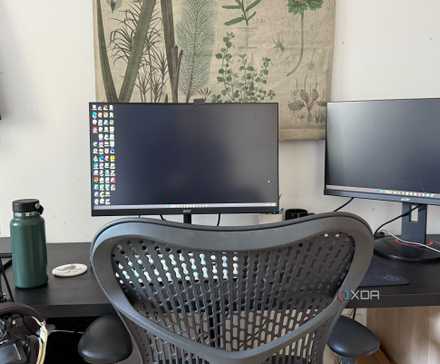
The significance of a proper chair often becomes apparent only after experiencing discomfort. Prolonged use of an ill-suited chair, lacking adequate support and correct height, can lead to persistent back problems. Investing in an ergonomic office chair with features like lumbar support, height adjustment, movable armrests, and a breathable mesh back can significantly improve comfort and health. Prioritizing ergonomics and comfort is crucial, and acquiring a quality ergonomic chair is advisable before back and neck issues develop.
While regular breaks during work or gaming sessions remain essential, an ergonomic chair plays a vital role in maintaining proper posture. It is wise to be cautious of gaming chairs that prioritize aesthetics over ergonomic function. Although some gaming chair models may offer good support, thorough research and review consultation are recommended before purchasing based solely on brand reputation.

A Spacious Desk for a Comfortable Workspace
An Essential Upgrade for Many Setups
Many modern gaming setups feature at least a 27-inch monitor, with ultrawide displays becoming increasingly popular, making desk space a premium commodity. A typical setup requires room for the PC tower, keyboard, mouse, headphones, speakers, and other accessories. When a large monitor dominates the desk, the workspace can quickly feel cramped. While a monitor arm can alleviate some of this, eventually, upgrading to a larger desk becomes necessary. A small 4ft x 2ft desk is often insufficient for accommodating an immersive monitor, a spacious desk mat, and numerous peripherals.
Upgrading to a larger desk, such as a 5ft x 3ft model, is often a goal for many users. For those seeking a desk perfectly suited to specific needs, a custom-made option might be ideal, as prebuilt desks may not offer desired compartments, cable management features, or aesthetic designs. When selecting a PC desk, it is important to prioritize future requirements and consider how the desk will fit within the room’s overall aesthetic. Balancing these considerations is key to choosing the appropriate model.
The Importance of the Overall PC Setup
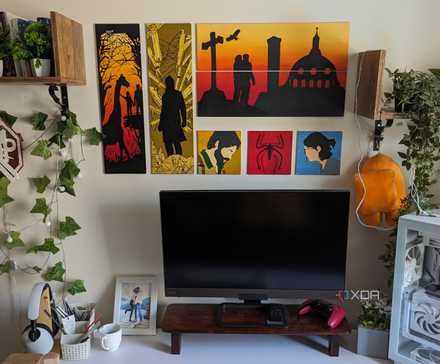
Creating an excellent PC involves more than just assembling powerful internal components; it also means establishing a setup that encourages daily use. While internal hardware dictates performance, external elements are equally crucial. Non-hardware upgrades, such as a spacious desk, a high-quality ergonomic chair, and an Uninterruptible Power Supply (UPS), significantly enhance comfort, ergonomics, and protection, adding considerable value to any setup. It is advisable to balance the investment between internal PC components and external setup elements to achieve a truly flexible and powerful computing environment.
